Skip navigation

AI Operations Consulting

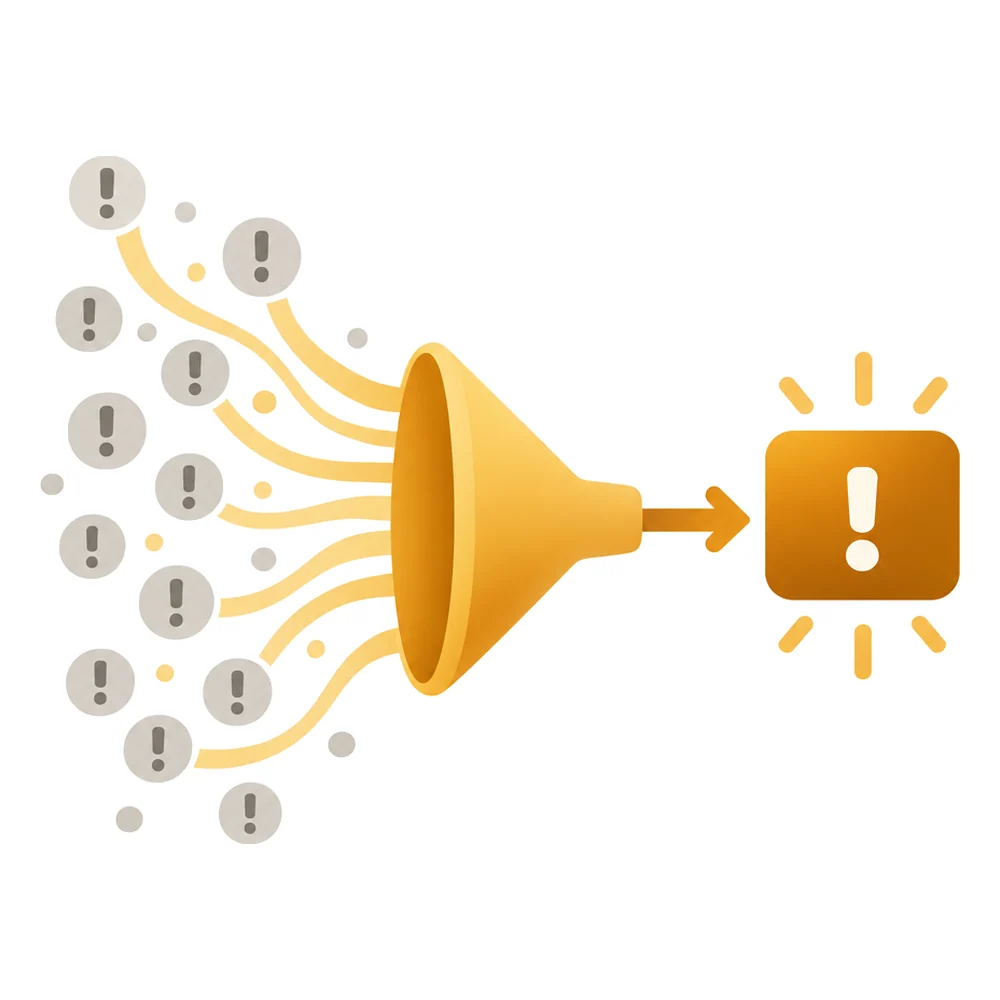
Turn thousands of alerts into a handful of incidents your on-call team can act on, with the likely cause already attached. You start with a free discovery call and strategy session.

Talk to an Expert for Free
  • Your savings, estimated first
  • No commitment
  • Same-day reply
Trusted in 7 sectors
  • HALVERTON
  • KestrelGROUP
  • norvane
AIOps incident console grouping hundreds of raw alerts into a few correlated incidents with a suggested root cause
  • Full-service, end-to-end AI consulting
  • 150+ AI use cases scoped
  • 60+ AI agents and workflows built
  • 80+ readiness assessments
  • Trusted in 7 sectors
  • Free discovery call and strategy session
  • One named contact person
  • Multilingual support

What Is AI Operations Consulting?

AI operations consulting is a service that applies machine learning to your IT operations, an approach known as AIOps. It helps your teams cut alert noise, group related events into single incidents, catch anomalies early, find root causes faster and automate routine fixes across the tools you already run.

How AIOps Handles an Incident From First Alert to Fix

  1. Signals stream inMetrics, logs, traces, alerts and change records flow from your monitoring and deploy tools into one place.
  2. Noise is filteredDuplicates and flapping checks are suppressed, and events that share a service, time window or cause are grouped.
  3. The cause is tracedTopology and recent changes point to the most likely source, ranked with the evidence behind each guess.
  4. Fixes are triggeredKnown problems start an approved runbook, and new ones page the right team with one ticket and full context.
  5. Result checkmark iconOutages end soonerTime to acknowledge, time to resolve and pages per shift are tracked against your baseline and reported each month.

What AI Operations Consultants Actually Do

The work runs from the first noisy alert to the closed ticket, and ends with your on-call team trusting what the system tells them.

  • Operations and alert assessment
  • Event correlation and noise reduction
  • Anomaly detection and root-cause analysis
  • Runbook and incident automation
  • Capacity forecasting and change risk
  • ITSM and paging integration

What Alert Overload Costs Your IT Operations

Every page that leads nowhere trains your engineers to ignore the next one. Sooner or later a real outage hides inside the noise.

  • Warning icon1.

    Alert Storms Bury Real Problems

    One failing dependency sets off hundreds of alerts across tools, and the engineer on call spends the first stretch of the incident working out which ones matter.

    Real costSlower Response

    Minutes lost before anyone acts

  • Team skills icon2.

    On-Call Burnout and Turnover

    Night pages for issues that fix themselves wear people down. Good engineers leave, and their system knowledge leaves with them.

    Real costLost Expertise

    Know-how that walks out the door

  • Hourglass icon3.

    Root Causes Found by Guesswork

    Teams jump between dashboards, logs and chat threads to rebuild what happened, and the same fault comes back a few weeks later.

    Real costRepeat Incidents

    Outages you already paid for once

  • Coin icon4.

    Downtime Customers Notice First

    Slow checkouts, failed logins and stalled jobs reach users before they reach your team, and support tickets become your monitoring.

    Real costRevenue and Trust

    Sales and goodwill lost per outage

AI Operations Consulting Built on Your Own Incident History

AIOps projects often start with a platform demo and a promise of self-healing systems. Yours starts with your last few months of alerts and incidents: which checks fire most, which ones led to real work and how long each outage took to find and fix.

From that history you see where noise comes from and which incidents repeat. Correlation rules, anomaly models and automated fixes then target those exact patterns. Your engineers approve each change, and nothing runs on production without a clear owner and a way back.

What Your Team Gets

  • A ranked list of your noisiest alerts and their owners
  • Correlated incidents in the ticketing tool you use today
  • Approved runbooks for your most common fixes
  • Monthly numbers on pages, response and resolve times

Why AIOps Pays Off Faster Than Another Monitoring Tool

Adding dashboards adds signals. AIOps makes sense of the ones you already have. Start with the services that page your team most, cut the noise, then add root-cause analysis and automation on top of clean data.

Right for You If You Want To

  • Fast response iconGroup alert storms into one incident with one owner
  • Clock iconShorten time to acknowledge and time to resolve
  • Results report iconSpot unusual behavior before a static threshold trips
  • Target iconSee the likely root cause with the evidence attached
  • Progress chart iconForecast capacity before a disk, queue or cluster fills up
  • Team skills iconGive on-call engineers quieter nights and fewer false pages

Your AI Operations Project, From Alert Audit to Automation

  1. Step 1

    Free Discovery Call

    You describe your stack, your on-call setup and the incidents that hurt most. Your consultant asks about monitoring tools, ticket flow and alert volume, then points to where noise reduction is likely to help first.

    A written recap and budget range follow

    A short note your operations lead and your CTO can both act on.

  2. Step 2

    Operations Assessment

    Recent alerts, incidents, postmortems and change records are analyzed. You see which checks create noise, where context is missing and which incident types are ready for correlation or automation.

    You get a ranked roadmap and a fixed quote

    Use cases ordered by noise removed and hours saved, with one price for phase one.

  3. Step 3

    Correlate, Detect and Automate

    Alert sources are cleaned and tagged, correlation runs in shadow mode next to your current process, and runbooks start in suggest mode. Your engineers compare results before anything goes live.

    You get AIOps running in your real workflow

    Connected to monitoring, ITSM and paging, with runbooks and training for on-call staff.

  4. Ongoing

    Tune and Expand

    Your account manager reviews missed incidents, false groupings and automation results each month. Rules and models are tuned, and new services are added once the first ones run cleanly.

    You get a monthly operations report

    Alert volume, response times, repeat incidents and automated fixes in one view.

What’s Included in AI Operations Consulting

Start with an alert cleanup or take the full program, from assessment to automated remediation.

  • Alert Sources Audited and Owned

    Every check tagged with a service and a team, and dead or duplicate alerts retired.

  • Event Correlation That Cuts Noise

    Related alerts grouped by time, topology and cause into one incident.

  • Anomaly Detection on Key Signals

    Learned baselines for latency, errors and traffic that flag unusual patterns early.

  • Root-Cause Analysis With Evidence

    Likely causes ranked using service maps, recent deploys and past incidents.

  • Runbooks That Run Themselves

    Common fixes automated in stages, from suggest mode to approved auto-run.

  • Capacity, Change Risk and ITSM Links

    Forecasts, risk scores on changes and tickets that open with full context.

Readiness Assessments Completed80+
AI Agents and Workflows Built60+
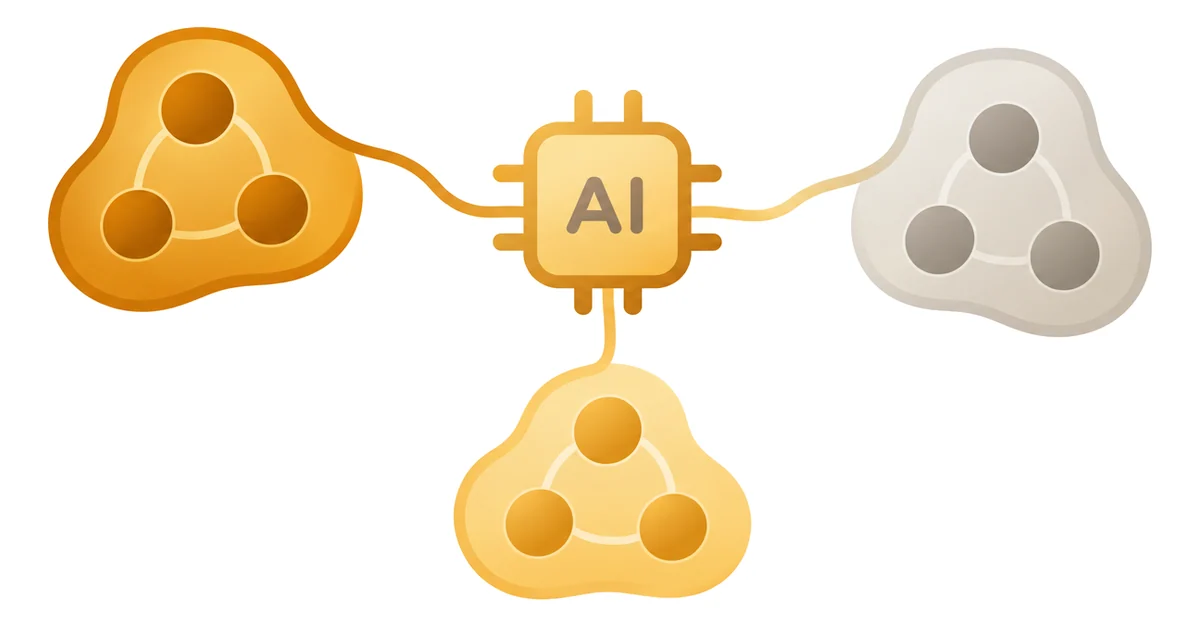
Event correlation graph linking alerts from a database, an API and a queue into one incident
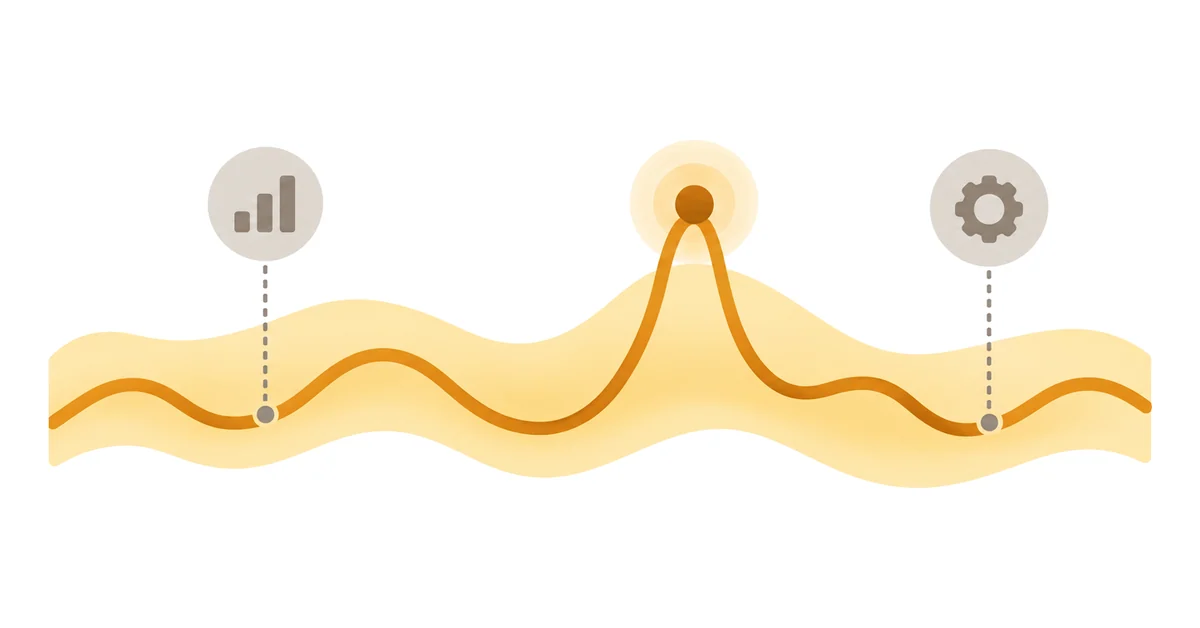
Latency chart with a learned baseline band and an anomaly flagged before a static threshold is crossed

What Clients Say About Working With WiseCrow

Live in Production in 9 Weeks

“We had a pilot that never left the sandbox. WiseCrow rebuilt the data pipeline, set up monitoring and gave our engineers clear ownership. Nine weeks later it was running in production, and they still review performance with us every month.”

PR
Priya RamanVP of Engineering, SaaS Platform

1 Call Changed Our Plan

“I expected a sales pitch on the discovery call. Instead they asked sharp questions about our data and told us one project wasn’t worth doing yet. That honesty is why we hired them, and the work since has been thoughtful, fast and well documented.”

HB
Hannah BrooksHead of CX, Healthcare Network

Cut Manual Work by 38%

“WiseCrow mapped our back-office workflows in two weeks and showed us which ones were worth automating first. Their phased plan kept the rollout calm, and we cut manual processing by 38% without adding headcount or disrupting the team we already had.”

MT
Megan TorresOperations Director, Logistics Company

Your On-Call Shift Before and After AIOps

What changes for the people who answer the pager.

Before AI Operations Consulting

  • Hundreds of alerts for one outage
  • Five tickets filed for the same problem
  • Root cause found by scrolling through logs
  • Disks and queues fill up without warning
  • Every fix run by hand, often at night

After AI Operations Consulting

  • One correlated incident with one owner
  • A single ticket with alerts and changes attached
  • Likely causes ranked with supporting evidence
  • Capacity forecasts that warn days ahead
  • Routine fixes run from approved runbooks

Benefits of AI Operations Consulting for Your IT Team

What changes when AIOps is planned around your incidents.

Inbox iconYour Engineers See Fewer, Better Alerts

Noise reduction and event correlation turn an alert storm into one incident with a clear owner. Pages that used to come in bursts arrive once, with the affected services listed, and the pager means something again.

Clock iconOutages Get Resolved Sooner

Root-cause suggestions link the incident to recent deploys, config changes and failing dependencies. Your team starts with a short list of suspects and skips the hunt across dashboards.

Chart iconProblems Surface Before Users Feel Them

Anomaly detection and capacity forecasting watch for slow drifts that fixed thresholds miss, such as a memory leak or a queue growing a little each day. You fix them during work hours.

Shield iconChanges Ship With Less Risk

Change risk scores flag deploys that touch fragile services or match the pattern of past failures. Reviewers spend their attention where it counts, and rollbacks happen faster when a change does go wrong.
AI Operations Consulting Pricing and Return

Phase one gets a fixed quote after a free operations assessment. Downtime costs vary too much between businesses to put in one table, so the figures below show a simpler return: engineer time saved on triage when alerts are grouped, enriched and routed automatically. They assume about 6 minutes saved per alert or incident, valued at $70 an hour. Your own numbers come from your assessment.

Alerts or incidents triaged per weekHours back per weekHours back per yearValue per year
100 10 hrs520 hrs$36,400
250Usual starting project 25 hrs1,300 hrs$91,000
500 50 hrs2,600 hrs$182,000

What to Expect Before Your AIOps Work Begins

  • Platform pitches

    Your Current Tools Come First

    The plan builds on your monitoring and ITSM stack, and any new license is justified in writing.

  • Self-healing promises

    Automation in Careful Stages

    Fixes start as suggestions. Auto-run is switched on only for actions with a clean record.

  • Black-box models

    Groupings You Can Inspect

    Every correlated incident shows why its alerts were grouped, so engineers can check and correct it.

  • Unclear starting point

    A Baseline Before Any Change

    Alert volume and response times are measured first, so later gains are real numbers.

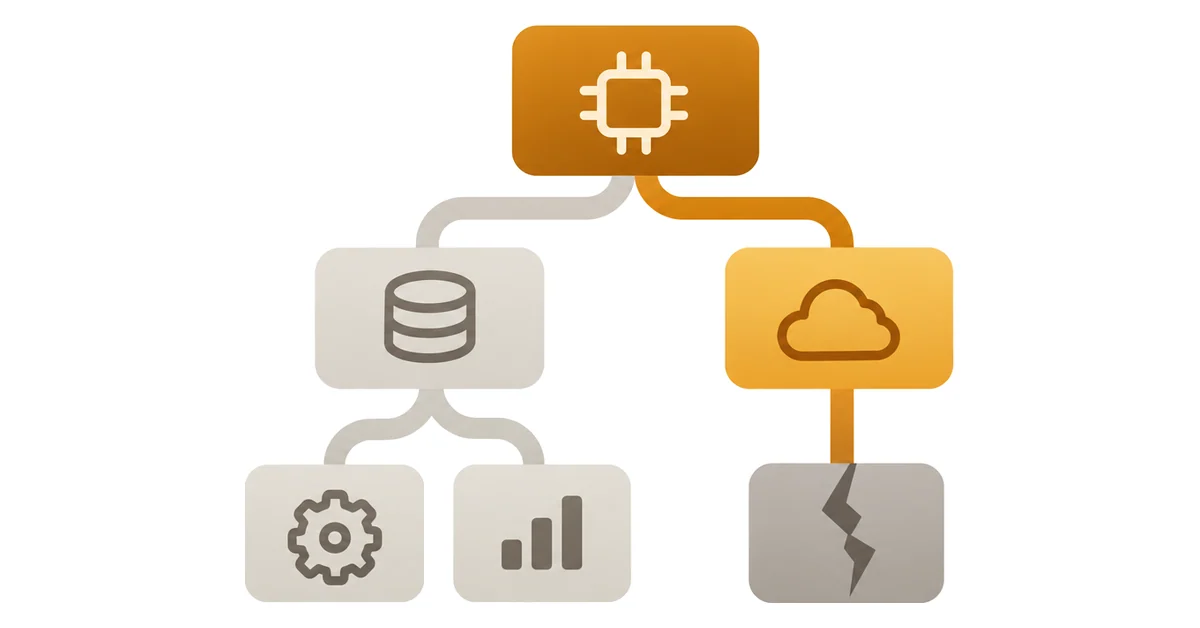
Service dependency map highlighting a failing database as the likely root cause, with a recent deploy marked on the timeline

Event Correlation and Root-Cause Analysis Your Engineers Trust

Correlation groups alerts by time, service dependencies and shared symptoms. Each incident then gets a ranked list of likely causes, built from your service map, recent changes and similar past incidents.

Engineers see the evidence behind every suggestion and can mark it right or wrong. Those labels feed back into the rules, so the groupings get sharper each month and the team keeps trusting what the system shows them.

Runbook automation flow from a correlated incident to an approval step, an automated fix and an updated ITSM ticket

Incident Automation and ITSM Integration With Clear Guardrails

Known incidents trigger runbooks: restart a stuck service, clear a full disk, scale a worker pool or roll back a bad release. Each action moves from suggest mode to approved auto-run only after a clean track record.

Tickets open in your ITSM tool with the related alerts, likely cause and actions taken already filled in. Change records flow back the other way, which links incidents to deploys and feeds the change risk scores.

AI Operations Consulting for Your Industry

Where AIOps matters most, and the related services that pair with it.

Financial Services

Payment and trading systems need short outages and a clear record of every action taken during an incident. Automated fixes keep approval steps and full audit logs. See financial services AI consulting for models beyond IT operations.

SaaS and Software

Frequent deploys across many microservices make change risk scoring and correlation especially useful. When AI features run inside your product, AI infrastructure consulting sizes the compute and serving layer that AIOps then watches.

Healthcare

Clinical and patient-facing systems can’t wait for someone to notice a slow page. Logs often hold sensitive fields, so masking and access rules come first, and AI security consulting reviews the data flows and automated actions.

Ecommerce and Retail

Traffic peaks around sales and holidays make capacity forecasting and anomaly detection worth the most. For multi-step fixes that need reasoning across tools, agentic AI consulting designs agents that work within your runbook limits.

How to Choose an AI Operations Consulting Partner

Many vendors sell AIOps as a product you switch on. In practice, results depend on clean alert data, honest baselines and automation your engineers are willing to trust. Before you sign, ask your AI operations consulting partner to show you:

  • An assessment based on your own alert and incident history
  • Hands-on experience with your monitoring, logging and ITSM tools
  • Shadow mode testing before correlation goes live
  • A staged path from suggested fixes to automated ones
  • Monthly tracking of alert volume, response and resolve times

Also ask how a wrong grouping or a bad automated fix gets caught and reversed. The answer tells you how much production experience sits behind the pitch.

What You Can Count On From Your AIOps Partner

  • Price agreement icon

    Fixed Quote Before Work Starts

    One clear price for phase one, with license costs listed apart.

  • Coin icon

    Affordable, Best-in-Class Work

    Full-service, end-to-end consulting scoped to your noisiest services.

  • Single point of contact icon

    Dedicated Account Manager

    One contact who knows your stack, your incidents and your goals.

  • Shield icon

    Guardrails on Every Action

    Masked data, least-privilege access and a log entry for each fix.

Questions About AI Operations Consulting

What Is AIOps, in Plain Terms?

AIOps means using machine learning on your IT operations data: alerts, metrics, logs, traces, tickets and change records. It groups related alerts into one incident, spots unusual behavior before a threshold trips, suggests the likely cause and can run routine fixes. Your engineers still own the decisions. They just start each incident with far less noise and far more context.

Do We Need to Replace Our Monitoring Tools?

Usually not. Most AIOps work sits on top of the monitoring, logging and ITSM tools you already pay for. Events flow into a correlation layer, and incidents flow back into your ticketing and paging tools. A new platform is only suggested when your current stack can’t do correlation or automation at your volume, and the cost comparison comes in writing before anything is bought.

Our Alerts Are a Mess. Is Our Data Good Enough to Start?

Messy alerts are the normal starting point. The first weeks focus on cleanup: duplicate checks, missing service tags, alerts with no owner and thresholds nobody remembers setting. Correlation and anomaly detection get better once each alert says which service and team it belongs to. You get a short list of fixes ranked by how much noise each one removes.

Will AI Restart Servers or Roll Back Changes on Its Own?

Only where you allow it. Automated actions start in suggest mode, where the system proposes a fix and an engineer clicks to run it. Low-risk actions with a clean track record, like clearing a full disk or restarting a stuck worker, can later run on their own with a log entry and an alert. Anything that touches customer data or production databases keeps a human approval step.

How Does AIOps Connect to ServiceNow, Jira or Our ITSM Tool?

Correlated incidents open one ticket with the related alerts, affected services and recent changes attached, so nobody files five tickets for one outage. Change records flow the other way, which lets the system flag risky changes and link incidents to the deploy that caused them. Assignment groups, priorities and closure codes follow the rules your service desk already uses.

How Do You Keep Our Operations Data Secure?

Logs and events often hold hostnames, IPs, user IDs and sometimes customer data. Collection is scoped to what the use case needs, sensitive fields are masked before they leave your environment, and access follows least-privilege roles. Every automated action is logged with who or what triggered it. NDAs are available before anyone sees your systems.

How Much Does AI Operations Consulting Cost?

Cost depends on how many monitoring sources, services and teams are involved and how much you want built versus advised. You get a cost range on your free discovery call and a fixed quote after the operations assessment. Any platform or license costs are listed separately, so you see the full running cost before you approve the work.

How Long Until On-Call Engineers Feel a Difference?

Alert cleanup and basic grouping tend to show up first, often within the first project phase, because they need no model training. Anomaly detection and root-cause suggestions take longer, since they learn from weeks of your own data. Your timeline is set after the assessment, based on data quality and the number of sources involved.

How Do You Measure the Results of AIOps?

A baseline is taken before launch: alerts per week, alerts per incident, mean time to acknowledge, mean time to resolve, after-hours pages and repeat incidents. The same numbers are tracked each month after go-live. You also see how often root-cause suggestions were right and how many automated fixes ran without a rollback.

Who Maintains the Correlation Rules and Models After Launch?

Your team owns them. You get documented rules, runbooks for every automated action and training for the engineers who tune them. Services change, so correlation needs regular care. Your dedicated account manager reviews noise levels, missed incidents and model drift with you each month, with support in 5+ languages.

Quiet the Pager and Fix Outages Faster

Get a free operations review and a clear plan for your first AIOps phase.

Talk to an Expert for Free

Set Up Your Free Intro Call

Your name is required.
Please use a valid email.
A short subject helps us route your message.
Tell us briefly what you want to achieve.