Should We Run AI Workloads in the Cloud, On-Prem or Both?
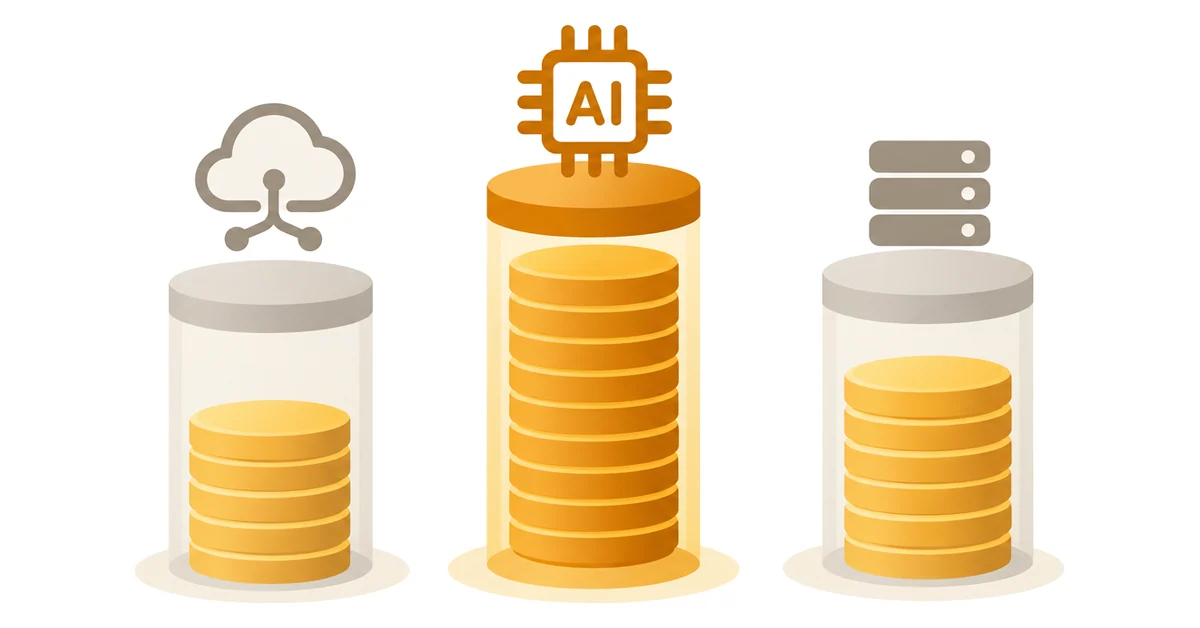
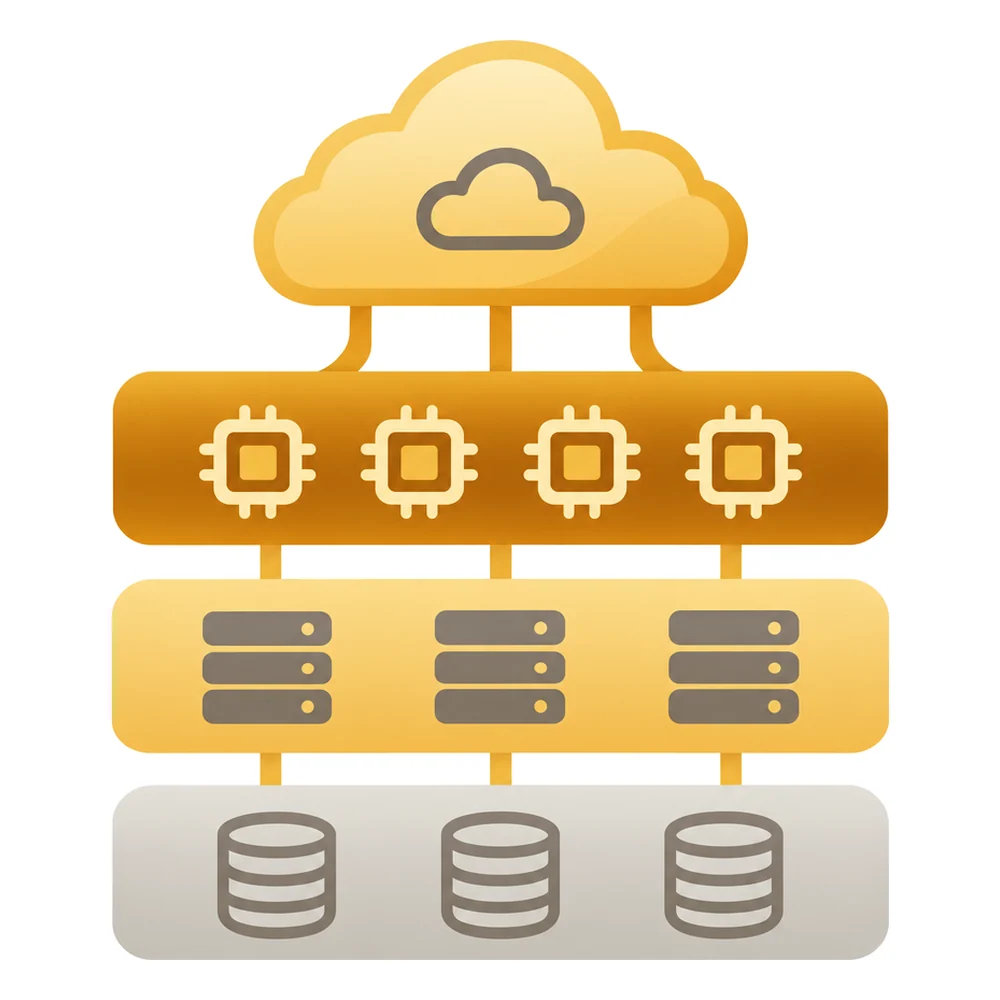
Most companies start in the cloud, since GPUs rent by the hour and managed AI services take setup work off your plate. On-prem or colocation starts to make sense when GPUs stay busy most of the day for months, when data can’t leave your building, or when a plant or store needs answers in milliseconds. Many teams end up hybrid, with training and traffic bursts in the cloud and steady inference close to the data. Your assessment compares each option on monthly cost, expected utilization and lock-in.
Do We Need Our Own GPUs?
Usually not at the start. A hosted model API or a managed endpoint covers most early use cases, and you pay per request. Dedicated GPUs, rented or owned, pay off once you serve your own or open-weight models at steady volume, or once data rules keep you away from shared services. The break-even point is worked out with your real request numbers before anything is reserved or bought.
Why Is Our Inference Bill So High?
The usual suspects are oversized instances that idle overnight, every request going to the largest model, repeated prompts with no caching, long context windows and test endpoints nobody switched off. A cost review traces spend to each model, team and feature. Fixes then include routing simple requests to smaller models, batching, caching, scaling idle endpoints to zero and reserving capacity only where usage is steady.
What Is LLMOps and How Does It Differ from MLOps?
MLOps covers how you train, version, deploy and monitor models you build yourself. LLMOps adds what large language models need on top: version control for prompts and model choices, evaluation sets that score answer quality, guardrails, token cost tracking and retrieval pipelines that keep your vector store current. Most companies running generative AI next to classic models need a light version of both, on shared tooling.
Which Vector Database Should We Use?
It depends on index size, query volume, filtering needs and who will run it. If you already run Postgres, an extension like pgvector often covers early volumes with no new system to manage. Dedicated vector databases help with very large indexes, heavy metadata filters or high query rates, and managed search services cut operations work. Candidates are tested on your own documents and typical queries before you commit.
How Do You Keep Our Data and Models Secure?
Workloads run in your own cloud accounts or data center. Training, serving and admin get separate roles with least-privilege access, secrets live in a vault, and model endpoints sit on private network paths wherever possible. Every call to a model is logged. Data residency rules are mapped before a region or provider is chosen, and an NDA can be signed before anyone gets access.
How Much Does AI Infrastructure Consulting Cost?
Cost depends on the number of environments and workloads and how much you want built versus advised. You get a cost range on your free discovery call and a fixed quote after the infrastructure assessment. Cloud, GPU and license costs are shown separately, with a monthly forecast, so you see the running cost before you approve the build.
Will We Get Locked into One Cloud or Vendor?
Some lock-in comes with any managed service. The point is to accept it on purpose, where it saves you real work. Containers, open model formats, infrastructure as code and a thin gateway in front of model APIs keep switching costs low in the places that matter most. Each component in your design lists its lock-in trade-off in writing.
How Do You Plan Capacity for AI Workloads?
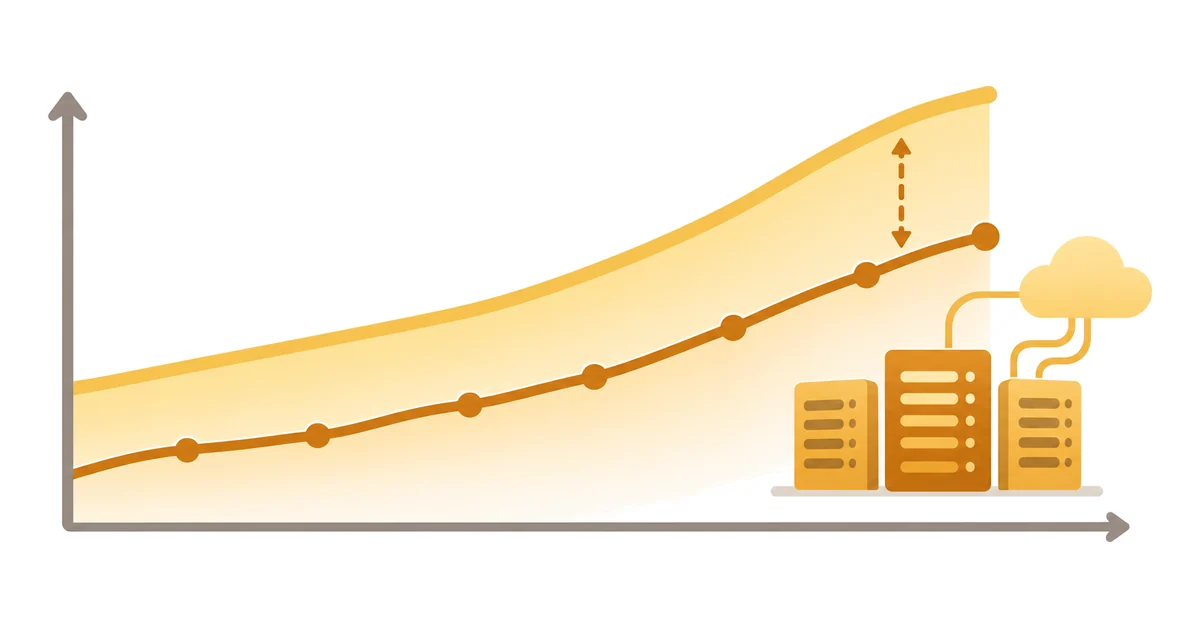
Capacity starts from expected users, requests per user, tokens or payload per request and your latency target. Load tests with realistic prompts and data show where each setup breaks. Endpoints are then sized with headroom and autoscaling rules, and the plan is checked each month against actual usage, so you add capacity before users feel it.
Who Runs the Infrastructure After Launch?
You own all of it: cloud accounts, infrastructure code, pipelines, dashboards and runbooks. Your engineers get hands-on training on deployments, scaling and incident steps. For ongoing help, your dedicated account manager reviews cost, uptime and capacity with you each month, with support in 5+ languages.
 You pay for what you use