Skip navigation

AI Security Consulting

Find the weak spots in your AI apps, agents and data flows before an attacker or a careless prompt does. You start with a free discovery call and strategy session.

Talk to an Expert for Free
  • Your savings, estimated first
  • No commitment
  • Same-day reply
Trusted in 7 sectors
  • HALVERTON
  • KestrelGROUP
  • norvane
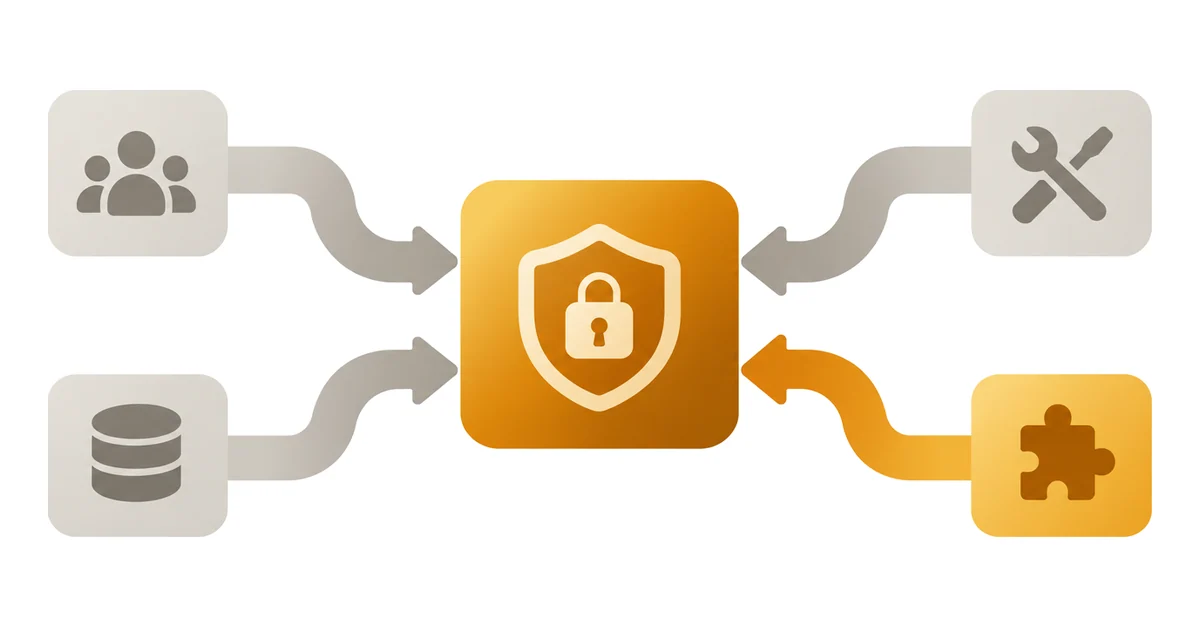
AI security layers around an LLM app: access control, prompt injection filters, data redaction and monitoring alerts
  • Full-service, end-to-end AI consulting
  • 150+ AI use cases scoped
  • 60+ AI agents and workflows built
  • 80+ readiness assessments
  • Trusted in 7 sectors
  • Free discovery call and strategy session
  • One named contact person
  • Multilingual support

What Is AI Security Consulting?

AI security consulting is a service that finds and fixes the security risks AI brings into your business: LLM apps that can be talked into leaking data, agents with too much access, unvetted models and plugins, and AI tools staff use without approval. You get tested controls, clear owners and monitoring that keeps working after launch.

How Your AI Apps and Agents Get Secured

  1. Every AI use is listedApps, agents, copilots, model APIs and the tools staff picked up on their own go into one inventory, each with an owner.
  2. Threats are mappedFor each app, the data it touches, the actions it can take and the ways it could be misused are written down and ranked.
  3. Attacks are triedPrompt injection, jailbreaks, data leakage and unsafe tool calls are tested against your real setup in a safe environment.
  4. Gaps are closedAccess, secrets, filters and logging are tightened with your developers, then the same tests run again to prove each fix.
  5. Result checkmark iconYour risk stays visibleOpen findings, closed issues and new alerts show up in one monthly report your security lead can act on.

What AI Security Consultants Actually Do

Most AI security gaps sit between teams. Developers built the app, security never saw it and nobody owns the prompts. The work closes those gaps one app at a time.

  • AI inventory and shadow AI discovery
  • Threat modeling for LLM apps and agents
  • Prompt injection and data leakage testing
  • Model, plugin and supply-chain review
  • Access, secrets and data protection controls
  • Monitoring and AI incident response

Where Unsecured AI Puts Your Data and Reputation at Risk

AI features often ship faster than anyone can review them. The gaps below are common in LLM apps, and each one costs less to close before an incident than after.

  • Warning icon1.

    Prompt Injection Hijacks Your App

    A hidden instruction in an email, web page or uploaded file can make your chatbot or agent ignore its rules, because the model can’t reliably tell data from commands.

    Real costUnsafe Answers and Actions

    Your AI following an attacker’s script

  • Inbox icon2.

    Sensitive Data Leaks Through AI

    Customer records, contract terms or API keys end up in prompts, logs or answers, and one well-crafted question can pull them back out.

    Real costData Exposure

    Breach reports, lost deals and lost trust

  • Team skills icon3.

    Shadow AI Nobody Approved

    Staff paste work into free AI tools and connect browser plugins to company accounts, so data leaves through channels security can’t see.

    Real costUnknown Data Flows

    Risk you can’t measure or report

  • Linked systems icon4.

    Models and Plugins Nobody Checked

    Open models, packages and connectors arrive with little review, and a tampered file or an overly broad token opens a door into your stack.

    Real costSupply-Chain Risk

    Someone else’s weakness inside your systems

AI Security Consulting That Starts With Your Real Exposure

A generic checklist can’t tell you how your support bot could be tricked or which agent holds a key to your finance system. Your project starts with an inventory of every AI app, agent and tool in use, the data each one touches and the actions each one can take.

Each high-risk app then gets a threat model and hands-on tests against your actual setup. Findings arrive ranked by likelihood and impact, each with a named owner and a fix your developers can ship. Your security team sees the whole picture, and no finding is left as a vague recommendation.

What Your Security Team Gets

  • A complete inventory of AI in use
  • Threat models for each AI app and agent
  • Test results with clear fixes and owners
  • Monthly reporting on findings and alerts

Why Securing AI Early Costs Less Than Cleaning Up Later

Security fixes get more expensive the closer an app gets to production. Testing prompts, permissions and data flows while an AI feature is still being built keeps launches on schedule and gives your security lead evidence to sign off. Start with your most exposed app, close its biggest gaps and reuse the same playbook for the next one.

Right for You If You Want To

  • Shield iconCut the risk of prompt injection in your chatbots and agents
  • Target iconFind data leaks in prompts, logs and model answers
  • Team skills iconBring shadow AI into the open with approved tools
  • Linked systems iconVet third-party models, plugins and connectors before use
  • Results report iconShow auditors and customers how your AI is controlled
  • Clock iconSpot and contain AI incidents faster with alerts and a playbook

Your AI Security Engagement From First Call to Ongoing Monitoring

  1. Step 1

    Free Discovery Call

    You walk through the AI apps, agents and tools your company runs or plans to launch. Your consultant asks what data they touch, who built them and what security has reviewed so far, then points to where the biggest exposure probably sits.

    A written recap and budget range follow

    Short enough to forward to your CISO, IT lead or product owner.

  2. Step 2

    AI Inventory and Threat Model

    Every AI use, including tools staff adopted on their own, is listed with an owner. Your highest-risk apps get a threat model covering data, tools, users and attack paths, mapped to the OWASP Top 10 for LLM Applications.

    You get a ranked risk register and a fixed quote

    Priorities, a clear testing scope and one set price for the work.

  3. Step 3

    Testing and Hardening

    Your apps face prompt injection, jailbreak, data leakage and tool misuse tests in a safe environment. Access, secrets, filters and logging are fixed together with your developers, and every test runs again to confirm the fix holds.

    You get tested fixes and a findings report

    Severity, evidence, fix and retest result for each finding, plus runbooks for your team.

  4. Ongoing

    Monitor and Respond

    Your account manager reviews alerts, newly found AI tools and model changes every month. New AI features go through the same review before launch, and a short exercise tests your incident playbook with the people who would use it.

    You get a monthly AI security report

    Open findings, closed issues, alerts and new AI use in one view.

What Your AI Security Program Covers

Order a single assessment for one app, or the full program from inventory to ongoing monitoring.

  • Every AI App and Tool Accounted For

    Apps, agents, copilots and shadow AI listed with owners, data and risk level.

  • Threat Models for Your LLM Apps

    Attack paths for each app, mapped to the OWASP Top 10 for LLM Applications.

  • Prompt Injection and Leakage Tests

    Direct and hidden attacks run against your setup, saved so you can rerun them.

  • Model and Supply-Chain Review

    Models, packages, plugins and AI vendors checked before they reach production.

  • Access, Secrets and Data Controls

    Scoped agent credentials, vaulted keys, redaction and retention rules.

  • Monitoring and Incident Playbooks

    Alerts on abuse and leaks, plus a tested plan for when something goes wrong.

Readiness Assessments80+
Governance and Security Reviews50+
Threat model map of an LLM app showing users, data sources, tools and ranked attack paths
AI red team test results listing prompt injection and data leakage attempts with pass and fail status

Client Feedback on Planning, Controls and Follow-Through

1 Call Changed Our Plan

“I expected a sales pitch on the discovery call. Instead they asked sharp questions about our data and told us one project wasn’t worth doing yet. That honesty is why we hired them, and the work since has been thoughtful, fast and well documented.”

HB
Hannah BrooksHead of CX, Healthcare Network

Board Approval in 30 Days

“Our leadership needed a business case they could trust. WiseCrow built the roadmap, the budget and the risk controls in plain language. The board approved it in thirty days, and our account manager made every handoff with IT painless.”

EN
Elena NovakCFO, Manufacturing Group

Live in Production in 9 Weeks

“We had a pilot that never left the sandbox. WiseCrow rebuilt the data pipeline, set up monitoring and gave our engineers clear ownership. Nine weeks later it was running in production, and they still review performance with us every month.”

PR
Priya RamanVP of Engineering, SaaS Platform

Your AI Risk Before and After a Security Review

What changes once your AI apps have owners, tests and monitoring.

Before the AI Security Review

  • No full list of AI tools in use
  • Chatbots never tested for prompt injection
  • Agents running on shared admin keys
  • Customer data sitting in prompt logs
  • No plan for an AI incident

After the AI Security Review

  • Every AI app and tool listed with an owner
  • Injection and leakage tests on each release
  • Scoped credentials and vaulted secrets
  • Redaction and retention rules for AI data
  • Alerts and a tested incident playbook

Benefits of AI Security Consulting for Your Business

What an outside review adds once AI can reach your data and systems.

Shield iconYou Close the Gaps Attackers Probe First

Prompt injection, leaky logs and over-permitted agents are the usual weak spots in LLM apps. Testing them against your real setup shows which ones apply to you, and a retest proves each fix works.

Target iconYour Developers Get Fixes They Can Ship

Each finding comes with evidence, a severity and a concrete change, such as a narrower API scope or an output filter. Engineers spend their time fixing, and the saved tests catch the same flaw if it comes back.

Results report iconYou Can Answer Customer and Auditor Questions

Security questionnaires now ask how you use AI. A current inventory, threat models and test results let you answer with evidence, laid out against frameworks your reviewers already know.

People iconYour Staff Use AI Safely and in the Open

Clear rules and approved tools give people a safe way to use AI at work. Shadow AI shrinks once the approved route is the easier one, and security can finally see where data goes.

AI Security Consulting Pricing and Review Time Saved

Your project gets a fixed quote after a free discovery call and an AI inventory. The table shows only analyst time: about 10 minutes per manual AI security check that saved tests, alerts and clear rules take over, such as reading a flagged prompt log or checking an agent’s permissions. It leaves out the cost of an incident, which is usually the bigger number.

Manual AI security checks per weekHours back per weekHours back per yearValue per year
30 5 hrs260 hrs$10,400
75Usual starting project 13 hrs650 hrs$26,000
150 25 hrs1,300 hrs$52,000

What to Expect Before Your AI Security Review Starts

  • Scope that keeps growing

    A Fixed Scope and Price

    Your quote lists exactly which apps, agents and tools get tested, and what it costs.

  • Findings with no fix attached

    Fixes Your Developers Can Use

    Every finding comes with evidence and a concrete change, then a retest once it ships.

  • Tests that disrupt live systems

    Testing Rules Agreed in Writing

    Test windows, environments and stop rules are set up front to keep customers unaffected.

  • Compliance promises

    Honest Framework Language

    Controls are mapped to frameworks to guide your work. Certification decisions stay with your auditors.

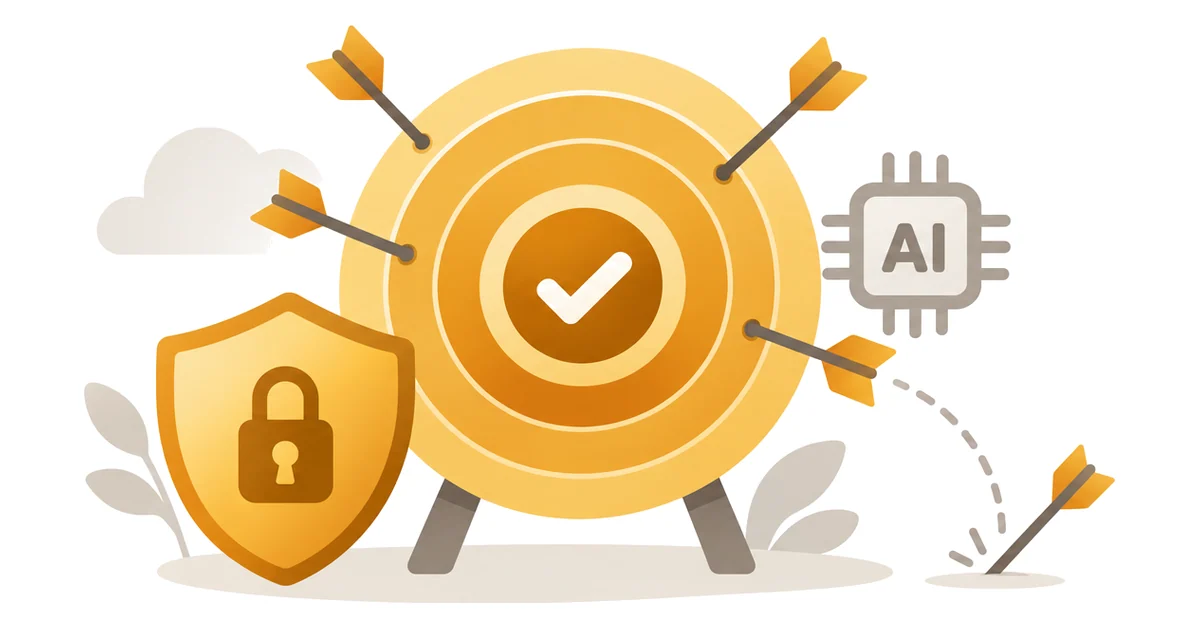
LLM app under test with hidden prompt injection attempts blocked and a data leak flagged

Prompt Injection and Data Leakage Testing on Your Real Setup

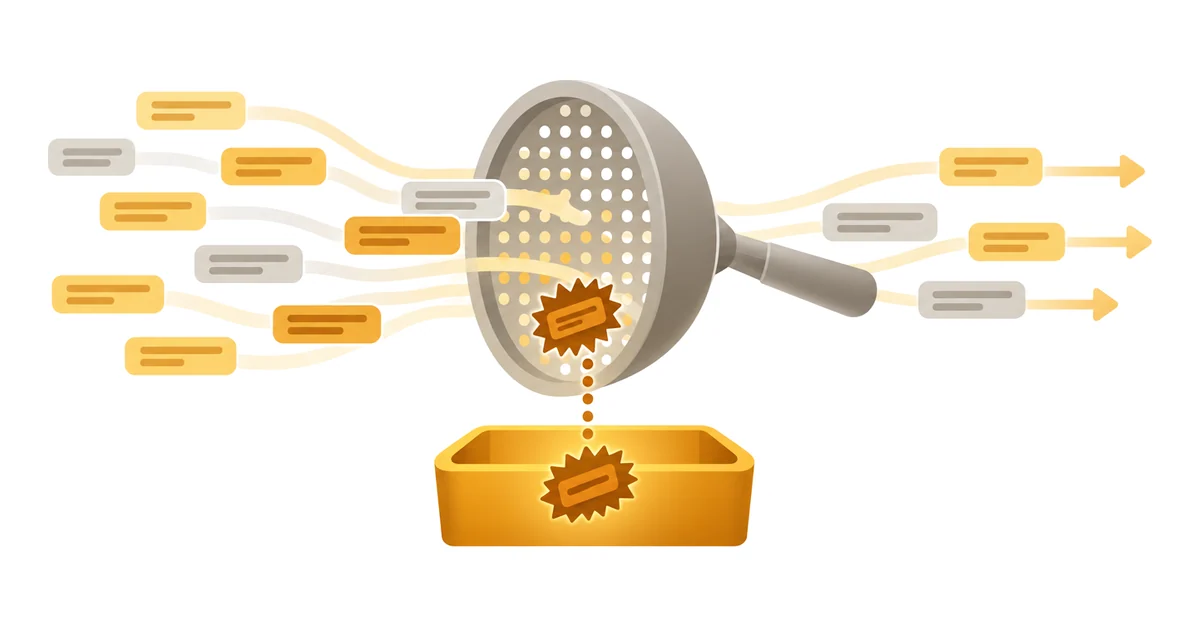
Your chatbots, copilots and agents face the attacks that work against LLMs today: direct jailbreaks, instructions hidden in documents and web pages, and questions built to pull out system prompts or customer data. Every test is logged with the exact input and output, so your developers can reproduce it.

Fixes come in layers. Outside content is kept apart from instructions, outputs are checked before they reach users or tools, and sensitive fields are redacted before the model sees them. The test set then joins your release process and flags regressions when a prompt or model changes.

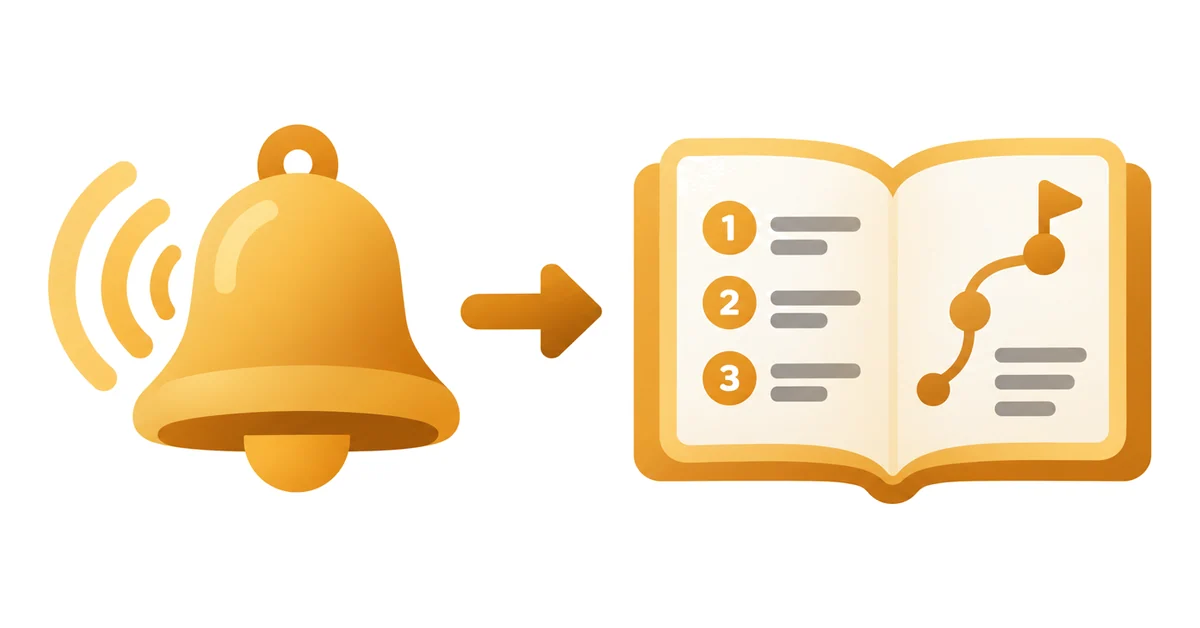
Dashboard with AI security alerts for unusual prompts, data leaks and agent actions, linked to an incident playbook

Monitoring and Incident Response Built for AI

AI apps fail in their own ways, so your monitoring watches for AI signals: spikes in blocked prompts, answers that contain sensitive data, unusual tool calls by an agent and sudden jumps in usage. Alerts go to the people who can act on them, with the conversation or run attached.

Your incident playbook adds AI-specific steps, like disabling a tool, rotating a leaked key, rolling back a prompt or pausing an agent. A short tabletop exercise tests the plan with your team before you ever need it for real.

AI Security Consulting for Your Industry

Where AI security risks run highest, and the related services that go with them.

Financial Services and Fintech

AI that reads statements, scores applications or answers customers handles some of the most sensitive data you hold. Testing covers leakage of account details, agent access to payment systems and audit trails your examiners can follow. For the use cases themselves, see financial services AI consulting.

Healthcare

Clinical notes, intake forms and patient messages often pass through AI tools, sometimes ones nobody approved. Controls focus on redaction, vendor terms, retention and access logs. Learn more about healthcare AI consulting.

SaaS and Software

AI features inside your product put customer data and your brand on the line with every answer. Red teaming before launch and tests on each release keep new features in check, while AI ethics consulting handles the bias and transparency questions security tests don’t cover.

Professional Services and Legal

Firms use AI on contracts, client files and research, where one leaked document can cost a client relationship. Classification, access and retention rules matter most here, and AI data governance consulting sets them up across all your data.

How to Choose an AI Security Consulting Partner

AI security is a young field, and a standard penetration test with a new name won’t catch prompt injection or an agent with too much access. Before you sign, ask your AI security consulting partner to show you:

  • Hands-on testing for prompt injection, jailbreaks and data leakage
  • Threat models that cover agents, tools and third-party models
  • Findings mapped to the OWASP Top 10 for LLM Applications
  • A fixed quote with a clear testing scope and written rules
  • Retests after fixes and monitoring after launch

Also ask what you keep at the end. You should hold the inventory, threat models, test sets and playbooks, so your team can repeat the review for every new AI feature.

What You Can Count On From Your AI Security Partner

  • Price agreement icon

    Fixed Quote Before Testing

    Scope and price are set once your inventory is done.

  • Coin icon

    Affordable, Best-in-Class Work

    Full-service, end-to-end security work sized to your AI footprint.

  • Single point of contact icon

    Dedicated Account Manager

    One contact who tracks your findings, fixes and alerts.

  • Shield icon

    Careful Handling of Your Data

    Minimal access during testing, documented data use and NDAs on request.

Questions About AI Security Consulting

What Is Prompt Injection, and Should We Worry About It?

Prompt injection is when text the model reads changes what it does. It can come straight from a user, or hide inside an email, web page or file your app processes. Any LLM app that reads outside content or can call tools is exposed to some degree. The risk can’t be removed completely, so the goal is to limit what a hijacked model can see and do, and to test those limits before each release.

We Only Use ChatGPT and Copilot. Do We Still Need an AI Security Review?

Often, yes, though the scope is smaller. With off-the-shelf tools, the main risks are what staff paste into them, which accounts and plugins they connect, and how the vendor stores and uses your data. A review checks settings, contracts, connected data sources and usage rules, and looks for unapproved tools at the same time.

How Do You Find Shadow AI in Our Company?

Several sources are combined: identity and network logs, browser extension lists, expense reports, app connections in your SaaS admin consoles and short surveys of team leads. The aim is an inventory people can actually use. Useful tools get a safe, approved path, and risky ones are blocked or swapped for a better option.

Do You Test Our AI Apps in Production?

Testing usually runs in a staging environment that mirrors production. Where a live test is needed, the window, limits and stop rules are agreed with you in writing first. Tests use synthetic or masked data by default, and every attempt is logged, so your team can see exactly what was sent and what came back.

Which Security Frameworks Do You Map the Work To?

Findings are mapped to the OWASP Top 10 for LLM Applications. Controls can also be organized along the NIST AI RMF and ISO/IEC 42001 where those frameworks matter to you. The mapping gives your security, risk and compliance teams one shared list. It doesn’t make you certified or compliant on its own, and those decisions stay with your auditors and legal advisers.

How Do You Secure AI Agents That Can Take Actions?

Each agent gets its own identity, the narrowest permissions its job needs and secrets kept in a vault, out of prompts and code. High-impact actions need a person to approve them, tool inputs are validated and every call is logged. Testing then tries to push the agent into actions outside its role. Anything that gets through becomes a fix and a regression test.

What About the Models and Open-Source Packages We Use?

Models, packages, datasets and plugins are reviewed like any other supplier. The review covers where they come from, license and data terms, known vulnerabilities, file formats that can run code when loaded and how updates are controlled. Hosted model providers get a vendor check of data retention, training use and access controls.

How Much Does AI Security Consulting Cost?

The fee depends on how many AI apps and agents are in scope, how much data and tool access they have and how much ongoing monitoring you want. You get a cost range on your free discovery call and a fixed quote after the inventory and threat model. A focused review of one high-risk app is a common first step.

What Happens If a Test Finds a Serious Issue?

Critical findings go to your named contact right away, without waiting for the final report. You get the evidence, the likely impact and a short-term fix, such as switching off a tool or tightening a filter. The lasting fix and a retest follow, and your account manager tracks every finding until it’s closed.

Find Your AI Security Gaps With a Free Call

Get a free review of your AI apps and agents and a clear plan for closing the biggest risks first.

Talk to an Expert for Free

Set Up Your Free Intro Call

Your name is required.
Please use a valid email.
A short subject helps us route your message.
Tell us briefly what you want to achieve.