Summary
- Microsoft Dragon Copilot, Abridge and Ambience Healthcare lead for health systems that want ambient notes across many clinicians.
- Notable, Hyro and Waystar take on admin work such as intake, prior authorizations, scheduling calls, claims and denial appeals.
- Heidi and Freed are the easiest scribes for solo clinicians and small practices to try, with a free plan and published prices.
- Most enterprise tools quote prices through sales and have few public reviews, so ask for reference calls and run a pilot.
The Best AI Tools for Healthcare at a Glance
| Tool | Main use | Pricing | Best for |
|---|---|---|---|
| 1. Microsoft Dragon Copilot | Ambient notes, dictation | Contact sales | Health systems on Dragon |
| 2. Abridge | Ambient notes, revenue cycle | Contact sales | Large Epic health systems |
| 3. Ambience Healthcare | Notes and coding | Outcome-based fees | Coding-heavy specialties |
| 4. Suki | Ambient notes, dictation | Contact sales | Multi-specialty groups |
| 5. Nabla | Ambient notes, coding | Free trial, then quote | Flexible deployment |
| 6. Notable | Admin AI agents | Contact sales | Patient access and billing |
| 7. Aidoc | Imaging triage | Contact sales | Radiology departments |
| 8. Hyro | Patient access agents | Contact sales | Health system call centers |
| 9. Waystar | Claims, auth, denials | Contact sales | Hospital billing teams |
| 10. Heidi | AI scribe | Free plan | Trying a scribe at no cost |
| 11. Freed | AI scribe | From $39/mo | Solo clinicians, small practices |
The 11 Best AI Tools for Healthcare, Ranked
I ranked these tools by how much of a health system’s daily clinical and admin work each one can carry, so the documentation platforms built for whole care teams come first, the admin and imaging specialists follow, and the scribes made for small practices close the list. One warning before you read on. In the healthcare AI consulting projects I review, the tool decides less than the rollout does: which clinicians go first, who checks the output and how fast bad notes get fixed.
Microsoft Dragon Copilot
The Broadest Pick for Health Systems Already Running Dragon Medical One
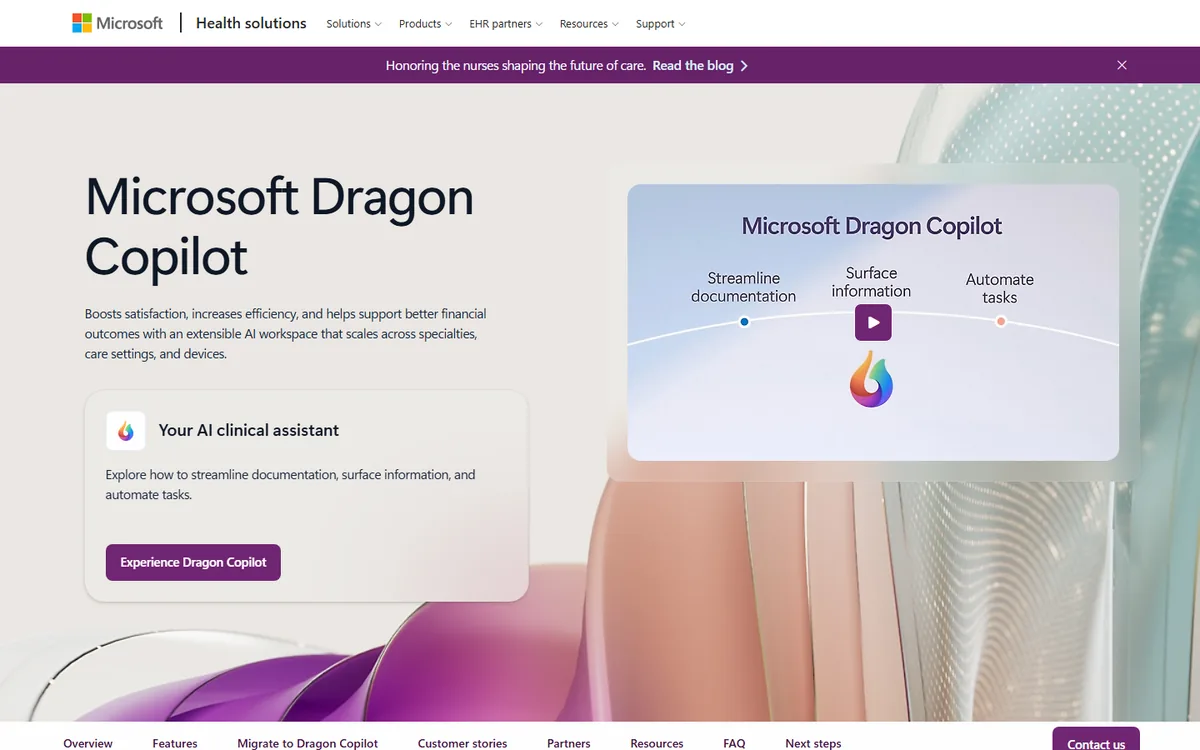
Dragon Copilot brings Nuance’s dictation and ambient listening into one clinical assistant for physicians, nurses and, in preview, radiologists.
Microsoft built Dragon Copilot on the Nuance products many hospitals already know: Dragon Medical One for dictation and DAX for ambient notes. According to Microsoft, it listens during the visit, or to a recording you start on demand, and drafts a note in the format your specialty uses. It can also prepare referral letters, after-visit summaries, coding suggestions and evidence answers with citations. For nurses in the US, it turns spoken observations into flowsheet entries that the nurse reviews inside Epic Rover. A radiology companion for PowerScribe One is in preview in the US.
I put it first because of reach. Few vendors cover doctors, nurses and radiology in one product, and Microsoft lists Epic, athenahealth and MEDITECH among its EHR partners. If your clinicians already dictate in Dragon Medical One, Microsoft offers a migration path, which can shorten the security review. The friction shows up in two places. Pricing sits inside enterprise contracts, so a small group won’t get far without a reseller. And in my client work, clinicians who have dictated the same way for fifteen years need real coaching before they trust an ambient note.
What Microsoft Dragon Copilot Does Well
- One assistant covers physicians, nurses and radiology
- Existing Dragon Medical One customers have a clear upgrade path
- Works inside Epic and other major EHRs
What Microsoft Dragon Copilot Could Do Better
- No public pricing, and buying runs through enterprise contracts
- Nursing and radiology features aren’t available in every country
Microsoft Dragon Copilot Pricing
Microsoft doesn’t publish Dragon Copilot prices. You request a quote through Microsoft or a partner, and the price depends on the number of clinicians, the roles you license and your existing Dragon contract.
Microsoft Dragon Copilot Reviews
- G2: 4.3 out of 5 star rating for the related Dragon Medical One listing (from 26 customer reviews)
Abridge
The Pick for Large Health Systems That Want Notes and Billing Work in One Flow
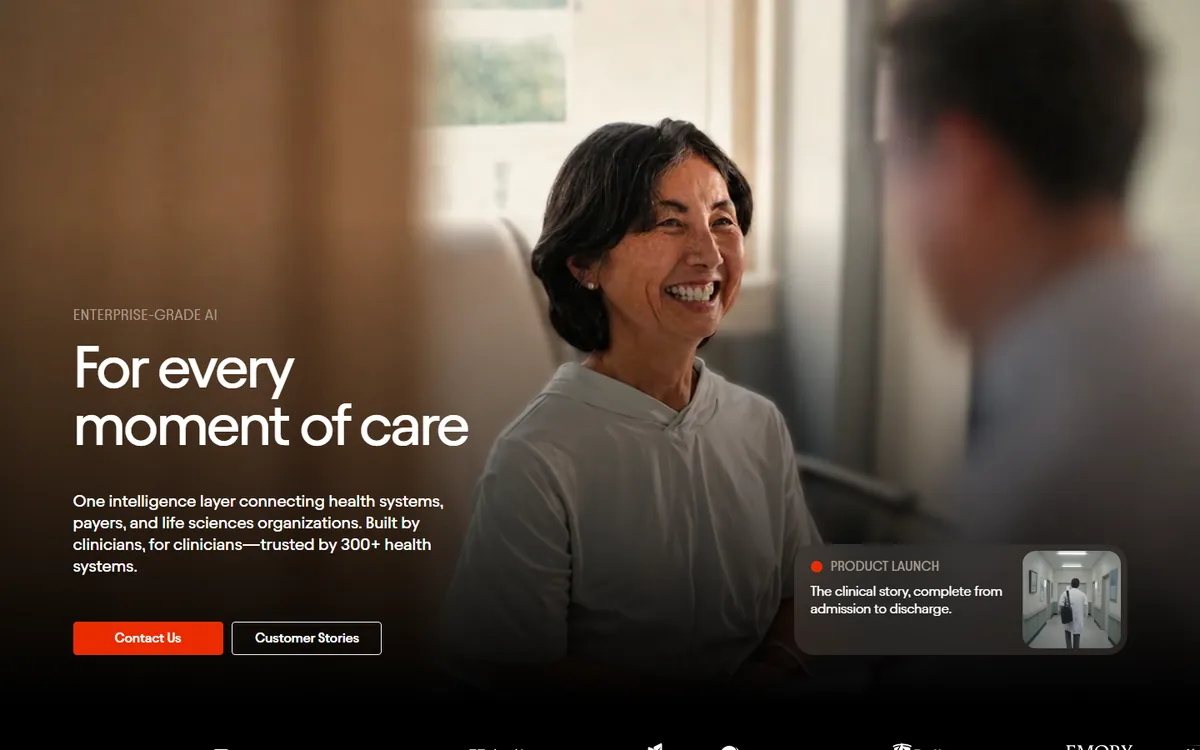
Abridge turns clinical conversations into draft notes and billable documentation, with products for clinicians, nurses, inpatient teams and revenue cycle.
Abridge describes itself as an intelligence layer for health systems, payers and life sciences. Its work starts before the visit, when it pulls together the patient’s history and prior visit context. During the visit, it captures the conversation and can surface conditions worth addressing through a feature it calls Care Signals. After the visit, you get a finished note, more specific coding, orders and a patient summary. The company says more than 300 health systems use it, and it names Kaiser Permanente, Johns Hopkins Medicine and Duke Health as customers.
What sets Abridge apart for me is the link to revenue cycle. Most scribes stop at the note. Abridge sells billable documentation as its own product, so your coding and documentation teams have a reason to sit in the pilot meetings next to physicians. I’d put it on any shortlist for a large system, especially one on Epic. Small practices are a different story. Abridge sells to organizations, and I’ve not seen a self-serve plan for one clinician.
What Abridge Does Well
- Covers the visit from prep to signed note and patient summary
- Revenue cycle teams get their own product, not an afterthought
- Separate offerings for nursing and inpatient care
What Abridge Could Do Better
- Built for large organizations, with no plan for solo clinicians
- Very few public user reviews to check against
Abridge Pricing
Abridge doesn’t list prices. You contact the company for a quote, and its site offers an impact calculator to estimate the value for your organization before the sales call.
Abridge Reviews
- G2: score of 5.0 out of 5 (from 1 user review)
Ambience Healthcare
Strongest When Coding Accuracy Matters as Much as the Note
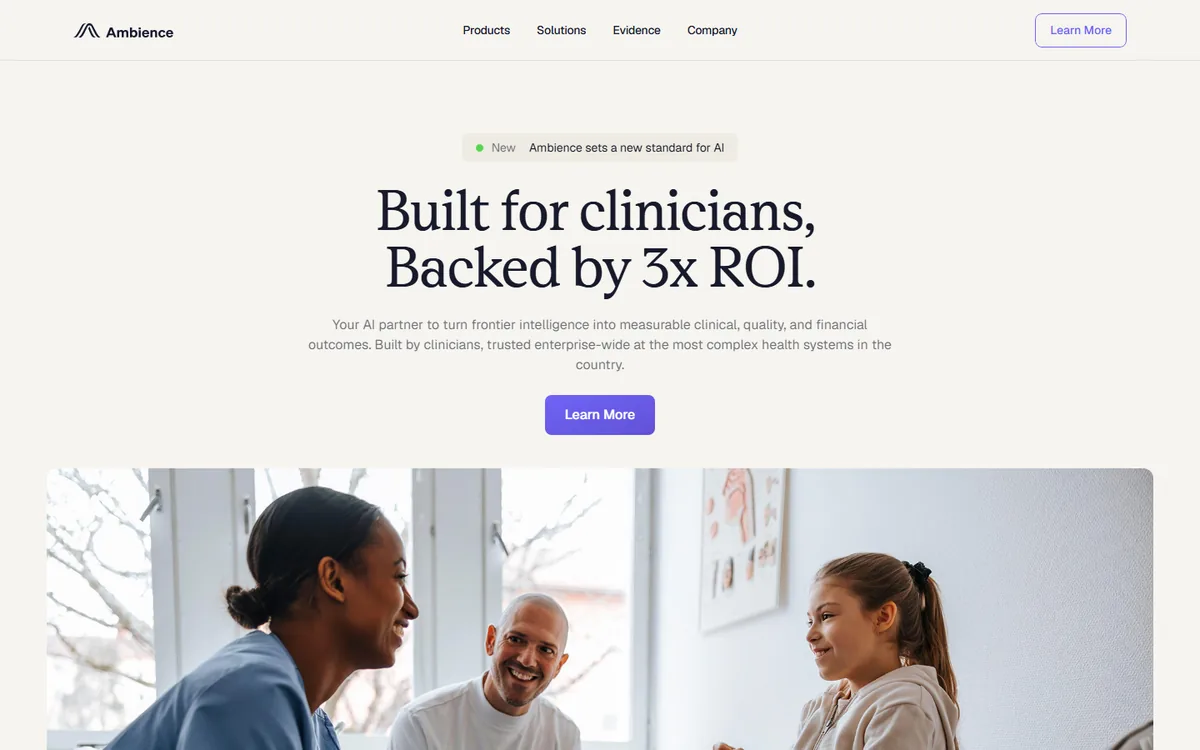
Ambience drafts notes, orders and patient instructions during care and suggests codes that the clinician attests to before they’re filed.
Ambience pitches itself to large, complex health systems, and its product shows it. Beyond the note, it assigns ICD-10 codes, HCC, MCC and CC classifications and E/M levels while care happens, and the clinician confirms them. Its clinical documentation integrity feature points out gaps that would understate a patient’s complexity. Ambience says it supports more than 200 specialties across clinics, inpatient wards and the emergency department, and it names MultiCare and Houston Methodist as customers.
The pricing model is the part I’d study hardest. Ambience says its fees are tied to your outcomes and that it sends a forward-deployed team to run pilots with shared dashboards. I like the accountability. But an outcome-based contract only works if you agree on the baseline first: current coding levels, denial rates and note completion times, measured the same way before and after. Teams that skip the baseline end up arguing about the invoice. The homepage also doesn’t name its EHR partners, so ask for a live demo in your own EHR.
What Ambience Healthcare Does Well
- Coding and documentation gaps are handled during the visit
- Broad specialty coverage, including inpatient and emergency care
- Fees tied to outcomes put some risk on the vendor
What Ambience Healthcare Could Do Better
- Outcome-based contracts need careful baseline work up front
- Public material says little about specific EHR integrations
Ambience Healthcare Pricing
Ambience doesn’t publish prices. Its site says fees are tied to your outcomes, so the contract is built around goals you set with the vendor during the sales process.
Ambience Healthcare Reviews
G2 lists Ambience Healthcare but didn’t show enough reviews for a rating when I checked, and I found no Capterra rating. Ask for reference calls with a health system close to yours in size and specialty mix.
Suki
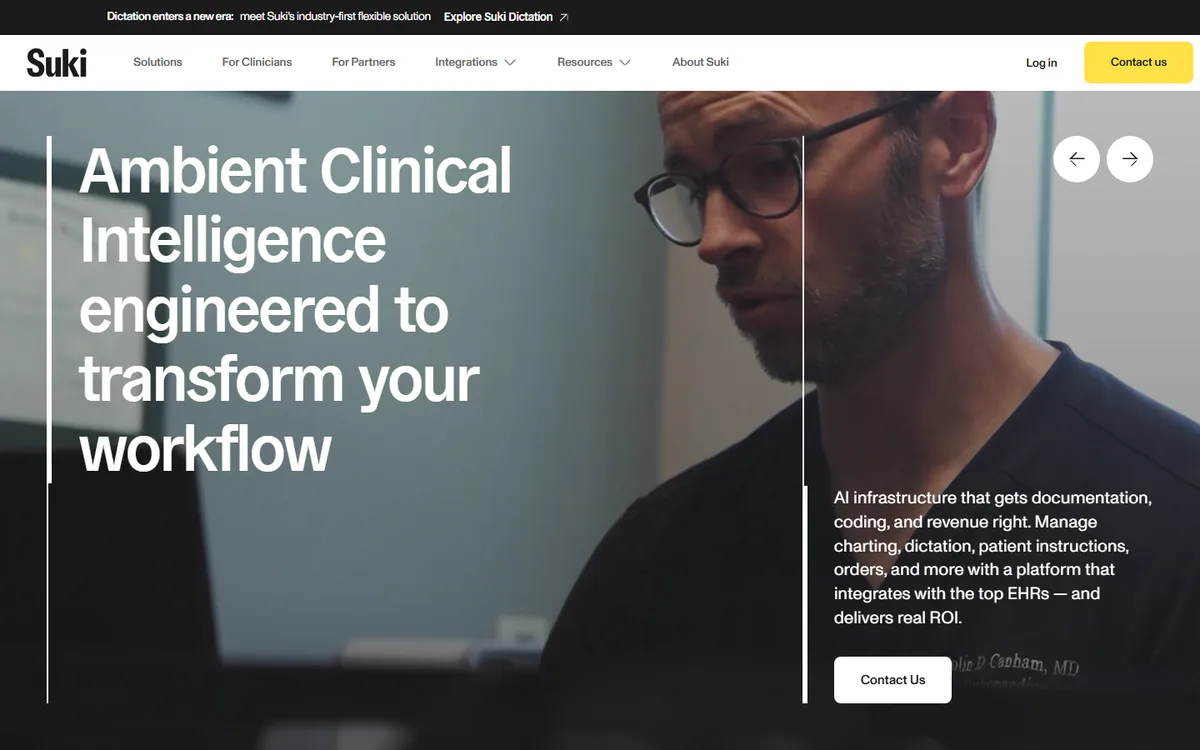
A Flexible Assistant With Deep EHR Ties for Mixed Specialty Groups
Suki listens to the visit and drafts notes, patient instructions and orders, with dictation, coding help and clinical Q&A in the same assistant.
Suki sits in the middle of this list for a reason: it does a bit of everything well. Its ambient feature turns the patient conversation into a note, patient instructions and orders. You can edit by voice, chart by problem and send the finished note into the EHR. Suki also offers a newer dictation option for clinicians who prefer to talk the note out, plus coding support and answers to clinical questions. The vendor says it works across more than 100 specialties on desktop, iOS and Android.
The integration list is what I’d point a multi-specialty group to. Suki names Epic, Oracle Health, athenahealth and MEDITECH, and it says it’s SOC 2 Type 2 certified and HIPAA compliant. Health tech companies can also embed Suki in their own products through a developer toolkit. The site shows strong vendor-reported results on burnout and note time. I’d treat those as a starting hypothesis and measure your own numbers in a pilot, because results vary a lot by specialty and by how much each clinician edits.
What Suki Does Well
- Ambient notes and dictation live in one tool
- Named integrations with four major EHRs
- Mobile apps make it easy to use between rooms
What Suki Could Do Better
- Pricing requires a sales conversation
- Headline outcome figures are self-reported by the vendor
Suki Pricing
Suki doesn’t show prices on its site. Clinicians, health systems and partners contact sales for a quote, which depends on the number of users and the features you need.
Suki Reviews
Suki has a G2 listing, but I couldn’t confirm a current star rating or review count, and I found no Capterra listing for the scribe. Ask Suki for references in your main specialties.
Nabla
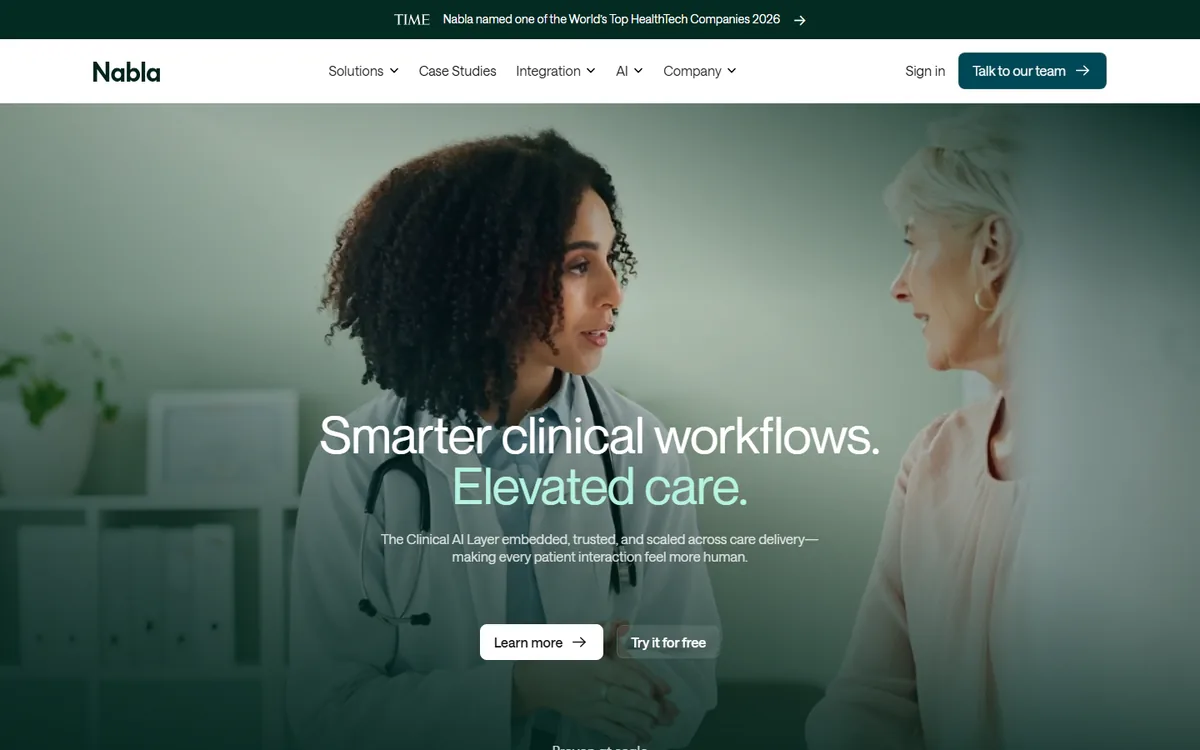
The Most Flexible Way to Add Ambient Notes Across Web, Mobile and Partner Apps
Nabla offers ambient documentation, dictation and E/M and ICD-10 code suggestions, available as apps, a browser extension or an API.
Nabla covers the same core jobs as Suki: ambient notes, dictation inside Epic and other EHRs, and coding suggestions based on the note and AMA guidelines, with the clinician making the final call. Its assistant also handles pre-visit prep, referral letters, medical reports and patient summaries. Where Nabla stands out is the number of ways to deploy it. You get a web app, iOS and Android apps, a Chrome extension and an API, plus Nabla Connect for companies that want to build the assistant into their own product.
I like Nabla for groups that don’t all work in one EHR. It names Epic, athenahealth, Oracle Health, NextGen and Greenway Health, and lists HIPAA, SOC 2 Type 2, ISO 27001 and GDPR compliance. Data retention can be configured to match your governance rules, which matters to the privacy officers I work with. The trade-off is that you’ll find little independent review data, so your own pilot has to carry more of the decision.
What Nabla Does Well
- Many ways to deploy, from browser extension to API
- Wide EHR coverage beyond the big three
- Configurable data retention for privacy teams
What Nabla Could Do Better
- No published prices after the free trial
- Almost no independent reviews on G2 or Capterra
Nabla Pricing
Nabla offers a free trial on its site. After that, pricing comes from its sales team, and the site doesn’t show plan prices.
Nabla Reviews
Nabla’s G2 listings showed no reviews when I checked, and I found no Capterra listing, so there’s no rating to report here.
Notable
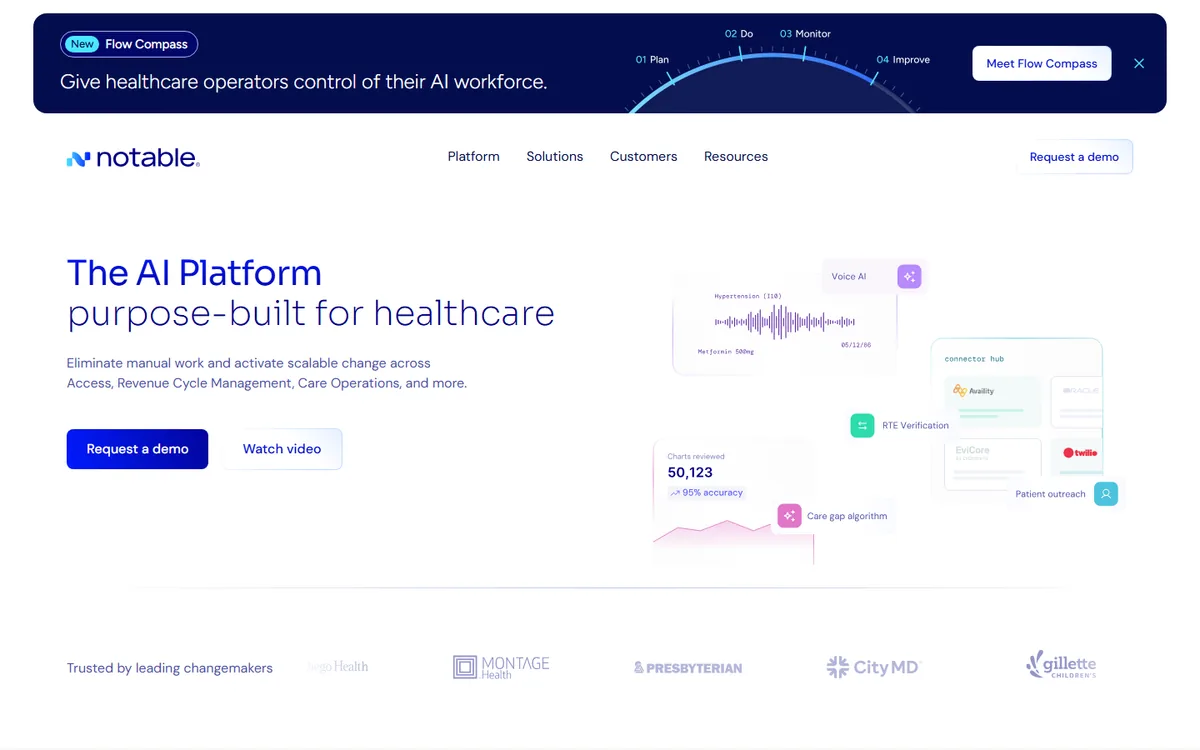
The Admin Workhorse for Patient Access and Revenue Cycle Automation
Notable runs AI agents for intake, referrals, prior authorizations, patient estimates, appeal letters and care gap outreach, built with a low-code designer.
Notable is the first pure admin tool on this list, and for many of my healthcare clients it’s where the fastest savings sit. The platform runs AI agents across three areas. Patient access covers intake and registration, referrals and pre-procedure instructions delivered by a voice agent. Revenue cycle covers copay estimates and collection, prior authorizations and appeal letters. Care operations covers care gap outreach and scheduling, chart reviews and risk adjustment. You design the workflows in Flow Builder, a low-code tool, and Notable says it has more than 750 active integrations, including Epic and Oracle.
Named customers include CommonSpirit, MUSC Health and UC San Diego Health. My advice: give Notable an operations owner who can say yes and no to workflow changes. A platform this broad will happily automate a messy process, and then you have a fast messy process. Integration and data quality usually set the pace, the same issues I unpack in my post on AI in healthcare challenges.
What Notable Does Well
- Covers front office, billing and care operations in one platform
- Low-code builder lets ops teams change workflows
- Large library of EHR and system connectors
What Notable Could Do Better
- Needs a strong internal owner to avoid automating bad processes
- Pricing isn’t published
Notable Pricing
Notable doesn’t publish pricing. You request a demo, and the quote depends on the workflows, volumes and integrations you plan to run.
Notable Reviews
Notable’s G2 profile is unclaimed and showed no star rating when I checked. I found no Capterra rating either, so I’d lean on reference calls with health systems that run the same workflows you plan to automate.
Aidoc
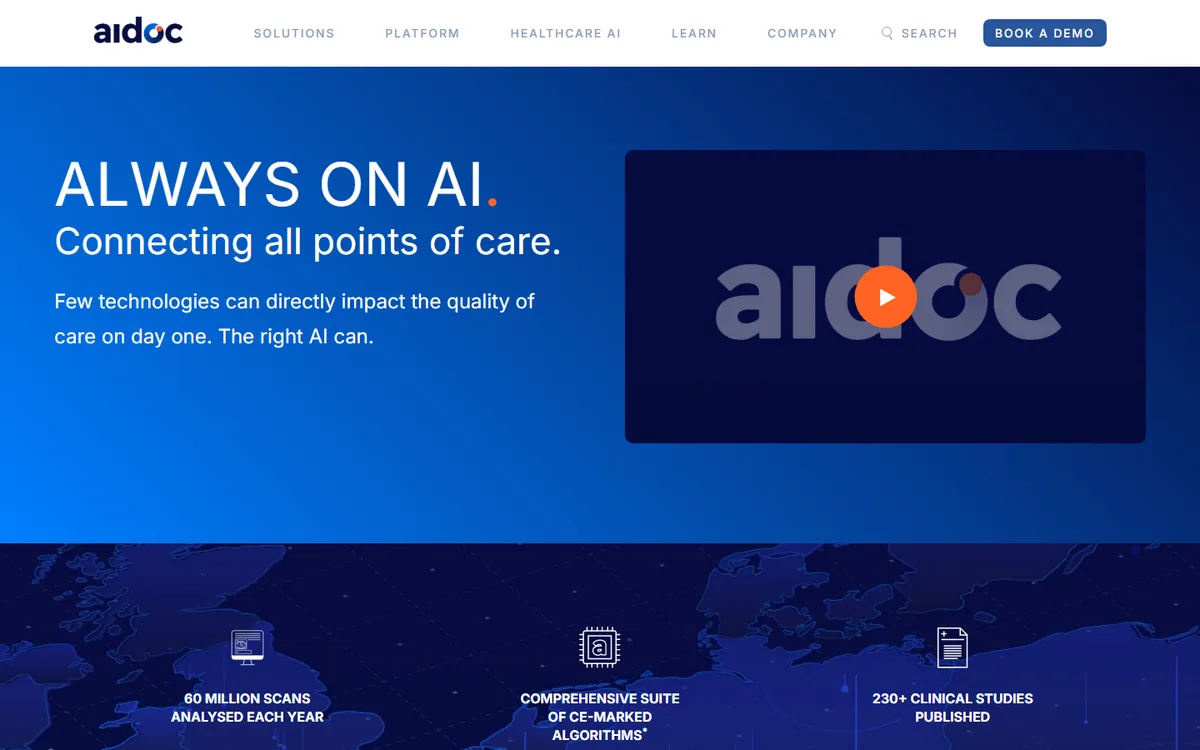
The Imaging Platform to Shortlist When Radiology Turnaround Is Your Bottleneck
Aidoc’s aiOS platform reviews imaging studies in the background, flags suspected urgent findings for radiologists and helps coordinate the care team.
Aidoc is the only clinical imaging tool on this list, and it does a very different job from the scribes. Its aiOS platform connects to PACS, the EHR, RIS and scheduling, runs algorithms on relevant exams and alerts radiologists to suspected findings such as intracranial hemorrhage, vessel occlusions or pulmonary embolism. Results from Aidoc and third-party algorithms show up in one interface. A mobile care coordination app lets the team share images and alert specialists, and Aidoc notes the app isn’t meant for diagnosis.
On regulation, Aidoc says it runs the largest portfolio of FDA-cleared algorithms on a single platform. In January 2026 it announced FDA clearance for a triage product built on its CARE foundation model that covers 14 abdominal CT indications in one workflow. Triage software helps order the worklist. The radiologist still reads every study, and that boundary belongs in your policy before go-live. I cover the safety side, from missed findings to bias, in my post on AI in healthcare risks.
What Aidoc Does Well
- Vendor-stated FDA clearances for its triage products
- One interface for Aidoc and third-party algorithms
- Runs in the background without extra clicks, according to Aidoc
What Aidoc Could Do Better
- Scope is limited to imaging and the care that follows it
- PACS and RIS integration needs real IT time
Aidoc Pricing
Aidoc doesn’t list prices. You book a consultation or demo, and the quote depends on the algorithms, sites and integrations in scope.
Aidoc Reviews
Aidoc’s G2 profile had no reviews when I checked, and I couldn’t confirm a Capterra rating. Peer radiology departments are your best reference here.
Hyro
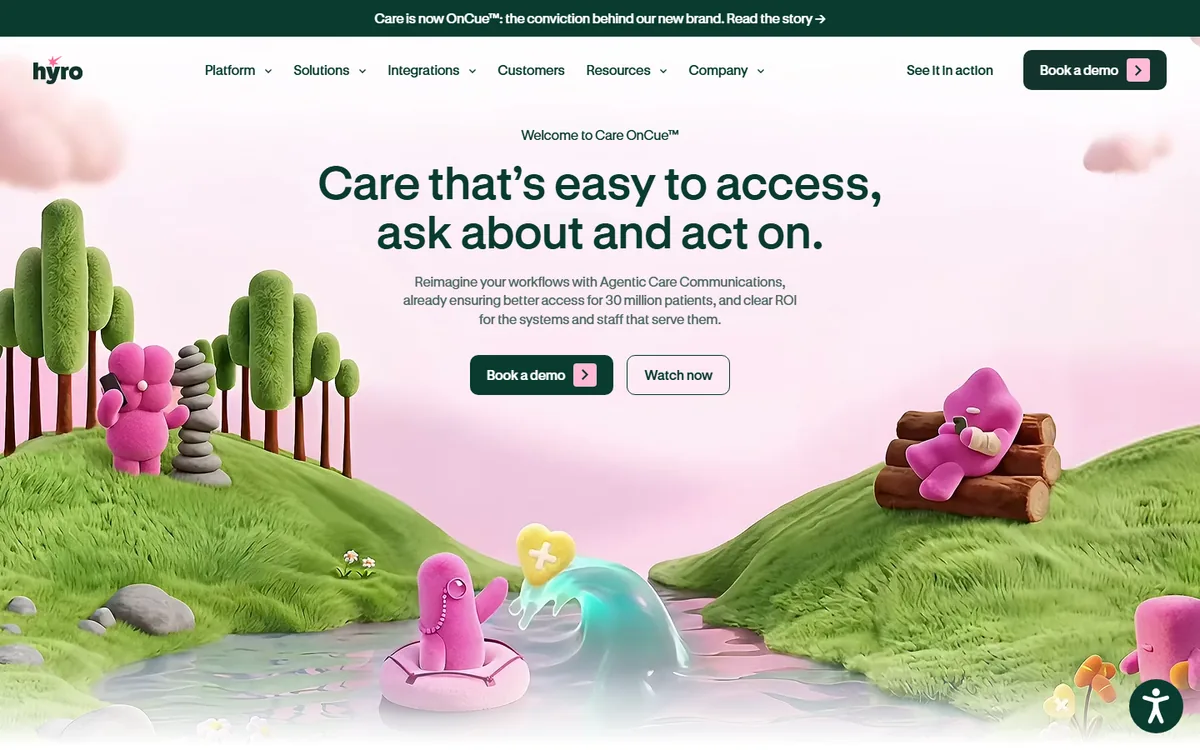
A Patient Access Agent Built for Overloaded Health System Call Centers
Hyro runs AI agents over phone, web chat and SMS that schedule appointments, handle prescription refill requests and route patient calls.
Hyro focuses on one painful spot: the patient access call center. Its agents answer by voice, chat and text, and they act inside the EHR. Hyro says patients can schedule, request refills and complete referrals in one conversation, with direct and order-based scheduling done in Epic. It also lists Oracle Health and athenahealth integrations. Simple requests like password resets and refills can move from a phone call to a text thread, so they never reach a live agent. Hyro says it works with more than 45 health systems.
I like that Hyro keeps a narrow focus. Patient access has clear numbers you can track before and after, like hold time, abandoned calls and booked appointments, which makes a pilot easy to judge. Two cautions from my own projects. First, the agent is only as good as your scheduling rules, so clean those up before launch. Second, if your system runs on Epic, compare Hyro against what Epic itself now offers for patient messaging, since you may already pay for part of it.
What Hyro Does Well
- Takes real scheduling actions in the EHR
- Moves simple requests from phone to text
- Easy to measure with call center numbers you already track
What Hyro Could Do Better
- Results depend heavily on clean scheduling rules
- Pricing needs a sales call
Hyro Pricing
Hyro doesn’t publish prices. You request a demo, and pricing depends on channels, call volumes and the workflows you automate.
Hyro Reviews
I couldn’t confirm a current G2 or Capterra rating and review count for Hyro, so I’ve left the score out.
Waystar
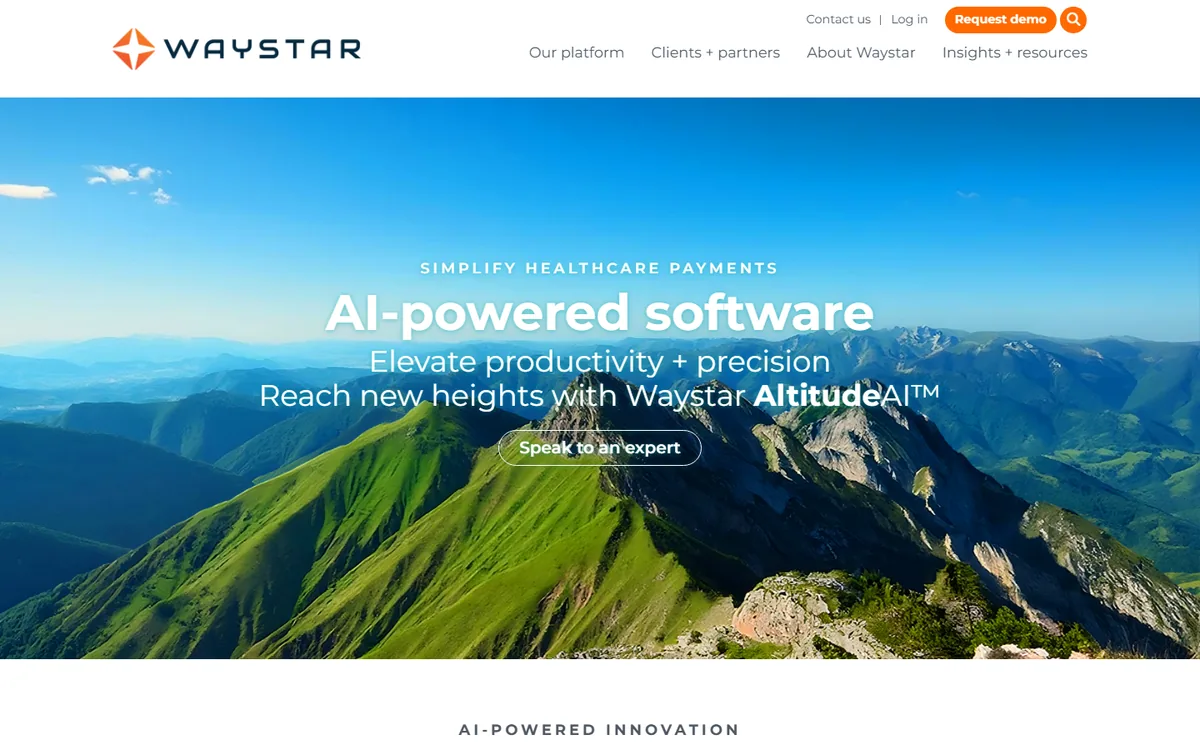
The Revenue Cycle Platform for Billing Teams Buried in Authorizations and Denials
Waystar runs eligibility checks, prior authorizations, claims, denial appeals and patient payments on one revenue cycle platform with AI features it calls AltitudeAI.
Waystar is the most established vendor on this list, and it does the least glamorous work. Its platform covers financial clearance before the visit, such as eligibility, patient estimates and prior authorization, then claim management, payment posting and denial recovery after it. The packages page lists connections to more than 600 payers for real-time eligibility checks and an appeals wizard with more than 1,100 payer templates that can batch up to 100 similar appeals at once. Waystar says it reaches about 60% of the US patient population and names Mount Sinai, Piedmont and CHRISTUS Health as customers.
The AI story is newer. Waystar launched AltitudeAI in 2025, including a generative tool that drafts denial appeals, and in October 2025 it closed its purchase of Iodine Software, whose clinical documentation and utilization management software runs in more than 1,000 hospitals and health systems. I rank it here because most of its value still comes from the clearinghouse and workflow rules, with AI layered on top. In my client work, the first win is rarely the AI. It’s getting denials sorted by root cause so the team stops appealing the same mistake every month. Be careful with the contract, too. Several Capterra reviewers complain about auto-renewal terms and price increases, so read the renewal clause before you sign.
What Waystar Does Well
- Covers the revenue cycle from eligibility to denial appeals
- Large payer network and appeal template library
- The biggest public review base on this list
What Waystar Could Do Better
- Reviewers report auto-renewal and price hike disputes
- Generative AI features are still young next to the core product
Waystar Pricing
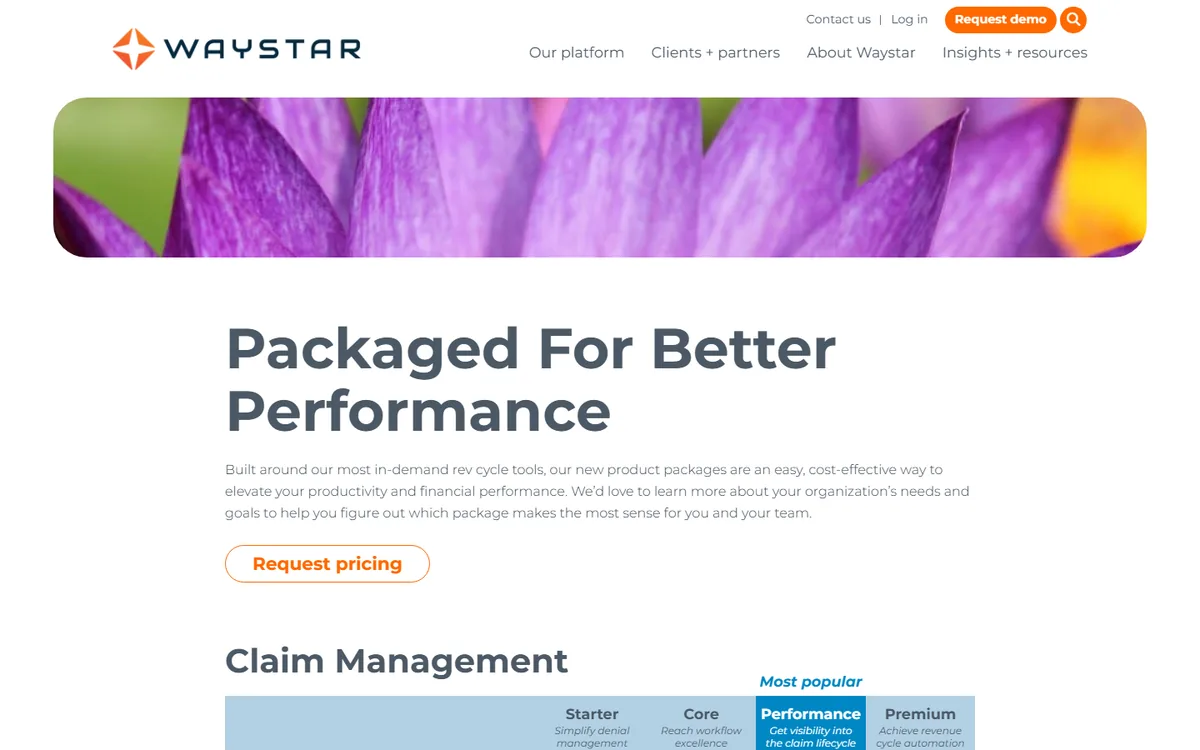
Waystar doesn’t publish prices. Its claim management packages, Starter, Core, Performance and Premium, each show a request pricing button, and the quote depends on claim volume, payers and the modules you add.
Waystar Reviews
- G2: score of 4.4 out of 5 (from 119 customer reviews)
- Capterra: score of 4.4 out of 5 (from 208 customer reviews)
Heidi
The Best Free Starting Point for Clinicians Trying an AI Scribe
Heidi is an AI scribe with a free plan that includes unlimited transcription and standard templates, plus paid plans for individual clinicians and teams.
If you’re a solo clinician who wants to see what an AI scribe feels like, Heidi is where I’d send you first. The free plan gives you unlimited transcription, standard templates and task management. Dictation, the Ask assistant, advanced templates, coding and evidence answers come with limited usage, and Heidi resets a smaller usage allowance every week on the free tier. The paid Clinician plan lifts those limits, and the Teams plan adds shared templates and admin features.
I like that Heidi lets you test on real visits without a purchase order. The weak spots show up at scale. Integrations, single sign-on, central billing and team management sit in paid plans, and some reviews outside G2 complain about pricing and the mobile app. My usual advice: use the free plan for two weeks, track how long you spend editing each note, and decide from that number. If Heidi saves you real time, the paid plan is an easy call. If it doesn’t, you’ve lost nothing.
What Heidi Does Well
- A genuinely usable free plan with unlimited transcription
- Templates you can shape to your own note style
- Easy to test on real visits before buying
What Heidi Could Do Better
- EHR integrations and SSO need a paid plan
- Dollar prices weren’t shown on the US pricing page I checked
Heidi Pricing
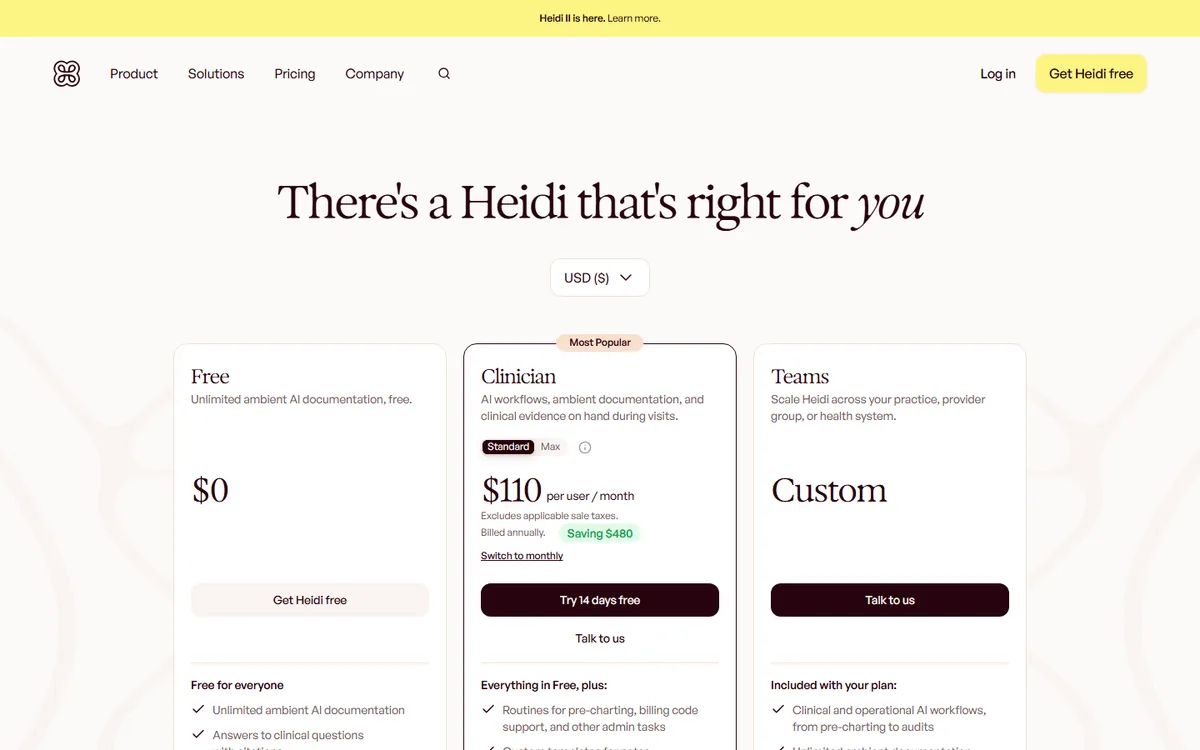
Heidi has three plans: Free, Clinician and Teams. Free includes one seat with a weekly usage allowance. Clinician comes with a 14-day free trial, and Teams is priced through sales. The US pricing page didn’t display a dollar amount for the Clinician plan when I checked, so confirm the price at sign-up.
Heidi Reviews
- G2: score of 4.9 out of 5 (from 16 customer reviews)
Freed
A Simple, Clearly Priced Scribe for Solo Clinicians and Small Practices
Freed listens to your visits and writes specialty-specific notes, with higher plans adding patient instructions, letters, EHR push, dictation and ICD-10 and CPT codes.
Freed is the most transparent product on this list when it comes to cost. Every individual plan shows a price, and each tier adds a clear set of features. Starter covers up to 40 notes a month with specialty templates. Core removes the note limit and adds an instant template builder and clinical evidence answers. Premier adds visit summaries, patient instructions, letters and referrals, a push into your EHR, dictation with saved phrases and ICD-10 and CPT codes. Groups adds medical assistant users, note sharing, single sign-on and admin dashboards.
I recommend Freed to small practices that want to start next week without an IT project. You can try it for seven days without a credit card, and residents, students and trainees can get Core for free. The limits are what you’d expect at this price. EHR push only arrives on Premier, so lower plans mean copying notes across, and the few reviews on G2 and Capterra make it hard to judge support at scale. One Capterra reviewer also flagged visits that went unrecorded when their computer was muted, so add a mic check to your routine.
What Freed Does Well
- Published prices and a clear feature ladder
- Seven-day trial with no credit card
- Free Core plan for residents, students and trainees
What Freed Could Do Better
- EHR push requires the Premier plan
- Small review base for a team rollout decision
Freed Pricing
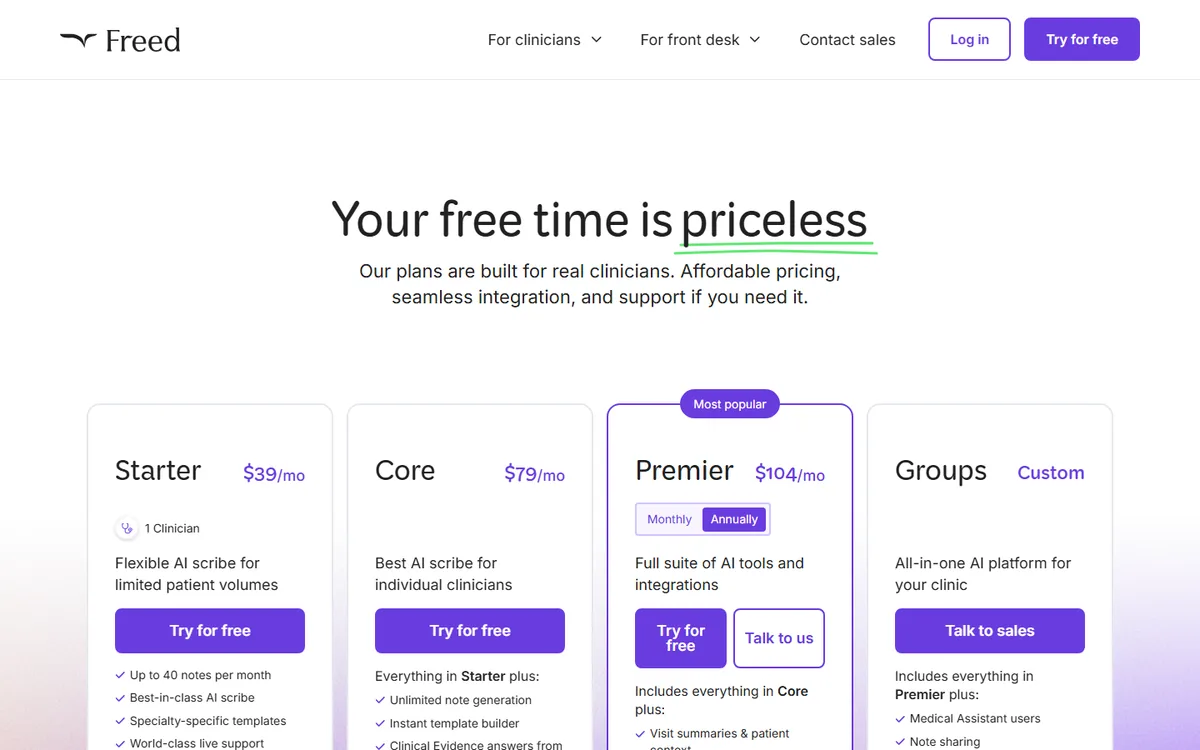
Freed’s pricing page showed Starter at $39 a month for up to 40 notes when I checked. Core and Premier cost more per month, and the Premier price changes with the monthly or annual billing toggle. Groups uses custom pricing. Prices also shift with promotions, so check the page before you subscribe.
Freed Reviews
- G2: score of 5.0 out of 5 (from 3 customer reviews)
- Capterra: score of 5.0 out of 5 (from 2 customer reviews)
Estimate What a Healthcare AI Tool Could Return
In healthcare, the hours that matter are often after hours: notes finished at the kitchen table, prior auth calls that run past shift change. Pick one group, such as ten primary care physicians or your scheduling team. Enter the hours each month the tool would take off their plate and its monthly cost for that group, and you’ll see a rough yearly return. In my client work, I count only the time people actually get back after reviewing AI output. A scribe that saves six minutes per note but needs four minutes of edits saves two.
Will It Pay for Itself?
Move the sliders to match the work you want to automate and the plan you are considering.
How to Choose the Right AI Tools for Your Healthcare Organization
The worst rollout I’ve seen started with a vendor demo and ended with a scribe nobody could get into the EHR. Work from the problem back to the tool, and answer these four questions first:
- Is your biggest drain in clinical notes, imaging turnaround, the call center or billing work?
- Which EHR, PACS or phone system must the tool write into, and is the integration live today?
- Will the vendor sign a business associate agreement, and where are audio and data stored?
- Who reviews AI output, who owns the workflow after launch and how will you measure success?
For a health system that wants ambient notes at scale, compare Dragon Copilot, Abridge and Ambience in the same pilot, and add Suki or Nabla if your clinics use several EHRs. If coding and documentation gaps cost you most, weight Ambience and Abridge higher. For front-office and billing work, Notable covers the widest range, Hyro fits patient access call centers and Waystar fits billing teams fighting claim denials. Radiology teams with a backlog should look at Aidoc. If you’re a solo clinician or a small practice, test Heidi’s free plan and Freed’s trial on the same week of visits and keep whichever needs fewer edits.
Questions About AI Tools for Healthcare
What Is the Best AI Tool for Clinical Documentation?
For a large health system, I’d shortlist Microsoft Dragon Copilot, Abridge and Ambience Healthcare, and add Suki or Nabla if you want more deployment options. For a solo clinician or a small practice, Heidi and Freed are easier to buy and try. Pilot two tools with the same clinicians and the same visit types, then compare edit time and how often notes need fixing.
Are AI Scribes HIPAA Compliant?
Several vendors on this list say they’re HIPAA compliant, and some list SOC 2 Type 2 or ISO 27001 too. A vendor claim isn’t enough on its own. Ask for a signed business associate agreement, find out where audio and transcripts are stored and for how long, and check who at the vendor can access them. Your compliance team should sign off before any patient audio is recorded.
Do AI Tools for Healthcare Need FDA Clearance?
It depends on what the tool does. Imaging software that flags suspected findings, like Aidoc’s triage products, goes through FDA review, and Aidoc lists its clearances. The documentation and admin tools on this list don’t present themselves as FDA-cleared devices. Ask each vendor what regulatory status applies to the exact feature you plan to use, and get legal advice for your setting.
How Much Do AI Tools for Healthcare Cost?
Small-practice scribes publish prices. Freed lists plans from $39 a month and Heidi has a free plan. The enterprise tools, from Dragon Copilot to Notable and Aidoc, quote prices through sales, often per clinician, per use or tied to outcomes. Budget for setup, EHR integration and training on top of the license.
Can AI Tools Replace Medical Scribes or Front-Desk Staff?
In my client work, they change the job more than they remove it. An AI scribe drafts the note, but a clinician still reviews and signs it. Voice agents take routine calls, but patients with complex questions still need a person. Most teams I’ve seen move staff to harder cases and use the freed time to cut backlogs.
How Do I Get Clinicians to Use an AI Scribe?
Start with volunteers who are frustrated with charting. Mandates come later, if at all. Give them templates for their specialty, one week of support at the elbow and a quick way to report bad notes. Share their edit times with peers after a month. In the rollouts I’ve reviewed, peer results convinced skeptics far faster than vendor demos.
Which AI Tools Help with Prior Authorization?
On this list, Notable automates prior authorization and appeal letter work inside its revenue cycle agents, and Waystar handles prior authorization, eligibility checks and denial appeals on its revenue cycle platform. Both still need staff to handle denials and edge cases. Map your current prior auth steps first, so you know which ones a tool can actually take over.
Sources
- Microsoft, Dragon Copilot product page: microsoft.com
- Aidoc, FDA clearance for its CARE foundation model triage product (January 2026): prnewswire.com
- Hyro, healthcare integrations: hyro.ai
- Heidi, US pricing page: heidihealth.com
- Freed, pricing page: getfreed.ai
Disclaimer: Prices, plans, product features, regulatory status and ratings change often. They were checked when this article was last updated and follow each vendor’s own materials, so confirm them with the vendor and on G2 or Capterra before you buy. Nothing here is medical, legal or compliance advice, and AI output in clinical care must be reviewed by a qualified clinician.
Did you find this helpful?
Thank you for your feedback.
Marlena leads the WiseCrow editorial team and works with our consultants to turn real client projects into practical guides on AI strategy, automation and governance. Before joining WiseCrow, she spent 12 years in B2B operations and SaaS content. She has since edited more than 400 articles on AI and automation and reviewed workflows from over 60 client projects. She is based in Austin, Texas.