Summary
- Ramp is the quickest win for most teams, with AI that codes card spend and invoices and a free plan to start.
- BlackLine, FloQast and Numeric cover the month-end close, from large multi-entity groups to fast-growing companies.
- Datarails, Pigment, Anaplan, Workday Adaptive Planning and Vena handle planning, each with its own AI assistant or agents.
- Most vendors quote prices through sales, so shortlist two tools per job and run a pilot on last month’s real data.
The Best AI in Finance Tools at a Glance
| Tool | Main use | Pricing | Best for |
|---|---|---|---|
| 1. Ramp | Spend and bill pay | Free plan | Most finance teams |
| 2. BlackLine | Close and reconciliations | Contact sales | Large multi-entity groups |
| 3. FloQast | Close and controls | Contact sales | Mid-sized accounting teams |
| 4. Datarails | FP&A in Excel | Request a quote | Small FP&A teams |
| 5. Pigment | Business planning | Contact sales | Agent-led planning |
| 6. Anaplan | Connected planning | Contact sales | Global enterprises |
| 7. Workday Adaptive Planning | Budgets and forecasts | Contact sales | Workday customers |
| 8. Vena | Excel-native FP&A | Contact sales | Microsoft-heavy teams |
| 9. Stampli | Invoice approvals | Request a quote | Approval-heavy AP |
| 10. Tipalti | AP and global payouts | From $99/mo | Many-country suppliers |
| 11. HighRadius | Order-to-cash | Contact sales | Large AR teams |
| 12. Numeric | Close and flux analysis | Book a demo | Fast-growing companies |
The 12 Best AI in Finance Tools, Ranked
I ranked these tools by how much recurring finance work each one takes off a team’s plate today, with G2 scores as the tiebreaker, so broad spend tools come first, close platforms next, then planning, then the payables, receivables and close specialists. I compared them on vendor documentation, published prices and review data. I didn’t run every product hands-on, so use the list to pick two demos per job. In the financial AI consulting work I review, the tool matters less than the data behind it: clean charts of accounts and clear approval rules decide if the AI saves hours or makes a mess faster.
Ramp
The Fastest Payback for Teams That Want Every Card Swipe and Bill Coded by AI
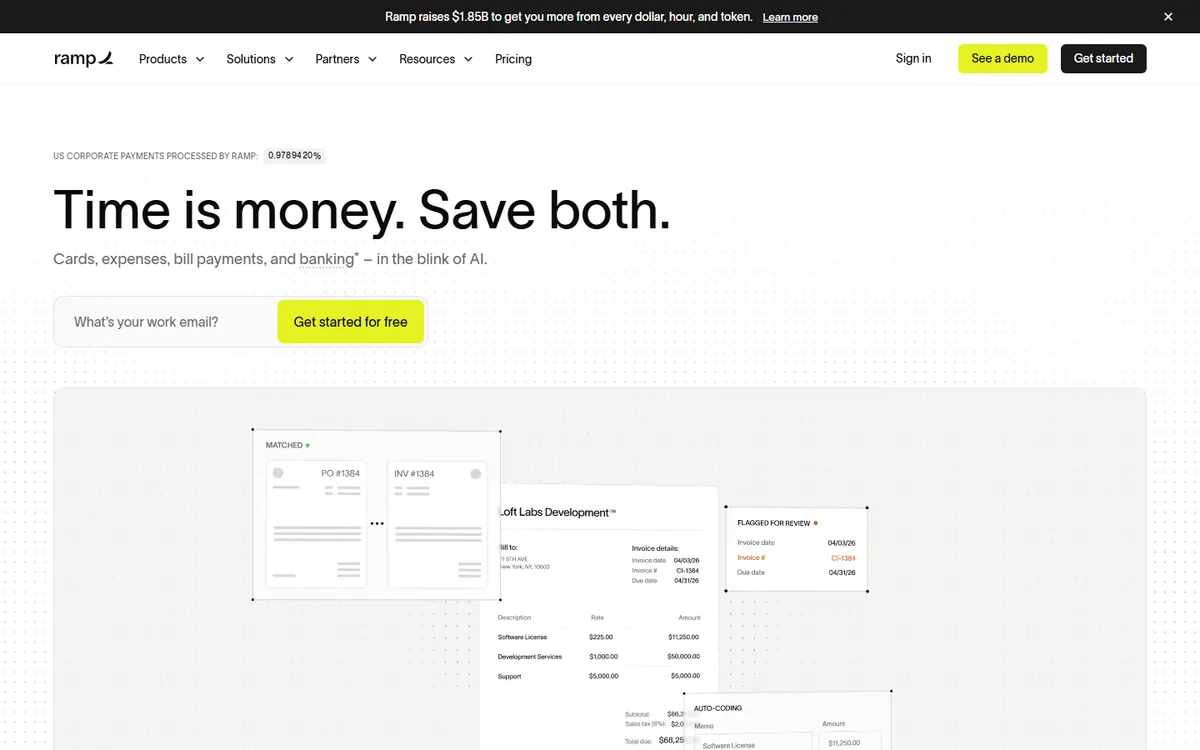
Ramp combines corporate cards, expense management, bill pay and procurement, with AI that codes transactions, reviews expenses against your policy and checks invoices for fraud.
Ramp began as a corporate card and now handles most of the spend side of a finance team: cards, reimbursements, bill pay, procurement and the sync to your accounting system. Its AI reads receipts and invoices, fills in the coding for every field and suggests whether a manager should approve. On the payables side, Ramp’s AP agents add fraud checks, approval recommendations and line-item coding. Fraud screening on payments also ranks high among the financial services use cases I track, and here it comes built into the bill flow.
I put Ramp first because it pays back in the very next close. A controller can switch it on, move card spend over and watch coded, receipt-matched transactions land in the ledger. In my client work, the first thing teams notice is that nobody chases receipts by email anymore. The trade-off sits in the card. Most of the value depends on moving company spend onto Ramp cards, and its planning and close features are light, so you’ll still need tools further down this list for those jobs.
What Ramp Does Well
- The free plan already includes invoice extraction and AI reporting
- AI coding fills every field, so routine spend syncs with little review
- Fraud checks sit inside the normal bill approval flow
What Ramp Could Do Better
- Plus adds a platform fee on top of the per-user price
- Most of the value depends on moving card spend to Ramp
Ramp Pricing
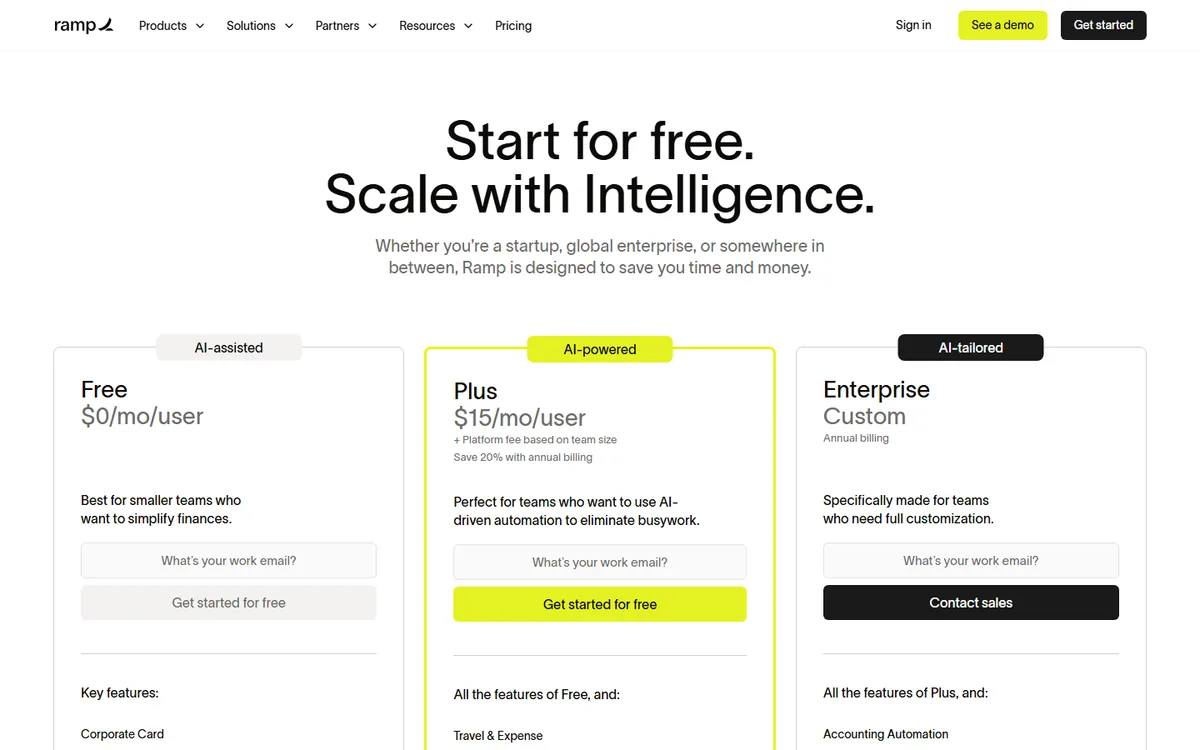
Ramp’s Free plan costs $0 per user per month. Ramp Plus costs $15 per user per month plus a platform fee based on team size, and annual billing saves 20%. Enterprise pricing is custom and billed annually, and procurement is an add-on for Plus and Enterprise.
Ramp Reviews
- G2: score of 4.8 out of 5 (from +2,400 customer reviews)
BlackLine
The Enterprise Standard for Reconciliations, Now Adding Agents Under the Verity Name
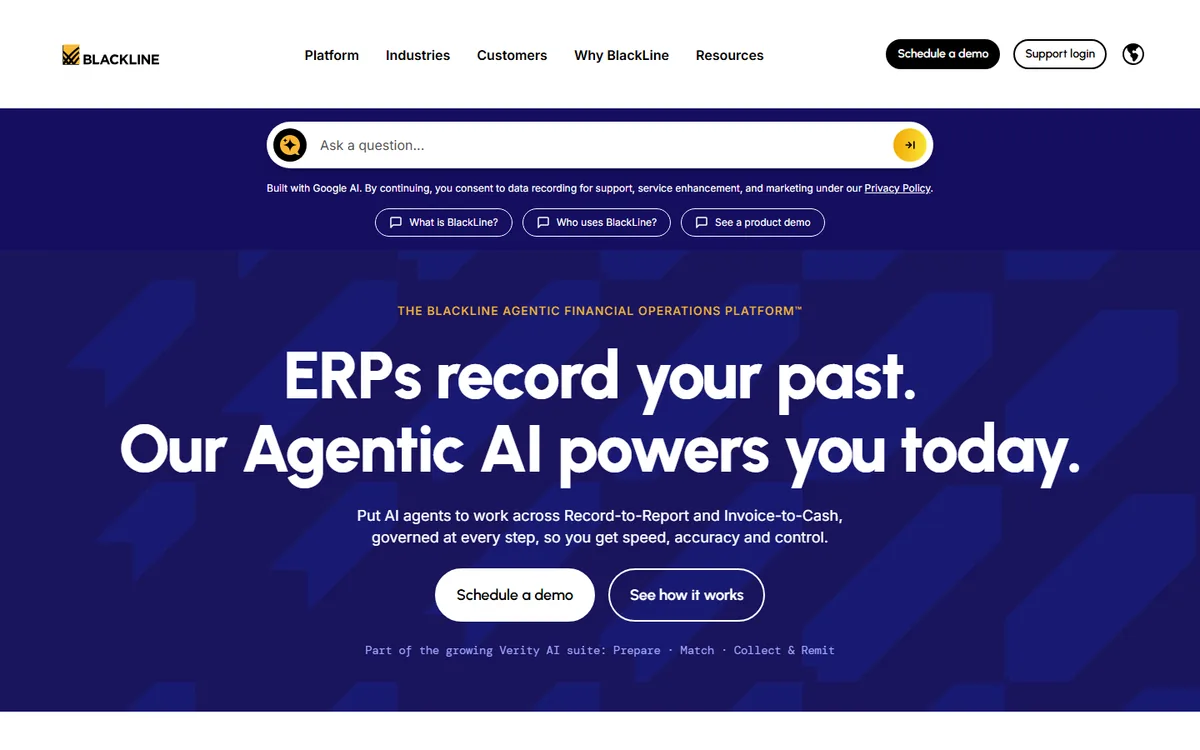
BlackLine automates account reconciliations, transaction matching, journal entries and the close checklist for large finance teams, and its Verity suite adds AI agents on top.
BlackLine has been the default close platform for big companies with many entities, several ERPs and auditors who want every step documented. The core modules cover reconciliations, transaction matching, journal entries, task management and intercompany work. In December 2025 BlackLine bought WiseLayer, a maker of AI digital workers for accounting, and folded its agents into Verity, BlackLine’s AI suite. The company has described Verity Prepare, a reconciliation agent, and in 2026 it announced agents for collections and remittance processing.
I rank it second for maturity. Auditors know the product, and high-volume matching of bank, card and intercompany data is where it earns its fee. The weak spot is effort. Implementations take months, a partner is common, and several reviewers complain about integrations. The agents are also newer than the core product, so ask which ones are generally available for your ERP before you sign. In my client work, BlackLine projects that stall almost always stall on messy account mappings and reconciliation templates nobody cleaned up first.
What BlackLine Does Well
- Transaction matching handles very high volumes
- Audit trails are mature and familiar to auditors
- Verity brings agents into the same governed platform
What BlackLine Could Do Better
- Long, partner-heavy implementations
- Some agents are still early, so availability varies
BlackLine Pricing
BlackLine doesn’t publish prices. You get a custom quote that depends on the modules you license, such as Account Reconciliations or Transaction Matching, plus your number of users and entities. Contracts usually run annual or multi-year.
BlackLine Reviews
- G2: 4.5 out of 5 star rating for the BlackLine Financial Close Management listing (from +980 customer reviews)
FloQast
The Close Tool Accountants Pick When They Want Agents Without an ERP-Sized Project
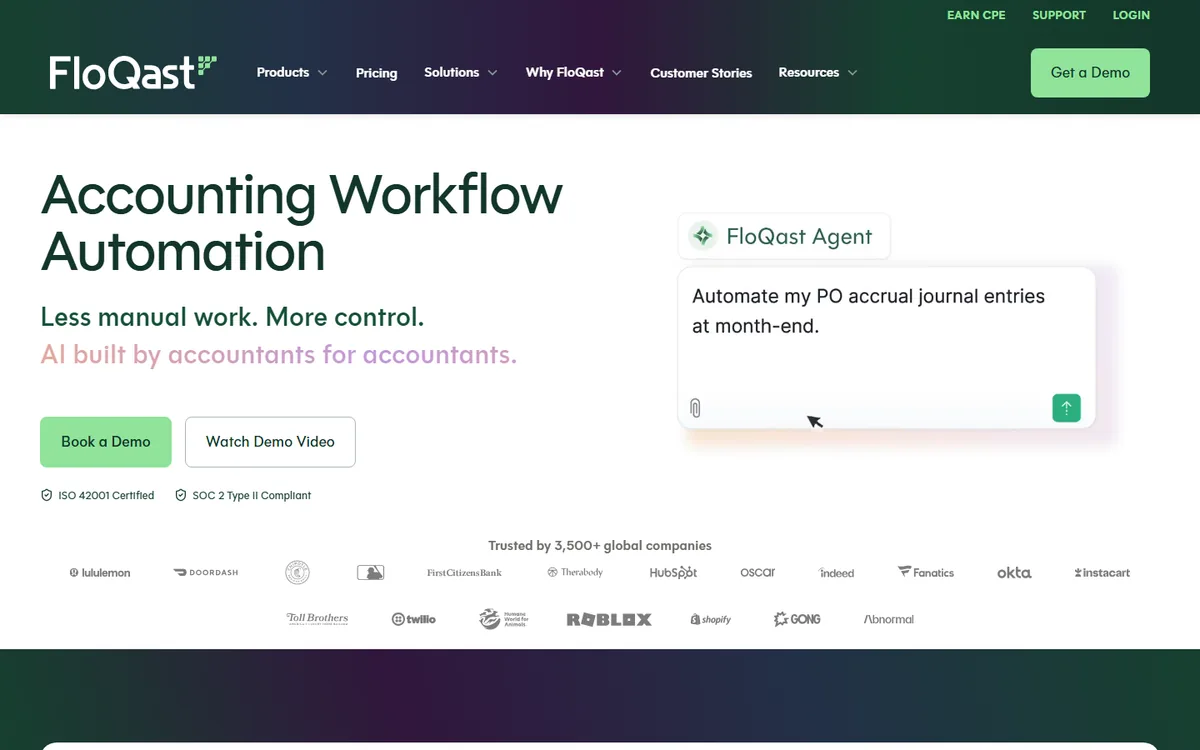
FloQast runs the close checklist, reconciliations and controls, and its Close AI package adds AI agents, AI matching and real-time variance explanations.
FloQast was built by accountants, and it shows in how close the product sits to the way teams already work. You keep your ERP and your reconciliation habits, and FloQast adds the checklist, sign-offs and links between the two. The base Close Management package includes an AI Assistant that answers questions and helps prepare and review work. The Close AI package, which FloQast marks as its most popular, adds prebuilt or custom agents, three-way matching of high-volume transactions, automated reconciliations for amortization, depreciation and subledgers, journal entry posting and anomaly detection.
I like FloQast for mid-sized teams that want quick results and less consulting. Reviewers on G2 praise the interface and how fast new staff learn it. FloQast also says its generative AI governance follows COSO requirements, which helps when your auditor asks how an agent posted an entry. The common complaints are slow ERP data refreshes and limited customization for unusual setups, so test both with your own ERP during the demo.
What FloQast Does Well
- Familiar for accountants, so adoption is quick
- Close AI covers matching, recurring reconciliations and entries
- Risk and compliance can be added as its own package
What FloQast Could Do Better
- ERP data refreshes can lag, according to reviewers
- Customization is limited for unusual close setups
FloQast Pricing
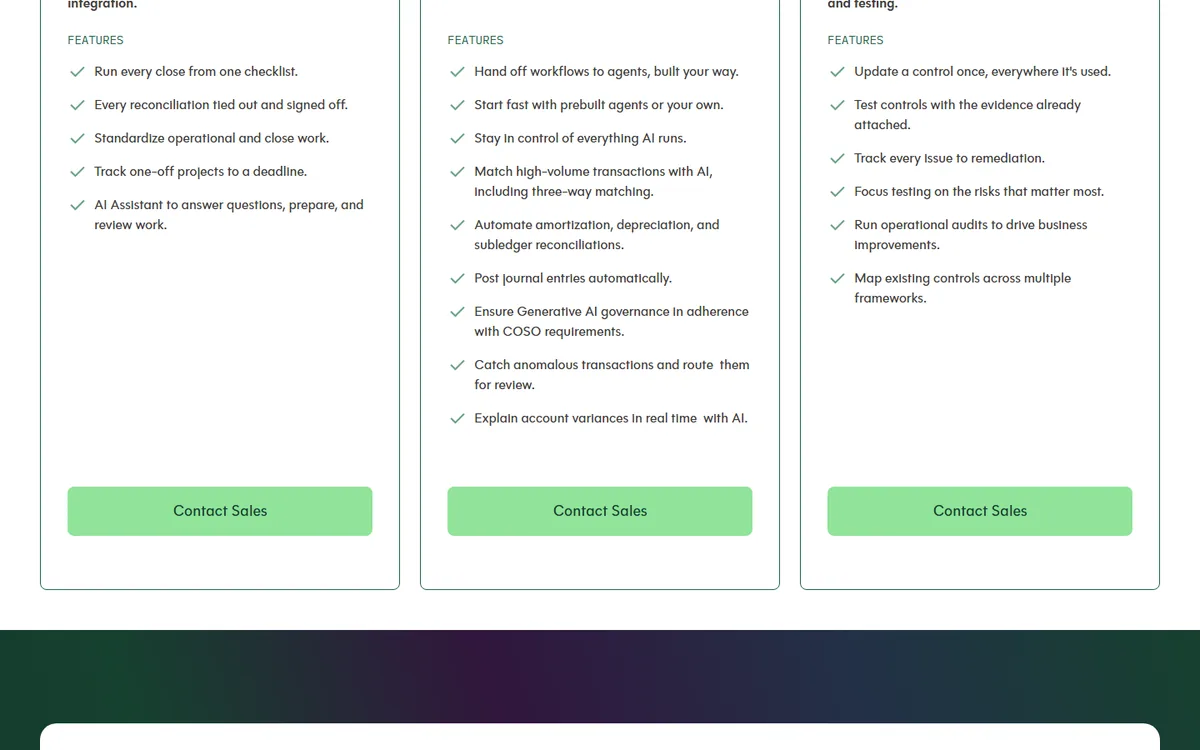
FloQast sells three packages without public prices: Close Management, Close AI and Risk & Compliance. Risk & Compliance can be bought alone or with either close package, and you contact sales for a quote.
FloQast Reviews
- G2: score of 4.6 out of 5 (from +1,400 customer reviews)
Datarails
The Easiest FP&A Upgrade for Teams That Refuse to Leave Excel
Datarails connects your financial data to one governed model that you keep working on in Excel, with AI chat, AI agents and AI Storyboards that turn dashboards into presentations.
Most small FP&A teams I meet don’t want a new modeling language. They want their Excel models fed by live data, without the monthly copy-paste. Datarails does exactly that. It consolidates data from your source systems, keeps your spreadsheets as the front end and adds dashboards and reporting on top. Its AI Suite includes chat for plain-language questions, agents that run recurring analyses and custom agents for your own workflows. AI Storyboards draft a board deck from your dashboards, which is the part finance leads tend to show their CEO first.
Datarails is also growing into a broader finance platform. The Premium plan adds spend tools such as cards, bill pay and contracts, and Expert adds cash management, month-end close and receivables. I’d still buy it for planning and reporting first. G2 reviewers rate the ease of use and reporting speed highly, but they also mention a learning curve and an Excel add-in that can feel heavy with large data sets.
What Datarails Does Well
- Your team keeps its Excel models and formulas
- AI Storyboards cut the time spent on board decks
- AI agents are included from the entry plan
What Datarails Could Do Better
- User counts are capped by plan
- The Excel add-in can feel slow with large data volumes
Datarails Pricing
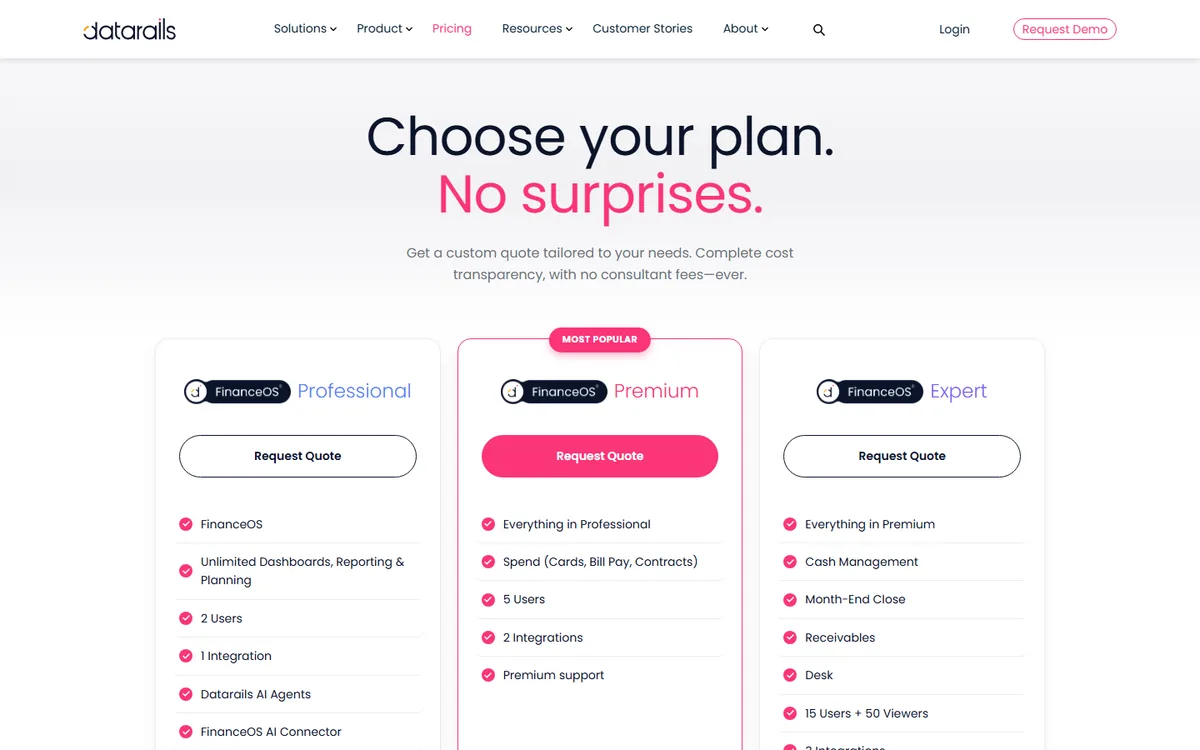
Datarails lists three plans, each priced by quote. Professional includes 2 users, 1 integration and Datarails AI Agents. Premium adds Spend, 5 users and 2 integrations. Expert adds cash management, month-end close and receivables, with 15 users, 50 viewers and 3 integrations.
Datarails Reviews
- G2: score of 4.6 out of 5 (from +320 customer reviews)
Pigment
The Most Agent-Forward Planning Platform for Growing Mid-Market and Enterprise Teams
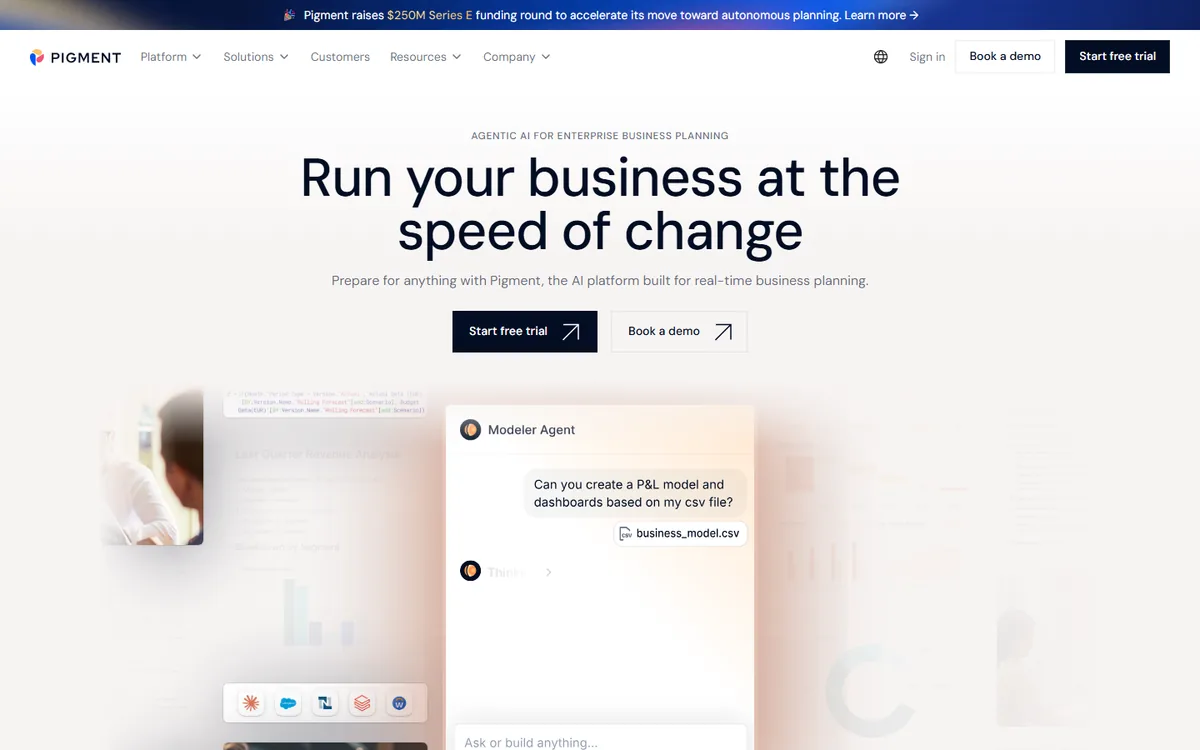
Pigment is a business planning platform for finance, sales and workforce plans, with an Analyst Agent that explains performance and more agents for modeling and scenarios.
Pigment set out its agent plan earlier than most planning vendors. In March 2025 it announced three agents: Analyst, Planner and Modeler. The Analyst Agent became available to all customers in September 2025. It answers questions about your plans and actuals and returns its findings as dashboards, reports or even audio. The Modeler Agent is built to create and update the models themselves from a plain-language request, and a Planner Agent for scenario work is on the roadmap. Check its status with Pigment before you count on it.
What I like is the speed of the modeling layer. A trained finance user can build a driver-based headcount or revenue plan in Pigment without waiting on IT, and the agents sit on the same data. I see it win at scale-ups that outgrew spreadsheets and found Anaplan too heavy. The catches: no public pricing, a smaller review base than the older platforms, and someone on your team still needs real modeling skills. The agents make that person faster.
What Pigment Does Well
- The Analyst Agent is generally available, not a demo
- Finance users can build models without IT
- Covers finance, sales and workforce plans in one place
What Pigment Could Do Better
- No published prices or free plan
- Some agents are still on the roadmap
Pigment Pricing
Pigment doesn’t publish prices and has no free plan. You contact sales for a quote, which depends on your users, the planning use cases you license and the scope of AI features you want.
Pigment Reviews
- G2: score of 4.6 out of 5 (from +100 customer reviews)
Anaplan
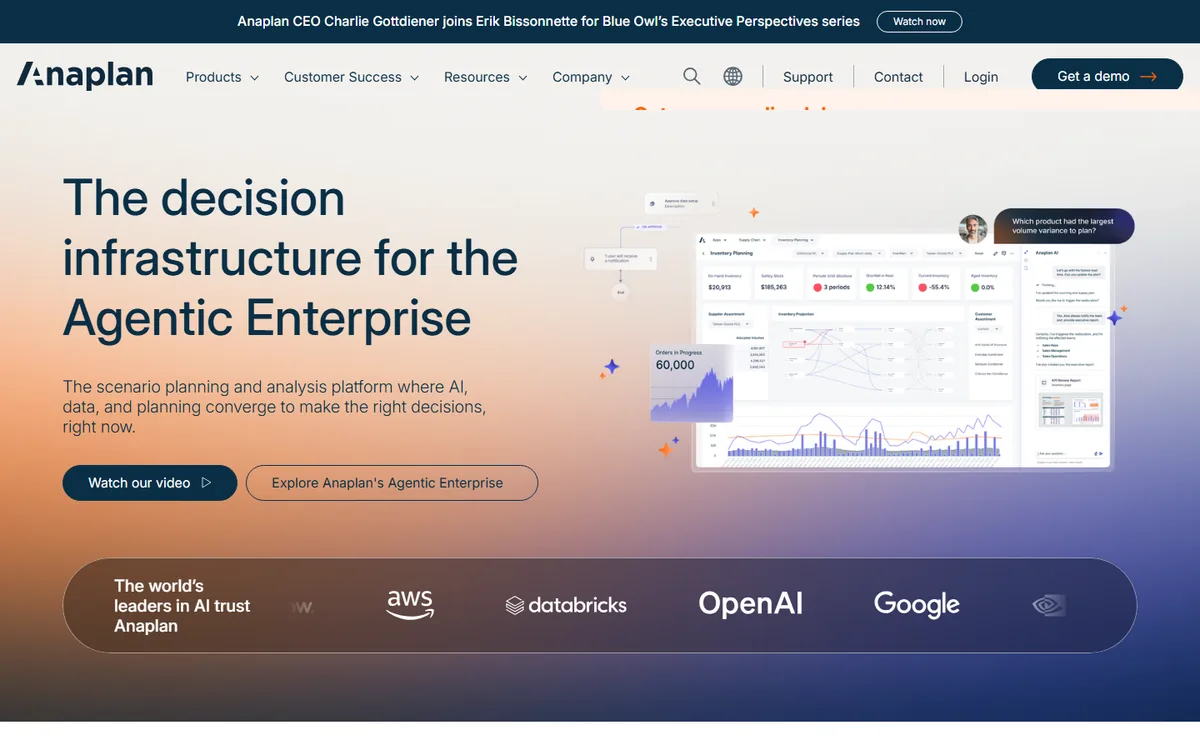
The Heavyweight for Connected Planning Across Finance, Sales and Supply Chain
Anaplan links finance plans with sales, supply chain and workforce plans, adds CoPlanner for conversational questions and offers role-based agents such as Finance Analyst.
Anaplan is the platform I see at global companies where the finance plan has to line up with sales quotas, supply chain forecasts and headcount at the same time. Thoma Bravo took it private in 2022, and since then it has added a lot of AI. CoPlanner lets finance teams ask questions of their plans in plain language. In December 2025 Anaplan introduced role-based agents, including a Finance Analyst that monitors performance, helps with month-end tasks and flags deviations. It has since announced CoModeler and Agent Studio for building models and custom agents.
The strength is scale. Anaplan handles very large, connected models that would break most other tools. The cost is the people around it. You need certified model builders, either on staff or from a partner, and changes to a big model take planning of their own. G2 reviewers praise the interface, yet they rate its AI features lower than its core planning. For a company under a few hundred employees, I’d look at Pigment or Datarails first.
What Anaplan Does Well
- Handles very large models across many departments
- Role-based agents cover finance, sales and supply chain
- A large partner network for implementation
What Anaplan Could Do Better
- Needs certified model builders to run well
- Overkill for small and mid-sized finance teams
Anaplan Pricing
Anaplan doesn’t list plans or prices on its pricing page. You get a quote based on the applications you need, such as financial consolidation or workforce planning, plus users and AI capabilities.
Anaplan Reviews
- G2: score of 4.6 out of 5 (from +450 customer reviews)
Workday Adaptive Planning
The Safe Pick When Your HR and Financials Already Run on Workday
Workday Adaptive Planning covers budgeting, forecasting, reporting and workforce planning, with AI that explains variances in plain language and links each answer to its source.
Workday bought Adaptive Insights in 2018, and the product has since become the planning layer for many Workday HR and Financials customers. Budgets, rolling forecasts, workforce plans and management reports all live in one place, and finance users can still work through an Excel connection. Workday says AI is built into the product. Its analyst features look for the reason behind each variance, surface trends you might miss and turn results into a written narrative with full source attribution, which makes review easier.
The biggest reason to choose it is the link to headcount. If Workday HCM already holds your people data, workforce plans stay current without exports. Outside the Workday world, the case gets weaker. G2 reviewers say customization is complex and that some changes need help from Workday or a partner, and smaller companies find the price steep. Close and consolidation is a separate add-on, so price it in if you need both.
What Workday Adaptive Planning Does Well
- Live headcount data for Workday HCM customers
- Variance narratives cite their sources
- Finance users can keep working through Excel
What Workday Adaptive Planning Could Do Better
- Custom setups often need partner help
- Pricing is steep for smaller companies
Workday Adaptive Planning Pricing
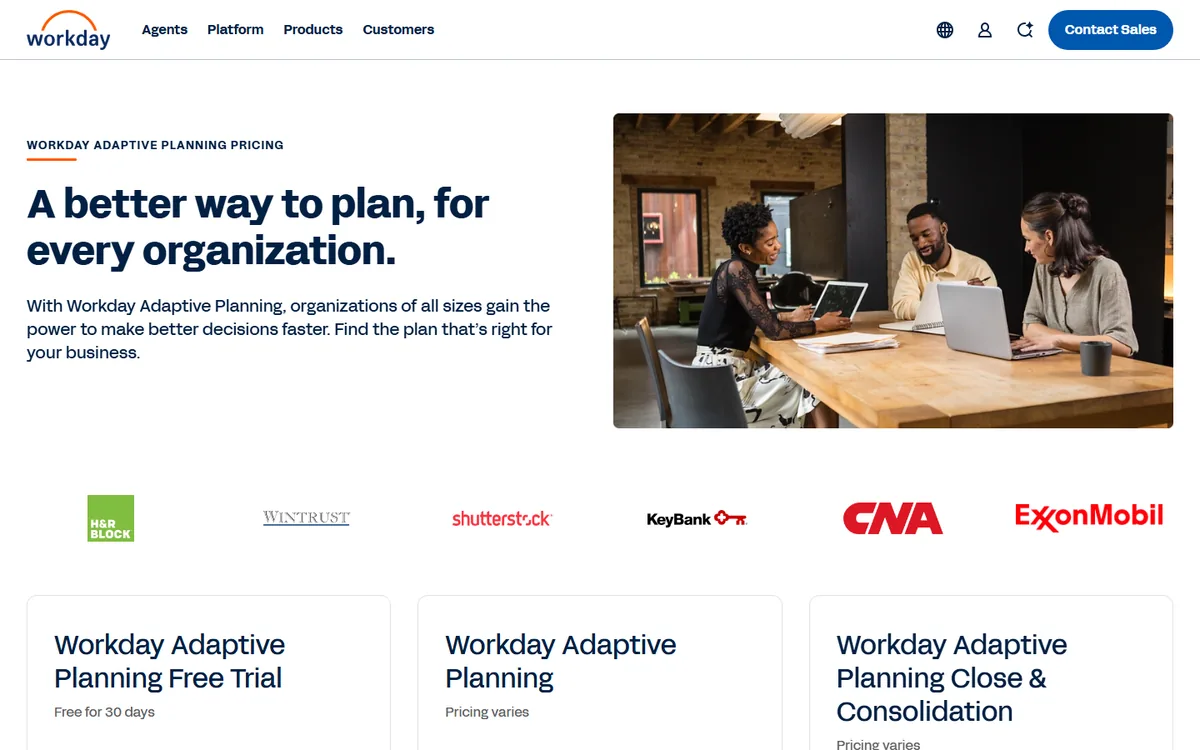
Workday doesn’t publish prices for Adaptive Planning. Quote required and varies for the core planning product and for the separate Close and Consolidation add-on, usually by number of users.
Workday Adaptive Planning Reviews
- G2: score of 4.3 out of 5 (from +300 customer reviews)
Vena
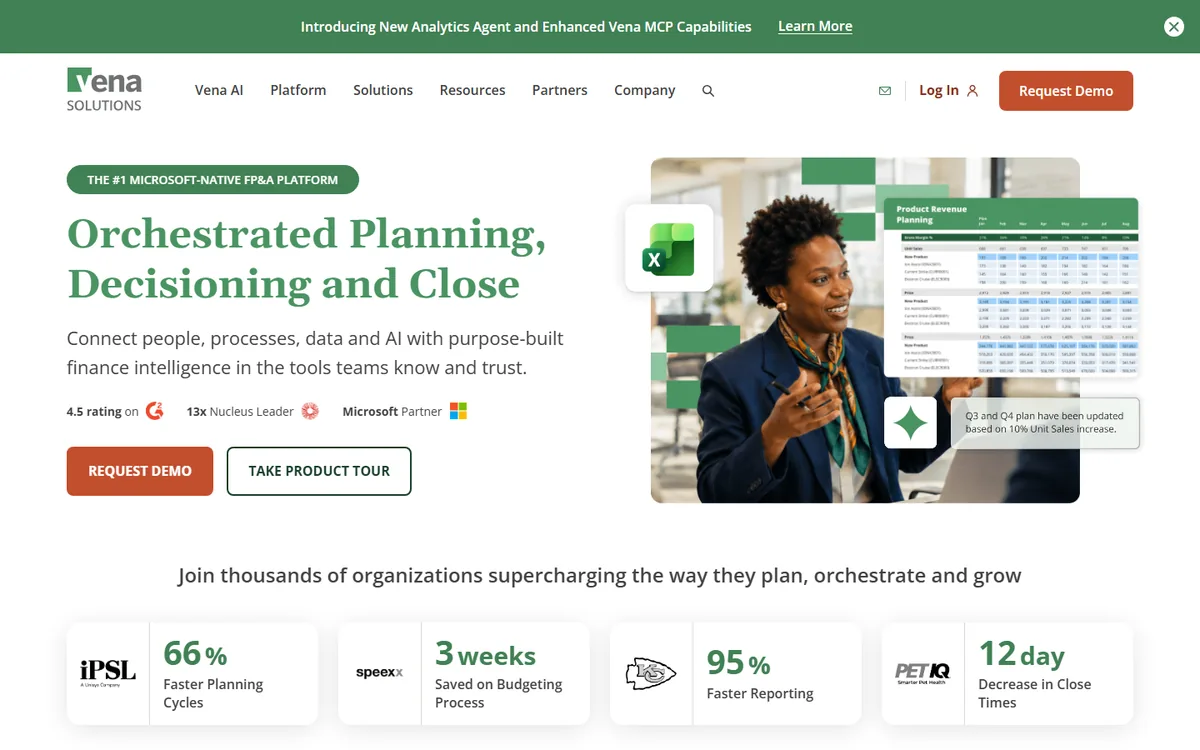
The Excel-Native Planning Choice for Teams That Live in Microsoft 365
Vena runs planning, consolidation and reporting inside Excel, and Vena Copilot adds planning, reporting, scenario and analytics agents that also work in Microsoft Teams.
Vena and Datarails both keep Excel at the front, but they feel different in practice. Vena leans harder into Microsoft. Vena Copilot runs on Microsoft Azure OpenAI, according to Vena, and its agents work across your structured data models. The Planning Agent builds driver-based budgets and forecasts in Excel. The Reporting Agent creates reports in native Excel that stay connected to Vena, so you share them like any other workbook. Since May 2025 you can also ask the agents questions or hand them tasks from Microsoft Teams.
I recommend Vena to mid-sized and larger finance teams that already run on Microsoft 365 and want planning, consolidation and reporting from one vendor. Reviewers like the unified platform. One G2 reviewer noted that Vena’s reconciliation add-on doesn’t match the depth of specialist tools, which fits what I’ve seen, so pair it with a close tool if reconciliations are your pain. Pricing isn’t public, and Vena offers no free plan.
What Vena Does Well
- Agents work in both Excel and Microsoft Teams
- Reports stay as normal Excel files you can share
- Planning, consolidation and reporting come from one vendor
What Vena Could Do Better
- The reconciliation add-on is lighter than specialist close tools
- No public pricing or free plan
Vena Pricing
Vena doesn’t publish list prices. You request a quote, which depends on your users, the modules you license and your implementation scope. Plan implementation and training costs on top of the license.
Vena Reviews
- G2: score of 4.5 out of 5 (from +470 customer reviews)
Stampli
The AP Tool That Wins Over Approvers Who Never Wanted an AP Tool
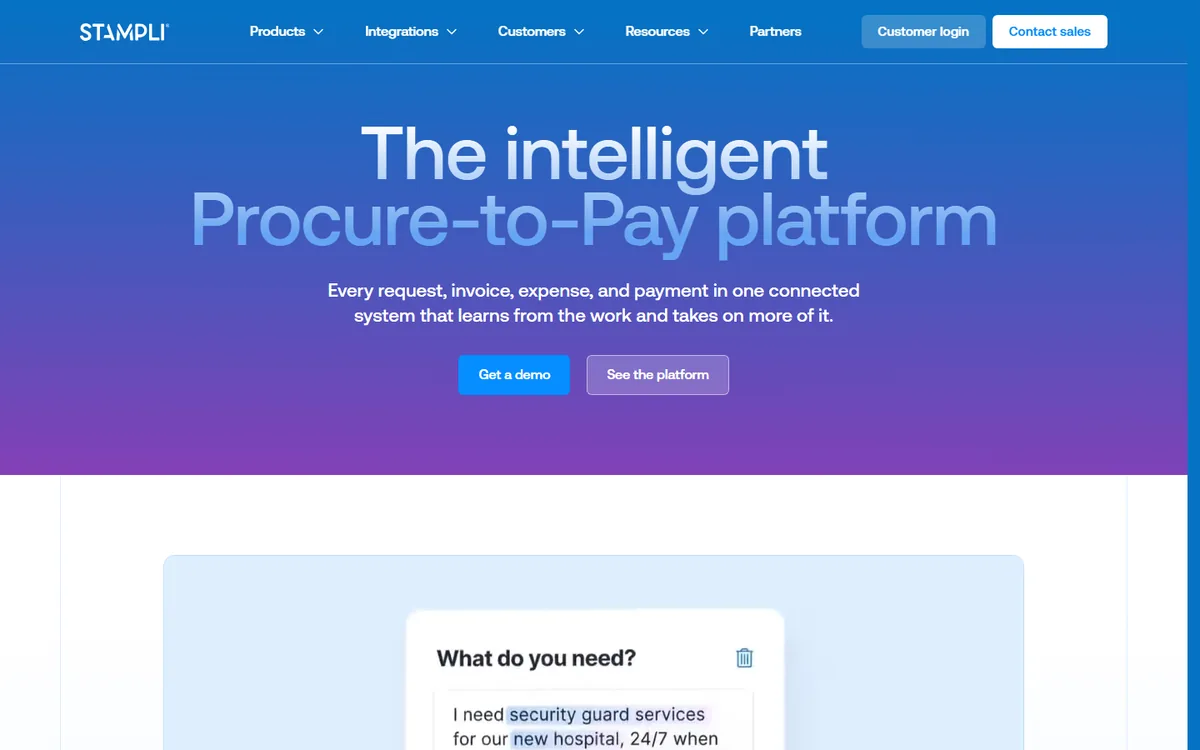
Stampli puts every invoice, its approvals and the conversation about it on one screen, and its AI, Billy, captures, codes and routes invoices and handles PO matching.
Accounts payable usually breaks at the approver, the budget owner who ignores three reminder emails. Stampli’s answer is to make the invoice itself the place where people talk. Approvers see the document, ask questions in comments and approve in one click, and AP sees the whole history. Billy, Stampli’s AI, learns how your team codes and routes invoices and suggests the next step, and Stampli’s pricing page says Billy can fully automate PO matching. Stampli says its AI has a ten-year track record. Treat that as marketing, though it does mean Billy predates the current wave of agents.
I like Stampli for companies with many approvers spread across locations, because it sits on top of your ERP and needs little change to how people work. G2 reviewers rate it highly for approval workflows. Beyond AP, you can add Stampli Procurement, Direct Pay, Credit Card and Advanced Vendor Management. If cross-border payouts to many countries are your main job, Tipalti fits better.
What Stampli Does Well
- Approvers adopt it with almost no training
- Billy learns your coding and routing patterns
- A customer success manager is included
What Stampli Could Do Better
- No published prices
- Global payouts are less of a focus than at Tipalti
Stampli Pricing
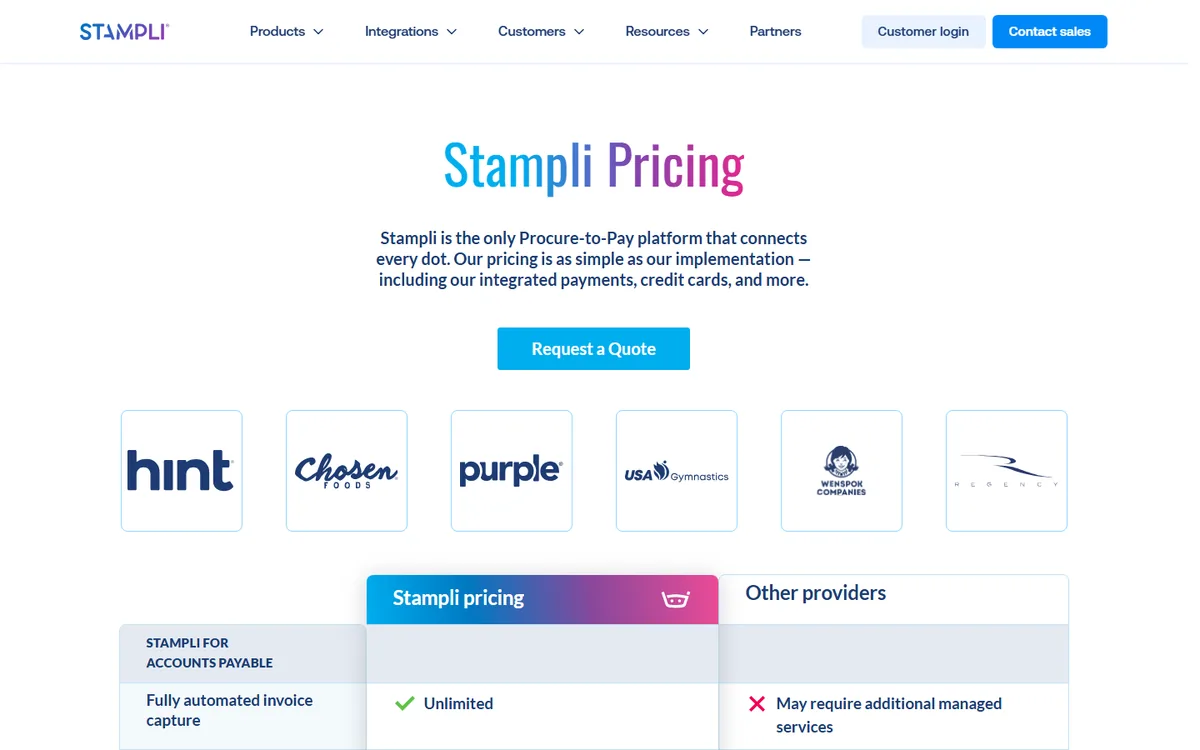
Stampli prices by quote. Stampli for Accounts Payable includes invoice capture, PO matching, onboarding, training and a customer success manager. Procurement, Direct Pay, Credit Card and Advanced Vendor Management are sold as additions.
Stampli Reviews
- G2: score of 4.6 out of 5 (from +1,900 customer reviews)
Tipalti
The Best Fit When You Pay Suppliers, Creators or Partners in Many Countries
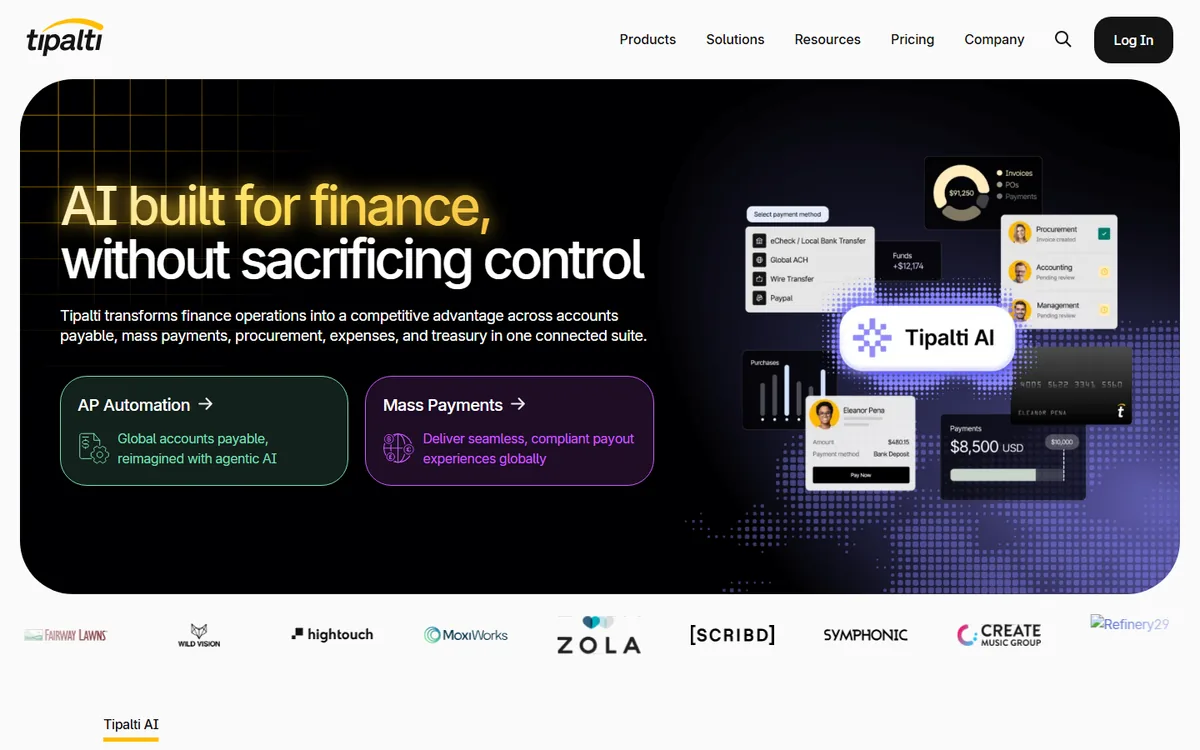
Tipalti automates supplier onboarding, invoice processing, approvals and global payments, with AI agents for invoice scanning, PO matching, bill approvals and reporting.
Tipalti covers the full payables cycle, from a supplier filling in their own details in a self-service portal to the payment arriving in their currency. Its AI agents handle reporting, bill approvals, invoice scanning, tax form scanning, ERP sync and PO matching, and the Tipalti AI Assistant is included in the Accounts Payable plan. Invoice scanning works across many formats and, according to Tipalti, 146 languages.
The use case where Tipalti stands out is mass payouts. Marketplaces, ad networks and companies paying affiliates or creators can send thousands of payments while Tipalti collects tax forms and checks payee details. In my client work, the tax form collection alone often justifies the switch for teams paying many international contractors. Two caveats. Transaction fees come on top of the platform price, so model your payment volume before you compare quotes. And G2 reviewers say the built-in reporting is weak, so plan to pull data into your own reports.
What Tipalti Does Well
- Handles supplier onboarding and tax forms in one portal
- Unlimited users on the base plans
- Published starting prices, which is rare in this group
What Tipalti Could Do Better
- Transaction fees add up at high volumes
- Reporting is weaker than the payments side
Tipalti Pricing
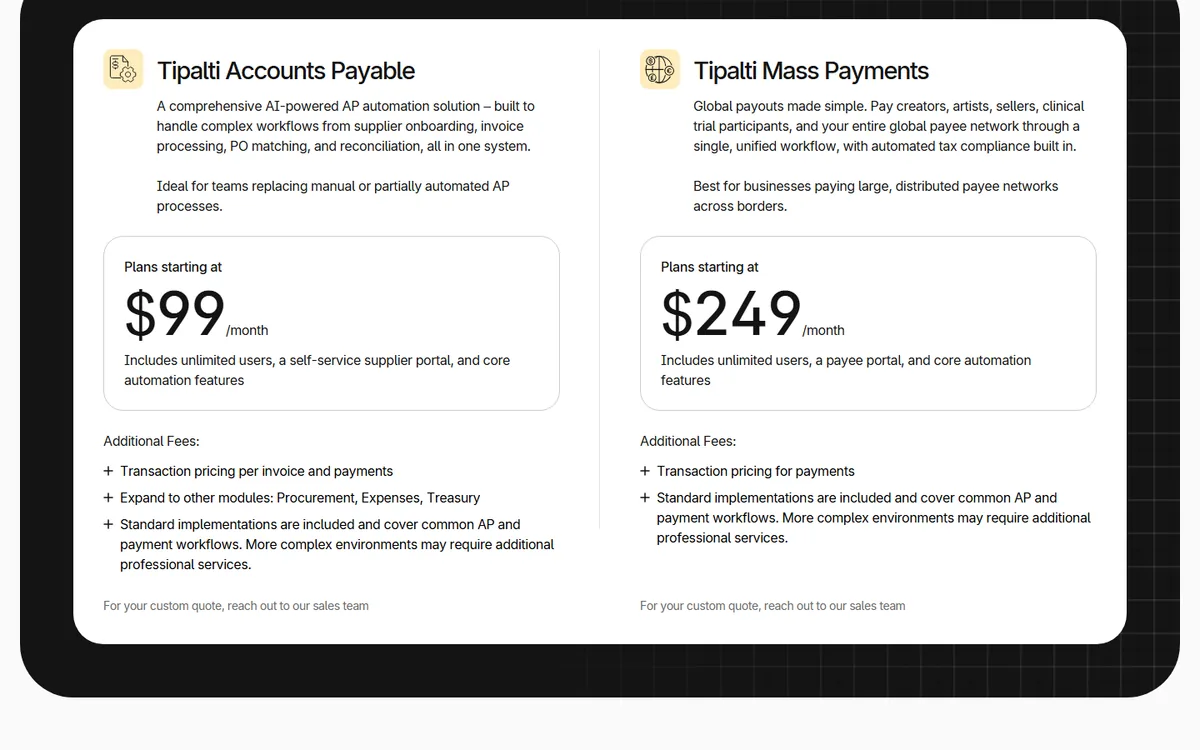
Tipalti Accounts Payable starts at $99 per month and Tipalti Mass Payments at $249 per month, both with unlimited users. Transaction fees are extra, and the Expenses, Procurement and Treasury add-ons are priced by quote.
Tipalti Reviews
- G2: score of 4.5 out of 5 (from +410 customer reviews)
HighRadius
The Order-to-Cash Specialist for Large Receivables Teams
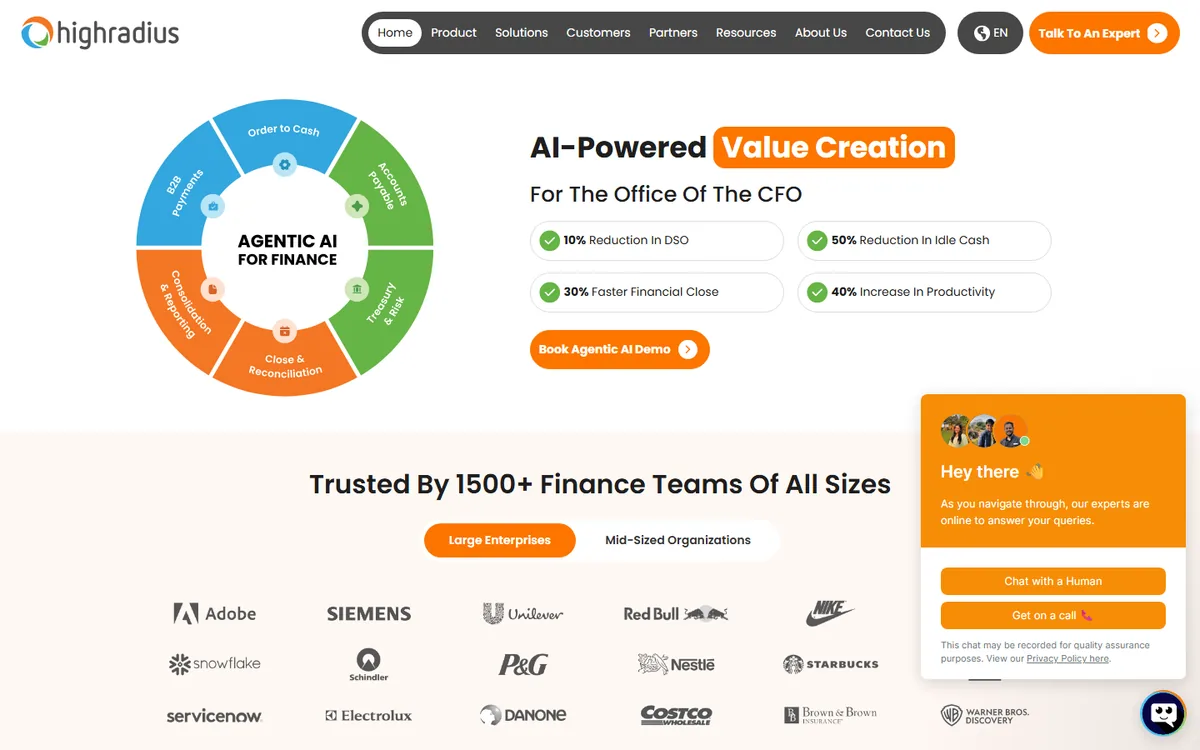
HighRadius automates credit, collections, cash application and deductions with a large library of AI agents, plus FreedaGPT, a generative AI assistant for finance leaders.
Receivables is where large companies quietly lose the most cash: invoices paid late, payments that won’t match, deductions nobody disputes. HighRadius focuses on that order-to-cash cycle. Its agents span credit risk, collections and cash application, and the company has publicly set a goal of releasing a fully autonomous finance platform by 2027. That date is HighRadius’s own target, so judge the product on what ships today. FreedaGPT gives finance leaders a chat interface over their data, and LiveCube is its no-code tool for data analysis.
I rank it eleventh because it’s strong in a narrow lane and hard to start small. It makes most sense for companies with high invoice volumes and many customers paying by check, ACH and remittance emails. G2 reviewers like the automation but mention difficult navigation and issues with invoicing and payments. Banks and insurers run similar collections work at much higher volume, and my AI in finance examples show how they approach it.
What HighRadius Does Well
- Deep focus on cash application, collections and credit
- A wide range of prebuilt AI agents for receivables
- Annual subscription with pay-as-you-go options
What HighRadius Could Do Better
- Navigation feels complex, according to reviewers
- Too much platform for small receivables teams
HighRadius Pricing
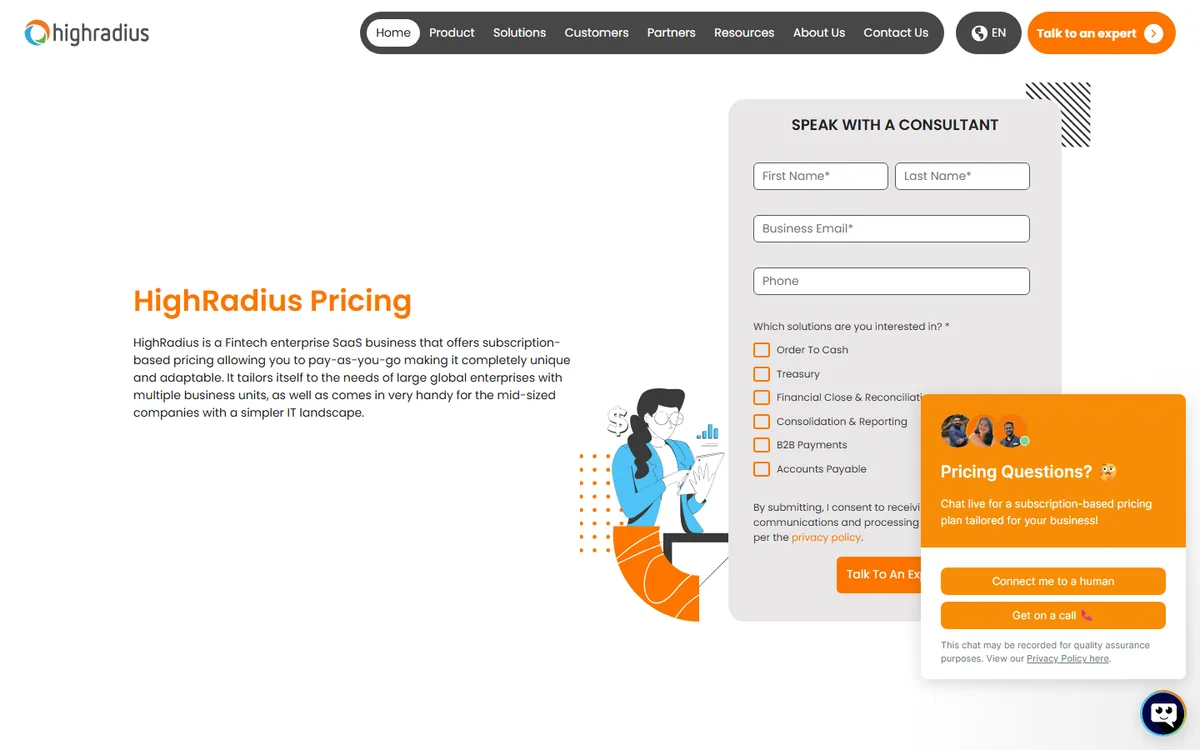
HighRadius doesn’t publish plan names or prices. Its pricing page describes subscription pricing, usually on an annual term, with pay-as-you-go options and several pricing models to choose from. You get a quote from sales.
HighRadius Reviews
- G2: 4.3 out of 5 star rating for the HighRadius Accounts Receivables listing (from +230 customer reviews)
Numeric
The Modern Close Platform for Fast-Growing Companies That Want AI Flux Commentary
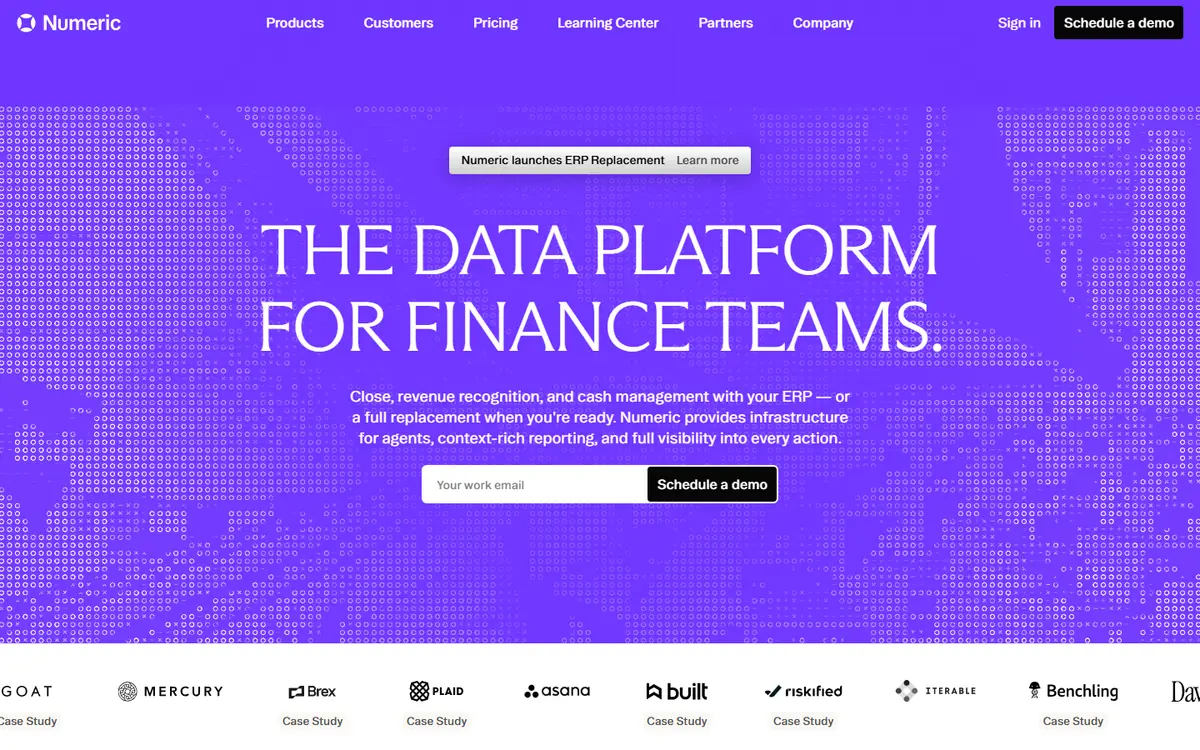
Numeric manages the close, reconciliations and flux analysis with AI that drafts variance explanations, and it now sells cash management, billing and an ERP replacement.
Numeric is the youngest close tool on this list, and it feels like it. The interface is fast, and the AI goes after the task controllers dislike most: writing explanations for every account that moved. Customers on Numeric’s site credit its AI with cutting the time spent on variance commentary. The Cash Management module uses AI to parse bank statements for cash reconciliations. In the ERP Replacement plan, an in-app AI called Prism lists the agent work that needs your review each day.
The ERP Replacement plan is the bold part. Numeric now offers to replace NetSuite with its own financial data platform, which I’d treat as early until you’ve spoken to reference customers of your size. For the close alone, Numeric is a strong fit for venture-backed companies with lean teams. It earns the top G2 score among the close tools here, though from a much smaller review base than FloQast or BlackLine.
What Numeric Does Well
- AI drafts flux explanations for review
- Fast, modern interface that lean teams pick up quickly
- Frequent product updates, according to reviewers
What Numeric Could Do Better
- The ERP replacement offer is new and unproven at scale
- Smaller review base than the established close tools
Numeric Pricing
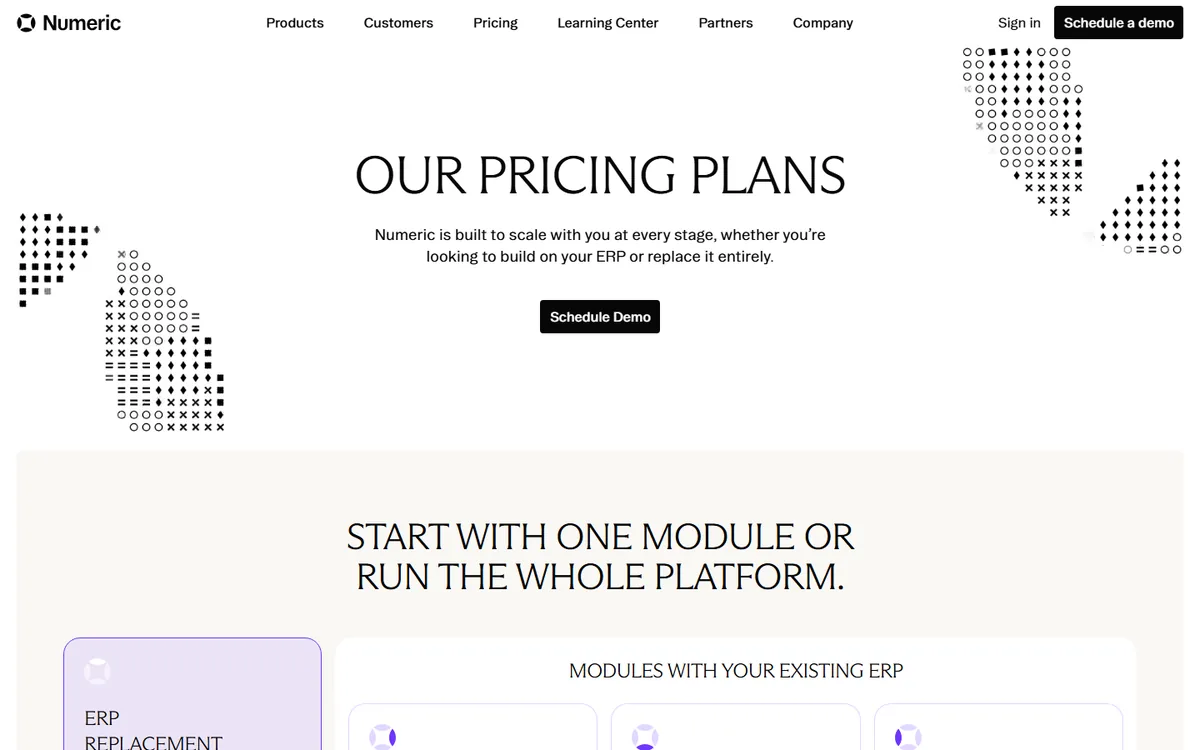
Numeric lists four plans without prices: ERP Replacement, Close Management & Analytics, Cash Management and Billing & Revenue. Pricing depends on factors such as transaction volume and seats, and onboarding and data migration are scoped upfront after a demo.
Numeric Reviews
- G2: score of 4.8 out of 5 (from +60 customer reviews)
Estimate the Return on a Finance AI Tool
Finance leaders tend to ask for the business case before the demo, which is the right order. Enter the hours your team spends each month on the task you want to automate, such as invoice coding, reconciliations or variance commentary, plus the monthly price of the tool. If you need outside figures for the board deck, my AI in finance statistics collect adoption and spending data.
Will It Pay for Itself?
Move the sliders to match the work you want to automate and the plan you are considering.
How to Choose an AI Finance Tool for Your Team
Start with the job that hurts, then look at tools. In my client work, the teams that bought a planning platform while their close still dragged on for weeks ended up with fast forecasts built on late numbers. Answer these four questions before you book demos:
- Which job eats the most hours today: spend, payables, the close, receivables or planning?
- Which ERP do you run, and does the vendor have a native connector for it?
- How will you show an auditor what the AI did, and who approved it?
- Who on your team will own the tool after go-live?
If spend and receipts are the mess, start with Ramp. For a slow close, pick BlackLine at enterprise scale, FloQast in the mid-market or Numeric at a fast-growing company. For planning, Datarails and Vena suit Excel-first teams, Pigment suits teams that want agents and modern modeling, Anaplan fits global connected planning and Workday Adaptive Planning fits Workday customers. Stampli and Tipalti split payables by approval-heavy versus payout-heavy, and HighRadius covers large receivables teams. Run your pilot on last month’s real data. Vendor demo data always matches.
Questions About AI in Finance Tools
What Is the Best AI Tool for a Small Finance Team?
For a team of one to five people, I’d start with Ramp, because its free plan already codes card spend and reads invoices with AI. Add Datarails once budgeting and reporting in Excel start eating your month. Both can go live without a long project, which matters more at that size than any single feature.
Which AI Tools Help Most with the Month-End Close?
BlackLine, FloQast and Numeric are the close tools on this list. BlackLine fits large groups with many entities and strict audit needs. FloQast suits mid-sized teams that want AI matching and agents on top of a familiar checklist. Numeric fits fast-growing companies that want AI-written variance explanations and a modern interface.
Can AI Replace Accountants or FP&A Analysts?
No. In my client work, these tools remove the copy-paste work: matching, coding, chasing receipts and drafting variance comments. Someone still has to own the numbers, judge unusual items and explain results to leadership. Most teams I’ve seen use the freed hours for analysis and controls, and they rarely cut headcount in year one.
Do AI Finance Tools Pass an Audit?
They can, if you set them up with that goal. Ask each vendor how the AI logs what it changed, who approved it and how you can show that to an auditor. FloQast, for example, says its generative AI governance follows COSO requirements. Bring your auditor into the pilot early, so nobody is surprised at year end.
How Much Do AI Tools for Finance Cost?
Only a few vendors publish prices. Ramp has a free plan and a Plus plan at $15 per user per month plus a platform fee, and Tipalti starts at $99 per month for accounts payable. Most planning and close platforms on this list quote prices through sales. Budget for implementation and training on top of the license.
Should I Buy One Finance Suite or Several Specialist Tools?
Most teams I advise end up with three or four tools: one for spend and payables, one for the close, one for planning and sometimes one for receivables. Suites like Datarails and Numeric are expanding, which can cut that number. Pick the tool that fixes your biggest bottleneck first, then check how well the next one connects to it.
Is My Financial Data Safe in AI Finance Tools?
Ask before you buy. Request the vendor’s security reports, find out which AI models process your data and if your data trains them, and check where it’s stored. Vena, for example, says Vena Copilot runs on Microsoft Azure OpenAI. Your IT and compliance teams should sign off before any production data flows in.
Disclaimer: Prices, plans, AI features and ratings change often. They were checked when this article was last updated and follow each vendor’s own materials, so confirm them with the vendor and on G2 before you buy. Nothing here is financial, tax, accounting or legal advice.
Did you find this helpful?
Thank you for your feedback.
Marlena leads the WiseCrow editorial team and works with our consultants to turn real client projects into practical guides on AI strategy, automation and governance. Before joining WiseCrow, she spent 12 years in B2B operations and SaaS content. She has since edited more than 400 articles on AI and automation and reviewed workflows from over 60 client projects. She is based in Austin, Texas.