Summary
- Amazon expects its Rufus assistant to add over $10 billion in annual sales, the biggest figure in this list.
- Most of the wins sit behind the scenes: catalog data, product images, review summaries and store ordering.
- Almost every figure is company-reported, so compare users with non-users before you trust a result.
- The retailers with the best results planned the human side first, from editors to retrained staff.
Every retail AI pitch deck quotes the same few success stories, usually without a source. I wanted the opposite: ten named retailers, one reported result each and a link to where the number came from. It’s the homework I do at the start of any retail AI consulting project, because a client’s first question is almost always “who has actually made this work?”
Below you’ll find the ten examples grouped into three themes, with what each company did, how the system works as far as it’s public and the one lesson worth copying. Where I fill in a step from my own reading, I say so. If you’d rather see the ideas by business function, my guide to AI in retail use cases is organized that way.
The 10 Retailers at a Glance
The table lists each retailer, what it used AI for and the headline figure it reported. The year is when the result was published. Click a name to jump to the details.
| Retailer | Use case | Reported result | Year |
|---|---|---|---|
| 1. Amazon | Shopping assistant | 60% likelier to buy | 2025 |
| 2. Lowe’s | Project assistant | 3x conversion | 2026 |
| 3. Best Buy | Service assistant | 50%+ more containment | Since 2024 |
| 4. Walmart | Catalog data | 850M data points improved | 2024 |
| 5. Zalando | Campaign images | 90% lower image cost | 2025 |
| 6. CarMax | Review summaries | 100k reviews summarized | 2022 |
| 7. eBay | Photo-to-listing | 50% more listings per lister | 2026 |
| 8. Morrisons | Store ordering | 30% fewer shelf gaps | 2017 |
| 9. Sam’s Club | Exit check | 23% faster exits | 2024 |
| 10. IKEA | Service bot | 47% of queries handled | 2023 |
Shopping and Service Assistants That Lift Sales
The first three examples put an AI assistant in front of shoppers or callers. They get the most press, and they’re also the hardest to measure fairly, because the people who use an assistant are rarely a random sample.
Amazon: An Assistant Inside the Search Bar
Amazon launched Rufus, its generative AI shopping assistant, in 2024 and put it right where people already shop: the search bar of its app and website. You can ask it which running shoes suit flat feet or what to pack for a camping trip, and it answers from product listings, customer reviews and community Q&A. On the third-quarter 2025 earnings call, Andy Jassy said 250 million shoppers had used Rufus that year, with monthly active users up 140% year over year, as Fortune reported. Customers who engage with it are 60% more likely to complete a purchase.
The biggest number is a forecast: Amazon expects Rufus to add over $10 billion in annual incremental sales. Treat it as Amazon’s own estimate, based on Amazon’s own attribution. Even so, it’s the clearest public sign yet that a chat assistant can move revenue at scale, and it’s the figure every retail board I talk to has heard.
How Rufus Fits Into a Shopping Trip
- A shopper types a question into the normal search bar or taps the Rufus button.
- Rufus draws on product listings, reviews and community Q&A to answer in plain language.
- It suggests products and comparison points with links to the product pages.
- Follow-up questions keep the context of the conversation.
- My reading: Amazon ties each Rufus session to later purchases, which is how it can put a dollar figure on the assistant.
What a Smaller Retailer Can Borrow
You don’t need Amazon’s budget to answer product questions in plain language, because the hard part is clean product data and reviews you already own. Decide how you’ll measure the assistant’s effect on purchases before launch, or you’ll end up with usage numbers and no revenue story.
Lowe’s: Mylow Answers the Project Question
Lowe’s built Mylow, an AI assistant for home improvement questions. You describe a project, like retiling a bathroom floor, and it walks you through the steps, the materials and the products you’ll need. On its first-quarter 2026 call, Lowe’s said online customers who used the assistant converted at three times the rate of those who didn’t, according to StockStory’s call summary. Online sales grew 15.5% in the same quarter.
Store associates get their own version, Mylow Companion, so the answer you get on the floor matches the one you’d get online. A threefold gap needs a careful read, though. People who open a project assistant are often close to buying already, so part of the gap is self-selection. Lowe’s credits Mylow alongside other digital changes for the online growth, and I’d expect the true lift to sit somewhere below 3x.
What Happens When a Customer Asks Mylow
- A customer opens Mylow on the Lowe’s website or app and describes the project.
- The assistant answers with steps, a materials list and product suggestions.
- Suggested products link to pages with stock and delivery options.
- In stores, associates ask Mylow Companion similar questions on their devices.
- Lowe’s compares conversion for Mylow users with non-users, the figure it reports on calls.
The Lesson for Project-Based Retail
If your customers buy for projects, an assistant that answers the project question sells the whole basket. Give your store staff the same tool, so the advice online and in the aisle matches.
Best Buy: Self-Service That Solves the Call
In 2024, Best Buy announced a generative AI virtual assistant built with Google Cloud and Accenture. It handles troubleshooting, delivery changes and membership questions on the website, in the app and on the phone line, and it gives human agents live suggestions during calls. Google’s Best Buy customer story reports that the virtual assistants increased call containment by more than 50% and cut transfer rates by 1.5% to 2%.
Containment means the customer’s issue gets solved without reaching a person. Read both figures as vendor-published, with no baseline or measurement period given. The smaller transfer number is the one I’d watch most closely. Every avoided transfer is a customer who didn’t have to explain the problem twice, and in my client work repeat explanations drive more complaints than wait times do.
How a Support Contact Gets Handled
- A customer reaches out through the site, the app or the phone line.
- The virtual assistant works out the issue, such as a late delivery or a device fault.
- Routine requests, like rescheduling a delivery, get solved on the spot.
- Complex cases go to an agent, who sees AI suggestions based on the live conversation.
- My reading: Best Buy tracks containment and transfers per contact type, so it can see where self-service works.
Where Your Service Team Can Start
Pick the three or four request types that make up most of your contacts and automate those first. Measure transfers as closely as containment, since a contained call that leaves the customer angry isn’t a win.
Product Content at Catalog Scale
These four examples never talk to a customer. They produce or repair the content customers see: product data, campaign images, review summaries and listings. Content work is where generative AI saves time most visibly, because the before-and-after is easy to count.
Walmart: Repairing 850 Million Catalog Data Points
Walmart sells a huge range of products online, and much of the product data comes from suppliers and sellers in uneven shape. Think missing sizes, one color named several different ways and thin descriptions. On its August 2024 earnings call, Walmart said it had used large language models to create or improve more than 850 million pieces of catalog data, and that the work would have needed about 100 times the headcount without generative AI, Retail Dive reported.
Catalog clean-up sounds dull next to a shopping assistant. Walmart’s leaders still tied it to almost everything: helping shoppers find products, storing inventory and getting orders delivered. In my client work, product data is the first thing that breaks an AI rollout, so I read this as the foundation under every other example on this list.
How the Catalog Work Came Together
- Product records arrive from suppliers and sellers with missing or messy fields.
- Several large language models fill gaps and standardize attributes.
- My reading: quality rules and human spot checks run before records publish, as with any catalog change at that scale.
- The improved data feeds product pages and on-site search.
- Associates benefit too, for example by finding products from images of the packaging.
Your Version of the Clean-Up
Run a catalog audit before you buy any customer-facing AI, because assistants and search are only as good as the attributes behind them. Start with your top-selling categories, where a missing size or material costs you the most sales.
Zalando: Campaign Images in Days
Fashion trends on social media can rise and fade in a few weeks, which used to be faster than a photo shoot could happen. Zalando, the European online fashion retailer, now produces much of its campaign imagery with generative AI. According to Reuters’ May 2025 report, the time to produce imagery fell from six to eight weeks to about three to four days, and costs dropped by 90%. Around 70% of its editorial campaign images in the fourth quarter of 2024 were AI-generated.
Zalando is also developing AI-generated “digital twins” of models. One model can then appear in a campaign and on product pages without hundreds of new photos. The risk sits with the brand: AI images that look slightly off can damage trust fast. If I ran the same play, I’d keep a creative director signing off on every image before it goes out.
From Trend Spotted to Campaign Live
- The team spots a trend gaining traction on social media.
- Generative AI tools produce campaign images around that trend within days.
- AI-generated digital twins of models let one model appear across campaigns and product pages.
- My reading: art directors review and edit the outputs before anything goes live.
- The images publish in the app and on the site while the trend still matters.
How to Try It Without Hurting Your Brand
Use generative imagery for fast, short-lived campaigns first and keep core product shots real, where accuracy affects returns. Write down your brand rules for AI images before the first campaign, so speed doesn’t outrun quality.
CarMax: Review Summaries for 5,000 Car Pages
CarMax sells used cars and wanted every make, model and year page to sum up what owners actually think. Writing those summaries by hand was out of reach. As Microsoft reported in May 2022, CarMax used GPT-3 through Azure OpenAI Service to turn 100,000 customer reviews into 5,000 summaries, a job that would have taken its editorial team 11 years.
The summaries cover about 5,000 make, model and year combinations across an inventory of roughly 45,000 cars. By AI standards the example is old, and I like it for exactly that reason. Review summaries paid off years before chat assistants became common, and reviews are content you already own, so the data problem is mostly solved before you start.
How the Summaries Were Produced
- CarMax grouped customer reviews by make, model and year.
- GPT-3 models summarized each group into a short, readable overview.
- The models were fine-tuned to match the style CarMax needed.
- My reading: editors checked drafts before they reached the research pages.
- Finished summaries went live to help shoppers compare cars.
Why Your Review Pile Is an Asset
If you sell considered purchases, a short summary of what owners like and dislike helps shoppers decide without reading 50 reviews. Keep an editor in the loop and link to the full reviews, so shoppers can check the summary against the source.
eBay: Listings Drafted From One Photo
eBay’s Magical Listing tool drafts a listing from a photo: title, category, item specifics and description. In September 2026, CEO Jamie Iannone said eBay was seeing 50% more listings per lister in the US because of the technology, Value Added Resource reported. eBay has kept rolling the tool out to more sellers and markets.
The same coverage collected seller complaints. AI sizing put one girls’ clothing item into baby and toddler sizes, and a UK seller said fixing the tool’s errors took about three times longer than the old process. Others were angry there was no way to switch the AI off. I include eBay on purpose, because an honest AI win often looks like this: a strong volume metric with real friction underneath.
What a Seller Goes Through in the App
- The seller takes or uploads a photo of the item.
- AI identifies the product and drafts the title, category and item specifics.
- A description and suggested details fill in automatically.
- The seller reviews, corrects and publishes the listing.
- My reading: eBay compares listings per lister before and after the tool to report the uplift.
The Takeaway for Your Product Team
Let AI draft product listings, but give experienced users a fast way to edit or switch it off. Track correction time next to volume, because a 50% volume gain means little if your best people spend longer fixing mistakes.
Stores, Shelves and Staff
The last three examples move physical goods or people. If you’re planning wider AI retail automation, these are the cases to study, because they show AI working inside daily store routines.
Morrisons: Automated Ordering Closes Shelf Gaps
Morrisons, the UK supermarket chain, replaced manual store ordering with a machine learning system from Blue Yonder. It forecasts demand for each product in each store from sales data plus outside factors like weather and holidays, then places the orders itself. By March 2017 it covered all 491 stores, made more than 13 million ordering decisions a day and had cut shelf gaps by 30%, Retail Systems reported.
It’s the oldest example here and still one of the most useful. Morrisons’ chief executive said the system was also reducing costs and stock levels, so availability went up without piling on inventory. Grocery is a hard test for any forecast. Fresh food spoils, promotions swing demand and a bad call shows up as an empty shelf by the afternoon.
How the Ordering Engine Runs Each Day
- Store sales data flows into the forecasting system.
- Weather, holidays and other outside factors are added as demand signals.
- The system forecasts demand for every product in every store.
- Orders are generated automatically per store and per product.
- My reading: store teams still handle exceptions, like local events the model can’t see.
Where Automated Ordering Pays Off for You
Automated ordering pays off fastest in high-volume, short-shelf-life categories where people currently guess. Start with a handful of stores and compare shelf gaps and waste against similar stores that still order by hand.
Sam’s Club: Camera Arches Replace Receipt Checks
Receipt checks at the door had been a top complaint among Sam’s Club members for years. The warehouse chain installed exit arches with cameras and computer vision that check each cart against the payment, so nobody has to look at a receipt. By April 2024 the system ran in more than 120 clubs, and Sam’s Club said members were leaving 23% faster, per its company announcement.
More than half of members in those clubs were getting the check-free exit at the time, and the company planned to bring it to all clubs by the end of 2024. Notice how the 23% is framed: it’s averaged across all members, and that includes the ones who still stop at the door. I find that reassuring, since a figure based only on arch users would have looked bigger and meant less.
What Happens at the Exit
- A member pays at a register or with the Scan & Go app.
- They push the cart through an arch at the exit.
- Cameras capture several images of the cart from above.
- Computer vision checks the items against the payment record.
- The member walks out without a receipt check.
- My reading: associates who used to check receipts can help elsewhere on the floor.
How to Find Your Own Exit-Line Problem
Find the queue your customers complain about most and ask if a camera or sensor could remove the manual check behind it. Report the average across all customers, as Sam’s Club did, so the result holds up when people look closely.
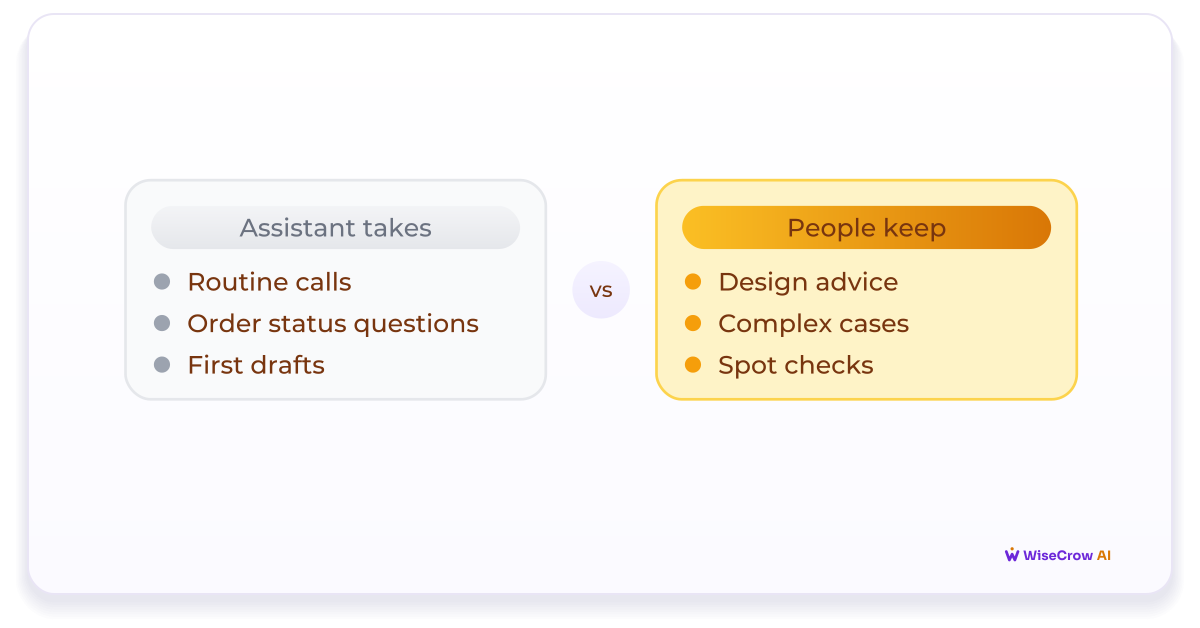
IKEA: A Bot Takes Routine Calls, Staff Sell Design
Ingka Group, the largest IKEA franchisee, launched an AI bot called Billie in 2021 to answer routine customer questions. Over the next two years Billie handled 47% of customer queries to call centers, Reuters reported in June 2023. Ingka kept the freed-up people and trained 8,500 call center workers as remote interior design advisers.
Remote design by phone and video brought in €1.3 billion in Ingka’s 2022 financial year, 3.3% of the total, and the group aimed to grow that channel to 10% of sales by 2028. Asked about job cuts, an Ingka manager told Reuters that wasn’t what the company was seeing. Of all ten examples, it’s the one I show teams who are nervous about AI: the bot took the repetitive calls and the people moved into selling.
How the Work Shifted at Ingka
- Billie answers routine customer questions that used to reach the call centers.
- My reading: questions the bot can’t handle go to a human coworker.
- Ingka retrained call center staff as interior design advisers.
- Customers book remote design help by phone or video.
- Advisers plan rooms and sell products and services through that channel.
Plan the Human Side First
Decide what your people will do with the time AI frees before you launch the bot, and put a revenue target on it. Retraining service staff as advisers works best when the new role uses what they already know about your customers and products.
What the 10 Wins Have in Common
Put the ten side by side and a few patterns jump out. The first is data. Walmart had to repair its catalog, CarMax started from reviews it already held and Morrisons fed years of store sales into its forecasts. None of them started with a model and went looking for data afterwards.
The second is that people stayed in the loop, even where the press release didn’t say so. Lowe’s gave associates their own assistant. IKEA moved call center staff into design. eBay shows what happens when the human step gets squeezed: volume goes up, and experienced sellers push back.
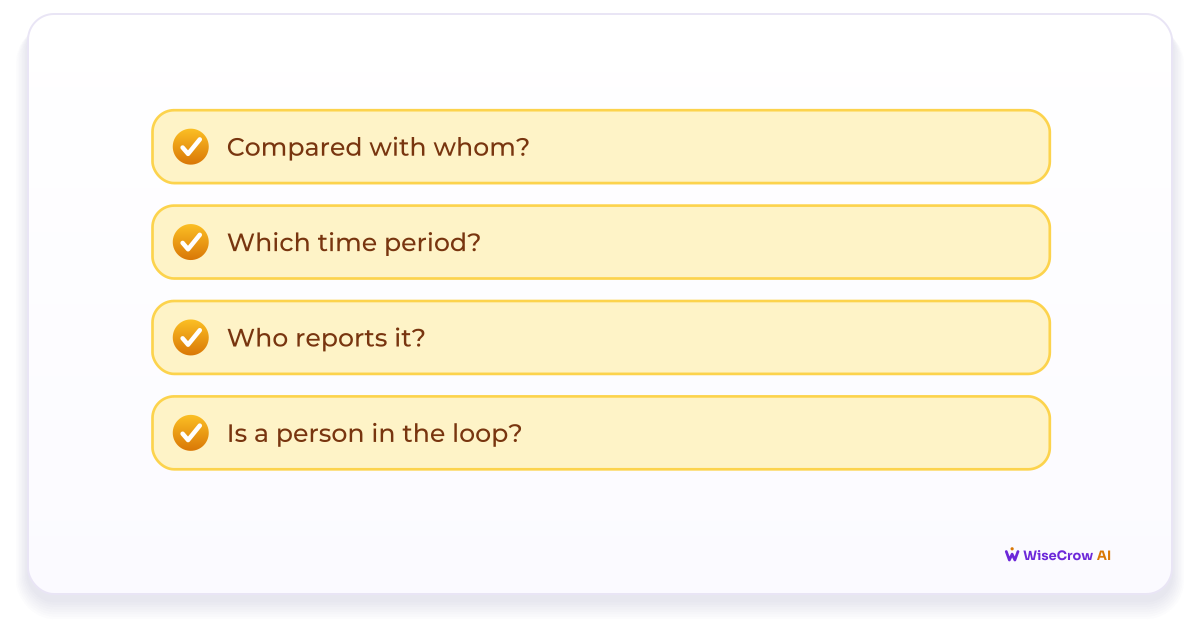
The third is how the results get counted. Amazon and Lowe’s compare users with non-users. Sam’s Club averaged across all members. Zalando compared cost and time per campaign. For a wider view of adoption and spending across the industry, my roundup of AI in retail statistics pulls the survey data together.
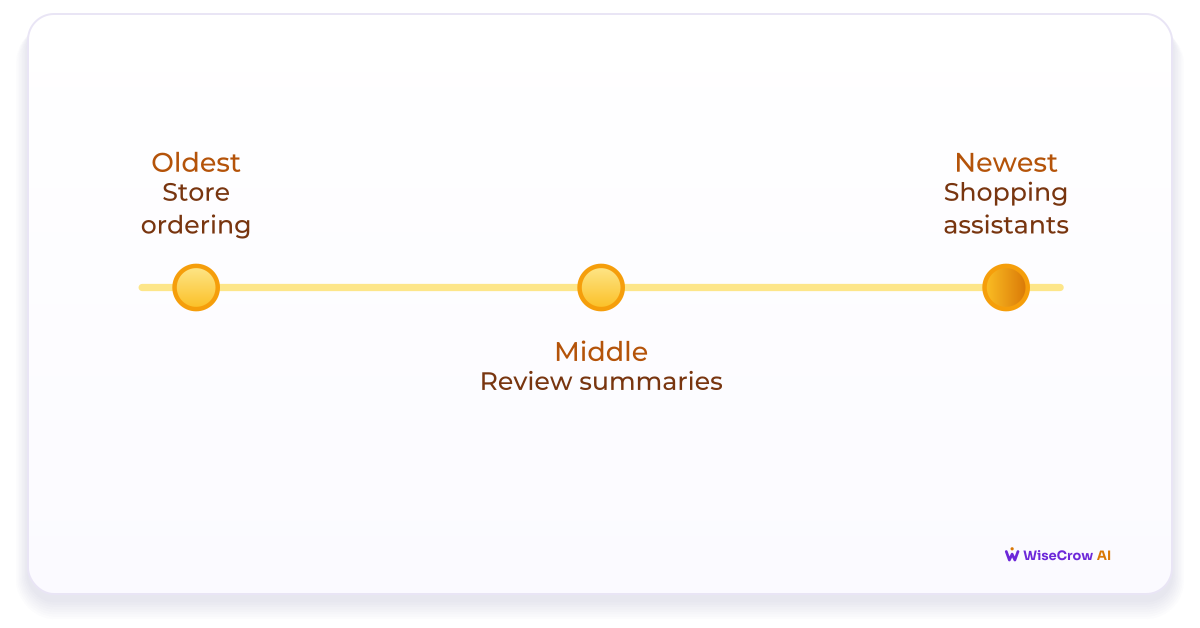
One more thing stands out. The oldest results on the list, Morrisons in 2017 and CarMax in 2022, come from operations and content work. The assistant results date from 2024 onward. Operations wins have had time to prove themselves. The assistant figures are big, but they’re young.
Estimate the Hours an AI Project Could Save You
Several examples above are really about hours: CarMax’s 11 years of writing, Walmart’s 100 times the headcount, Zalando’s weeks of production. Pick one repetitive task in your business, such as writing product descriptions or answering order-status questions, and see what automating part of it could be worth.
How Much Time Could You Save?
Move the sliders to match one repetitive task in your business.
How to Choose Which Retail Example to Copy First
You can’t run ten projects at once, and you shouldn’t try. When I help a retailer pick a starting point from a list like this, I check each candidate against five questions:
- Do you already own the data it needs, like product records, reviews or sales history?
- Can you measure the result against a fair comparison group?
- Does it fix a problem your customers or staff already complain about?
- Can a person review the output before customers see it?
- Could you test it in one category, one store or one channel first?
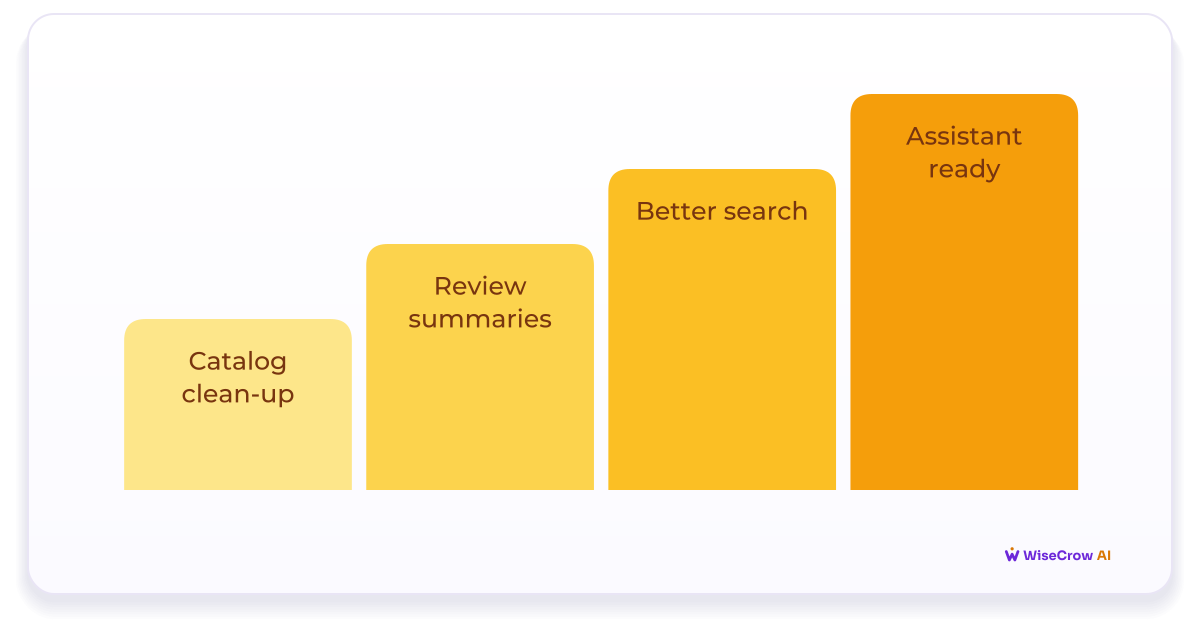
For most mid-sized retailers, that points to the content examples first: catalog clean-up like Walmart’s or review summaries like CarMax’s. They’re low risk, they improve search and conversion, and they get your data ready for an assistant later. Store systems like Morrisons’ come next if you run many locations with perishable stock.
Once you’ve picked an example, look at what software already covers it. My ranking of retail AI tools compares the main options for pricing, inventory and customer service, so you can check if you need to build anything at all.
Questions About AI in Retail Examples
What Is the Best Example of AI in Retail?
For revenue, Amazon’s Rufus is the clearest public case, with Amazon expecting over $10 billion in annual incremental sales. For a smaller retailer, I’d point to CarMax or Morrisons, because review summaries and automated ordering need less budget and pay off on data you already have.
Are the Numbers in These Retail AI Examples Reliable?
They’re real, published figures, but most come from the companies themselves or their vendors. Few are independently audited, and each company chooses its own baseline. Use them to see what’s possible, then measure your own pilot against a control group.
Can a Small or Mid-Sized Retailer Get Results Like These?
Yes, on a smaller scale. The tools behind most of these examples, like language models for product data or AI chat for service, are now sold as standard software. Your result depends more on clean data and a clear metric than on company size.
How Do Retailers Measure AI Results?
The examples here use conversion rates, cost per asset, call containment, shelf gaps and time saved. The strongest measurements compare users with non-users, or stores with the system against similar stores without it.
Does AI in Retail Cost Jobs?
It changes them. IKEA’s Ingka retrained 8,500 call center workers as design advisers after its bot took over routine questions. Some retailers have cut roles too, so plan what your people will do with the freed time before you launch.
What Should a Retailer Try First with AI?
In my experience, product data clean-up or review summaries are the safest first projects. They improve search and conversion, they stay behind the scenes and they prepare your data for a customer-facing assistant later.
How Long Does It Take to See Results from Retail AI?
A focused content or service project can show results within a few months. Store-wide systems take longer: Morrisons launched automated ordering in 2016 and reported results across all 491 stores by 2017.
Sources
- Amazon Rufus results, Q3 2025 earnings call: Fortune
- Lowe’s Mylow conversion, Q1 2026 earnings call: StockStory via Observer-Reporter
- Best Buy virtual assistant results: Google Cloud customer story
- Walmart catalog data, Q2 FY2025 earnings call: Retail Dive
- Zalando generative AI imagery (Reuters, May 2025): The Star
- CarMax review summaries (May 2022): Microsoft
- eBay Magical Listing results and seller feedback (September 2026): Value Added Resource
- Morrisons automated ordering (March 2017): Retail Systems
- Sam’s Club exit technology (April 2024): Walmart corporate
- IKEA Billie and remote design (Reuters, June 2023): The Star
Disclaimer: This article is for general information only. The results come from company statements, vendor case studies and press coverage, are rarely independently audited and may have changed since publication, so check the original sources before you rely on them.
Did you find this helpful?
Thank you for your feedback.
Marlena leads the WiseCrow editorial team and works with our consultants to turn real client projects into practical guides on AI strategy, automation and governance. Before joining WiseCrow, she spent 12 years in B2B operations and SaaS content. She has since edited more than 400 articles on AI and automation and reviewed workflows from over 60 client projects. She is based in Austin, Texas.