Summary
- Kubernetes with KServe and the vLLM engine form the free core of most self-hosted AI stacks, if you have people to run them.
- Managed services like Modal, Together AI and Anyscale get models live faster when your team is small.
- Pinecone and Qdrant store the embeddings behind retrieval, and Datadog shows what your models do once real users arrive.
- Every tool gets a 1–5 fit score for a mid-sized company’s first production workloads, so start with the layer that blocks you today.
The Best AI Infrastructure Tools at a Glance
| Tool | Layer | Fit score | Best for |
|---|---|---|---|
| 1. Kubernetes and KServe | Orchestration and serving | 5/5 | Portable model serving |
| 2. vLLM | Inference engine | 5/5 | Self-hosted open models |
| 3. Pinecone | Managed vector database | 5/5 | Fast, hands-off RAG |
| 4. Datadog Agent Observability | Monitoring and tracing | 4/5 | Teams already on Datadog |
| 5. NVIDIA AI Enterprise | GPU software suite | 4/5 | Owned NVIDIA GPU clusters |
| 6. Ray and Anyscale | Distributed compute | 4/5 | Large batch and training jobs |
| 7. Together AI | Open model cloud | 4/5 | Open models without GPUs |
| 8. Modal | Serverless GPU compute | 4/5 | Bursty Python workloads |
| 9. Qdrant | Open-source vector database | 4/5 | Retrieval on your own servers |
| 10. CoreWeave | GPU cloud | 3/5 | Training and heavy inference |
The 10 Best AI Infrastructure Tools, Ranked
I ranked the ten by fit score and broke ties by how often each tool ends up in the production stacks I review. The score runs from 1 to 5 and rates how well a tool suits a mid-sized company moving its first AI workloads into production, weighing setup effort, cost control and how much of the job it covers. In my AI infrastructure consulting work, the costly mistakes come from buying for a scale you won’t reach for two years.
Kubernetes and KServe
The Open Foundation for Serving Models on Infrastructure You Control
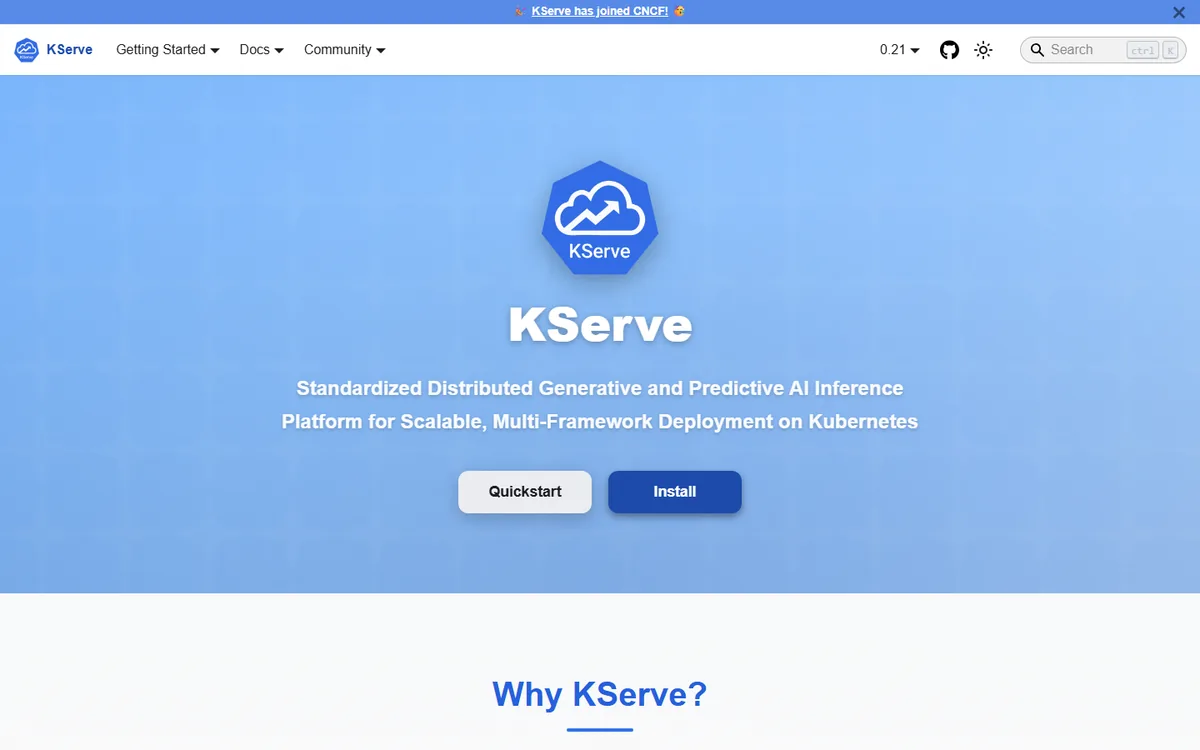
Kubernetes runs your containers across a cluster of machines, and KServe adds a standard way to deploy, scale and route traffic to models on top of it.
Most production AI I see lands on Kubernetes sooner or later, because the rest of the company’s software already runs there. KServe, accepted as a CNCF incubating project in late 2025, turns a model into a Kubernetes resource. You declare the model, the runtime and the hardware, and KServe takes care of autoscaling, canary rollouts and scale-to-zero for idle models. Its runtimes cover classic models from scikit-learn and XGBoost as well as large language models served through vLLM.
The upside is portability. The same setup runs on AWS, Google Cloud, Azure or your own data center, so shifting GPU capacity between providers doesn’t mean rewriting your deployments. The price is people. Someone has to own cluster upgrades, GPU drivers, node pools and networking, and GPU scheduling has quirks that catch out teams used to web services. When a client has no platform engineer, I steer them to a managed option further down this list first and come back to KServe once traffic is steady.
What Kubernetes and KServe Does Well
- Runs the same way on every major cloud and on premises
- Canary rollouts and scale-to-zero come built in
- Fits the deployment process your engineers already know
What Kubernetes and KServe Could Do Better
- Needs a platform engineer to run well
- GPU drivers and node upgrades add steady operational work
Kubernetes and KServe Pricing
Kubernetes and KServe are free and open source under the Apache 2.0 license. You pay for the machines and GPUs underneath, plus any cluster fee your provider charges for a managed service such as Amazon EKS, Google Kubernetes Engine or Azure Kubernetes Service.
Kubernetes and KServe Reviews
- G2 (Kubernetes listing): score of 4.6 out of 5 (from +150 customer reviews)
vLLM
The Inference Engine Behind Most Self-Hosted Language Models
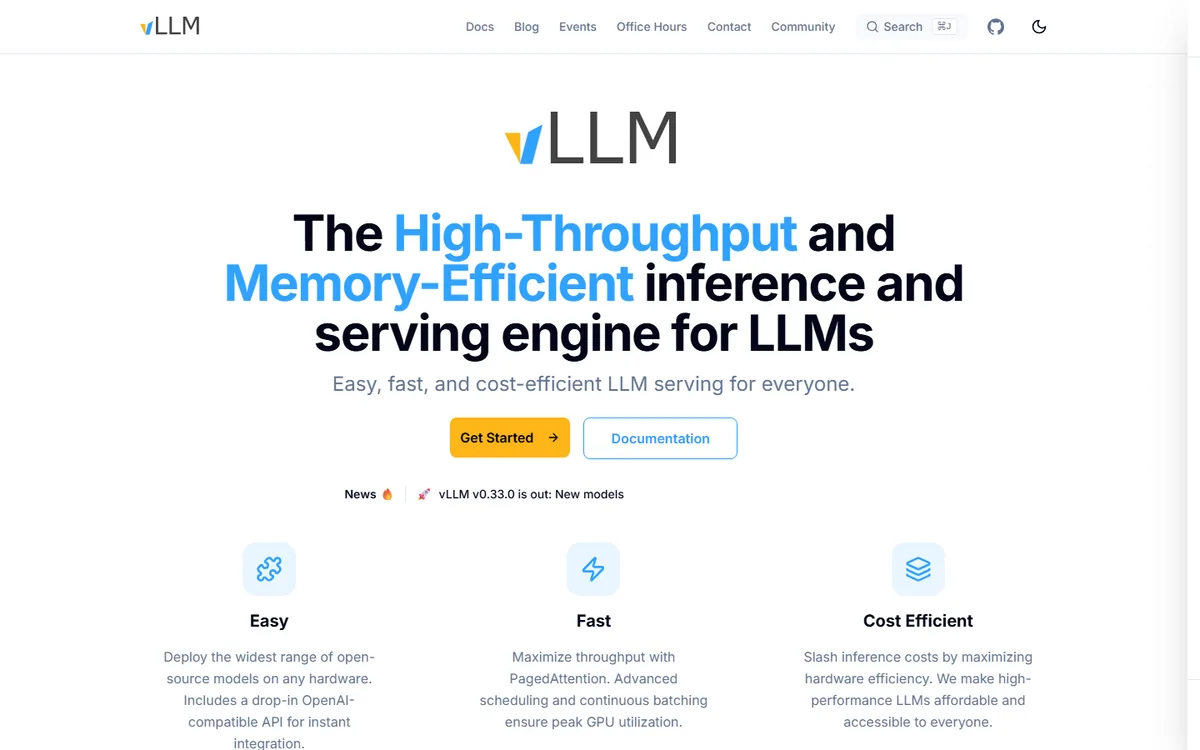
vLLM is an open-source engine that serves large language models on GPUs with high throughput and an OpenAI-compatible API.
If you run an open model like Llama, Qwen or Mistral yourself, odds are vLLM sits underneath. It started at UC Berkeley and became a PyTorch Foundation project in 2025. Its memory handling for the attention cache lets one GPU serve far more parallel requests than a basic setup, which brings down your cost per answer. Because the API matches OpenAI’s format, your developers can point existing code at a self-hosted model by changing a URL.
I treat vLLM as the default engine and only look elsewhere when a client has a clear reason, like NVIDIA’s tuned NIM containers on certified hardware. The catch: vLLM covers the engine and nothing around it. Autoscaling, access control and billing come from KServe, Ray or a managed host. Releases also move fast, and I’ve seen a minor upgrade shift memory use enough to break a tuned deployment, so pin versions and test before you roll forward. In January 2026 its creators launched Inferact with $150 million in seed funding to sell services around the project.
What vLLM Does Well
- High throughput per GPU keeps cost per request low
- The OpenAI-compatible API makes swapping models simple
- New open models usually get support soon after release
What vLLM Could Do Better
- The fast release pace means you must pin and test versions
- Scaling, access control and monitoring need other tools
vLLM Pricing
vLLM is free and open source under the Apache 2.0 license. Your costs are the GPUs it runs on and the engineering time to operate it. Commercial support comes through hosting partners and Inferact, the company its creators founded.
vLLM Reviews
vLLM has no rated product listing on G2 or Capterra yet. Its GitHub activity and the number of managed platforms built on it are the better signals of trust for now.
Pinecone
The Quickest Route to a Production Vector Database You Never Have to Operate
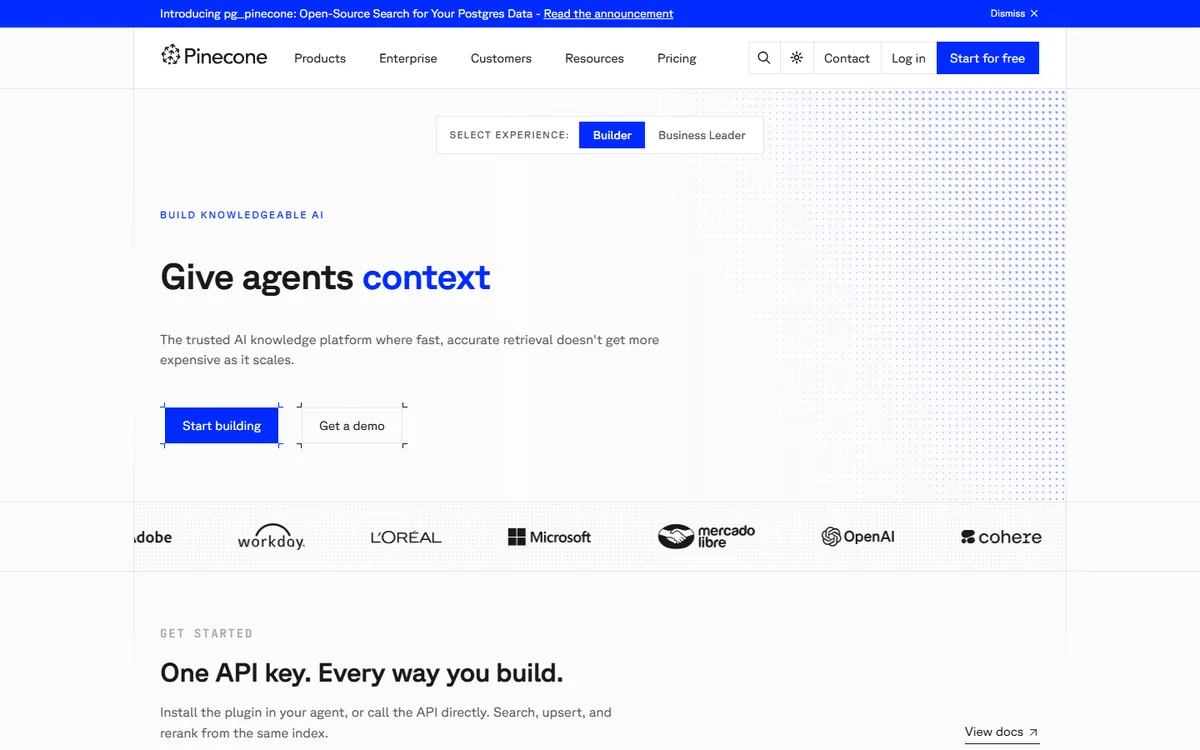
Pinecone is a fully managed vector database that stores embeddings and returns the closest matches for search and retrieval-augmented generation.
Every RAG system needs a place to keep the embeddings of your documents and fetch the nearest ones in milliseconds. Pinecone does that as a serverless service. You create an index, send vectors and query them, and Pinecone handles sharding, replication and scaling behind the scenes. It also hosts embedding and reranking models, so a small team can build the whole retrieval step with one vendor.
I recommend Pinecone when a team wants retrieval working this quarter and has nobody to look after a database. Setup takes an afternoon, and in my client work it’s the vector store that produces the fewest support tickets. The downsides appear later. Usage-based bills get harder to forecast as query volume grows, and the standard product can’t be self-hosted, which matters if your data has to stay inside your own network. Bring Your Own Cloud covers part of that gap for larger buyers.
What Pinecone Does Well
- No servers, indexes or replicas to manage yourself
- Hosted embedding and reranking cut the number of vendors
- Clear documentation gets a first index live in hours
What Pinecone Could Do Better
- Costs are hard to predict at high query volume
- No self-hosted edition outside the Bring Your Own Cloud deal
Pinecone Pricing
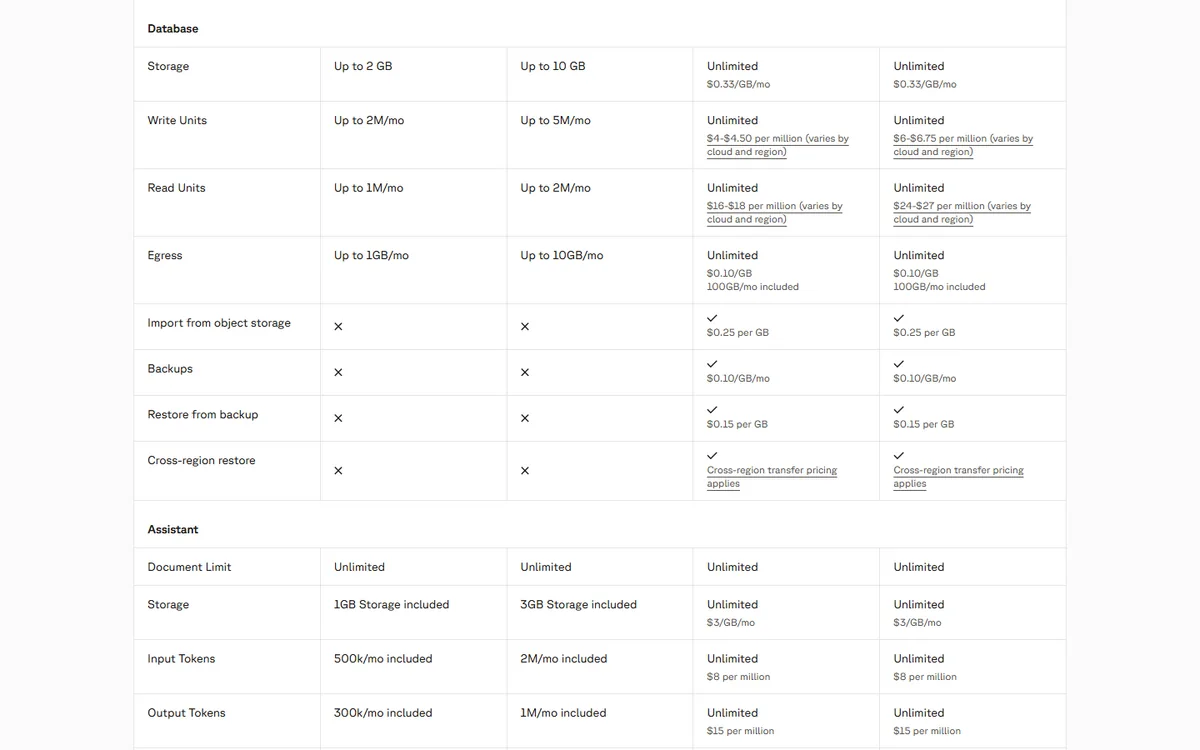
The Starter plan is free with limited storage and one region. Builder costs a flat $20 per month. Standard has a $50 monthly minimum with pay-as-you-go usage above it and a three-week trial with $300 in credits. Enterprise starts at a $500 monthly minimum and adds a 99.95% uptime SLA, while Bring Your Own Cloud is quoted by sales.
Pinecone Reviews
- G2: score of 4.6 out of 5 (from 39 customer reviews)
Datadog Agent Observability
The Simplest Way to Watch AI in Production When Datadog Already Monitors Your Stack
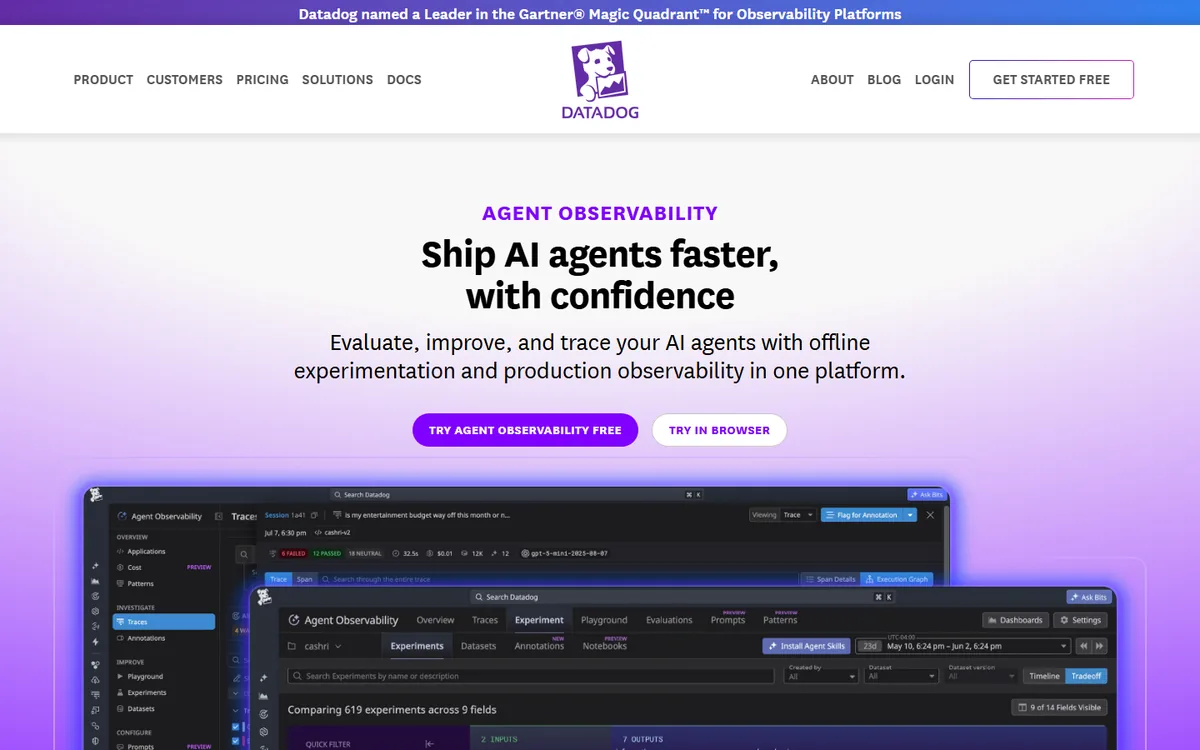
Datadog Agent Observability, formerly LLM Observability, traces every model call, tool call and retrieval step and tracks latency, token use, errors and answer quality.
Once real users reach your model, you need to see what happens inside each request. Datadog follows a request through every step of an agent or RAG pipeline and shows tokens, latency and errors per call. You can build test datasets from production traces, compare prompt or model versions side by side and score answers with built-in or custom evaluators. In 2026 Datadog renamed the product and moved billing to LLM spans, so older guides still use the LLM Observability name.
The biggest advantage is context. When a chatbot slows down, you can follow the trace from the model call to the database query and the server underneath, in a tool your operations team already knows. Tracing every request from launch day is high on my list of AI infrastructure best practices. Without an existing Datadog contract the math changes, though. The wider platform gets expensive, and open-source tracers like Langfuse or Arize Phoenix cover the AI layer for less.
What Datadog Agent Observability Does Well
- AI traces connect to your existing app and server data
- Experiments and evaluations live next to production traces
- A free tier covers early pilots
What Datadog Agent Observability Could Do Better
- Expensive if you buy Datadog only for AI monitoring
- The interface is dense for people new to Datadog
Datadog Agent Observability Pricing
The first 40,000 LLM spans each month are free. The paid base tier covers 100,000 LLM spans with 15-day retention for $160 per month billed annually, $200 month to month or $240 on demand. Extra spans cost $3.50 per 10,000 on annual billing, and longer trace retention raises that rate.
Datadog Agent Observability Reviews
- G2 (Datadog platform listing): score of 4.4 out of 5 (from +740 customer reviews)
- Capterra (Datadog platform listing): score of 4.6 out of 5 (from +360 customer reviews)
NVIDIA AI Enterprise
The Supported Software Stack for Companies Running Their Own NVIDIA GPUs
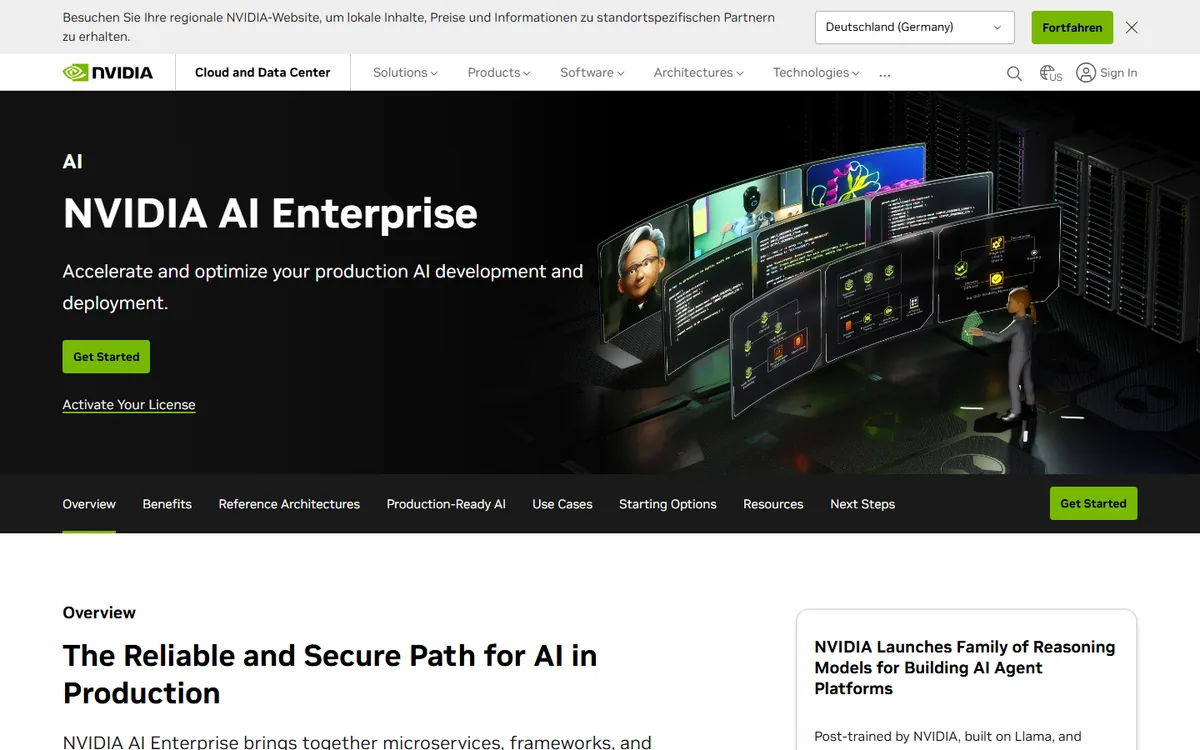
NVIDIA AI Enterprise bundles NIM inference microservices, NeMo tools and Run:ai GPU orchestration into one supported suite for data centers and clouds.
If you own GPUs or rent them in bulk, NVIDIA AI Enterprise is the vendor-backed way to run them. NIM microservices package popular models with an inference engine tuned for NVIDIA hardware, so a model goes from download to API endpoint in minutes. NeMo covers fine-tuning, evaluation, guardrails and RAG building blocks. Run:ai, which NVIDIA bought at the end of 2024, now ships with the suite and pools GPUs across teams so costly cards don’t sit idle.
Support and certification are the reasons to pay. Regulated clients with on-premises clusters want a vendor to call when a driver update breaks inference, and they want software tested on their exact servers. Lock-in and price are the reasons to hesitate. The suite is built for NVIDIA hardware, and per-GPU fees add up quickly on a large cluster. GPU supply and price swings rank high among the AI infrastructure challenges I see, so I put the license fee next to the hardware bill before a client signs.
What NVIDIA AI Enterprise Does Well
- NIM containers turn a model into an endpoint in minutes
- Run:ai keeps shared GPUs busy across teams
- Enterprise support and security patches for the full stack
What NVIDIA AI Enterprise Could Do Better
- Per-GPU licensing gets expensive on big clusters
- Ties your software choices closer to NVIDIA hardware
NVIDIA AI Enterprise Pricing
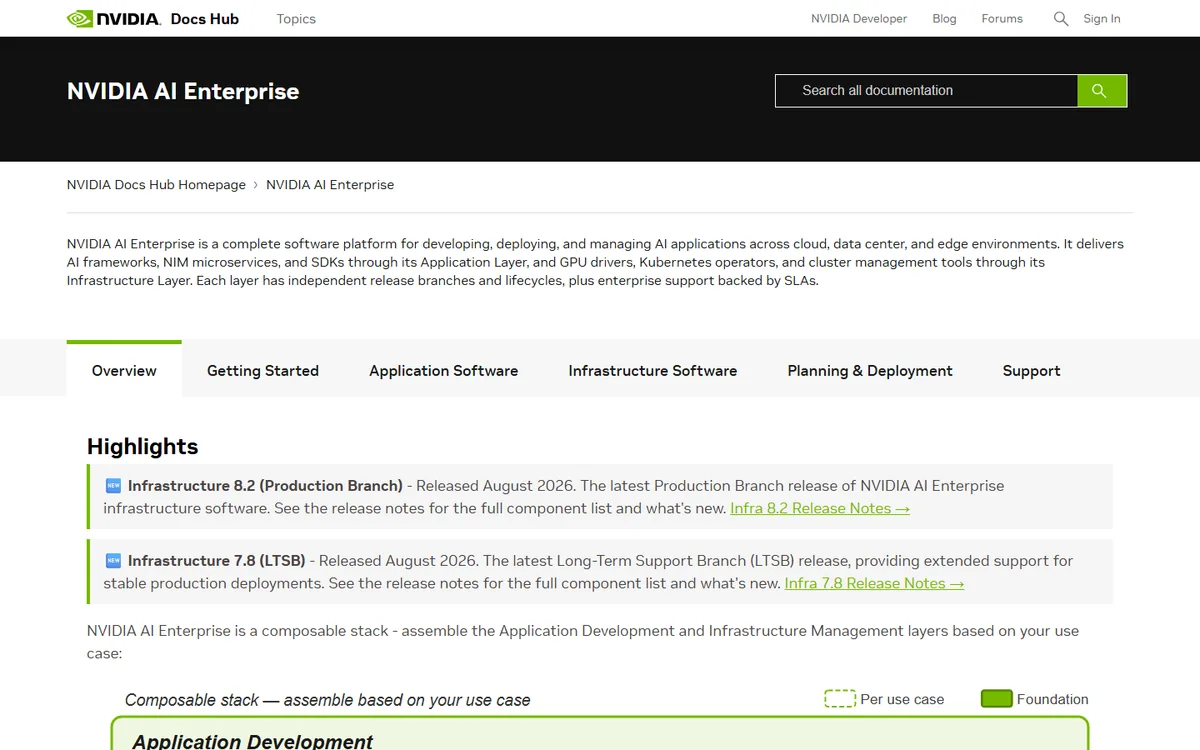
NVIDIA’s licensing guide lists a self-managed subscription at $4,500 per GPU per year, $18,000 for five years and $22,500 for a perpetual license with five years of support. On cloud marketplaces, production use costs $1 per GPU-hour on top of the instance price. Development use is free, a 90-day trial is available, and education and Inception startup customers get 75% off.
NVIDIA AI Enterprise Reviews
- G2: score of 4.5 out of 5 (from 14 customer reviews)
Ray and Anyscale
The Go-To Engine for Spreading Python AI Work Across Many Machines
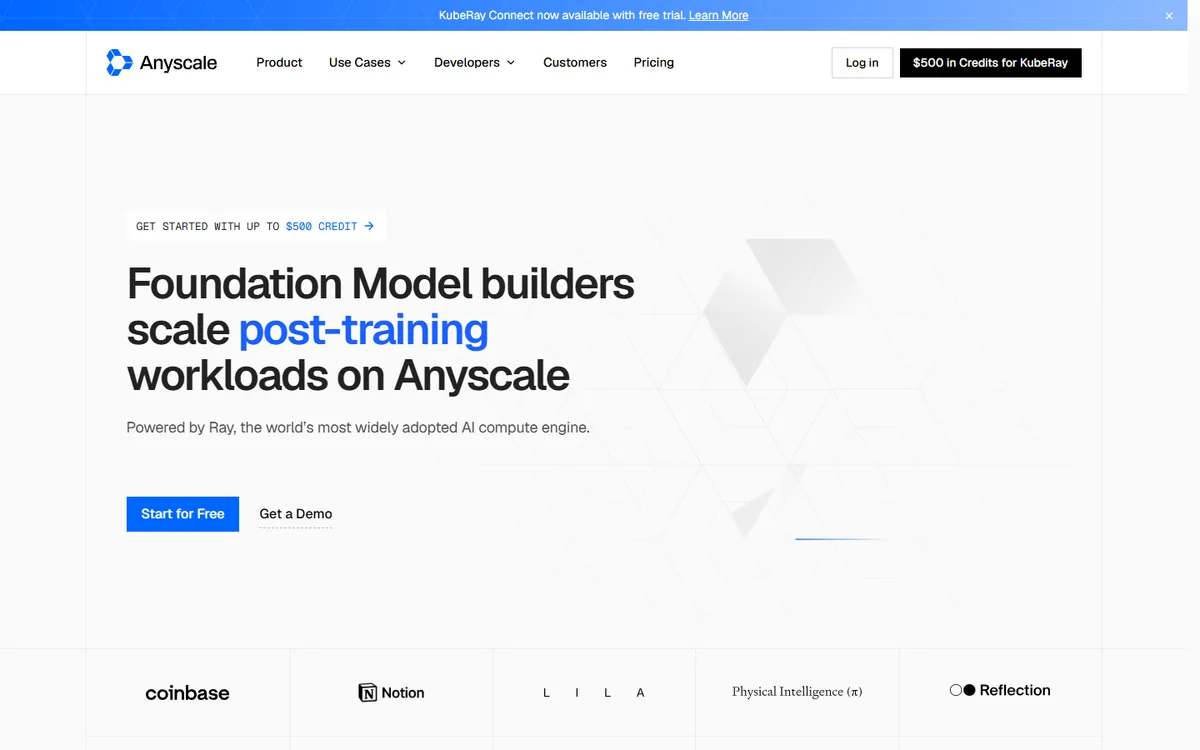
Ray is an open-source framework for running data processing, training and inference across a cluster, and Anyscale is the managed platform from the team that created it.
Ray earns its place when one machine isn’t enough. Your developers write ordinary Python, mark functions and classes as remote, and Ray schedules them across CPUs and GPUs. Libraries on top handle batch inference over millions of records, distributed training, tuning and model serving. Ray moved to the PyTorch Foundation in October 2025, which reassures buyers who worry about depending on a single company.
Anyscale runs Ray for you, on its own hosted cloud or inside your cloud account, with faster cluster startup, autoscaling and job debugging tools. I reach for the pair when a client has heavy batch work, like embedding a huge document archive or scoring a full customer base every night. For one model behind an API, it’s more machinery than you need. Ray clusters also take tuning, and a careless autoscaling setting can leave a fleet of GPUs running all weekend.
What Ray and Anyscale Does Well
- Scales plain Python code from a laptop to a cluster
- One framework covers data, training and serving
- Anyscale can run inside your own cloud account
What Ray and Anyscale Could Do Better
- Overkill for a single model behind an API
- Cluster tuning takes experience to get right
Ray and Anyscale Pricing
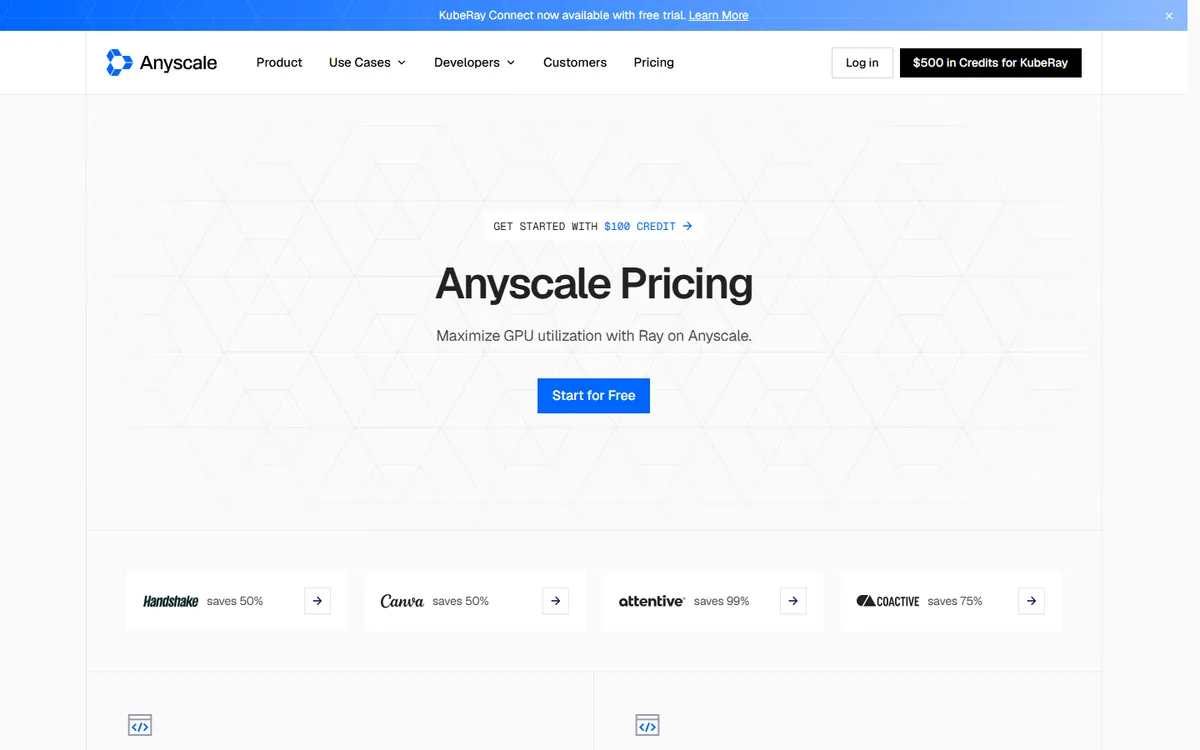
Ray is free and open source under the Apache 2.0 license. Anyscale is pay as you go with no fixed monthly fee, billed per hour for the compute you use, and new users get a $100 credit. Committed contracts add volume discounts, and you can run hosted or in your own cloud.
Ray and Anyscale Reviews
- G2 (Anyscale listing): score of 4.4 out of 5 (from 27 customer reviews)
Together AI
An Affordable Cloud for Running and Fine-Tuning Open Models With No GPUs to Manage
Together AI hosts a large catalog of open models behind a pay-per-token API and adds fine-tuning, dedicated endpoints and rentable GPU clusters.
Together AI is where I send teams that want open models in production without touching hardware. You call models like gpt-oss, Qwen or Kimi through an OpenAI-compatible API and pay per million tokens. When traffic grows or you need steady latency, you move to a dedicated endpoint on single-tenant GPUs, and you can fine-tune a model on your own data on the same platform.
For many workloads, hosted open models cost far less per token than the big commercial APIs, and you keep the option to self-host the same model later. The rough edges show under load. G2 reviewers mention rate limits during traffic spikes, and models on the serverless tier can be retired with short notice, so plan a fallback to a dedicated endpoint. The move toward specialized AI clouds like this is one of the AI infrastructure trends I follow most closely.
What Together AI Does Well
- Low per-token prices on popular open models
- A clear path from shared API to dedicated GPUs
- Fine-tuning and inference sit on one platform
What Together AI Could Do Better
- Rate limits can bite during traffic bursts
- Serverless models may be retired, so you need a fallback
Together AI Pricing
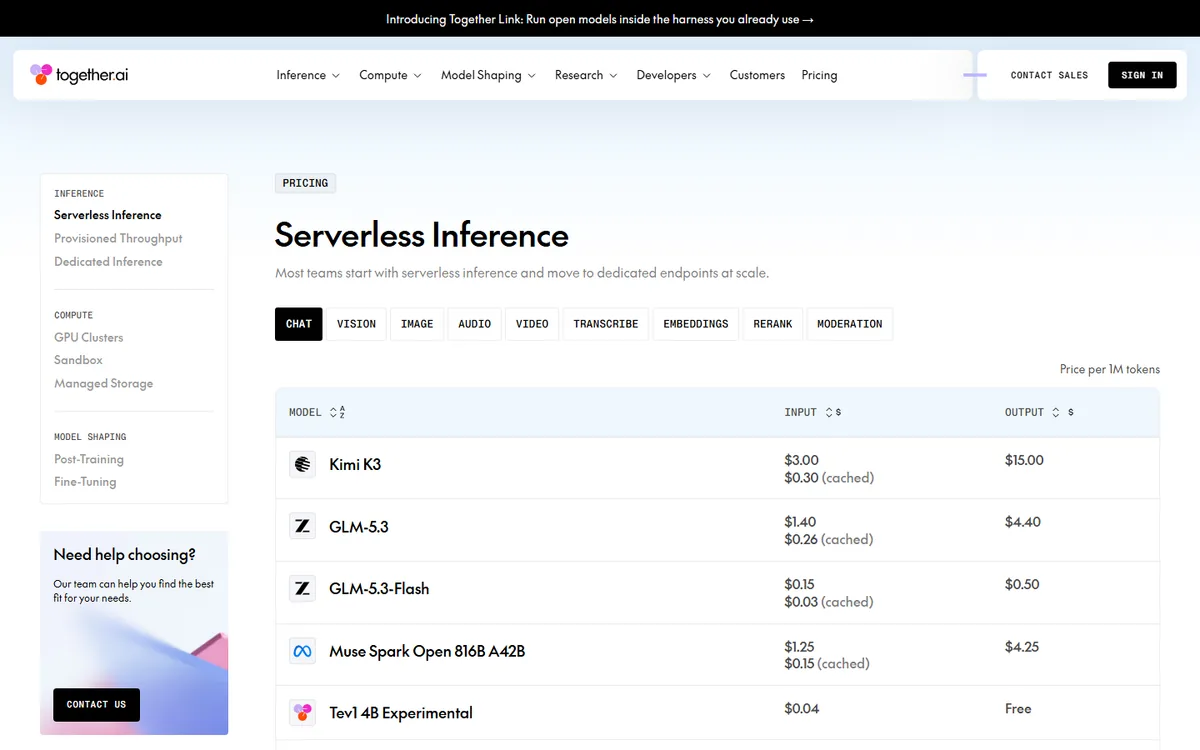
Serverless models are billed per million tokens, for example $0.15 input and $0.60 output for gpt-oss-120B. Dedicated endpoints on an NVIDIA HGX H100 cost $5.49 per GPU-hour on demand. GPU clusters start at $3.99 per H100 hour on demand, with lower rates for reserved and preemptible capacity.
Together AI Reviews
- G2: score of 4.3 out of 5 (from 92 customer reviews)
Modal
The Easiest Serverless GPUs for Python Teams With Uneven Workloads
Modal runs your Python functions on cloud CPUs and GPUs that start in seconds, scale out on demand and bill by the second.
Modal strips away most of the infrastructure work. Your developers add a decorator to a Python function, define the container image and GPU type in code, and Modal builds the container, runs it and scales it out when work arrives. When the queue empties, it scales to zero and the meter stops. Batch transcription, nightly embedding jobs and inference endpoints with spiky traffic all fit well.
I like Modal for small teams that need GPUs this week and have no platform engineer. The weak spot is steady load. Per-second GPU rates sit above reserved capacity, so a model serving traffic around the clock usually costs less on dedicated GPUs, a point one G2 reviewer makes about always-on servers. Your code also uses Modal’s own SDK, so leaving later means some rework. For a first production launch, I still find nothing faster.
What Modal Does Well
- Infrastructure lives in Python code, with no Dockerfiles or YAML
- Scale-to-zero means idle time costs nothing
- Fast cold starts for GPU functions
What Modal Could Do Better
- Always-on workloads cost more than reserved GPUs
- Code written for its SDK takes work to move elsewhere
Modal Pricing
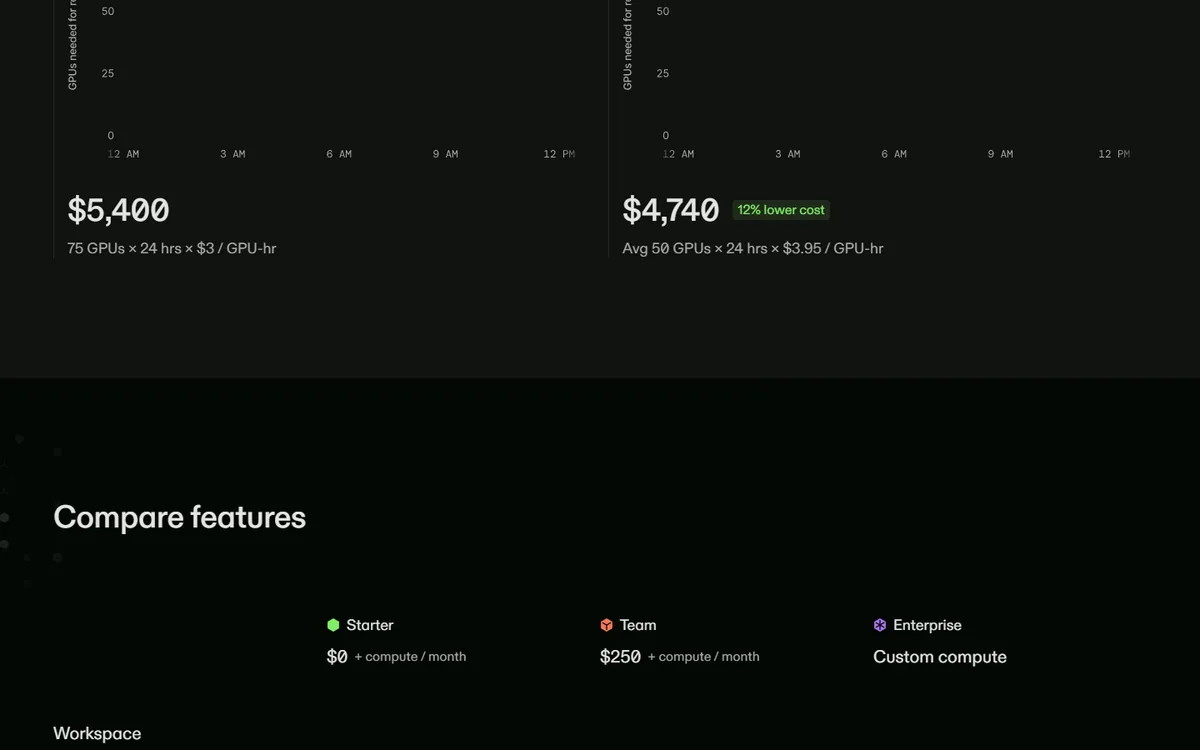
The Starter plan costs $0 plus compute and includes $30 of free credits each month. Team costs $250 per month plus compute with $100 in monthly credits, and Enterprise is custom. An NVIDIA H100 bills at about $3.95 per hour, charged by the second.
Modal Reviews
- G2: score of 4.0 out of 5 (from 19 customer reviews)
Qdrant
The Open-Source Vector Database for Teams Whose Data Must Stay In-House
Qdrant is an open-source vector database written in Rust that you can self-host, use as a managed cloud or run as a hybrid cloud inside your own environment.
Qdrant does the same retrieval job as Pinecone, with one big difference: you can run it anywhere. The open-source version runs in a Docker container or on Kubernetes, the managed cloud takes operations off your hands, and Hybrid Cloud lets Qdrant manage clusters that live in your own infrastructure. Filtering on metadata during search is fast, which matters when results must respect user permissions or document dates.
I pick Qdrant for clients in healthcare and finance whose security teams won’t send document embeddings to an outside service. Self-hosting does mean your team owns backups, upgrades and capacity planning. The review base is thin too, with only a dozen G2 ratings so far, and reviewers miss built-in visualization tools. For a team that already knows Kubernetes, those are small prices for keeping the data under your own roof.
What Qdrant Does Well
- Runs self-hosted, managed or hybrid with the same API
- Fast filtered search for permission-aware retrieval
- A free cloud tier for prototypes
What Qdrant Could Do Better
- Self-hosting puts backups and upgrades on your team
- Few public reviews to judge it by
Qdrant Pricing
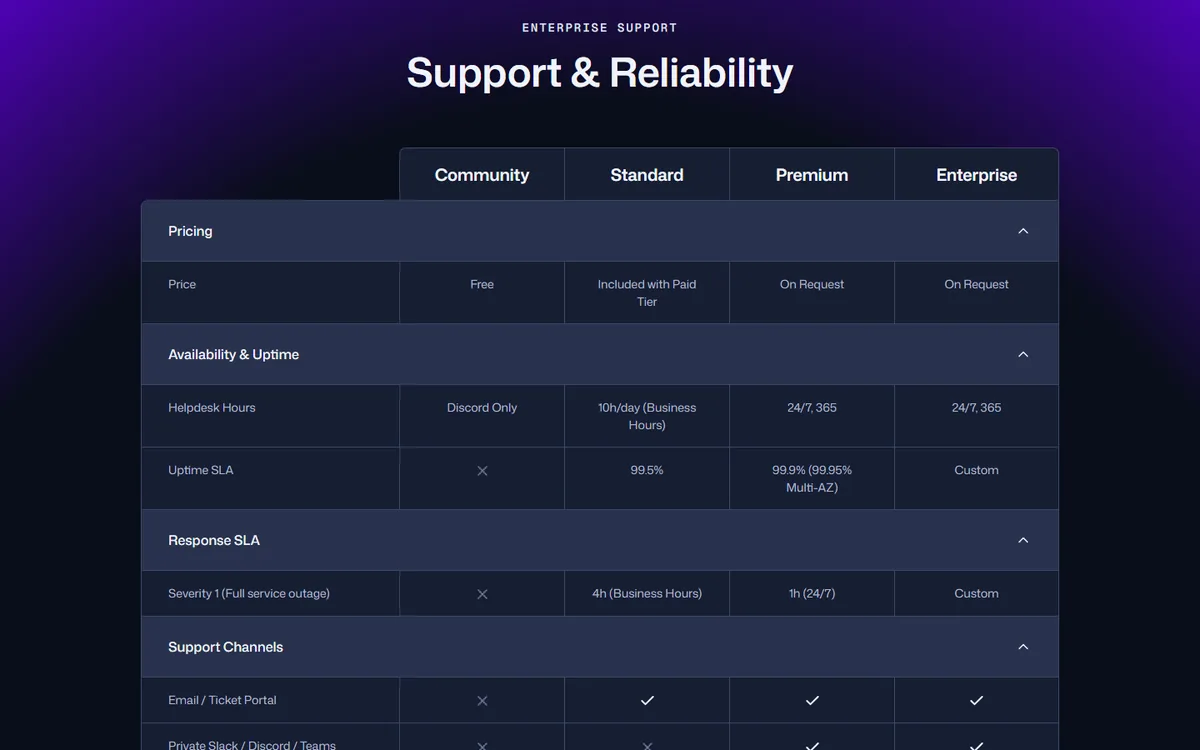
The open-source edition is free under the Apache 2.0 license. Qdrant Cloud has a free-forever cluster with 1 GB of RAM and 4 GB of disk, then a usage-based Standard tier billed hourly for vCPU, memory and storage. Premium requires a minimum spend, and Hybrid and Private Cloud are priced on request.
Qdrant Reviews
- G2: score of 4.5 out of 5 (from 12 customer reviews)
CoreWeave
Raw GPU Capacity at Scale for Model Training and Heavy Inference
CoreWeave is a specialized cloud that rents NVIDIA GPUs, from single inference cards to large training clusters, managed through Kubernetes.
CoreWeave builds its whole cloud around GPUs. You get recent NVIDIA hardware, from HGX H100 nodes to GB200 NVL72 systems, fast networking between nodes and a managed Kubernetes service set up for AI work. The company went public on Nasdaq in March 2025, runs data centers across the US and Europe, and also owns Weights & Biases, the experiment tracking tool.
It scores lowest here because it fits the fewest companies. If you train models or serve very large ones at high volume, CoreWeave can get you capacity faster and cheaper than the big clouds, especially on a committed contract. A mid-sized company running a RAG assistant seldom needs an eight-GPU node billed by the hour. Sketch your load with an AI infrastructure roadmap first, so you commit to capacity once you know what you actually use.
What CoreWeave Does Well
- Early access to the newest NVIDIA hardware
- Committed contracts bring large discounts
- Kubernetes-based setup fits existing AI tooling
What CoreWeave Could Do Better
- Built for big workloads, so small teams overbuy
- Fewer managed services around compute than the major clouds
CoreWeave Pricing
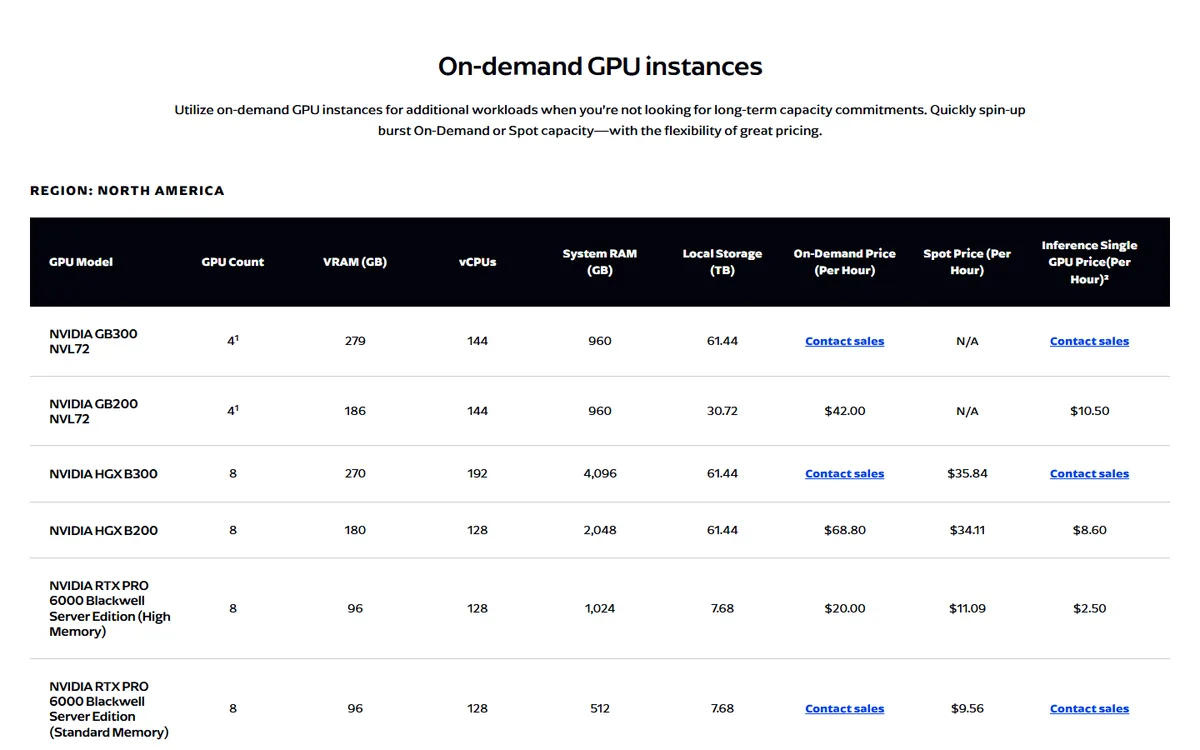
In North America, an eight-GPU NVIDIA HGX H100 instance costs $49.24 per hour on demand and $19.71 on spot. An HGX B200 instance costs $68.80 per hour on demand. CoreWeave offers up to 60% off on-demand prices for committed usage, quoted by sales.
CoreWeave Reviews
- G2: score of 4.4 out of 5 (from 21 customer reviews)
See If an Infrastructure Tool Pays Back Its Cost
Infrastructure rarely saves time on its own, so tie the tool to the work it makes possible. Enter the manual hours your AI workload replaces and the monthly cost of the tool or GPU capacity you’re weighing. If the yearly return looks thin, a hosted API may beat building your own stack for now.
Will It Pay for Itself?
Move the sliders to match the work you want to automate and the plan you are considering.
How to Choose the Right AI Infrastructure Tools
I build stacks layer by layer, and only for the layer that blocks a client today. Four questions settle most decisions:
- How steady is your traffic: spiky, daily batches or around the clock?
- Must your data and models stay inside your own network or cloud account?
- Do you have a platform engineer who can run Kubernetes and GPUs?
- Which layer fails first today: serving, retrieval, compute or monitoring?
Small teams with spiky traffic do best on Modal or Together AI, with Pinecone for retrieval. If data must stay in-house, combine Kubernetes, KServe, vLLM and Qdrant, and add NVIDIA AI Enterprise when you own the GPUs and want vendor support. Ray and Anyscale belong in the stack once batch jobs outgrow one machine, and CoreWeave once you rent GPUs by the rack. Add Datadog or an open-source tracer before launch, never after the first outage.
Questions About AI Infrastructure Tools
What Are AI Infrastructure Tools?
They’re the software and services that keep AI running after the demo: compute and GPU clouds, serving engines, orchestration, vector databases and monitoring. Model providers give you the brains. Infrastructure tools decide how fast, how reliably and at what cost those models answer your users.
Do I Need Kubernetes to Run AI in Production?
No. A small team can ship a model on Modal, Together AI or a managed vector database without touching a cluster. Kubernetes starts to pay off when you run several models, need to move between clouds or already run the rest of your software on it. I usually add it in the second year, once traffic is predictable.
Should I Self-Host Open Models or Call an API Provider?
Start with an API, either a commercial model or a hosted open model on Together AI. Self-hosting with vLLM makes sense once your volume is steady and high enough that GPUs you rent full time cost less than per-token bills, or when your data can’t leave your network. Test both on the same prompts before you decide.
Which Vector Database Should I Choose?
Pick Pinecone if you want zero operations and a fast start. Pick Qdrant if your security team needs the data to stay inside your own environment, or you want an open-source option you can move later. If you already run PostgreSQL and have under a few million documents, the pgvector extension is often enough for a first release.
How Much Does AI Infrastructure Cost Each Month?
It ranges from almost nothing to six figures. A first RAG app on free tiers and pay-per-token models can run for a few hundred dollars a month. A self-hosted model on dedicated H100 GPUs costs thousands a month per GPU node, before engineering time. In my client work, people and idle GPUs cost more than the software licenses.
What Should I Monitor Once a Model Is Live?
Track latency, error rates, token usage and cost per request from the first day. Then add quality checks: sample answers, run automated evaluations and log user feedback. Trace each request through retrieval, tool calls and the model so you can see where a slow or wrong answer started. Datadog covers this if you already use it.
Is NVIDIA AI Enterprise Worth the License Fee?
For companies running their own NVIDIA GPU clusters in regulated industries, often yes, because you get certified software, security patches and a vendor to call. If you rent a few GPUs in the cloud or use hosted models, you can get most of the same pieces free for development and skip the fee until you need support.
Disclaimer: Prices, plans, product names and ratings change often. They were checked when this article was last updated, so confirm them on each vendor’s site and on G2 or Capterra before you buy. Fit scores are my own judgment for typical mid-sized companies. This is not legal or financial advice.
Did you find this helpful?
Thank you for your feedback.
Marlena leads the WiseCrow editorial team and works with our consultants to turn real client projects into practical guides on AI strategy, automation and governance. Before joining WiseCrow, she spent 12 years in B2B operations and SaaS content. She has since edited more than 400 articles on AI and automation and reviewed workflows from over 60 client projects. She is based in Austin, Texas.