Summary
- Content refresh, internal linking and audit triage pay back fastest, because they improve pages that already rank.
- Briefs, clustering and schema pay back slowly, one new page at a time.
- Log-file analysis matters mainly for very large sites where crawling is the bottleneck.
- Programmatic pages have the biggest upside and the biggest risk, so test small batches first.
AI can draft, cluster, crawl and summarize faster than any SEO team. The hard part is knowing which of those jobs actually move traffic or free up hours. That ranking is where I start every AI SEO consulting project, and it’s what this guide gives you.
I’ve put the 10 use cases in order of the return I usually see, with the effort, payback speed and risk of each. The order assumes a site with some history. A brand-new site should read the list from the middle.
How the 10 Use Cases Compare on Effort, Payback and Risk
I ranked by expected return for a typical business site with a few hundred to a few thousand pages. Effort covers setup and ongoing review. Payback speed is how soon you can see a measurable result. Risk is what happens to your site if the use case goes wrong.
| Use case | Effort | Payback speed | Risk |
|---|---|---|---|
| 1. Content Refresh at Scale | Medium | Fast | Low |
| 2. Internal Linking Suggestions | Low | Fast | Low |
| 3. Technical Audit Triage | Low | Fast | Low |
| 4. Title and Meta Description Testing | Low | Fast | Medium |
| 5. Keyword Clustering and Intent Mapping | Medium | Medium | Low |
| 6. Content Briefs | Medium | Medium | Medium |
| 7. Schema Markup Generation | Low | Slow | Medium |
| 8. Log-File Analysis | High | Slow | Low |
| 9. AI Visibility Monitoring | Medium | Slow | Low |
| 10. Programmatic Pages Done Safely | High | Slow | High |
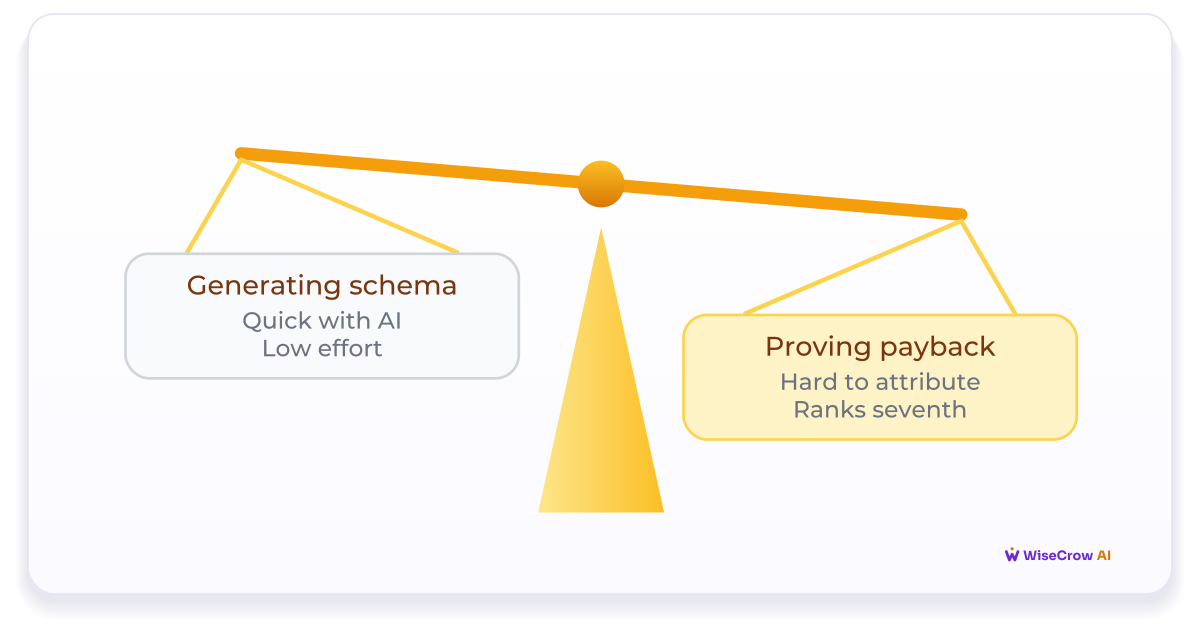
A low-effort use case doesn’t automatically rank high. Schema is easy to generate, but its payback is hard to prove, so it lands seventh. Content refresh takes more work than internal linking and still comes first, because one good refresh can win back more clicks than a month of link fixes.
Fast Payback: Get More From Pages You Already Have
The first four use cases work on assets you already own. The pages exist, the links exist and Search Console already holds the data. AI shortens the slow reading and sorting, and a person still decides what changes.
Content Refresh at Scale
Most sites I audit have a back catalog of posts that ranked well two years ago and now sit on page two. Refreshing them is the best-paying AI SEO job I know, because the page already has links, history and a place in the index. AI compares each slipping page with what ranks now and lists what’s missing, outdated or wrong. Your editor turns that list into an update in an hour or two, where a rewrite from scratch would take a day.
The payback is quick because you can measure it per URL. Pull clicks and impressions for the 90 days before the update, then watch the same window after Google recrawls it. In my client work, the first batch of 20 or so refreshes usually tells you within two months if the method works on your site. Skip pages that never earned traffic. A refresh can’t save a topic nobody searches for.
How a Refresh Batch Runs
- Export pages with falling clicks from Search Console, sorted by lost traffic.
- AI compares each page with the current top results and lists gaps and stale facts.
- An editor checks the list, adds first-hand detail and updates the page.
- Dates, figures and screenshots are verified against their original sources.
- The page is resubmitted for indexing and logged with its refresh date.
- After eight to twelve weeks, compare the page with its own baseline.
What the Refresh Workflow Runs On
Search Console supplies the list of pages losing ground, and a content grader or a general AI assistant handles the gap check. A shared sheet with URL, refresh date and baseline clicks is enough to track results.
Internal Linking Suggestions
Internal links are cheap to add and easy to forget. Every new post should link to older pages on the same topic, and older pages should point back to the new one. Nobody has time to reread 400 posts to find those spots. AI reads your whole site, matches passages to target pages by meaning and proposes the sentence and anchor for each link.
It ranks second because the effort is low and the fix lands on every page it touches. Orphan pages get found, and important pages pick up the links they should have had all along. I keep one rule here: a person approves every link. AI loves to stuff the same anchor into ten paragraphs, and readers notice.
From Crawl to Approved Link
- Crawl the site and list pages with few or no internal links pointing to them.
- Pick the target pages you most want to support.
- AI scans your content for passages that discuss each target topic.
- It proposes a sentence, an anchor and a source page for each link.
- An editor approves, rewrites or rejects each suggestion before it goes live.
Tools That Find the Link Spots
Several crawlers and SEO plugins now suggest internal links from your own content. If yours don’t, an AI assistant with a crawl export and a list of target pages can do a first pass.
Technical Audit Triage
A crawler on a mid-sized site happily reports thousands of issues. Teams open the export, fix the easy items and leave the rest. AI earns its keep by sorting that pile: it groups issues by template, explains each in plain language and ranks them by how many important pages they touch.
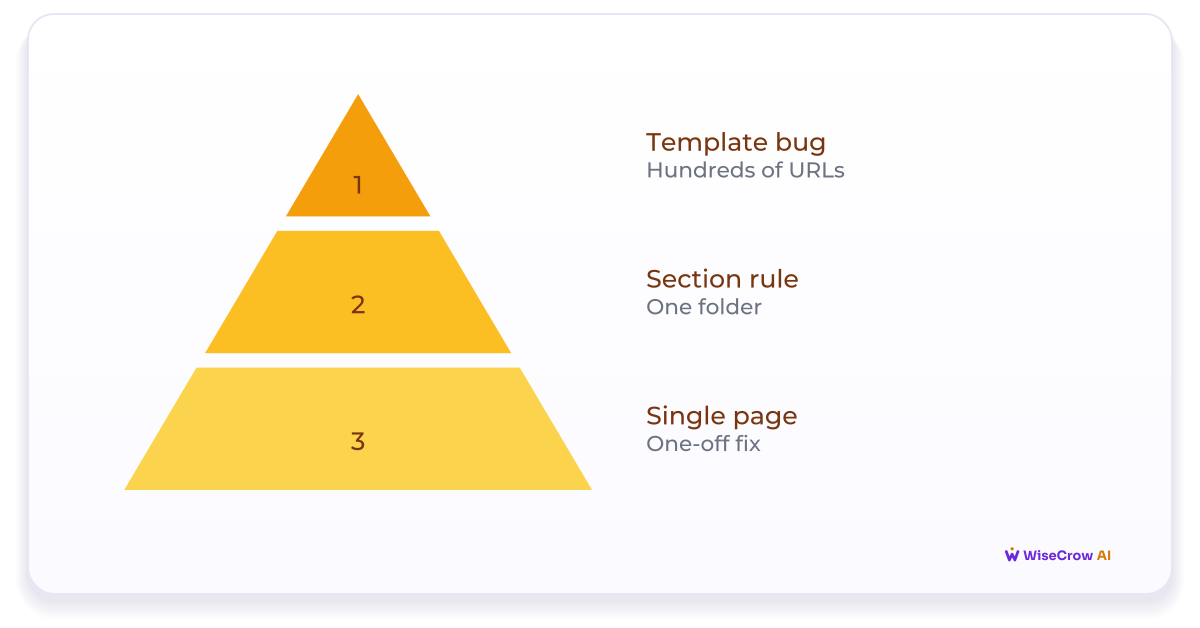
The return comes from developer time. One template fix can clear hundreds of URLs, and a ticket that explains the problem in plain words gets done faster than a spreadsheet row. I’ve seen teams go from a dreaded quarterly audit to a short weekly list. If you want a fixed set of checks to run alongside the triage, my AI SEO checklist lists the ones I use.
How the Weekly Fix List Gets Built
- Schedule a crawl of the full site every week.
- Export the issues together with each URL’s template and traffic.
- AI groups the issues by template and cause.
- Each group gets a short plain-language summary and an impact score.
- The top items become developer tickets with example URLs attached.
- Next week’s crawl confirms the fix or reopens the ticket.
Where the Crawl Data Comes From
Any desktop or cloud crawler gives you the raw issue list, and some now pass pages to an AI model during the crawl. Your ticketing system, such as Jira or Linear, keeps the fixes moving.
Title and Meta Description Testing
Pages with plenty of impressions and a weak click-through rate are a gift. The ranking is already there, so a better title can lift clicks without moving a single position. AI drafts several title and meta options per page from the query data, and you pick the strongest.
The case got stronger once AI Overviews arrived. Ahrefs found that an AI Overview on the results page goes with a 58% lower average click-through rate for the top result, based on December 2025 data. With fewer clicks to go around, each title has to work harder. Risk is medium, though. A clever rewrite can drop clicks, and Google sometimes swaps in its own title, so change pages in small batches and keep the old version.
Running a Title Test Without Guesswork
- Filter Search Console for pages with high impressions and low CTR.
- List the top queries each page already shows up for.
- AI drafts three title and description options that match those queries.
- You pick one per page and record the old version.
- After four weeks, compare CTR and keep, tweak or roll back.
Prerequisites for Title Tests
Search Console data and an AI assistant cover the drafting. Your CMS or SEO plugin needs to let you edit titles and descriptions page by page, which most do.
Steady Payback: Plan and Mark Up New Pages Better
The next three shape the work before it ships. They pay back more slowly because the gain shows up in every page you publish after the setup, one page at a time.
Keyword Clustering and Intent Mapping
A keyword export with 3,000 rows is useless until someone decides which terms belong on one page. AI groups keywords by meaning and by the results Google already shows for them, then labels each cluster with its intent: learn, compare, buy or fix. You end up with a page plan you can read in ten minutes.
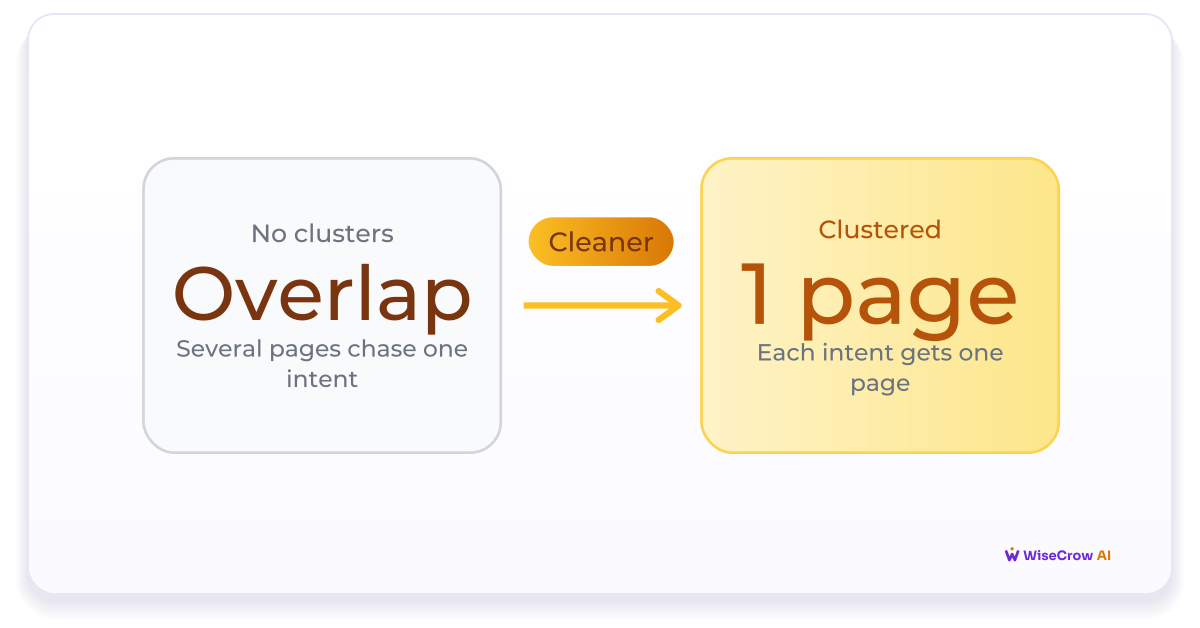
The payback is indirect. Clustering stops you writing two posts that compete for the same search and shows which topics you’ve never covered. Over a year, it saves dozens of wasted articles. Check the clusters against the live results, though, because two phrases that look similar can need very different pages.
Turning a Keyword List into a Page Plan
- Export keywords from your research tool and Search Console.
- AI groups them by meaning and by overlap in the top results.
- Each cluster gets an intent label and a suggested page type.
- Clusters are mapped to existing URLs or marked as gaps.
- You review the plan and merge or split clusters that look wrong.
- The final map becomes the content calendar for the next quarter.
Clustering Tools You Can Use
Most large SEO suites now include keyword clustering based on shared results. A spreadsheet plus an AI assistant works for smaller lists, as long as you spot-check the groups.
Content Briefs
A good brief tells the writer who the page is for, which questions it must answer and what the competing pages miss. Building one by hand takes an hour or more of research. AI pulls the search data, top results and common questions into a draft brief in minutes, and the editor adds what only your company knows.
Briefs pay back on every page, but slowly, since you only see the effect once the content ranks. The risk is sameness. A brief built only from the top ten results produces an eleventh page that says the same thing. I ask clients to add one section per brief that only they can write: a client story, a number from their own data or an opinion they’ll defend.
What Goes into a Brief
- Start from one keyword cluster and its intent label.
- AI summarizes the top results, their structure and the questions they answer.
- It drafts a working outline with suggested headings.
- Sales and support add the questions customers really ask.
- The editor marks the section only your team can write.
Brief Tools Worth Comparing
Content optimization platforms build briefs from search results, and a general AI assistant works with a good prompt. I compare the main options in my ranking of AI SEO tools.
Schema Markup Generation
Writing JSON-LD by hand is fiddly, and small errors break it. AI is good at drafting structured data for articles, products, FAQs, events and organizations from the visible page content. It also checks existing markup against the page and flags fields that no longer match.
I rank it seventh because payback is hard to pin down. Schema can make a page eligible for rich results and helps machines read your facts, but eligibility isn’t a guarantee of anything. The main risk is markup that claims things the page doesn’t show, such as a price or rating a visitor can’t see. Generate it from the template, never page by page, and validate it.
Adding Schema the Safe Way
- List the page templates where structured data makes sense.
- AI drafts the JSON-LD for each template from its visible fields.
- A developer wires the fields to real CMS data.
- The Rich Results Test and Schema Markup Validator check sample pages.
- A monthly crawl compares markup with page content and flags mismatches.
Validators and Generators
Google’s Rich Results Test and the Schema.org validator catch errors before launch. Most crawlers can extract structured data at scale, so you can spot drift across the whole site.
Slow or Uncertain Payback: Big Sites and New Search Surfaces
The last three can be worth a lot, but only for the right site.
Log files matter most when crawling is your bottleneck. AI visibility tracking is a measurement job with no direct traffic attached. Programmatic pages carry the highest upside and the highest risk on the list, so they sit at the bottom on purpose.
Log-File Analysis
Server logs show which pages search engine bots really visit, how often and what they get back. On a big site, they explain why new pages take weeks to get indexed. The files are huge and messy, though. AI helps parse them, group URLs by pattern and summarize where crawl activity goes to waste.
For most sites, the return is small. Google’s own crawl budget guide is written for sites with roughly a million or more unique pages, or 10,000 or more pages that change daily. If you run a large shop or listings site, logs can reveal crawl traps and parameter URLs eating bot visits. If your new pages get crawled the same day, skip this one.
Reading the Logs Step by Step
- Collect a few weeks of server logs from your host or CDN.
- Filter for verified search engine and AI crawler user agents.
- AI groups requested URLs by pattern, status code and template.
- It flags patterns that get many hits but have no search value.
- Your developer blocks, redirects or fixes the worst offenders.
- A second log sample a month later shows if crawl activity moved.
Software for Log Work
Dedicated log analyzers and some enterprise crawlers import logs and join them with crawl data. For a one-off look, an AI assistant with a code interpreter can parse a sample file.
AI Visibility Monitoring
Buyers now ask ChatGPT, Perplexity and Google’s AI Mode for recommendations, and you can’t see those answers in a rank tracker. Visibility monitoring runs a fixed set of prompts on a schedule and records if your brand is named, which pages get cited and which competitors appear.
It sits near the bottom because it measures and doesn’t fix. The value comes from what you do with the data, such as finding prompts where a rival always wins and the page you need to close that gap. Google counts AI Overviews and AI Mode traffic inside the Web search type in Search Console, so track other AI tools separately. Where all of this is heading is the subject of my look at AI SEO trends.
Setting Up a Prompt Panel
- Write 30 to 100 prompts your buyers would really ask.
- Run them weekly across the AI search tools your market uses.
- Record mentions, cited URLs and competitors for each prompt.
- Look at trends over several weeks, since single answers vary.
- Pick the prompts you lose most often and plan a page for each.
Trackers for AI Answers
Several SEO suites now include AI visibility tracking, and standalone trackers focus only on it. Pick one that lets you write your own prompts and export the raw answers.
Programmatic Pages Done Safely
Programmatic SEO builds many pages from one template and a dataset, such as one page per city, integration or product pairing. With AI filling the text, a team can publish thousands in a week. When each page answers a real query with unique data, it can drive a lot of long-tail traffic.
It’s last because the downside is severe. Google’s spam policies name scaled content abuse: many pages generated mainly to manipulate rankings, however they’re made. In my client work, I’ve seen a company pull hundreds of thin location pages after they dragged down the rest of the site. Mass-publishing without a data advantage is the first item in my list of AI SEO mistakes.
Guardrails Before You Publish at Scale
- Confirm each page has unique data a visitor can use.
- Check that real people search for the page pattern.
- Build the template and publish a small test batch of 20 to 50 pages.
- An editor reviews a sample of every batch for accuracy and value.
- Watch indexing and traffic for the test batch before you expand.
- Noindex or remove pages that never earn impressions.
What a Safe Build Uses
A structured database and a CMS that supports templates do most of the work. AI fills descriptive text from the data, and a person samples every batch before it goes live.
Put a Number on the Hours Your SEO Team Gets Back
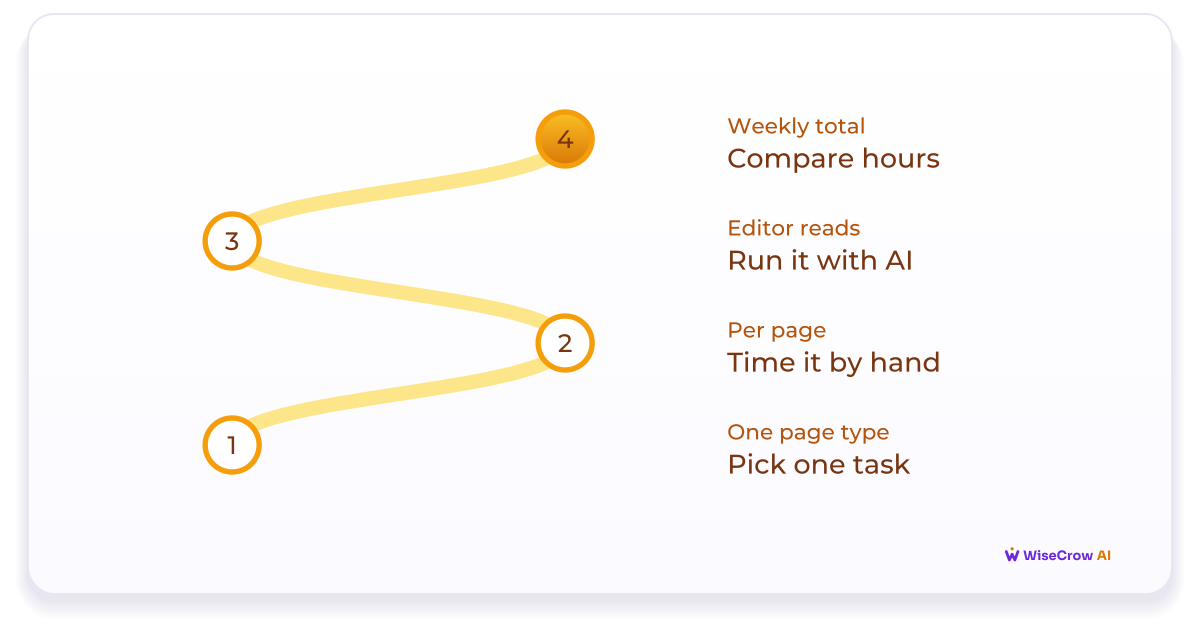
Most of the fast-payback use cases save time before they move traffic. Pick one task, such as writing refresh notes, sorting crawl issues or drafting titles, and enter how long it takes per page and how many pages you handle each week. Set the share AI can handle lower than you think. Your editor still reads every output.
How Much Time Could You Save?
Move the sliders to match one repetitive task in your business.
The figure covers hours only. Any traffic you win back from refreshes or better titles comes on top, and you should measure it page by page.
How to Choose the Right AI SEO Use Case for Your Site
Your site’s size and age matter more than your tool budget. Here’s how I sort it with clients.
Small or young sites, under a few hundred pages. You don’t have much to refresh yet, so start with keyword clustering to plan the pages you’re missing, then use briefs to write them well. Add internal linking once you pass 50 or so posts.
Established sites with a back catalog. Start at the top of the list. Refresh the pages losing the most clicks, run audit triage weekly and test titles on pages with high impressions. Most sites I work with sit here, and the first three use cases keep them busy for months.
Very large sites. Add log-file analysis and template-level schema. Consider programmatic pages only if you hold data nobody else has, and start with a test batch.
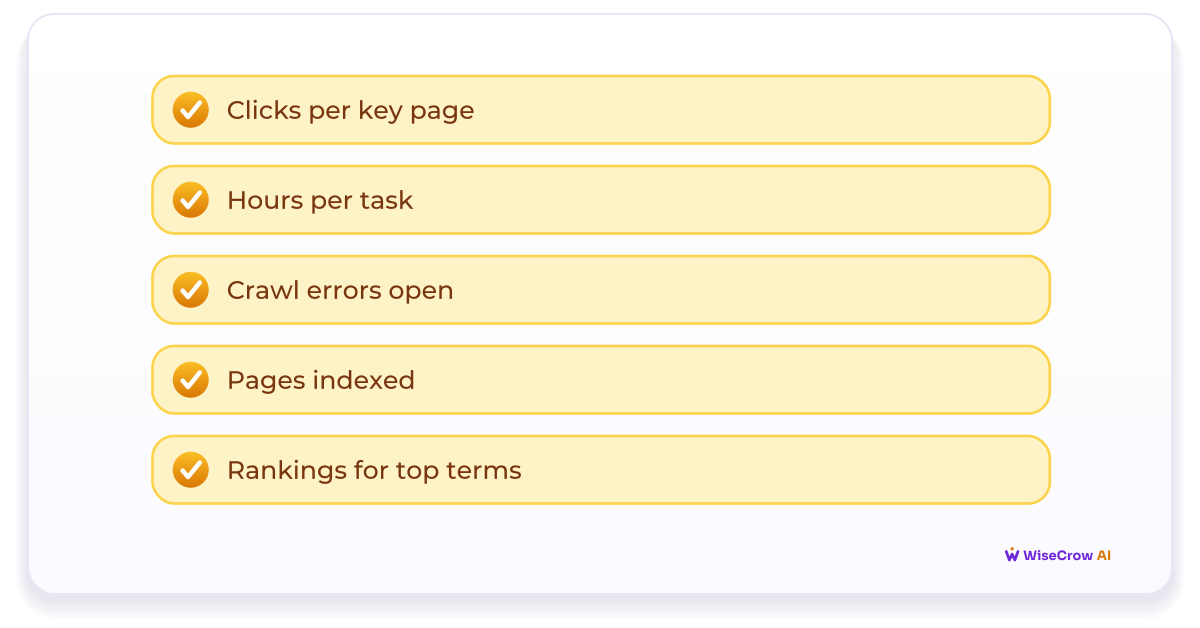
Before you start, write down today’s numbers for the pages and tasks you’ll touch. Without a baseline, you can’t tell a real gain from a seasonal bump.
Questions About AI SEO Use Cases
What Is the Best First AI SEO Use Case?
For most sites with a few years of content, content refresh comes first. The pages already have links and history, Search Console shows which ones are slipping and you can measure each update against its own baseline. Newer sites with little content should start with keyword clustering and briefs.
Does Google Penalize AI-Generated SEO Content?
Google’s spam policies target scaled content abuse: many pages made mainly to manipulate rankings with little value for readers, however they were produced. A page drafted with AI and improved by an editor who knows the subject is judged like any other page. The risk comes from volume without care.
How Do I Measure the ROI of an AI SEO Use Case?
Count the hours the task took before and after, then value them at your team’s cost. For traffic-facing use cases, such as refreshes or title tests, compare each changed page with its own clicks before the change. Keep a log of what changed and when, or you won’t know what caused a lift.
Can AI Do Keyword Research on Its Own?
It can group and label keywords well, but it can’t invent search volume. Feed it data from a keyword tool or Search Console, then check the clusters against the live results. Treat any volume figure an AI chat tool gives you without a data source as a guess.
Is AI-Generated Schema Markup Safe to Use?
Yes, if it matches what visitors see on the page and passes validation. Generate it per template from real CMS fields, test sample pages and crawl the site regularly to catch drift. Markup that claims ratings, prices or facts the page doesn’t show can cost you rich results.
How Do I Track My Brand in ChatGPT and Perplexity?
Write a fixed set of prompts your buyers would ask, run them on a schedule and record mentions, cited pages and competitors. Answers change from run to run, so look at trends across several weeks. Search Console covers Google’s AI features inside its Web data, so other AI tools need their own tracking.
Do Small Websites Need AI SEO Tools?
Often a general AI assistant plus Search Console covers the top use cases on this list. Small sites rarely need log-file analysis or programmatic pages. Spend first on refreshing your best pages and fixing internal links, and add paid tools when a specific job gets too slow by hand.
Sources
- Ahrefs: Update, AI Overviews Reduce Clicks by 58% (February 2026)
- Google Search Central: Spam Policies for Google Web Search
- Google Search Central: AI Features and Your Website
- Google Search Central: Crawl Budget Management for Large Sites
General information only: this is not legal, financial or tax advice. Examples and numbers reflect typical projects; check the specifics with your advisers before deciding.
Did you find this helpful?
Thank you for your feedback.
Marlena leads the WiseCrow editorial team and works with our consultants to turn real client projects into practical guides on AI strategy, automation and governance. Before joining WiseCrow, she spent 12 years in B2B operations and SaaS content. She has since edited more than 400 articles on AI and automation and reviewed workflows from over 60 client projects. She is based in Austin, Texas.