Summary
- Start with a readiness assessment so your first project fits your data and systems.
- Make a go or no-go decision after the pilot, based on results measured against a baseline.
- Roll out in waves and plan for training, support and a named owner for each automation.
- Scale with an operating model and governance, and add AI agents once guardrails are proven.
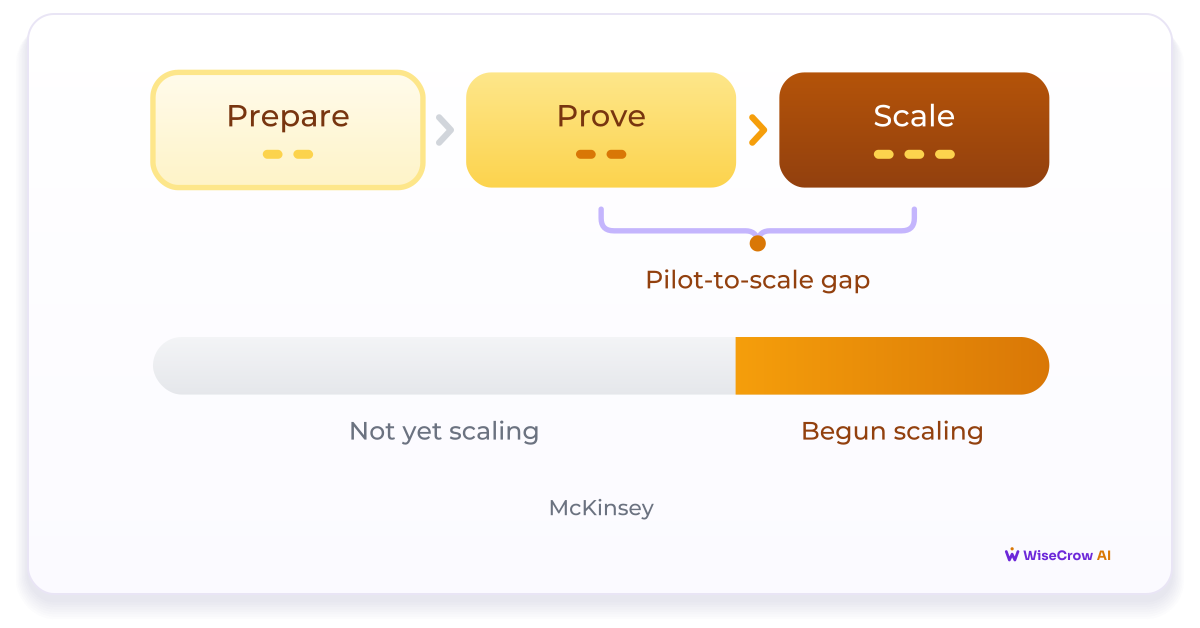
Many companies get one AI automation pilot working and then stall. The next steps aren’t clear, nobody owns the program and every new project starts from scratch. A roadmap solves that, and building one is a core part of any serious AI automation consulting project.
The table below shows the whole roadmap: seven phases in three stages, each with what it delivers and the decision that ends it. The sections after it explain each phase in a few lines.
The Roadmap at a Glance
| Phase | Deliverable | Decision gate | Owner |
|---|---|---|---|
| 1. Readiness AssessmentPrepare | A picture of your processes, data and systems | Is there a first project the data can support? | Automation lead, process owners |
| 2. Use Case and Business CasePrepare | One prioritized pilot with an approved budget | Does the expected return justify the pilot? | Budget and process owner |
| 3. Pilot BuildProve | A working automation in one team or entity | Does it run reliably on real work? | Pilot team and technical owner |
| 4. Pilot ReviewProve | A decision backed by measured results | Scale, adjust or stop? | Executive sponsor |
| 5. Production RolloutScale | The automation running in all relevant teams | Are results stable after each wave? | Business owner per team |
| 6. Operating Model and GovernanceScale | Clear ownership, rules and an automation team | Can teams build safely without you? | Center of excellence |
| 7. Enterprise ScaleScale | A pipeline of automations with measured returns | Which automations to add, improve or retire? | Sponsor and automation lead |
Stage 1: Prepare
The first stage decides what you automate and whether it is worth it. It ends with an approved pilot.
Phase 1: Readiness Assessment
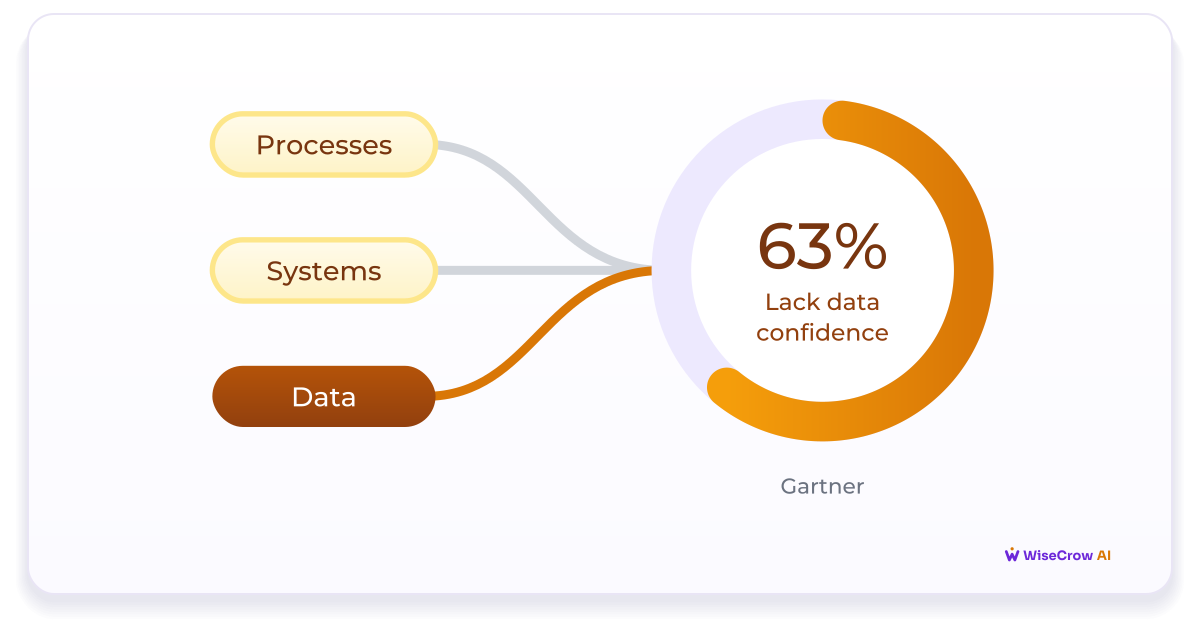
Review your main processes, the systems they run on, your data quality and the skills your team already has. Interviews with process owners and a shared spreadsheet are enough for most companies. If you need a starting list, my ranked AI automation use cases show where returns usually come first.
It prevents the most common mistake, picking a project your data or systems can’t support yet. It also tends to surface AI features you already pay for but don’t use. Keep it short: two to three weeks of interviews and data checks is plenty for most mid-sized companies, and longer assessments tend to turn into documentation projects.
Phase 2: Use Case and Business Case
Score your candidates with the formula from my AI automation strategy guide, pick the best balance of value and effort, and record today’s baseline: volume, minutes per task and error rate. Then estimate savings, tool costs and build effort.
A short, honest business case beats a polished one with optimistic numbers. Use the calculator below to check whether a tool pays for itself.
Ask someone in finance to review the business case before it reaches the sponsor. Their questions are the ones the sponsor will ask anyway.
Use the calculator to test the business case for your pilot tool. Enter the manual hours, the share the tool can automate, your staff cost and the monthly tool cost.
Will It Pay for Itself?
Move the sliders to match the work you want to automate and the plan you are considering.
Stage 2: Prove
The second stage shows whether the automation works on real work. It ends with a go or no-go decision.
Phase 3: Pilot Build
Build for a narrow scope, such as one team, location or document type, and test on historical cases before going live. Keep the people who do the work involved, because they know the exceptions.
Run the pilot on real work with confidence thresholds and a review queue, so you learn how it performs in daily use.
Expect the first two weeks to surface exceptions nobody mentioned in the interviews. That’s normal, and it’s exactly what the review queue is for.
Phase 4: Pilot Review
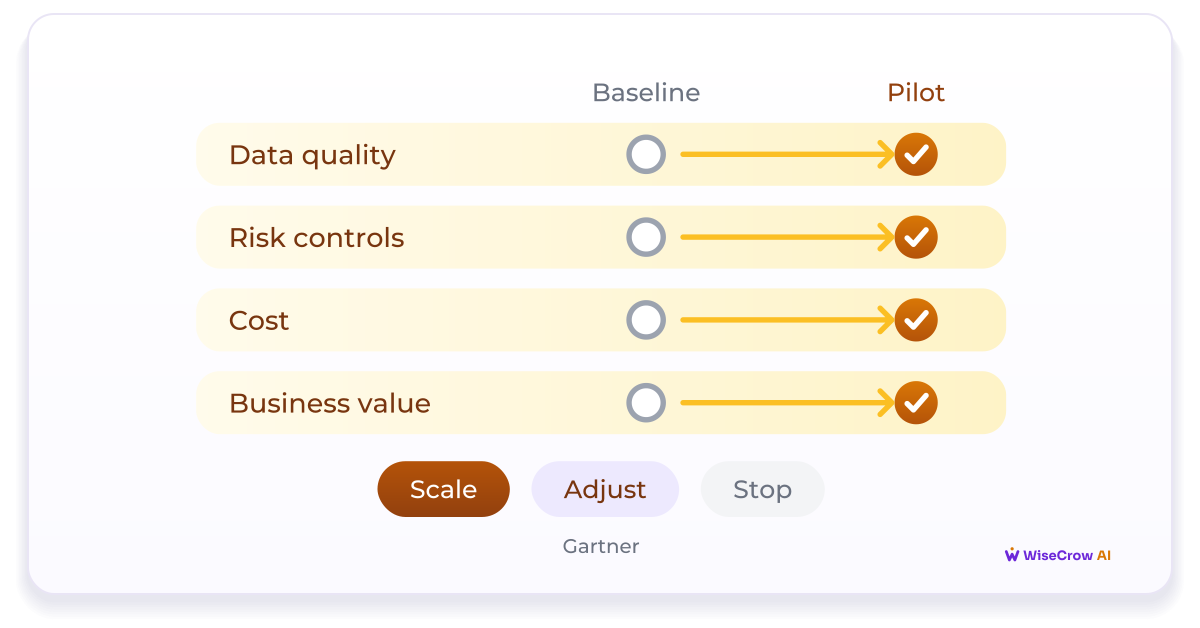
After a few weeks, compare hours saved, error rates and processing times with your baseline, and ask the pilot team what works and what gets in the way.
Be ready to adjust or stop. A missed target still teaches you something, and stopping early protects the budget for projects that will work. In the review meeting, I go through four things in order: the numbers against the baseline, the exception log, feedback from the pilot team and the cost so far. With the numbers prepared beforehand, thirty minutes is usually enough.
Stage 3: Scale
The third stage turns one working automation into a program. It never really ends, it becomes how you work.
Phase 5: Production Rollout
Roll out to other teams, locations or document types in waves, so you can fix problems before they spread. Plan for training, support and clear communication.
Keep tracking the pilot metrics, because results often change at a larger scale. Choose the second wave carefully: a team that volunteered will forgive early problems, and its results help convince the skeptical teams later.
Phase 6: Operating Model and Governance
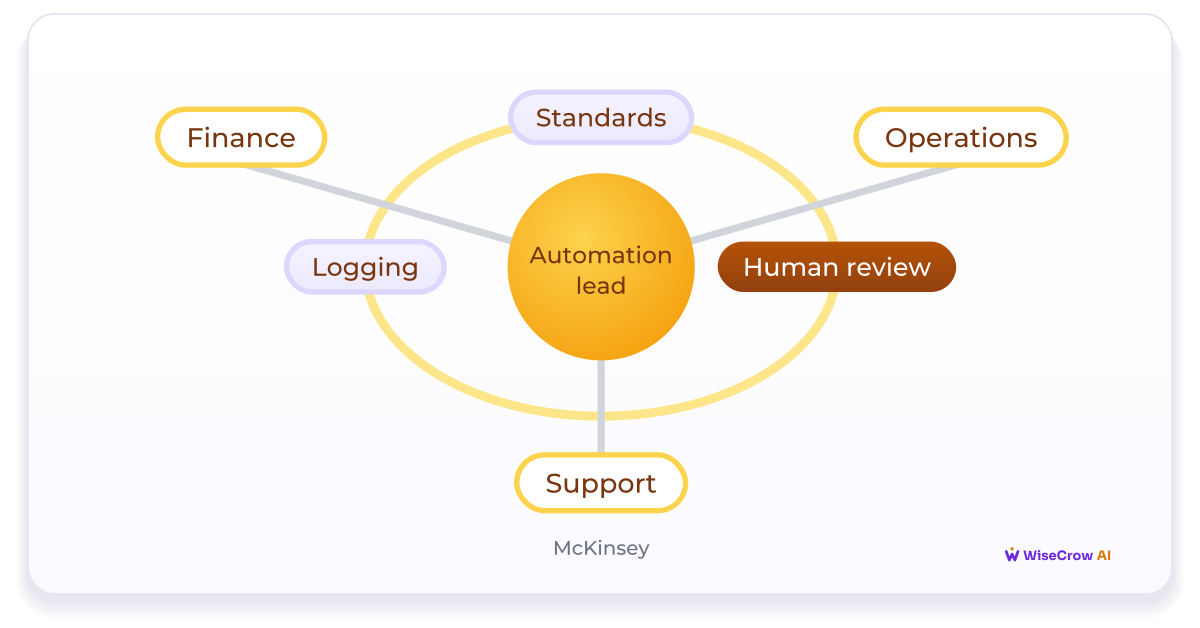
Beyond a handful of projects, you need a way of working that doesn’t depend on one person. Many companies set up a small automation team, often called a center of excellence, that sets standards and supports business teams.
Governance covers who may build automations, how they are tested and logged, and who reviews high-risk uses.
The team doesn’t need to be big. In the smaller companies I work with, one automation lead plus one person per department with a few hours a week is enough to start.
Phase 7: Enterprise Scale
Automation becomes a continuous program: a ranked backlog, new releases in regular cycles and quarterly reviews of what is already live.
At this stage, AI agents start to make sense for complex, multi-step work, because you now have the guardrails, data access and experience to run them safely. My overview of AI automation trends covers where agents are heading.
Retire automations as carefully as you launch them. An automation nobody uses still holds access to your systems, so remove its accounts and keys when you switch it off.
If you want to see what finished automations look like at this stage, browse my AI automation examples by department.
Keeping Your Sponsor Behind the Roadmap
A roadmap runs for months, and the executive who approved it has other priorities by the time phase 5 starts. In my client work, the programs that keep their budget are the ones that report the same few numbers every month, in the same format, good news or bad.
One page is enough. Show the hours saved and errors avoided against the baseline, the tool and build cost so far, the next decision gate with its date and anything blocked that needs the sponsor’s help. Leave out the technical detail unless someone asks for it.
When a target slips, say so early and bring a plan with it: what caused the gap, what you will change and when you will know whether it worked. Sponsors forgive a missed number far more easily than a surprise at the review meeting. If a phase needs more money, ask at a decision gate, where the evidence is already on the table.
Where Roadmaps Slip and How to Plan for It
The roadmaps I’ve seen run late all slipped in the same few places. None of them is a reason to skip a phase, but each one deserves a line in your plan.
Data Access Takes Longer Than the Build
Getting read access to a finance or HR system often takes longer than building the automation. Security reviews, service accounts and sign-offs each add a week or two. File those requests in phase 1, the day you pick your candidate, so they are done when the pilot build starts.
The Pilot Review Keeps Moving
Once a pilot runs, it’s tempting to let it keep running without a decision. Weeks turn into months, and the pilot team carries two ways of working. Put the review date in the calendar before go-live and invite the executive sponsor.
Each Rollout Wave Finds Local Exceptions
The second team rarely works exactly like the first. A different invoice format, a local approval rule or a second ERP instance can add a few weeks per wave. Budget a short adaptation step into every wave, and you won’t have to explain delays later.
Procurement Moves at Its Own Speed
If the pilot needs a new tool, vendor onboarding can add security questionnaires, contract reviews and a purchase order cycle. In larger companies, that alone can take longer than the build. Check in phase 2 whether a tool you already license can cover the pilot, and start procurement early if it can’t.
Change Freezes Stop the Clock
Many finance and retail teams freeze system changes around year-end or peak season. Plan your waves around those windows, or you can lose a month waiting for the freeze to lift.
How to Choose Where Your Roadmap Starts
Not every company starts at phase 1. Find your starting point:
| Where you are today | Start with |
|---|---|
| No automation yet, no priority list | Phase 1: Readiness Assessment |
| A shortlist, but no budget | Phase 2: Use Case and Business Case |
| A pilot running, no decision on its future | Phase 4: Pilot Review |
| Several automations, no shared rules or owners | Phase 6: Operating Model and Governance |
If you sit between two rows, start with the earlier phase. Skipping ahead is the most common reason I see for a second, more expensive restart.
To pick the platforms for each phase, compare them in my ranking of AI automation tools.
Questions About AI Automation Roadmaps
What Is an AI Automation Roadmap?
It is a phased plan that takes you from your first automation to a company-wide program. It sets the order of projects, the decisions at each stage and the governance you need to scale safely.
How Long Does It Take to Go from Pilot to Enterprise Scale?
It depends on your size, systems and data. A focused pilot can often run within weeks, while building an operating model and scaling across a larger company usually takes many months. A good roadmap shows clear milestones, each with its own date.
What Should the First Phase of an AI Automation Roadmap Be?
Start with a readiness assessment of your processes, systems, data and skills. It prevents you from picking a first project that your data or systems can’t support yet.
How Do I Know If a Pilot Is Ready to Scale?
Scale when the pilot meets the targets you set against your baseline, the exception rate is stable and the people using it are confident. If results are mixed, adjust the pilot before you roll it out.
Do I Need a Center of Excellence for AI Automation?
Smaller companies can start with one named automation lead. Once several teams build automations, a small central team that sets standards and supports others helps you scale without losing control.
When Should I Use AI Agents in My Roadmap?
Introduce agents once you have proven guardrails, logging and data access from earlier phases. Start them in suggestion mode on one well-defined workflow before you let them act on their own, and give each agent the same owner, logging and review rules as any other automation.
What Are the Most Common Reasons AI Automation Roadmaps Stall?
The most common reasons are a first project that was too large, poor data, no clear owner and no baseline to prove the return. A phased roadmap with a go or no-go decision after the pilot avoids most of them.
General information only: this is not legal, financial or tax advice. Examples and numbers reflect typical projects; check the specifics with your advisers before deciding.
Did you find this helpful?
Thank you for your feedback.
Marlena leads the WiseCrow editorial team and works with our consultants to turn real client projects into practical guides on AI strategy, automation and governance. Before joining WiseCrow, she spent 12 years in B2B operations and SaaS content. She has since edited more than 400 articles on AI and automation and reviewed workflows from over 60 client projects. She is based in Austin, Texas.