Summary
- AI agents are moving into real workflows, but most companies are still experimenting and few are scaling.
- RPA platforms now combine bots, AI agents and people, so you can extend the automation you already have.
- Gartner expects over 40% of agentic AI projects to be canceled by the end of 2027, so test vendor claims carefully.
- Regulation and ROI pressure make logging, human oversight and measured results standard requirements.
AI automation is changing faster than most planning cycles. Every vendor now talks about agents, and it is hard to tell which shifts matter for your business and which are noise. Sorting that out is a big part of good AI automation consulting, and it is what this guide does.
I picked the nine trends I think matter most right now. For each one, you get what is happening, the evidence behind it and what it means for your plans. Each source is linked where I first cite it and listed at the end.
The Numbers Behind the Shift
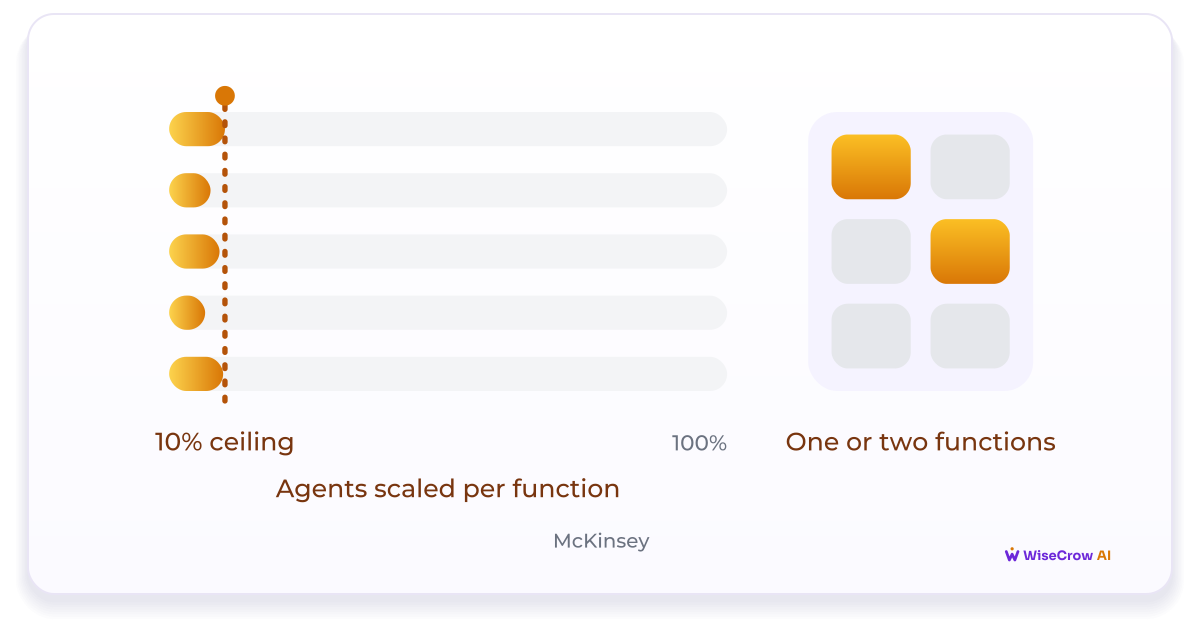
Three figures sum up where things stand. Gartner forecasts that 33% of enterprise software applications will include agentic AI by 2028, up from less than 1% in 2024. The same firm expects more than 40% of agentic AI projects to be canceled by the end of 2027. And in McKinsey’s 2025 State of AI survey, 23% of respondents said their organization was already scaling an agentic AI system somewhere in the business.
Read together, they describe the moment well. Agents are coming into the software you use, and many early projects won’t survive contact with real costs and real processes.
The 9 Trends at a Glance
Not every trend deserves budget this year. Here is how I would sort them for a typical mid-sized business, from what to act on now to what to keep an eye on.
| Trend | Priority | Your first move |
|---|---|---|
| AI agents in real workflows | Test | Run one multi-step task in suggestion mode |
| Agentic RPA | Act now if you run RPA | Add AI to your most fragile bots |
| Agent hype reality check | Act now | Test vendor claims on your own data |
| AI in your existing software | Act now | Switch on features you already pay for |
| Document AI | Act now | Start with one high-volume document type |
| Open standards for agents | Watch | Prefer tools that support them |
| Governance and regulation | Act now | List automations that affect people |
| Human oversight by design | Act now | Set review rules and thresholds |
| ROI pressure | Act now | Record a baseline before each go-live |
AI Agents Move From Demos Into Real Workflows
The biggest shift is the move from assistants that answer questions to agents that plan and carry out several steps on their own. Where an assistant drafts a reply, an agent can look up the order, issue the refund within your limits and update the CRM.
Adoption is real but early. The same McKinsey survey found that 62% of organizations were at least experimenting with AI agents, far more than the share that had scaled one. The agents I see working in production share three traits: a narrow job, a short list of systems they may touch and a person who reviews anything unusual. The ones that stall were usually given a broad goal and access to everything.
If you want to try one, pick a single multi-step task and run the agent in suggestion mode, with a person approving each step. Switch on autonomy only for the steps where the error rate has stayed low for a few weeks.
RPA Platforms Turn Into Agentic Automation
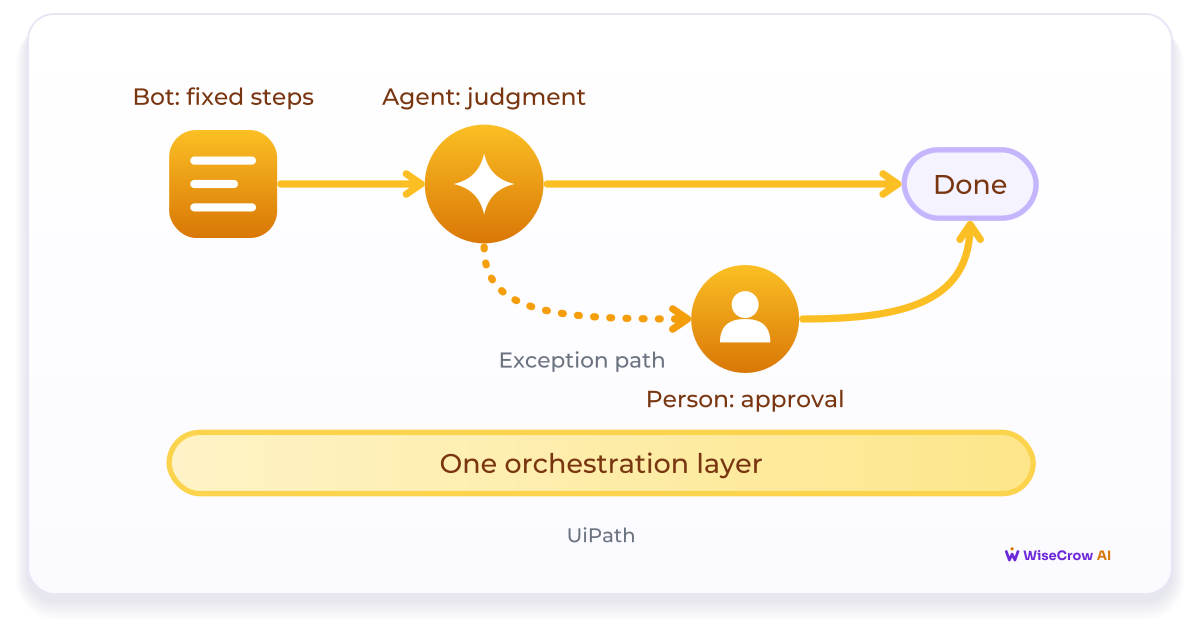
Classic RPA vendors have moved past rule-based bots. Platforms such as UiPath and Automation Anywhere now market agentic automation, where bots handle the fixed steps, AI agents handle the judgment calls and people approve the exceptions.
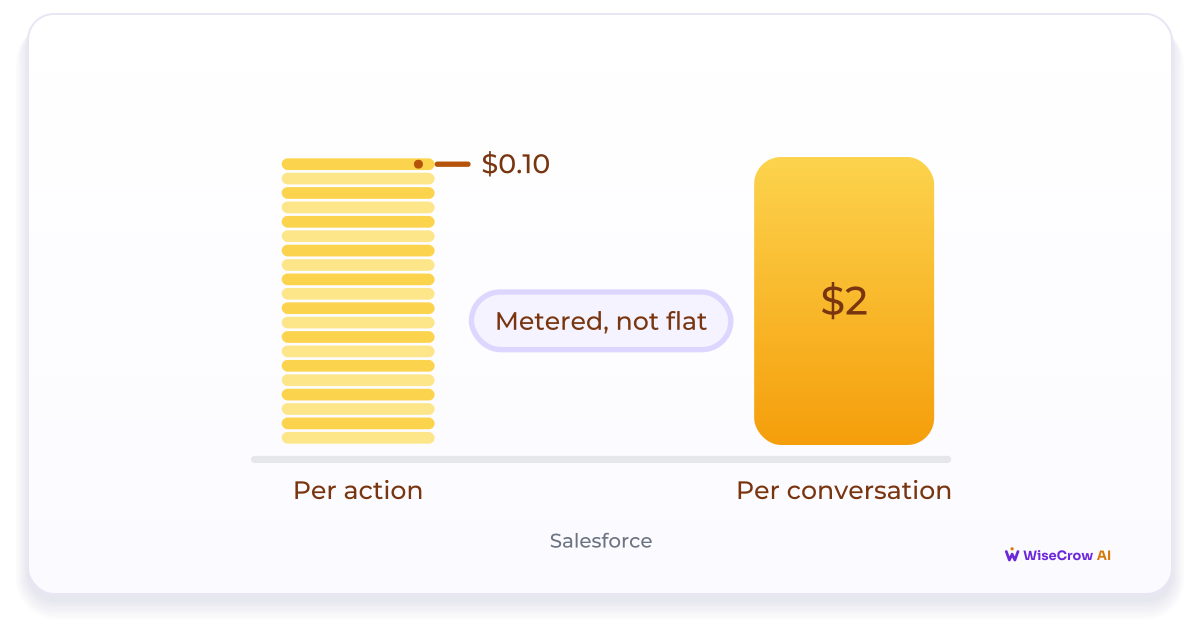
If you already run RPA, you can add AI to the bots that break most often because their inputs vary, and keep the rest. In my client work, those fragile bots are almost always the ones reading supplier emails, PDFs or portals that change their layout a few times a year. They are the ones to upgrade first, and your current license may already include the AI features to do it. Watch the pricing as you go, because several vendors now bill agent work by consumption, so budget for usage on top of your bot licenses.
A Reality Check for Agent Hype
Gartner expects more than 40% of agentic AI projects to be canceled by the end of 2027 because of rising costs, unclear business value or inadequate risk controls. It also warns about agent washing, where assistants and chatbots are rebranded as agents, and estimates that only about 130 of the thousands of agentic AI vendors are real.
Many tasks sold as agentic work fine with simpler automation, which is cheaper to build and easier to control. A quick test helps: if you can draw the workflow as a fixed flowchart, a standard automation tool is usually enough. The processes with the clearest returns are still the document-heavy and rule-heavy ones I rank in my guide to AI automation use cases.
When you talk to an agent vendor, ask three things: which steps the product decides on its own, how it handles a case it can’t solve and what it costs per task once volumes grow. Then test it on your own data before you sign anything.
AI Built Into the Software You Already Use
CRMs, helpdesks, office suites and accounting platforms now ship their own AI features and agents, such as Salesforce Agentforce, Microsoft 365 Copilot and HubSpot’s Breeze. Often the fastest automation is a feature you already pay for but haven’t switched on.
The catch is that each vendor’s AI only sees its own system. Workflows that cross several tools still need an automation layer that connects them. In my client work, a quick license review often turns up a built-in feature that covers a project someone was about to buy a new tool for. For the workflows that span several systems, my ranking of AI automation tools covers the platforms built for that job.
Document AI Becomes the Standard Entry Point
Reading unstructured documents was once the hardest part of automation. Modern AI models read invoices, contracts, forms and emails in almost any layout, which makes document processing the most practical first step for many companies.
Because the data is captured cleanly at the start, every process downstream improves too. Decide early who checks the low-confidence documents and how fast, because that queue decides whether the time savings show up. My collection of AI automation examples shows how finance and operations teams use it today.
The safest way in is one high-volume document type. Collect a sample that includes your messiest layouts, measure extraction accuracy on it and send anything below your confidence threshold to a person. Expect a short tuning period, because accuracy on the first weeks of real documents is usually lower than on your test sample and climbs as your team corrects the misses.
Open Standards Connect Agents to Your Systems
Agents are only useful if they can reach your data and tools. Open standards such as the Model Context Protocol, introduced by Anthropic in 2024, and Google’s Agent2Agent protocol, now a Linux Foundation project, give agents a common way to connect to systems and to each other.
The practical effect is less custom integration code and more freedom to switch vendors. I wouldn’t commission a custom connector today without first checking whether a standard one exists. When you do connect an agent, keep its access as narrow as the job needs, because a connector that can read everything usually ends up doing so.
Governance and Regulation Catch Up
Rules for AI are taking effect in stages. In the EU, the AI Act’s prohibited practices already apply, and the EU has agreed to delay the obligations for high-risk systems, such as some HR uses, through the Digital Omnibus.
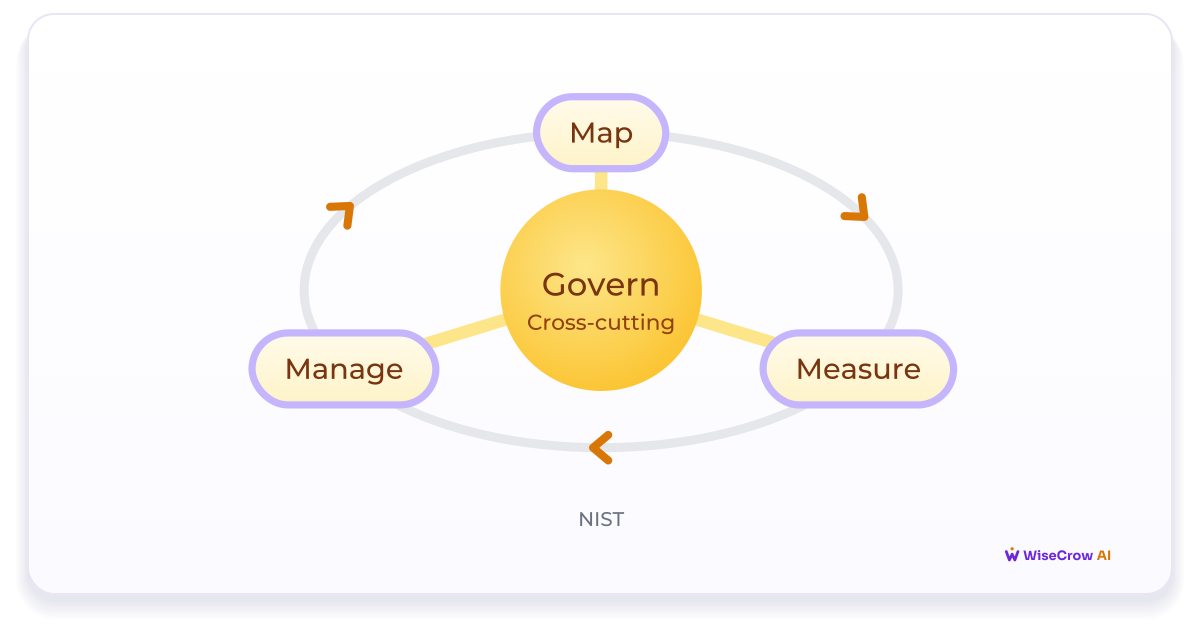
Even outside the EU, customers and auditors increasingly ask how your automated decisions are made. Logging, human oversight and clear ownership are becoming standard expectations. A simple register helps: list every automation that affects customers or employees, rate each one by risk and check that the high-risk ones have human oversight and logs.
Human Oversight Is Designed In, Not Bolted On
Gartner predicts that at least 15% of day-to-day work decisions will be made autonomously through agentic AI by 2028. That still leaves most decisions with people, which is why the automations that work best let AI handle routine cases and send uncertain or sensitive ones to a person.
Good oversight means a clear rule for which cases need review, backed by confidence scores and regular sample checks. A person approving everything slows the work down and soon turns into rubber-stamping. When you compare platforms, look for approval steps, confidence scores and review queues, because over time they matter more than the model underneath.
Pressure to Prove ROI and Scale
Most companies now use AI somewhere: 88% of respondents in McKinsey’s 2025 survey reported regular use in at least one business function. Yet about two-thirds said their organization had not yet begun scaling AI across the enterprise.
The companies that pull ahead treat automation as a portfolio. They measure each project, stop the ones that don’t pay off and scale the ones that do. When I help teams report results, the version that convinces a CFO puts hours saved, error cost avoided and tool cost on one line each.
All of that starts with a baseline, recorded before go-live, and a report in money as well as hours. The scoring formula in my AI automation strategy guide uses the same numbers to decide what you automate next.
How to Choose Which Trends to Act On
You can’t follow every trend at once. Before you put budget behind one, check it against these questions:
- Does it change one of the processes at the top of your priority list?
- Can you test it in a small pilot with a clear success metric?
- Do your current tools already support it, or would you need a new platform?
- Can you put logging and human oversight in place from the start?
When you’re ready to turn a trend into a project, the AI automation roadmap takes you from the first pilot to company-wide scale.
Questions About AI Automation Trends
What Is the Biggest AI Automation Trend Right Now?
The move to AI agents that carry out several steps on their own is the biggest shift. Gartner forecasts that 33% of enterprise software applications will include agentic AI by 2028, up from less than 1% in 2024.
Is RPA Still Relevant with AI Agents?
Yes. RPA remains reliable for fixed, rule-based steps, and leading vendors now combine it with AI agents. The trend is toward workflows where bots, agents and people each handle the part they do best.
Are AI Agents Ready for Production Use?
For well-scoped tasks with clear limits and human oversight, yes. For open-ended work, many projects still struggle, which is why Gartner expects over 40% of agentic AI projects to be canceled by the end of 2027.
What Is Agent Washing?
Agent washing is Gartner’s term for rebranding assistants, chatbots or simple automations as AI agents when they lack real agentic capabilities. Ask vendors to show which steps their product plans and decides on its own.
How Does the EU AI Act Affect AI Automation?
It sets obligations based on risk. Most back-office automations are low risk, but uses such as some hiring decisions count as high risk. The EU has agreed to delay those high-risk rules through the Digital Omnibus, so check the current status before you plan around a deadline.
Which AI Automation Trend Should I Act on First?
Start with the AI features already built into your software and with document processing, because both deliver results with little risk. Test agents in suggestion mode on one well-defined workflow alongside that.
How Do I Keep Up with AI Automation Trends?
Review your automation plan every quarter against what your vendors release and what your pilots show. Focus on trends that change your top processes, not on every new announcement.
Sources
- Gartner forecasts on agentic AI (June 2025), as reported by Reuters: The Star
- McKinsey, The state of AI in 2025: mckinsey.com
- EU AI Act Digital Omnibus agreement: Gibson Dunn
- Model Context Protocol announcement: Anthropic
- Agent2Agent protocol project: Linux Foundation
Disclaimer: This article is for general information only and isn’t legal advice. Forecasts, vendor features and regulatory timelines change often, so check the current status with the original sources and your advisers before you act.
Did you find this helpful?
Thank you for your feedback.
Marlena leads the WiseCrow editorial team and works with our consultants to turn real client projects into practical guides on AI strategy, automation and governance. Before joining WiseCrow, she spent 12 years in B2B operations and SaaS content. She has since edited more than 400 articles on AI and automation and reviewed workflows from over 60 client projects. She is based in Austin, Texas.