Summary
- No-code tools like Zapier and Make are the fastest way to automate everyday work across your apps.
- Enterprise platforms like UiPath and Workato fit high-volume, business-critical processes and legacy systems.
- AI agent builders work best on narrow tasks with clear guardrails and human approval steps.
- Choose based on your processes, systems and data sensitivity, then run a short pilot before committing.
The Best AI Automation Tools at a Glance
| Tool | Type | Best for |
|---|---|---|
| 1. Zapier | No-code automation | Non-technical teams connecting everyday apps |
| 2. Make | Visual workflow builder | Complex multi-step workflows on a budget |
| 3. n8n | Open-source workflow automation | Technical teams that want control and self-hosting |
| 4. Microsoft Power Automate | Workflow and RPA platform | Companies that run on Microsoft 365 |
| 5. Microsoft Copilot Studio | AI agent builder | Building custom AI agents inside the Microsoft ecosystem |
| 6. UiPath | Enterprise RPA and agentic automation | Large organizations automating legacy systems at scale |
| 7. Boomi | Integration platform with AI agent management | Connecting on-premise and cloud systems before adding AI agents |
| 8. Workato | Enterprise integration and automation | IT and operations teams connecting many enterprise systems |
| 9. Tray.ai | Integration platform with AI agents | Teams building AI agents on top of complex integrations |
| 10. Relevance AI | No-code AI agent platform | Building an AI workforce for sales, support and research |
| 11. Lindy | AI assistant and agent builder | Automating email, scheduling and follow-ups |
| 12. CrewAI | Multi-agent framework | Developers building custom multi-agent systems |
The 12 Best AI Automation Tools, Ranked
I start with the tools that suit the widest range of teams and move toward specialist platforms for enterprise and developer use, so you can stop reading once you find your fit. Keep in mind that the tool is only part of the result: in the AI automation consulting projects I review, picking the right process to automate matters even more than picking the platform.
Zapier
The Easiest Way for Non-Technical Teams to Automate Work Across the Apps They Already Use
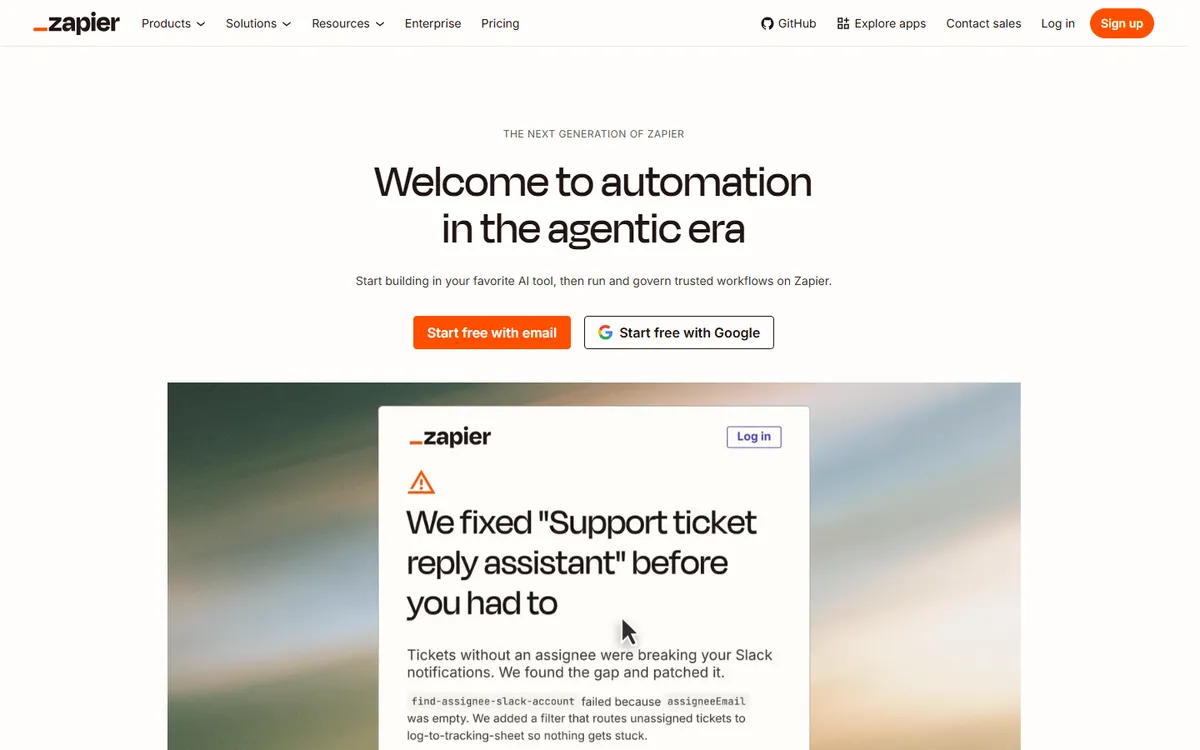
Zapier connects thousands of business apps with simple trigger-and-action workflows and now adds AI steps, chatbots and AI agents on top.
I usually recommend Zapier as the first automation tool for small and mid-sized teams, because you can get value from it on day one. You pick a trigger, such as a new form submission or a closed deal, and chain actions across your other apps. Over the last two years Zapier has added AI steps that summarize, classify and draft text, a chatbot builder and Zapier Agents, which work through multi-step tasks on their own.
What I like most is the speed to value. You can connect a lead form to your CRM, enrich the record with AI and alert sales in Slack in under an hour, much like the lead scoring workflow in my AI automation examples. The catch shows up at scale: every action counts as a task, so high-volume workflows get expensive, and if your logic gets complex, you will find it easier to maintain in Make or n8n.
What Zapier Does Well
- The app library is enormous, so the tool you need is almost always supported
- A first workflow takes minutes, even for people who have never automated anything
- AI steps and agents sit inside the same editor, so there is no second tool to learn
What Zapier Could Do Better
- Costs climb quickly once task volumes grow
- Complex logic with many branches becomes hard to read and maintain
Zapier Pricing
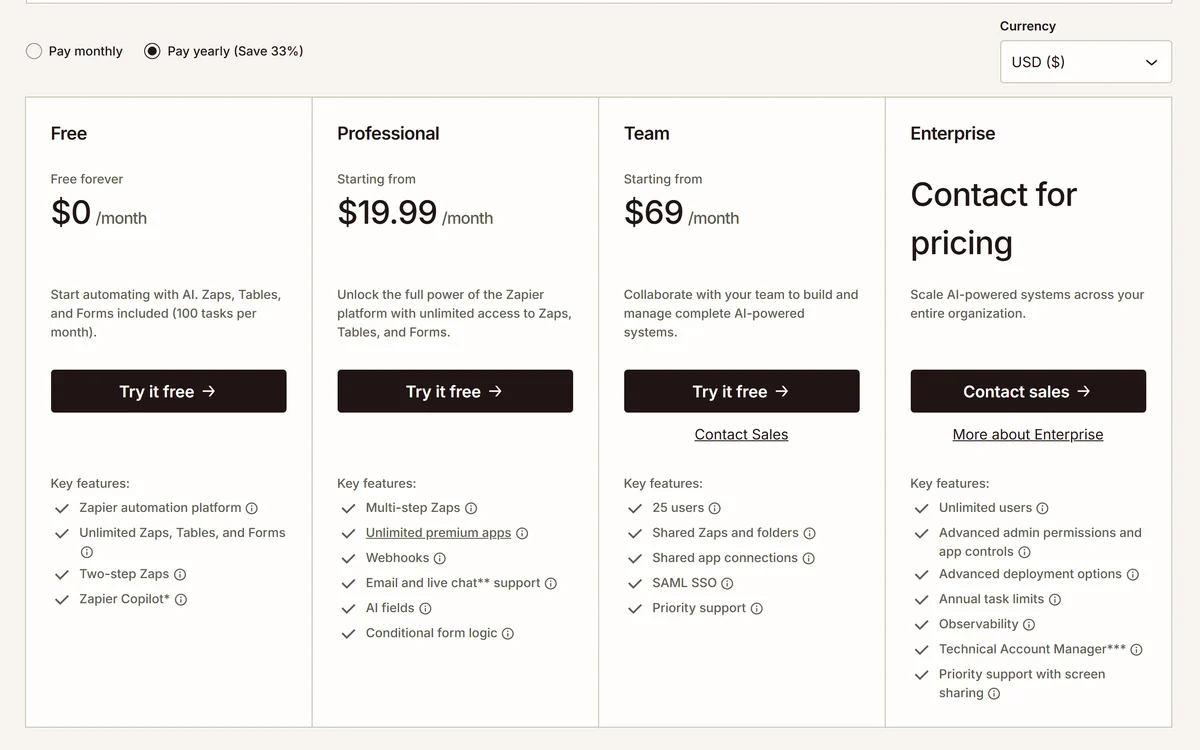
Zapier offers a free plan for simple two-step workflows. Paid plans are priced by the number of tasks you run each month, and Capterra lists the starting paid price at $29.99 per month. Team and Enterprise plans add shared workspaces, single sign-on and advanced admin controls.
Zapier Reviews
- G2: score of 4.5 out of 5 (from +2,000 customer reviews)
- Capterra: score of 4.7 out of 5 (from +3,000 customer reviews)
Make
More Power per Dollar than Zapier, If You Are Willing to Learn a Visual Canvas
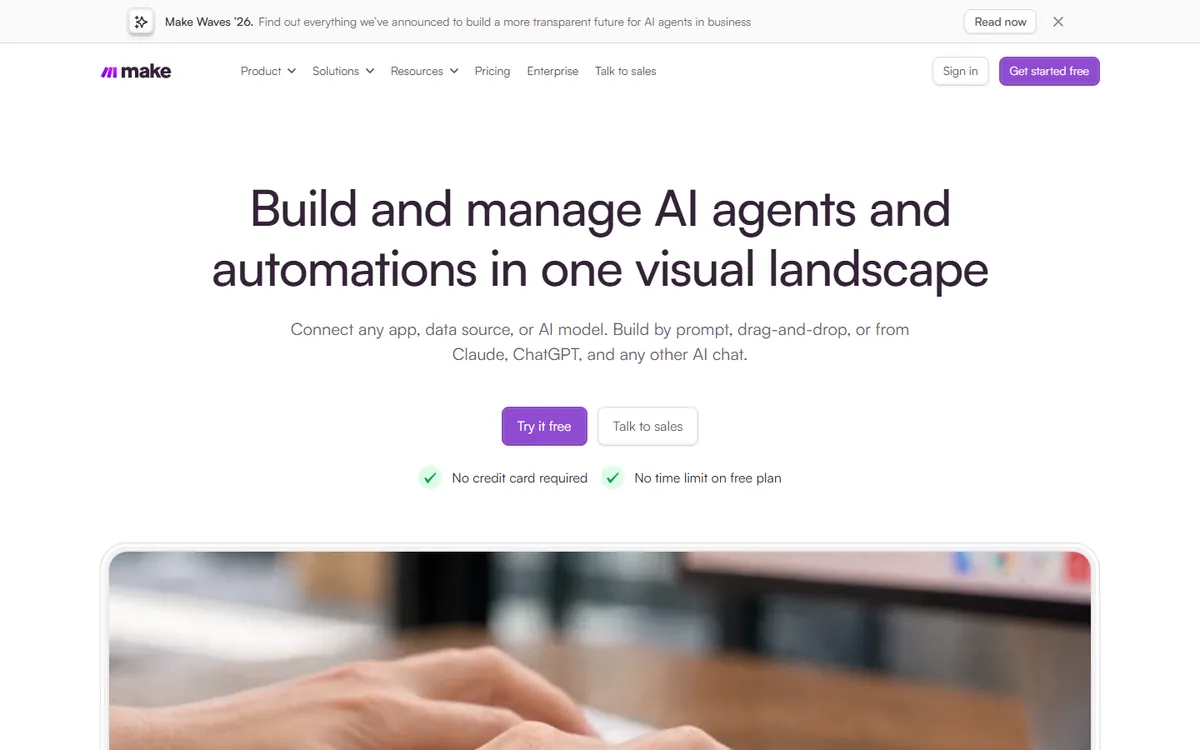
Make lets you design automations on a visual canvas with branches, loops and error handling, with AI modules that read documents and classify messages.
Make, formerly Integromat, is where I see many teams go once their Zapier workflows outgrow simple chains. Make replaces the list of steps with scenarios on a visual canvas, with routers that split data into branches, iterators that loop through records and filters at every connection. AI modules and Make AI Agents sit right inside those scenarios.
In my experience, the visual approach makes complex processes much easier to understand, test and hand over to a colleague. Built-in error handling lets you decide what happens when an app is down, so you are not finding out days later. You will need a few hours to learn it, but once you do, you get far more done per dollar than with simpler builders.
What Make Does Well
- The visual canvas makes complex workflows easy to understand at a glance
- Error handling and retries are built in, so failures do not go unnoticed
- Pricing per operation stays reasonable as volumes grow
What Make Could Do Better
- The learning curve is steeper for first-time users
- Some app integrations are less complete than in Zapier
Make Pricing
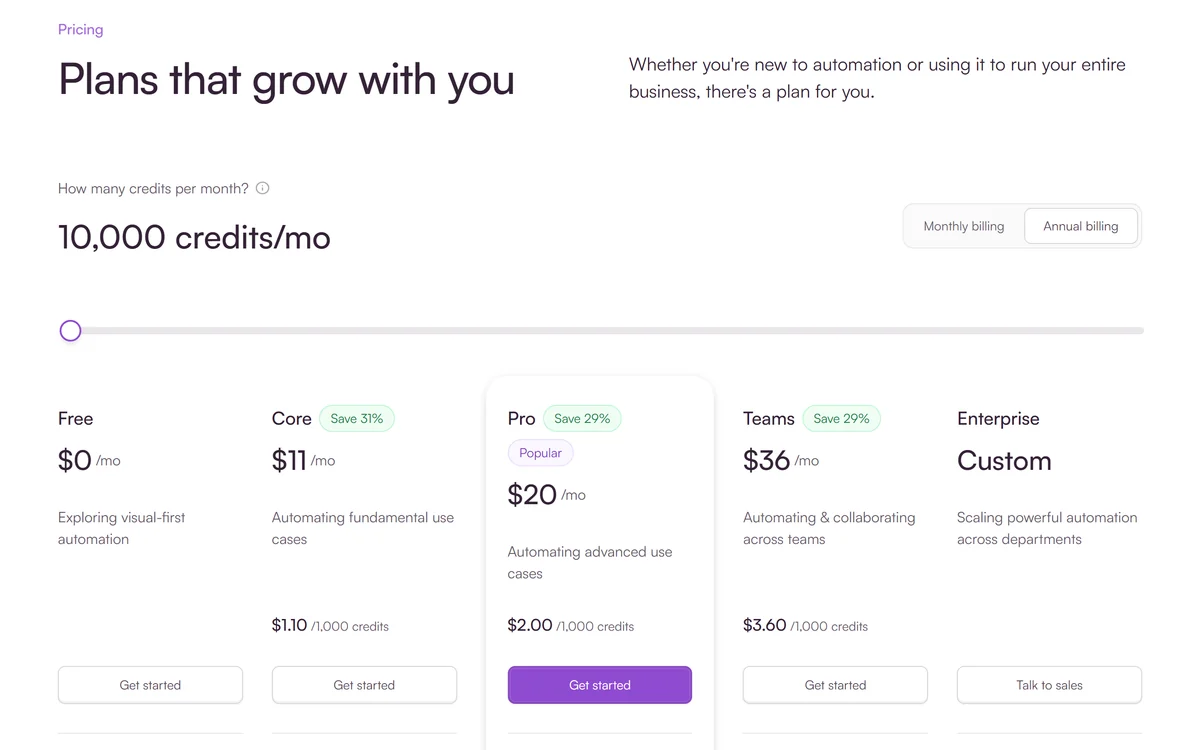
Make has a free plan with a monthly allowance of credits. Paid plans scale with the number of credits or operations you use, and Capterra lists them from $10.59 per month. Larger teams can choose Teams or Enterprise plans with collaboration, security and support features.
Make Reviews
- G2: score of 4.6 out of 5 (from +320 customer reviews)
- Capterra: score of 4.8 out of 5 (from +400 customer reviews)
n8n
The Best Choice When You Want Full Control, Self-Hosting and Serious AI Agent Building
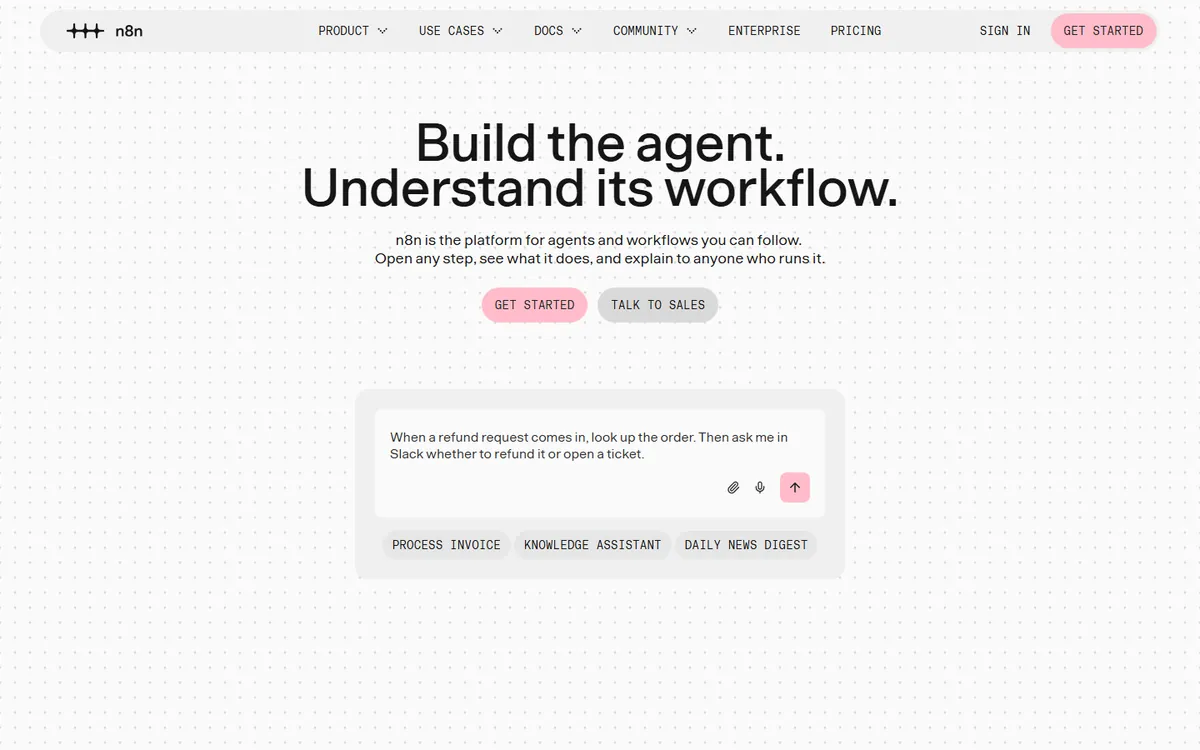
n8n combines a visual editor with code at any step, and its AI agent nodes make it a favourite for building custom agents on your own infrastructure.
n8n is my go-to recommendation for technical teams that want to build serious AI workflows. You get a visual node editor plus the freedom to drop into JavaScript or Python at any step, and its AI agent nodes let you connect language models, memory, tools and your own data in one workflow.
The biggest reason I point clients to n8n is control. You can run it on your own servers, which keeps sensitive customer or financial data inside your environment and makes compliance conversations much easier. In return, someone on your team has to handle hosting, updates and security. If you don’t have that capacity, n8n Cloud takes most of that work off your plate while keeping the same editor.
What n8n Does Well
- Self-hosting keeps sensitive data inside your own environment
- AI agent building is flexible and powerful
- Costs stay predictable even at high volumes
What n8n Could Do Better
- You need technical skills to host, update and secure it
- The interface feels less polished than commercial no-code tools
n8n Pricing
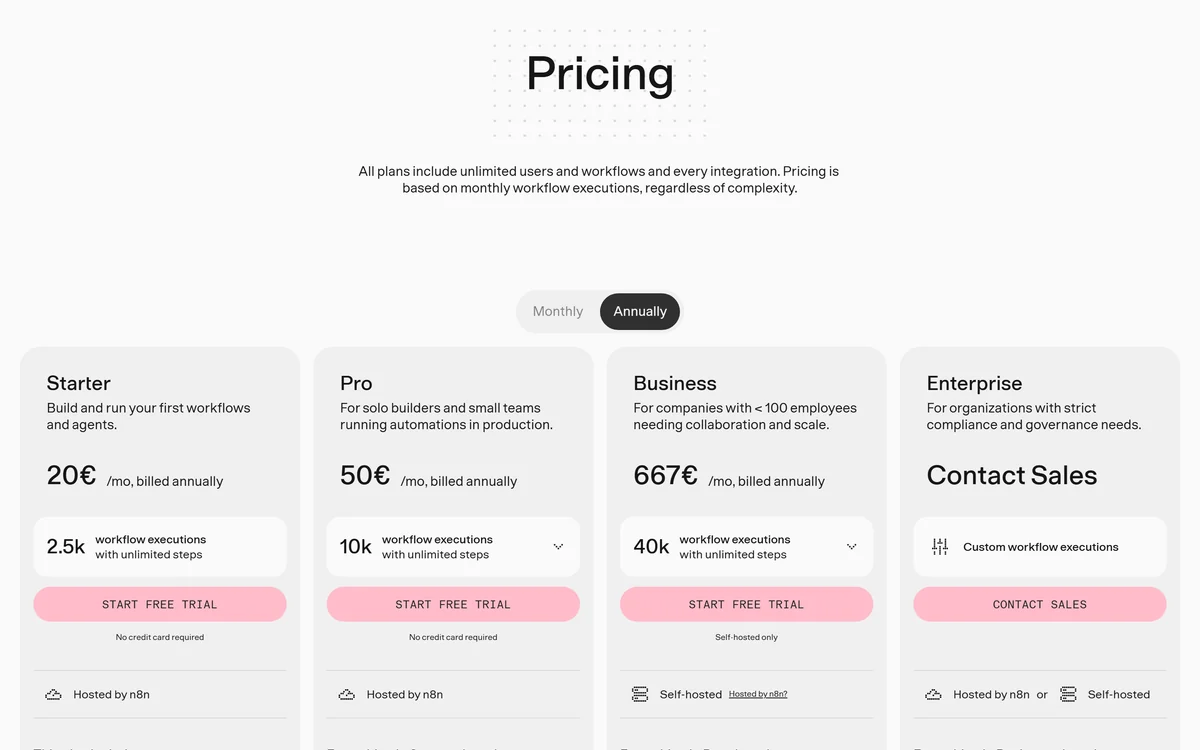
The self-hosted Community Edition of n8n is free. n8n Cloud plans start at about €20 per month according to G2 and are priced by workflow executions rather than individual steps, which keeps costs predictable for complex workflows. Enterprise plans add single sign-on, advanced permissions and dedicated support.
n8n Reviews
- G2: score of 4.7 out of 5 (from +290 customer reviews)
- Capterra: score of 4.6 out of 5 (from +40 customer reviews)
Microsoft Power Automate
The Natural Pick If Your Company Already Runs on Microsoft 365
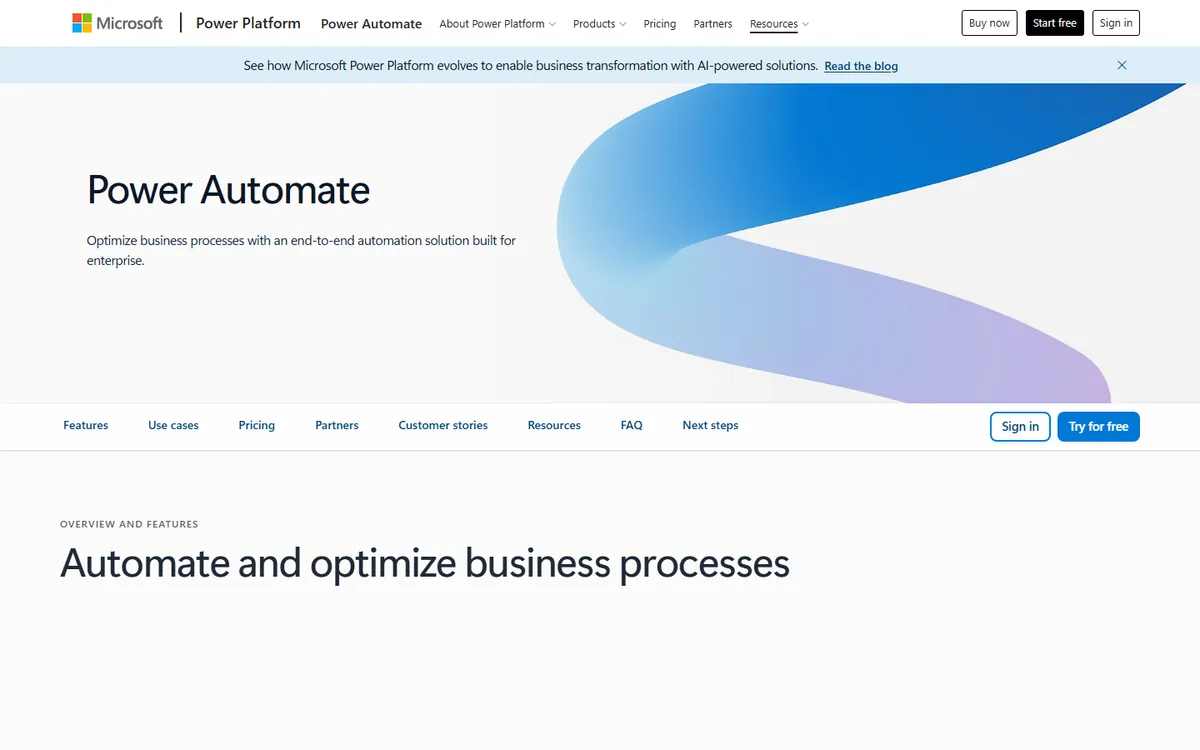
Power Automate links Outlook, Teams, SharePoint, Excel and Dynamics, and adds desktop RPA for older systems without APIs.
If your company runs on Microsoft 365, I would look at Power Automate before anything else, simply because you may already be paying for part of it. It connects Outlook, Teams, SharePoint, Excel and Dynamics 365 out of the box, and Copilot can turn a plain-language description into a working first draft of your flow.
You also get desktop RPA, which matters if you still rely on older applications without APIs. A bot can click through a legacy finance system the same way you would, while cloud flows handle your modern apps. My main frustration is licensing: standard, premium and process licenses overlap in confusing ways, so check what your current Microsoft contract already includes before you buy more.
What Microsoft Power Automate Does Well
- Deep integration with the Microsoft tools your team uses every day
- Desktop RPA handles old systems that have no API
- Copilot turns a plain-language description into a first draft flow
What Microsoft Power Automate Could Do Better
- Licensing is confusing and easy to get wrong
- Non-Microsoft apps feel like second-class citizens
Microsoft Power Automate Pricing
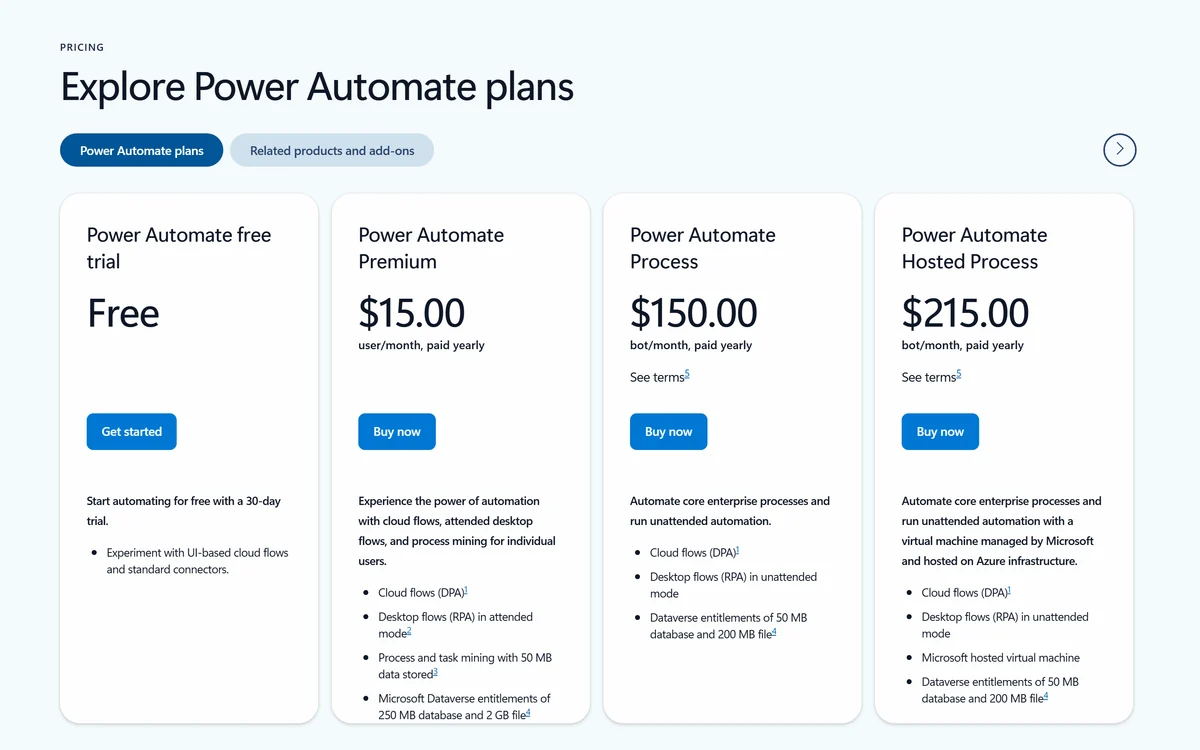
Some Power Automate features are included with Microsoft 365. The Premium license costs $15 per user per month according to G2 and Capterra, and process licenses are available for unattended bots that run without a signed-in user.
Microsoft Power Automate Reviews
- G2: score of 4.4 out of 5 (from +1,000 customer reviews)
- Capterra: score of 4.4 out of 5 (from +230 customer reviews)
Microsoft Copilot Studio
A Fast, Well-Governed Way to Build AI Agents Inside the Microsoft Ecosystem
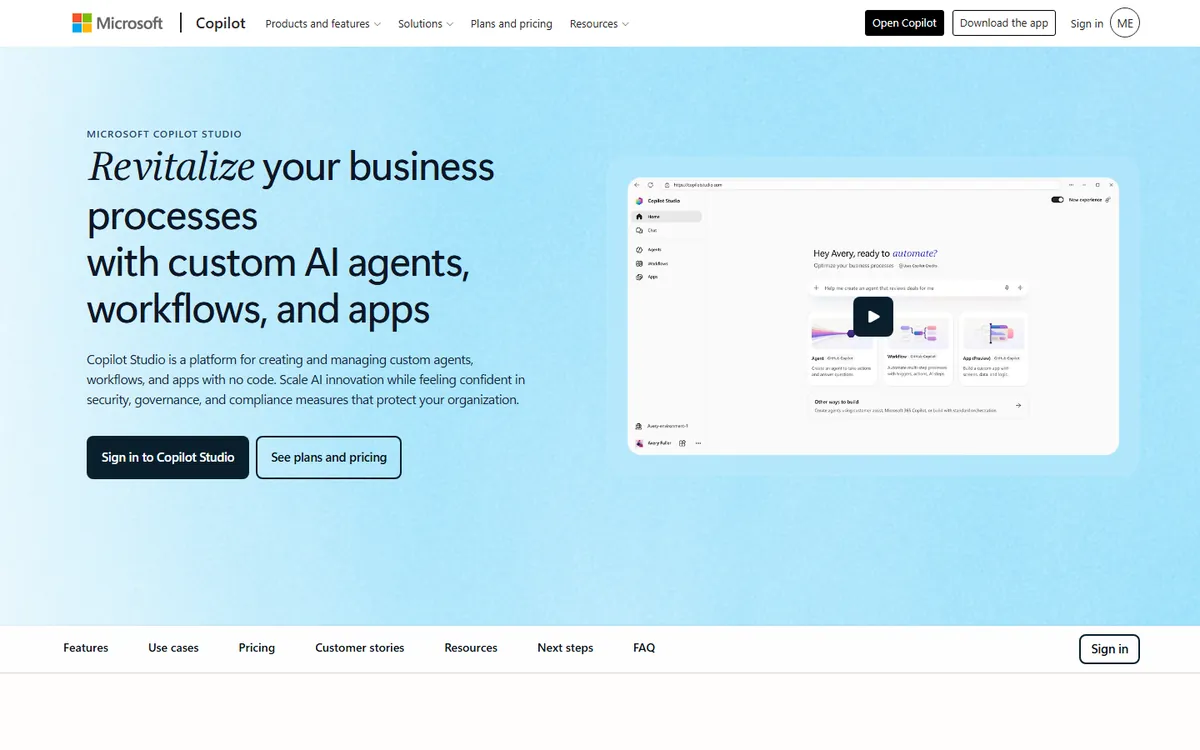
Copilot Studio builds AI agents that answer questions from your documents, take actions in business systems and hand off to people in Teams or on your website.
Copilot Studio is Microsoft’s tool for building your own AI agents. You describe what the agent should do, point it at your documents, SharePoint sites or website, and give it actions it can take through Power Automate flows and connectors. Your finished agents can live in Teams, on your website or inside Microsoft 365 Copilot.
What I value most is the governance. Your IT team can control data access, monitor usage and apply the security policies you already use across Microsoft 365, which makes approval from security and compliance much easier. The trade-off is that you are tied to the Microsoft ecosystem, and I find the capacity-based pricing takes some effort to forecast before you roll agents out widely.
What Microsoft Copilot Studio Does Well
- Simple agents can go live within days
- Admin controls and governance are strong from the start
- Works hand in hand with Power Automate for actions
What Microsoft Copilot Studio Could Do Better
- Most of the value depends on already using Microsoft 365
- Capacity-based pricing takes time to forecast
Microsoft Copilot Studio Pricing
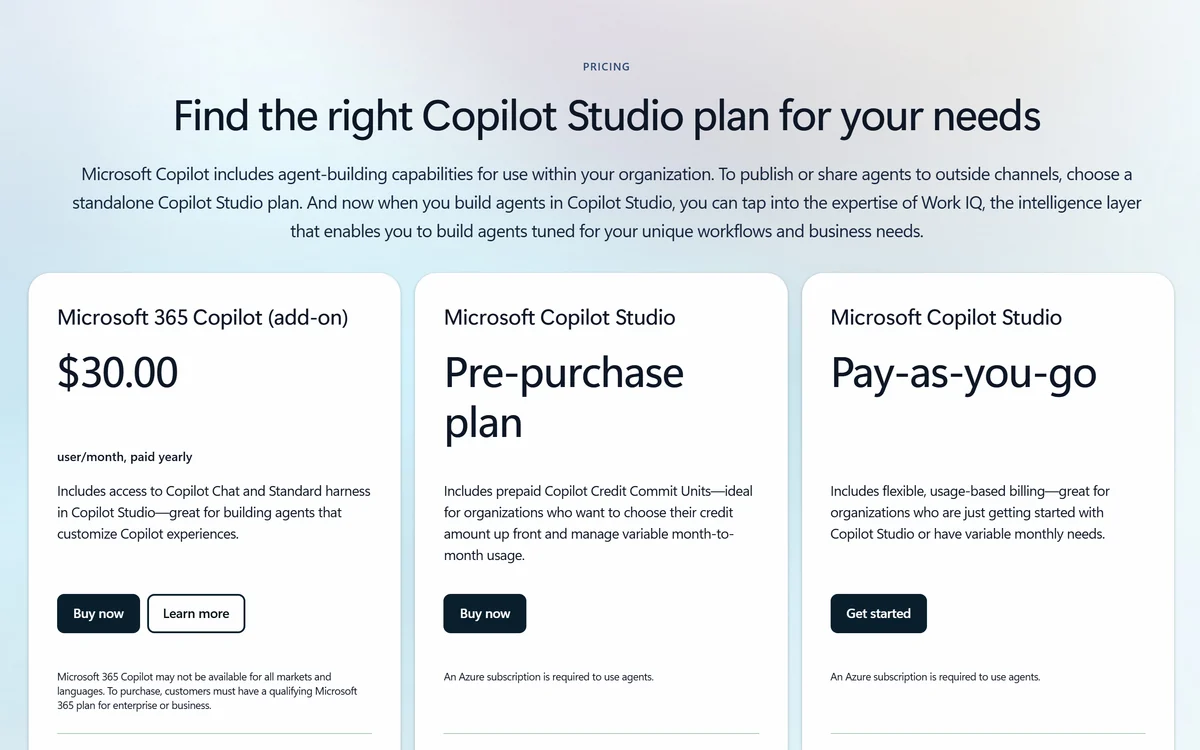
Copilot Studio uses capacity-based pricing, with prepaid capacity packs and pay-as-you-go options billed through Azure. Some Microsoft 365 Copilot licenses include usage rights, so check Microsoft's current price list before you buy, as bundles change often.
Microsoft Copilot Studio Reviews
- G2: score of 4.4 out of 5 (from +150 customer reviews)
UiPath
The Heavyweight for Large Organizations with Legacy Systems and Complex Processes
UiPath combines software robots, document understanding and AI agents in one enterprise platform that works across old desktop apps and modern cloud tools.
UiPath is one of the biggest names in enterprise automation, and I still consider it the benchmark for large organizations. It started with robotic process automation and has grown into a broad platform that combines software robots, document understanding, process mining and AI agents, with orchestration and monitoring for thousands of automations.
You get the most out of UiPath when your processes span old desktop applications, mainframes and modern cloud tools. Its document processing handles messy invoices and forms well, and its governance keeps many automations under control. Invoices also top my ranking of AI automation use cases by return, which makes them a good first job for UiPath. If you are a smaller company, I usually find it is more than you need, and you will get the best results with trained developers or an implementation partner.
What UiPath Does Well
- Mature, proven RPA for systems that have no API
- Document processing handles messy invoices and forms well
- Governance and monitoring are built for large teams
What UiPath Could Do Better
- Higher cost and more setup than lightweight tools
- Usually needs trained developers or a partner to get the most out of it
UiPath Pricing
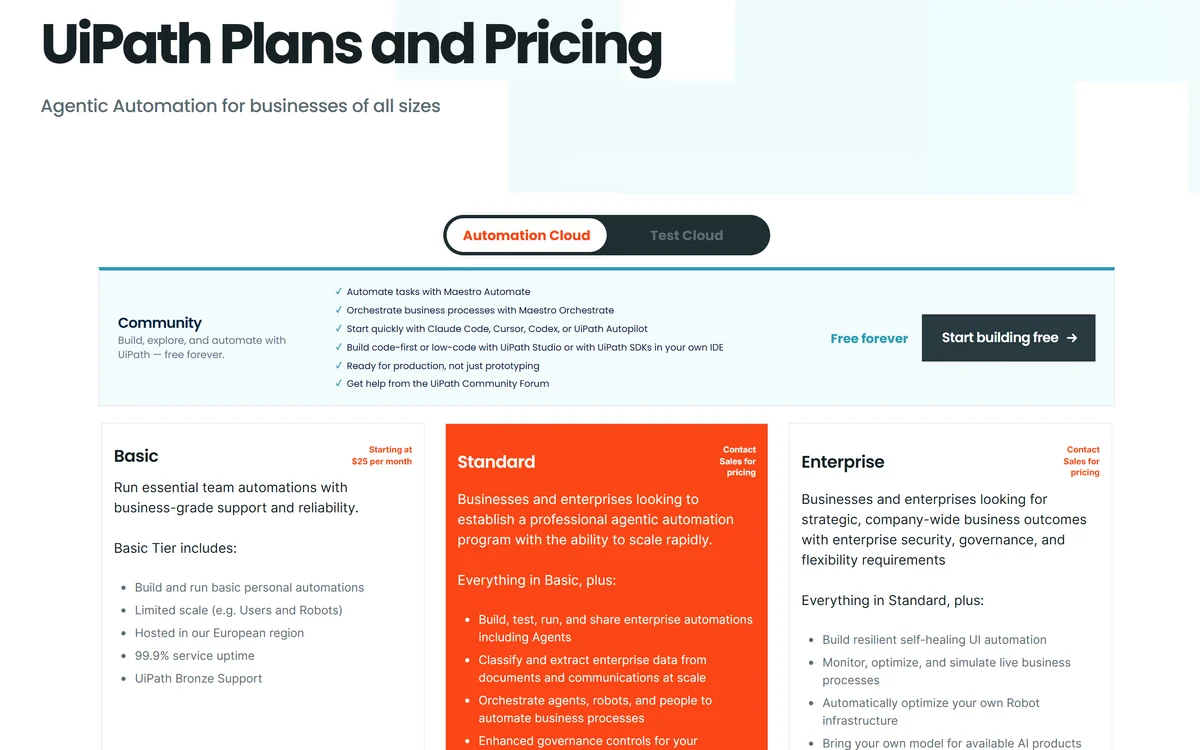
UiPath offers a free Community edition for learning and small projects. Capterra lists paid plans from $420 per month, and enterprise licensing is quoted based on the number of robots, users and platform features you need.
UiPath Reviews
- G2: score of 4.6 out of 5 (from +7,200 customer reviews)
- Capterra: score of 4.5 out of 5 (from +720 customer reviews)
Boomi
A Proven Integration Backbone for Mixed Cloud and On-Premise Systems, Now with AI Agent Control
Boomi is a low-code integration platform that connects cloud apps, on-premise systems and data, and adds tools to build, govern and monitor AI agents.
Boomi was connecting business systems long before most tools on this list existed, and I recommend it when your real problem is plumbing. Its integration engine runs as a small runtime that you can install next to an on-premise ERP or database, or in Boomi’s cloud, so one platform covers your old and new systems. On top of that you get API management, a master data hub and Agentstudio, where you build AI agents and track what each agent does and costs.
I like that Boomi gets the hard part right before any AI shows up. An agent can only act on the data and systems it reaches, and Boomi is strong at exactly that layer. In one rollout I reviewed for a mid-sized distributor, the NetSuite and warehouse integrations took about five weeks, and the first agent on top took four days. If you still need to decide which processes deserve that effort, the scoring formula in my AI automation strategy guide ranks them for you. The catch is the learning curve: the drag-and-drop canvas looks simple, but complex mappings and deployments need real training, and enterprise connectors raise the bill.
What Boomi Does Well
- One platform covers on-premise and cloud systems
- Agent governance and cost tracking sit next to your integrations
- A large library of ready-made connectors for common business apps
What Boomi Could Do Better
- Complex mappings and deployments take real training to get right
- Enterprise connectors cost extra, and those costs add up
Boomi Pricing
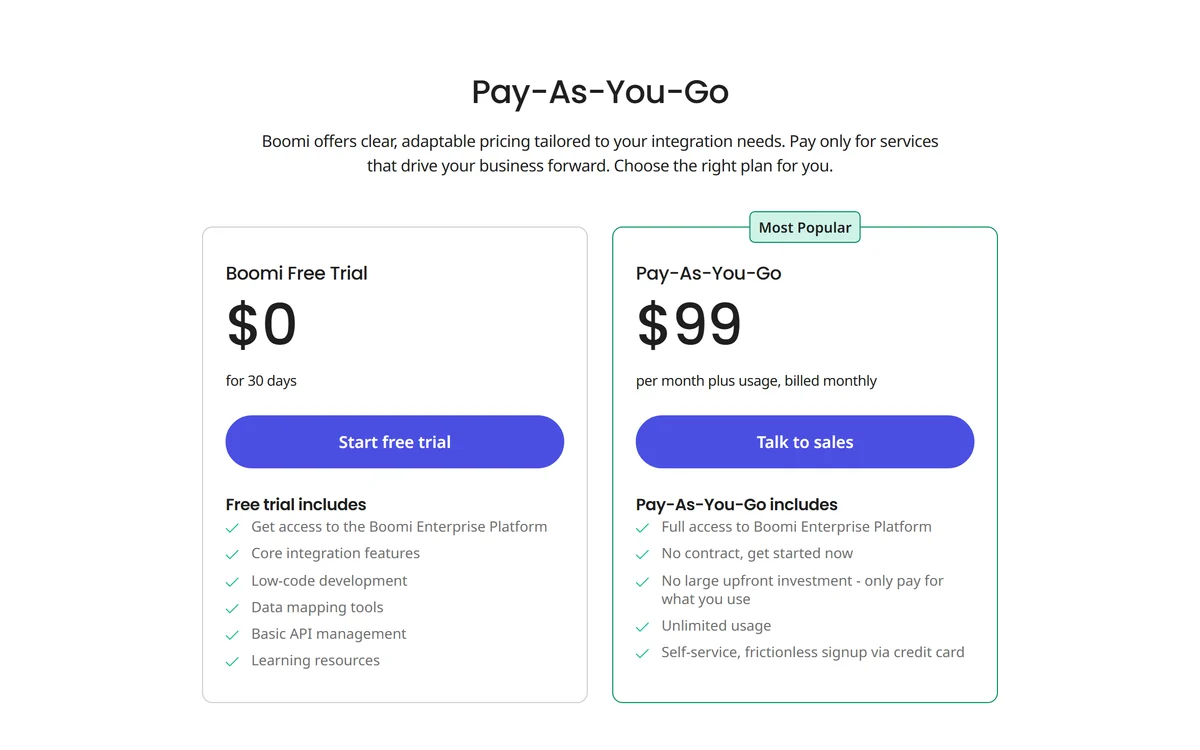
Boomi offers a 30-day free trial of its full platform. Pay-As-You-Go costs $99 per month plus usage, billed monthly with no contract. The Professional, Professional Plus, Enterprise and Enterprise Plus subscription plans are quote-based, so you need a sales call for those.
Boomi Reviews
- G2: score of 4.4 out of 5 (from +500 customer reviews)
- Capterra: score of 4.4 out of 5 (from +270 customer reviews)
Workato
The Enterprise Choice When Automations Must Connect Many Critical Systems Reliably
Workato is an integration platform with automation and AI agents on top, built for high-volume workflows across HR, finance, sales and IT.
Workato sits between classic integration platforms and modern automation tools. You connect hundreds of enterprise applications through reusable recipes, and you can add AI agents that act across those systems with the same security controls.
I recommend Workato when your automations are business-critical: employee onboarding across HR, IT and finance, quote-to-cash processes or customer data syncs between your CRM and ERP. You get strong roles, audit trails and environment management, which makes it easier to govern than lighter tools. If you plan to run it across several departments, the AI automation roadmap shows how to phase that rollout. If you are a small team, though, the premium pricing makes it rarely the right first step.
What Workato Does Well
- Rock-solid integrations with enterprise systems
- Strong security, roles and audit trails
- Reusable recipes speed up new projects
What Workato Could Do Better
- Premium pricing puts it out of reach for small teams
- Overkill for simple app-to-app automations
Workato Pricing
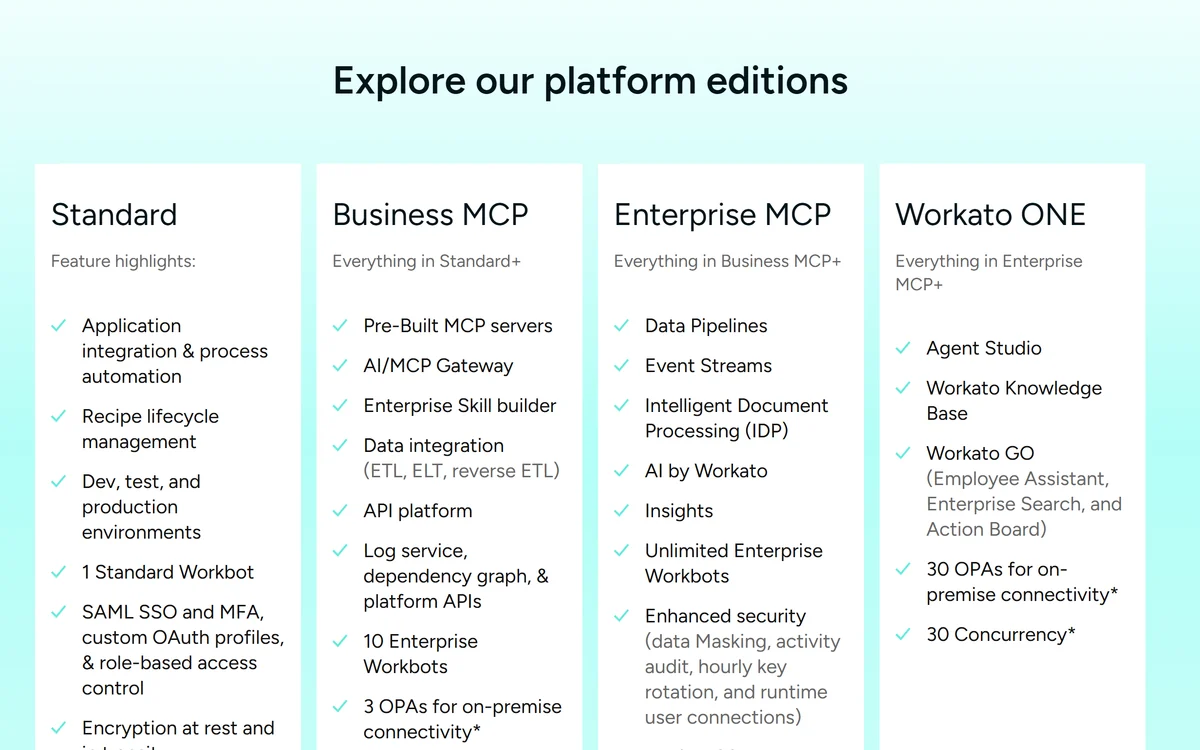
Workato does not publish its pricing. Plans are quote-based and usage-based, depending on the number of recipes, connected applications and the volume of tasks you run.
Workato Reviews
- G2: score of 4.7 out of 5 (from +770 customer reviews)
- Capterra: score of 4.6 out of 5 (from +80 customer reviews)
Tray.ai
A Flexible Option for Teams That Need Deep Integrations and Custom Agent Logic
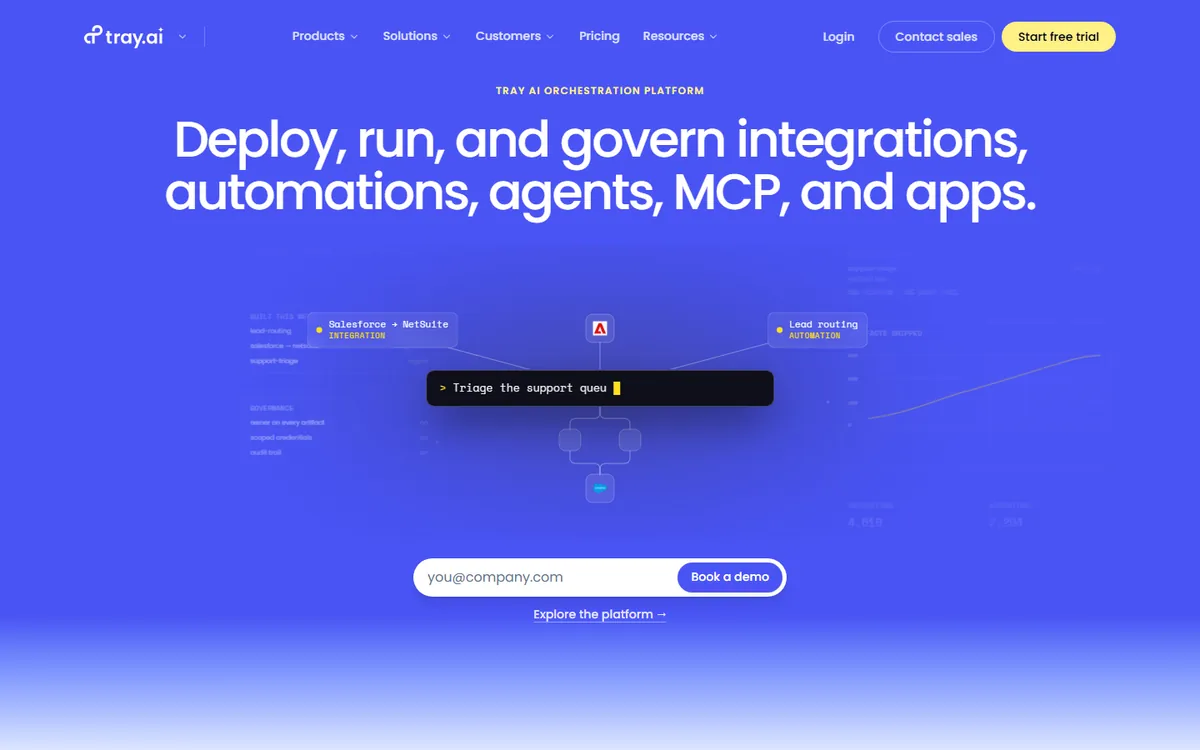
Tray.ai combines a flexible integration platform with tools for building AI agents that use your company data and systems.
Tray.ai combines a flexible integration platform with tools for building AI agents on top of it. You get a visual builder that handles complex data mapping and logic, and AI features that help you build workflows faster and create agents that use your company’s data and systems.
I find Tray.ai fits best when you need both deep integrations and custom agent logic, for example if you run revenue operations with complex lead routing or want to embed integrations in your own product. Users often praise its flexibility and connector library, while complex pricing and a learning curve for newcomers are the drawbacks you hear most.
What Tray.ai Does Well
- Very flexible when integrations get complicated
- Agent builder sits on top of the same integration layer
- Scales well as automation needs grow
What Tray.ai Could Do Better
- You get the best results with some technical skill
- Quote-based pricing, so budgeting takes a sales call
Tray.ai Pricing
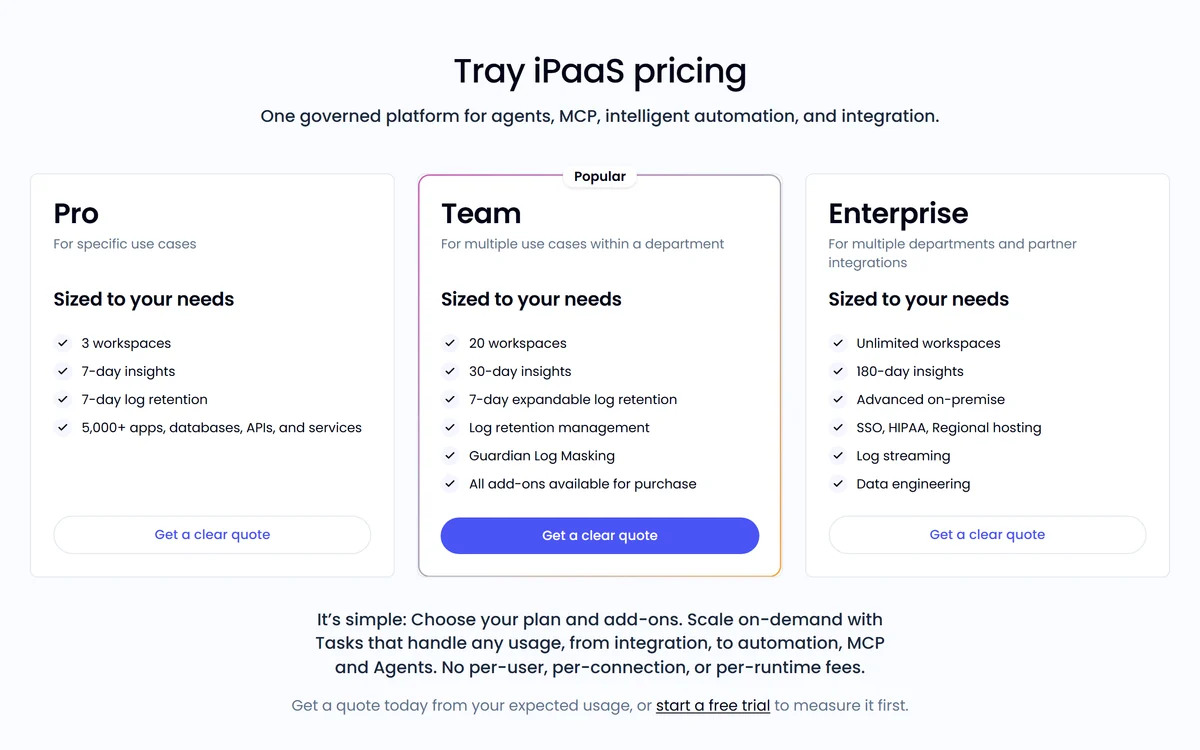
Capterra lists Tray.ai from $500 per month on a usage-based model. Larger plans are quote-based and depend on the volume of workflows, connectors and AI features you use.
Tray.ai Reviews
- G2: score of 4.5 out of 5 (from +150 customer reviews)
- Capterra: score of 4.9 out of 5 (from +10 customer reviews)
Relevance AI
One of the Easiest Ways to Build a Small Team of AI Agents Without Writing Code
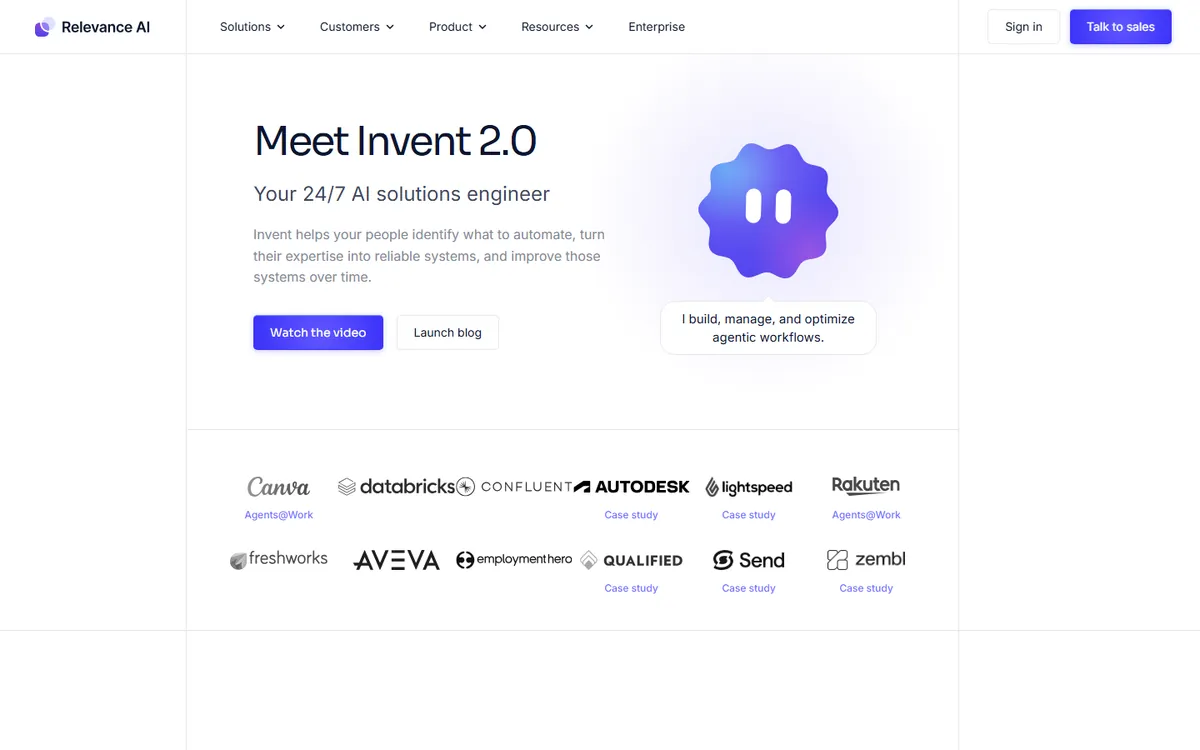
Relevance AI lets you create AI agents and multi-agent teams, give them tools and knowledge, and decide when a person must approve their work.
Relevance AI is built around one idea that I like a lot: giving you an AI workforce without code. You create agents, give them tools such as web research, email or CRM updates, and connect several agents into teams that hand work to each other. Approval steps let you decide which actions need your sign-off. Agent platforms like this change quickly, and I follow where they are heading in my overview of AI automation trends.
In my experience it works especially well for sales and research tasks, such as researching prospects, enriching CRM records and drafting personalised outreach. Keep in mind that it is a younger platform than the enterprise players on this list, so some governance features are still maturing, and your costs can climb as your agents run more often.
What Relevance AI Does Well
- Agents and multi-agent teams come together quickly
- Human approval steps are easy to add
- Works especially well for sales research and prospecting
What Relevance AI Could Do Better
- A younger platform, so some enterprise features are still maturing
- Credit-based usage needs watching as agents scale
Relevance AI Pricing
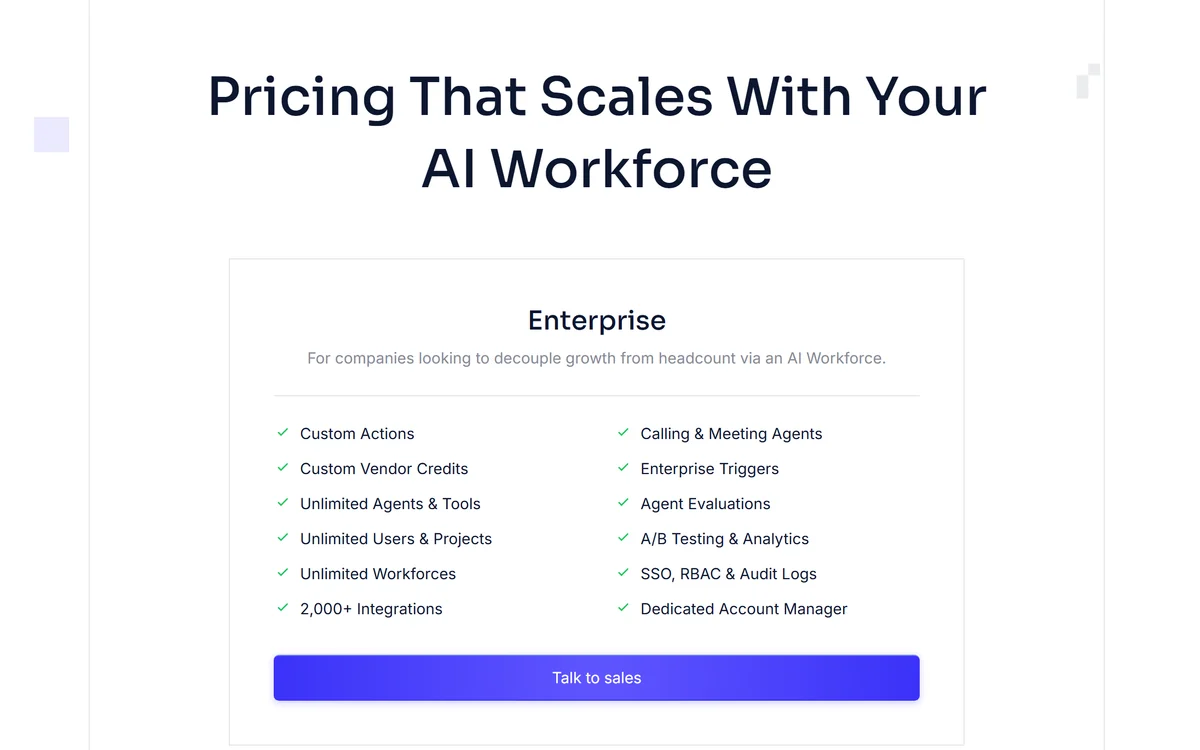
Relevance AI offers a free plan to get started. Paid plans are usage-based, priced by the actions or credits your agents consume, with team and enterprise tiers for larger rollouts.
Relevance AI Reviews
- G2: score of 4.3 out of 5 (from +20 customer reviews)
- Capterra: score of 4.0 out of 5 (from 1 user review)
Lindy
The Quickest Way to Hand Email, Scheduling and Follow-Ups to an AI Assistant
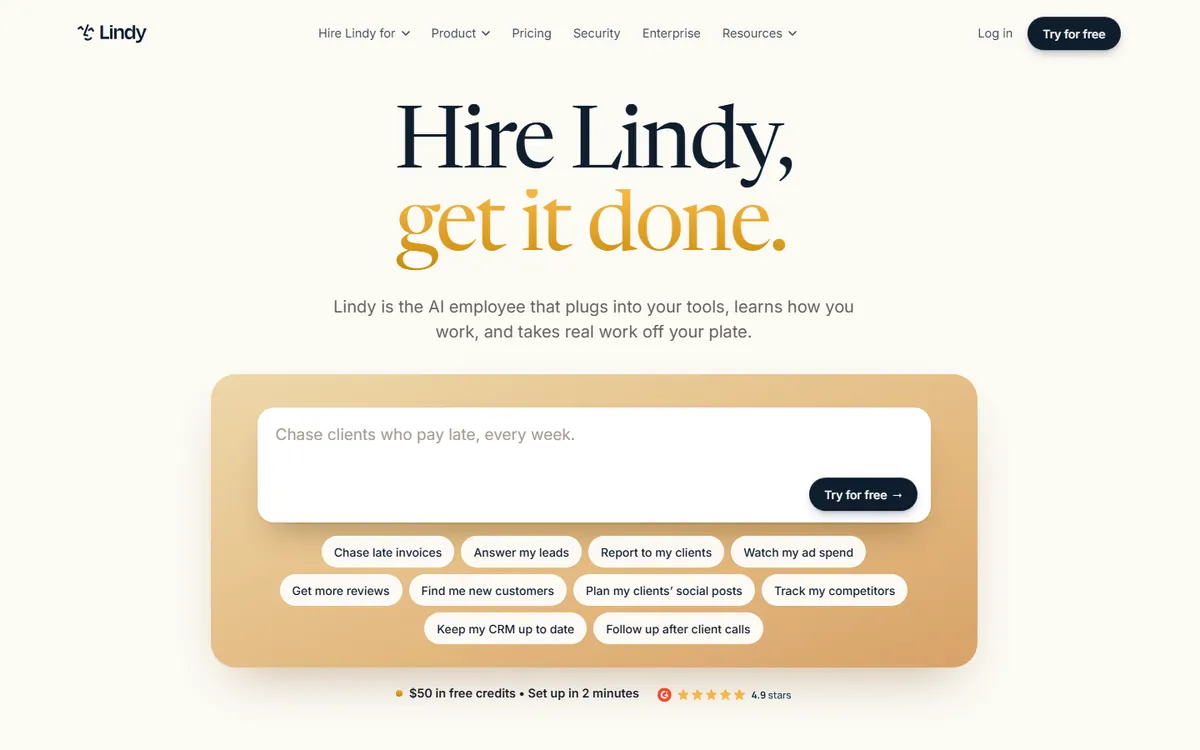
Lindy builds AI assistants that triage email, schedule meetings, take call notes and follow up with leads, using ready-made templates.
Lindy builds AI assistants for the everyday work that clogs up your day: triaging email, scheduling meetings, taking call notes and following up with leads. Thanks to ready-made templates, you can have a working assistant in an afternoon, without technical help.
What I like most is how deep it goes on inbox and calendar work, with assistants that draft replies in your tone, book meetings and update your CRM after calls. If you need heavy back-office processes or work with legacy systems, I would look elsewhere, and its enterprise controls are lighter than the bigger platforms, so it fits individuals and small to mid-sized teams best.
What Lindy Does Well
- Setup takes an afternoon thanks to templates
- Excellent at inbox, calendar and follow-up work
- Friendly enough for non-technical users
What Lindy Could Do Better
- Less suited to heavy back-office or legacy-system processes
- Fewer enterprise controls than the larger platforms
Lindy Pricing
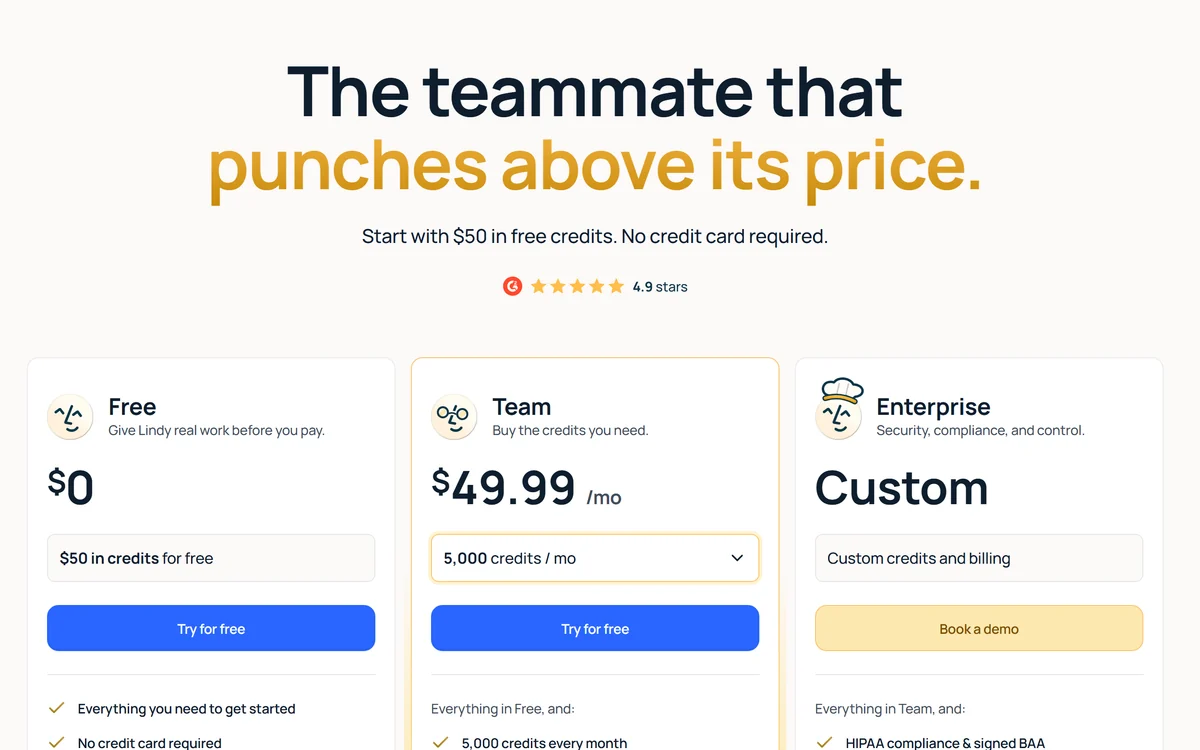
Lindy offers a free plan with a limited number of monthly credits. Paid plans add more credits, premium actions and team features, and pricing scales with how much work your assistants do.
Lindy Reviews
- G2: score of 4.9 out of 5 (from +170 customer reviews)
- Capterra: score of 3.5 out of 5 (from 2 customer reviews)
CrewAI
The Developer Favourite for Building Custom Multi-Agent Systems from Scratch
CrewAI is an open-source Python framework for orchestrating teams of AI agents with defined roles and tasks, plus an enterprise platform for deployment.
CrewAI is an open-source Python framework for orchestrating teams of AI agents. Your developers define agents with roles, goals and tools, then assign them tasks they complete together, for example a researcher, an analyst and a writer working through a report.
I recommend CrewAI when off-the-shelf tools are too limiting and you want full control over how your agents reason, collaborate and use tools. The trade-off is engineering effort: you need developers to build, test and maintain the system, and you own more of the monitoring yourself. The CrewAI platform helps with deployment and observability once you move to production.
What CrewAI Does Well
- Open source and highly flexible
- Clear model for agent roles, tasks and collaboration
- A production platform is available when you are ready to scale
What CrewAI Could Do Better
- Requires developers, so it is not for business users
- Your team owns more of the engineering and maintenance
CrewAI Pricing
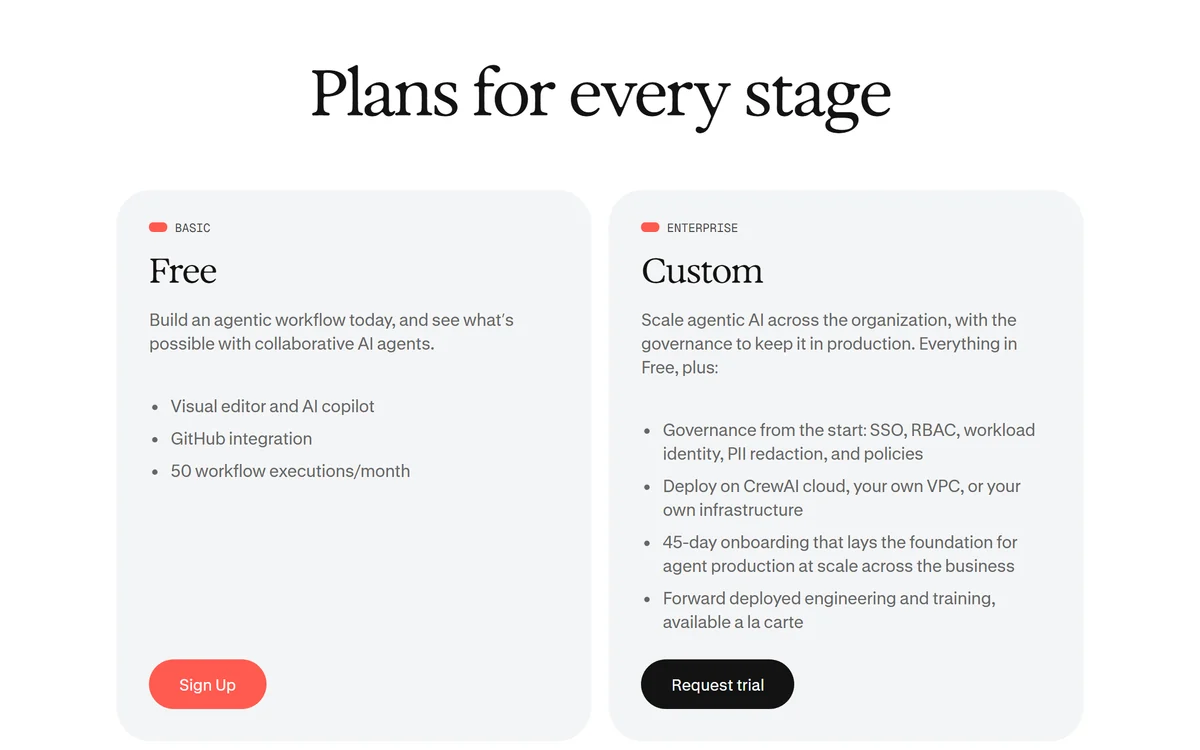
The CrewAI framework is free and open source. The managed CrewAI platform adds deployment, monitoring and enterprise features, with paid plans and custom enterprise pricing.
CrewAI Reviews
- G2: score of 4.4 out of 5 (from 9 customer reviews)
Estimate the Return on an AI Automation Tool
Before you pick a plan, check whether the numbers work for you. Enter the manual hours you want to automate and the monthly price of the tool you are considering, and you will see what it could return in a year.
Will It Pay for Itself?
Move the sliders to match the work you want to automate and the plan you are considering.
How to Choose the Right AI Automation Tool
In my experience, fit with your processes decides more than any feature list. Before you compare vendors, I suggest you answer four questions:
- Which tasks do you want to automate first, and how often do they happen?
- Which systems hold the data, and do they have modern APIs or only a desktop interface?
- How sensitive is the data, and does it need to stay inside your own environment?
- Who will build and maintain the automations: business users, IT or developers?
If your business users will build the automations, I usually recommend Zapier, Make or Lindy. If you run on Microsoft, you will get the most from Power Automate and Copilot Studio. If you are a large organization with legacy systems, look at UiPath, Boomi or Workato, and if your technical team wants full control, choose n8n or CrewAI. If you want a second opinion on your setup, a short call usually settles it.
Questions About Choosing AI Automation Tools
What Is the Best AI Automation Tool for Small Businesses?
For most small businesses, I recommend Zapier or Make as your starting point. Both connect your everyday apps without code, include AI steps and offer free plans. Choose Zapier if ease of use matters most, and Make if you need more complex logic at a lower cost per workflow.
What Is the Difference Between RPA and AI Automation Tools?
RPA tools like UiPath copy what a person does on screen and follow fixed rules. AI automation tools add the ability to read emails and documents, make judgment calls and handle variation. Many platforms now combine both, using RPA for old systems and AI for unstructured work.
Are AI Agent Tools Ready for Business Use?
Yes, for well-defined tasks with clear guardrails. Agents work best on research, triage and follow-ups where a person reviews important actions. I suggest you start with one narrow use case, set approval steps and measure results before you give an agent access to more systems.
How Do I Choose the Right AI Automation Tool?
I always tell clients to start from your processes, not the tools. List the tasks you want to automate, the systems involved and how sensitive the data is. Then compare tools on integrations, AI capabilities, security and total cost at your expected volume. A short pilot with real data reveals more than any feature list.
Which AI Automation Tool Is Best for Large Enterprises?
For large enterprises, I usually shortlist UiPath, Workato and Boomi. They handle high volumes, legacy systems and strict security requirements, and they give your IT team the governance, audit trails and monitoring you need at scale. If your company runs on Microsoft 365, I would also look closely at Power Automate and Copilot Studio, because you may already own part of the licensing.
Can I Use More than One AI Automation Tool?
Yes, and many of the companies I work with do. A common setup is a no-code tool like Zapier or Make for everyday team workflows, plus an enterprise platform or n8n for business-critical processes. The key is to decide which tool owns which type of work, so you avoid duplicate automations, overlapping costs and confusion about who maintains what.
Are Free AI Automation Tools Good Enough to Start With?
For testing an idea, yes. The free plans from Zapier, Make, Relevance AI and Lindy, and the self-hosted n8n Community Edition, are enough to prove a first automation works. Once a workflow runs every day or touches customer data, I recommend you move to a paid plan for higher limits, better support, error handling and the security controls your business needs.
Note: Prices, plans and ratings change frequently. We checked them at the last update, so confirm them with each vendor before buying. This is not legal or financial advice.
Did you find this helpful?
Thank you for your feedback.
Marlena leads the WiseCrow editorial team and works with our consultants to turn real client projects into practical guides on AI strategy, automation and governance. Before joining WiseCrow, she spent 12 years in B2B operations and SaaS content. She has since edited more than 400 articles on AI and automation and reviewed workflows from over 60 client projects. She is based in Austin, Texas.