Summary
- Microsoft, AWS and Google offer the broadest platforms, so the cloud you already run on usually decides your shortlist.
- Databricks, Dataiku and Snowflake fit best when AI has to sit right next to governed company data.
- ChatGPT Enterprise and Claude Enterprise are the fastest way to give every employee a governed AI assistant.
- Check data residency, key management and admin controls per feature, because some options switch off for certain workloads.
The Best Enterprise AI Platforms at a Glance
| Platform | Type | Best for | Standout control |
|---|---|---|---|
| 1. Microsoft Foundry and 365 Copilot | Cloud AI platform plus office assistant | Companies on Azure and Microsoft 365 | Data Zone deployments |
| 2. Amazon Bedrock | Managed multi-model service | Builders whose data lives on AWS | PrivateLink and KMS keys |
| 3. Google Gemini Enterprise | Employee agent app plus build platform | Google Cloud and Workspace shops | CMEK and VPC Service Controls |
| 4. Databricks | Data and AI lakehouse | AI built on governed company data | Unity Catalog |
| 5. Dataiku | Data science and AI platform | Regulated firms, self-managed AI | Dataiku Govern |
| 6. Snowflake Cortex AI | AI inside the data cloud | Analysts working on Snowflake data | Business Critical edition |
| 7. ChatGPT Enterprise | Employee AI assistant | Fast, company-wide staff adoption | Residency in ten regions |
| 8. Claude Enterprise | Employee AI assistant | Long documents, analysis and coding | Compliance API and audit logs |
The 8 Best Enterprise AI Platforms, Ranked
I ranked these platforms by how much of a company each one can serve under a single set of security and admin controls, so the full cloud stacks come first, the data platforms sit in the middle and the employee assistants close the list. The vendor is the smaller decision. In the AI transformation consulting work I review, rollouts stall on unclear ownership, messy permissions and slow security sign-off far more often than on a weak model.
Microsoft Foundry and Microsoft 365 Copilot
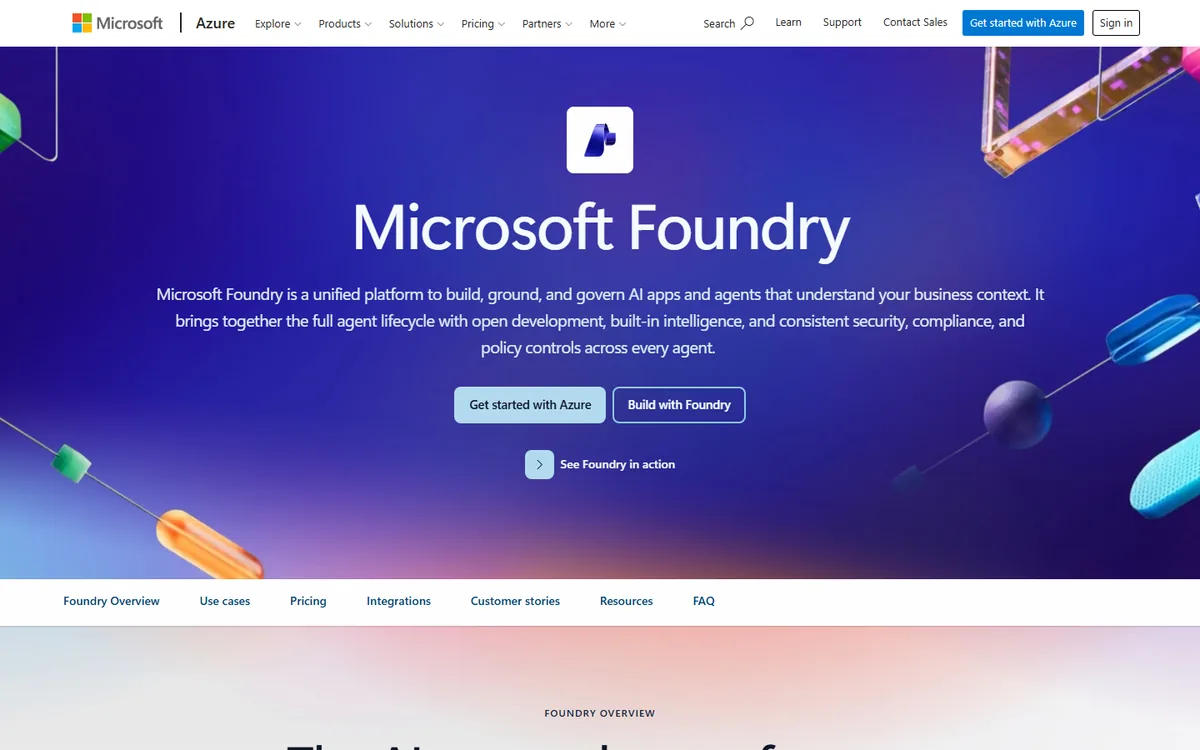
The Safest Default When Your Identity, Email and Files Already Live With Microsoft
Microsoft Foundry is Azure’s platform for building AI apps and agents on a large model catalog, and Microsoft 365 Copilot brings AI to the people who work in Outlook, Teams, Word and Excel.
I put Microsoft first because it covers both halves of an enterprise rollout under one identity system. Your developers build agents in Foundry and pick models from OpenAI, Anthropic, Meta and others. Everyone else gets Copilot inside the apps they already open each morning. Entra ID decides who can use what, and the sensitivity labels your compliance team set in Purview carry over into Copilot’s answers.
Data residency is where I spend most of my time with security teams on Azure. Foundry offers Data Zone deployments that keep prompt processing inside a chosen zone, and the EU zone follows the Azure EU Data Boundary. Global deployments are cheaper and get capacity sooner, so check which type each project team picks. The hard lesson comes with Copilot. It can surface anything a user is allowed to open, so years of loose sharing in SharePoint turn into an AI problem on day one. Fix permissions before you hand out licenses. Oversharing is one of the AI transformation challenges I see most in Microsoft shops.
What Microsoft Foundry and Microsoft 365 Copilot Does Well
- One identity and permission model across build tools and office apps
- Data Zone deployments give you a clear answer on where prompts are processed
- A wide model catalog, so you aren’t tied to a single model vendor
What Microsoft Foundry and Microsoft 365 Copilot Could Do Better
- Licensing is spread across several products and price models
- Copilot exposes old oversharing in SharePoint and Teams very quickly
Microsoft Foundry and Microsoft 365 Copilot Pricing
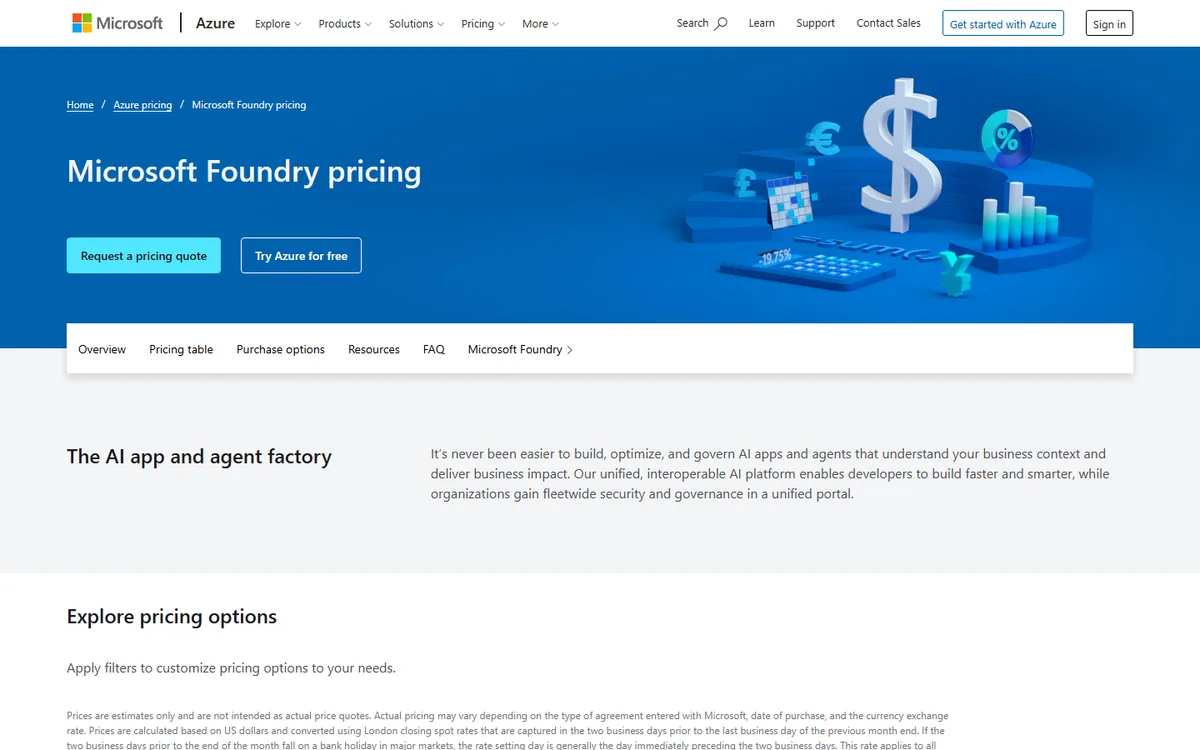
Microsoft says the Foundry platform is free to use and explore. You pay for the models, Agent Service, Foundry IQ and tools you consume at their normal Azure rates, and a one-year Agent pre-purchase plan gives 5%, 10% or 15% off depending on the tier. Microsoft 365 Copilot for enterprise is an add-on to eligible Microsoft 365 plans at $30 per user per month on a yearly commitment.
Microsoft Foundry and Microsoft 365 Copilot Reviews
- G2: 4.6 out of 5 star rating for Azure OpenAI Service (from +50 customer reviews)
- G2: 4.3 out of 5 star rating for Microsoft Copilot (from +820 customer reviews)
Amazon Bedrock
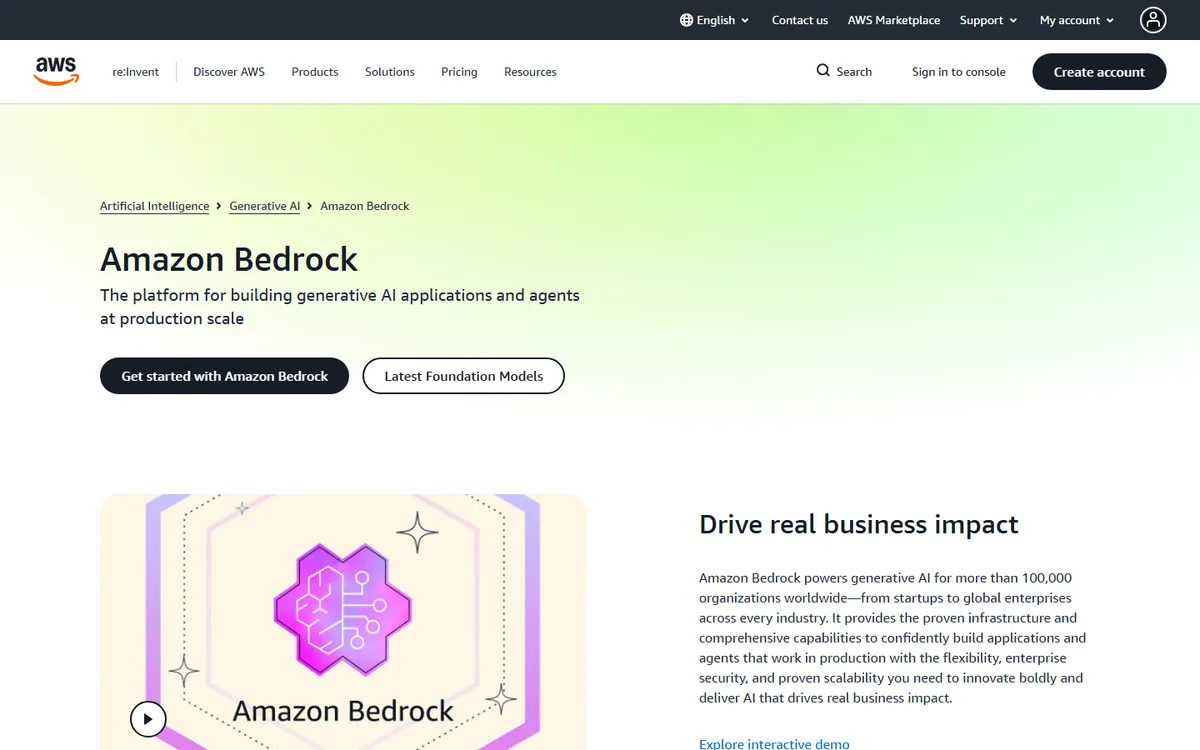
The Widest Model Choice for Companies That Already Trust AWS With Their Data
Amazon Bedrock is a managed AWS service that serves foundation models from many providers through one API, with guardrails, knowledge bases and agent tooling on top.
Bedrock makes the most sense when your security team approved AWS years ago and doesn’t want a new vendor in the data path. Models from Anthropic, Meta, Mistral, Amazon and others sit behind a single API, so switching models is mostly a configuration change. IAM roles, KMS encryption keys and CloudTrail logs work the way your cloud team already knows, and you can reach Bedrock through PrivateLink without sending traffic over the public internet.
The compliance paperwork is easy to collect. AWS lists Bedrock as in scope for ISO, SOC and CSA STAR Level 2, HIPAA eligible and FedRAMP High authorized in the AWS GovCloud (US-West) Region. It also states that data you use to tune a model isn’t shared with model providers or used to improve the base models. The catch is that Bedrock is a builder’s service. There’s no finished assistant you can hand to 10,000 employees, so you either build one or pair Bedrock with another tool. In my client work, the first surprise is usually that the model a team wants isn’t offered in the region where their data must stay.
What Amazon Bedrock Does Well
- Many model families behind one API and one bill
- Security runs on the IAM, KMS and logging setup you already have
- Private connectivity keeps AI traffic off the public internet
What Amazon Bedrock Could Do Better
- No ready-made assistant for everyday staff
- Model availability varies by region, which complicates residency plans
Amazon Bedrock Pricing
Bedrock has no platform fee on its pricing page. On-demand use is billed per million input and output tokens, batch jobs cost about 50% less for select models, and provisioned throughput is billed hourly per model unit with no commitment or one- or six-month terms. Some models also offer a Flex tier at a 50% discount and a Priority tier at a 75% premium.
Amazon Bedrock Reviews
- G2: score of 4.4 out of 5 (from +70 customer reviews)
Google Gemini Enterprise
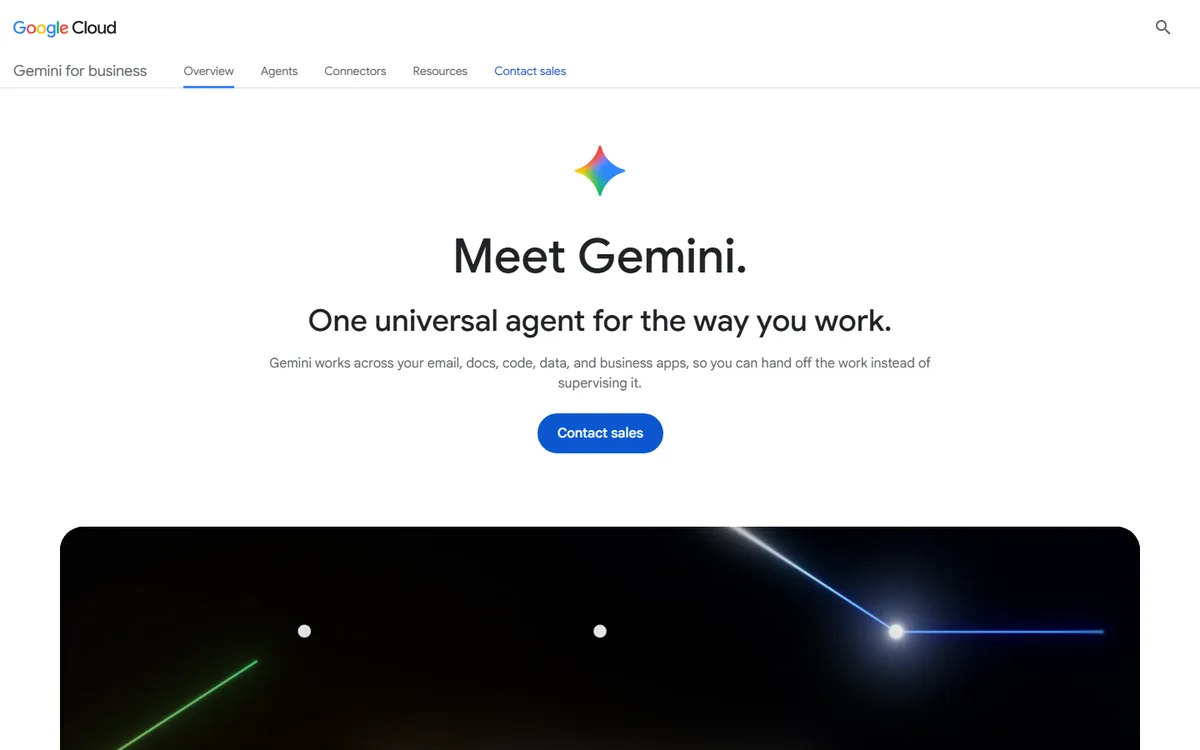
One Front Door for Employee Agents With a Full Build Platform Behind It
Gemini Enterprise gives staff one place to chat with company data and run agents, and the Gemini Enterprise Agent Platform, formerly Vertex AI, is where developers build and govern custom ones.
Google now sells the employee app and the developer platform under one brand, and I like the logic. Staff get a single search and chat window across connected business apps, ready-made agents and a no-code agent builder. Your engineers work in Agent Platform with Gemini and partner models, and anything they ship can show up in the same app your employees already use.
The security controls are solid, with fine print you need to read. Google’s compliance documentation lists customer-managed encryption keys for the Standard and Plus editions in its US and EU multi-region setups, along with VPC Service Controls and data residency. Residency and VPC Service Controls don’t apply once Grounding with Google Search is switched on, so decide early if web answers are worth that trade. Google lists HIPAA, FedRAMP, ISO and SOC reports for the service without mapping each one to every edition, so ask your account team for the current scope in writing. The fit is strongest if your data already sits in BigQuery or your staff live in Workspace.
What Google Gemini Enterprise Does Well
- The employee app and the build platform share one security model
- Customer-managed keys and VPC Service Controls on Standard and Plus
- Agents built by IT appear where staff already work
What Google Gemini Enterprise Could Do Better
- Several controls stop applying when web grounding is on
- Edition prices beyond the entry tier take a sales call
Google Gemini Enterprise Pricing
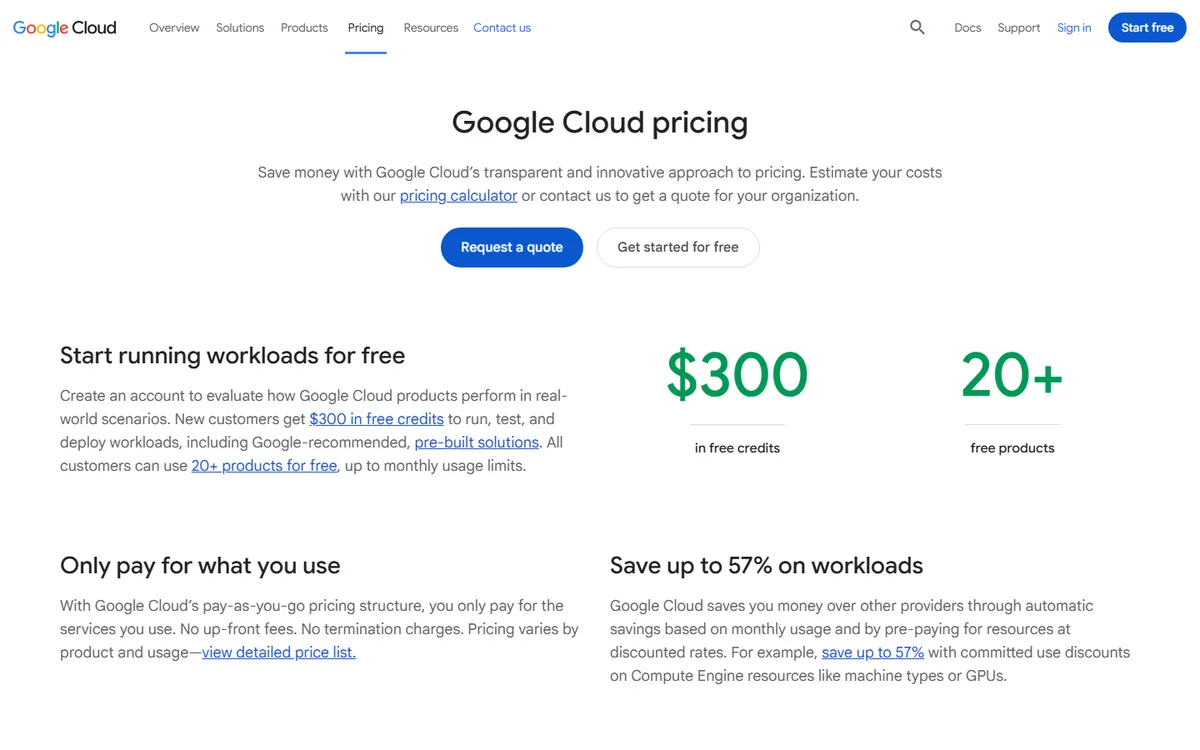
Gemini Enterprise is sold per seat in Business, Standard and Plus editions, and Google’s documentation asks you to contact sales for current prices. Agent Platform is billed separately on a pay-as-you-go basis for the model calls, agents and other resources your developers use.
Google Gemini Enterprise Reviews
- G2: 4.6 out of 5 star rating for Gemini Enterprise (from +10 customer reviews)
- G2: 4.3 out of 5 star rating for Gemini Enterprise Agent Platform (from +650 customer reviews)
Databricks
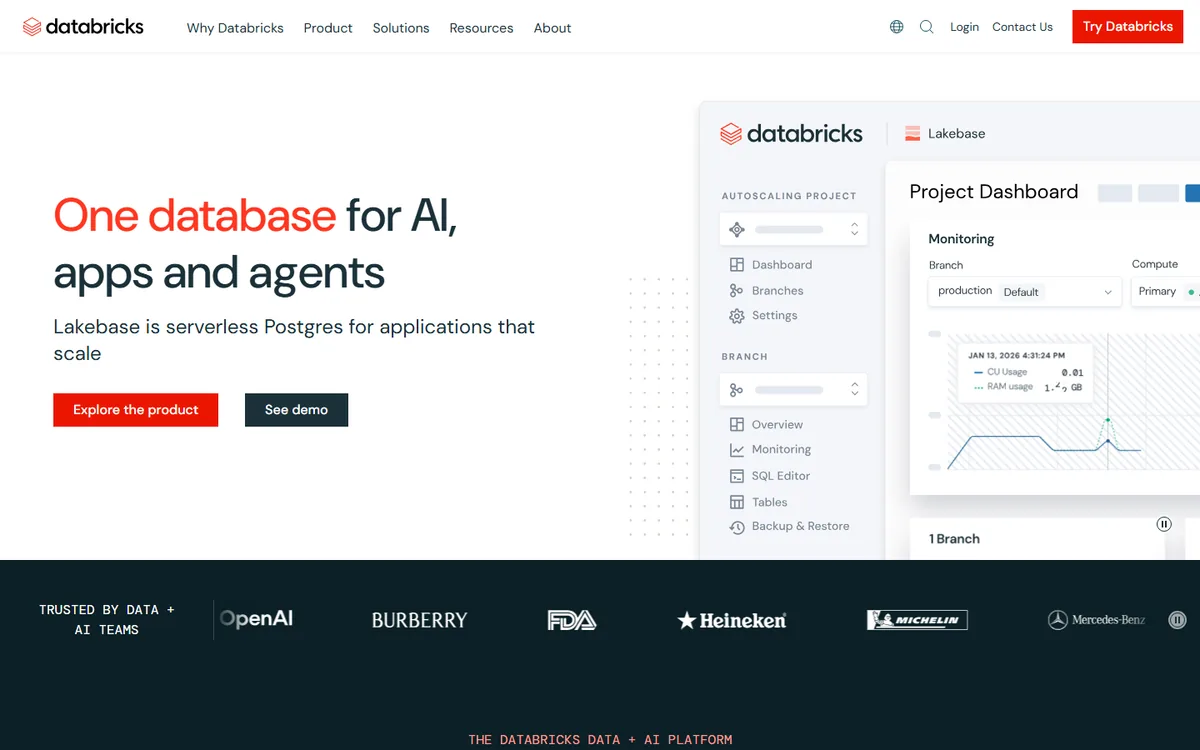
The Best Home for AI That Has to Run on Governed Company Data
The Databricks Data Intelligence Platform runs data engineering, analytics and AI on one lakehouse, and Unity Catalog governs tables, models and agents in the same place.
My rule of thumb is that AI governance breaks down when it lives apart from data governance. Databricks puts both in Unity Catalog. The permission that hides salary columns from an analyst also applies to the agent that queries that table, and lineage shows which data fed which model. Agent Bricks and Model Serving cover the build, and managed MLflow tracks quality once agents are live. Databricks says Unity Catalog applies access controls, rate limits and guardrails across AI models, including ones hosted outside Databricks.
Because the platform runs on AWS, Azure and Google Cloud, you can pick the cloud and region that match your residency rules and keep data where it already sits. It fits the technology layer of an AI transformation framework well, as long as the people and process layers get the same attention. The limits are clear. Databricks is a workspace for data teams, and your sales or HR staff won’t log in to chat with it. Costs are measured in Databricks Units, which take effort to forecast, so set budgets and usage tags in the first week.
What Databricks Does Well
- One catalog governs data, models and agents together
- Runs on all three major clouds, so residency follows your data
- Lineage traces a deployed agent back to its source tables
What Databricks Could Do Better
- You need a capable data team to get real value from it
- Usage-based billing in Databricks Units is hard to forecast early on
Databricks Pricing
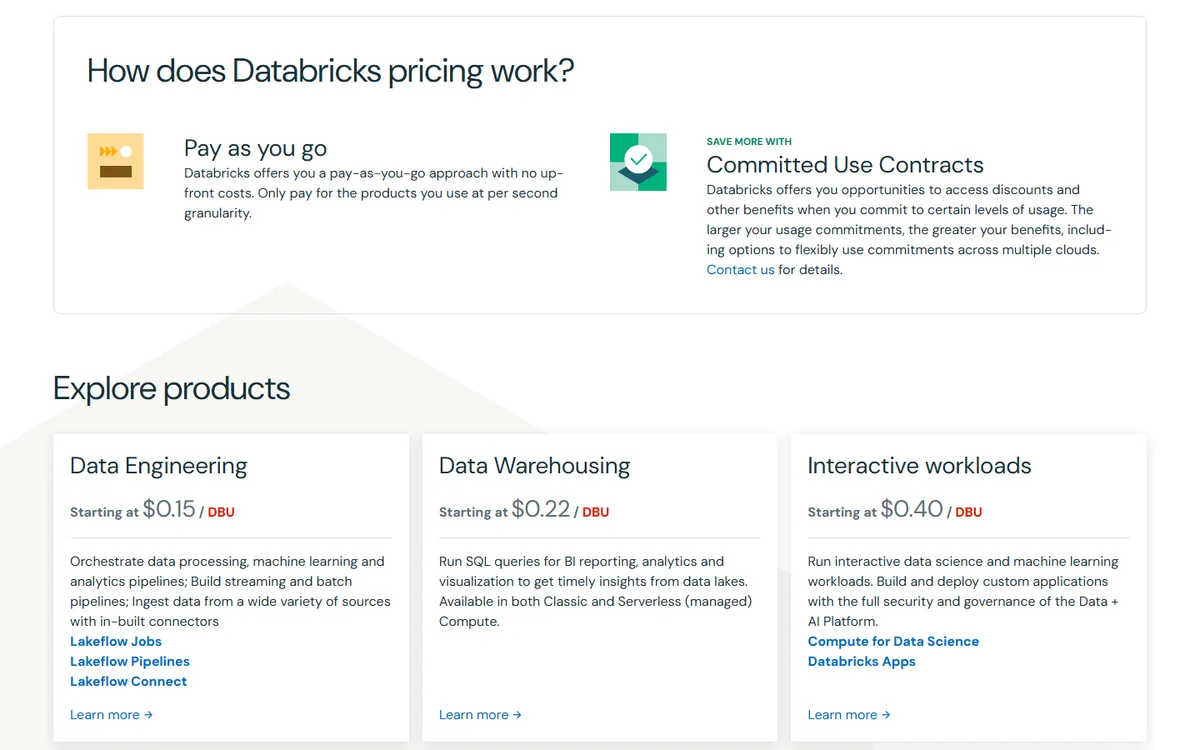
Databricks charges pay as you go with no up-front costs, billed per second in Databricks Units. Committed-use contracts come with discounts that you can spread across clouds, and storage and networking are billed by your cloud provider. A Free Edition and a free trial let your team test the platform first.
Databricks Reviews
- G2: 4.6 out of 5 star rating for the Databricks Data Intelligence Platform (from +700 customer reviews)
- Capterra: score of 4.5 out of 5 (from 23 customer reviews)
Dataiku
The Strongest Governance Story for Regulated Firms That Want AI on Their Own Infrastructure
Dataiku is a platform where data teams and business analysts build analytics, machine learning and generative AI apps together, with an LLM gateway and a governance module, in Dataiku’s cloud or on infrastructure you manage.
I bring Dataiku into the conversation when a bank, insurer or hospital tells me some data can’t leave the building and the AI work spans more than one team. You can run it as a managed cloud service or install it yourself, and Dataiku’s sales team handles on-premises and hybrid setups. Its LLM Mesh sits between your apps and the model providers, so you can switch models, track cost per project and filter sensitive data in one place instead of wiring each team to each vendor. It also connects to Snowflake, Databricks, Redshift and S3, so it sits on top of the data platforms you already have.
The part I recommend most often is Dataiku Govern. It keeps a register of the projects and models in use, routes them through sign-off steps and records who approved what. When a board asks who approved an AI system and on what evidence, that record gives you the answer, and the AI transformation guide covers how leaders should set up that approval chain. The downsides are cost and scale. Prices only come through sales, Govern isn’t part of the free trial and G2 reviewers mention slowdowns on large datasets. There’s also no ready-made assistant for everyday staff, so pair it with one of the tools below.
What Dataiku Does Well
- Runs in Dataiku’s cloud or on infrastructure you control
- Govern keeps a project register and an approval record
- LLM Mesh puts every model provider behind one gateway
What Dataiku Could Do Better
- No public prices for paid plans
- No ready-made assistant for everyday employees
Dataiku Pricing
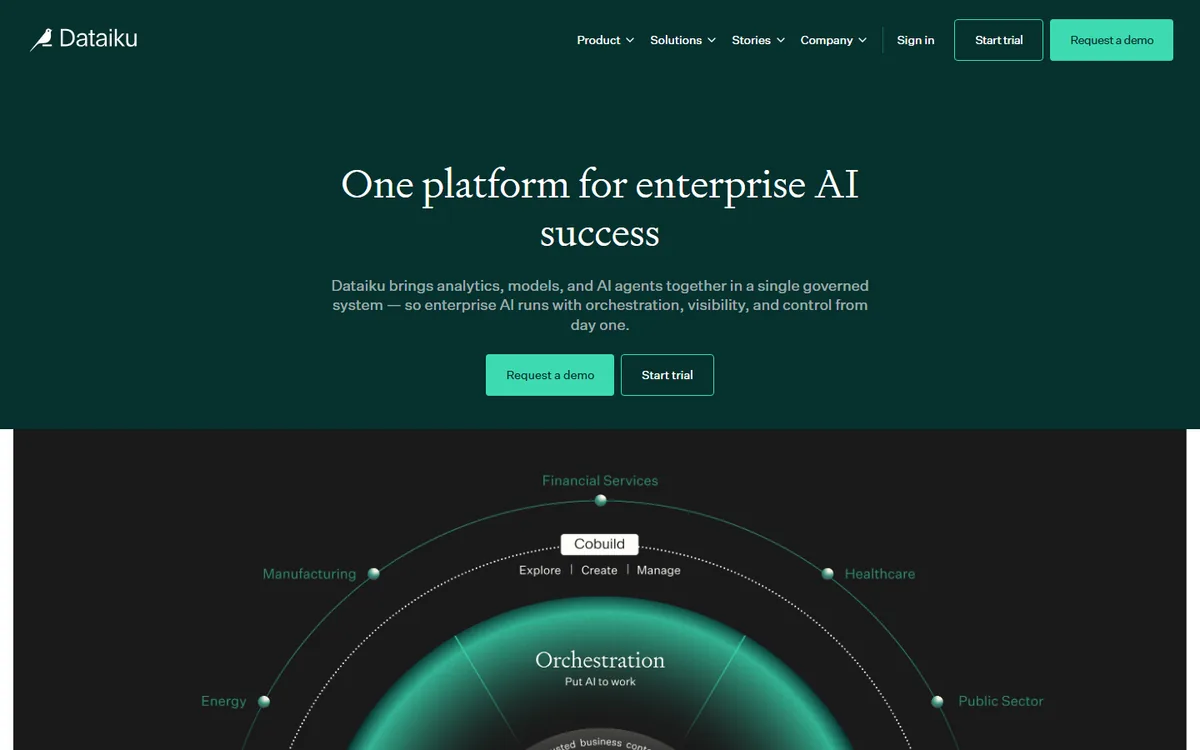
Dataiku doesn’t publish prices for its paid plans, so you request a quote from sales. A 14-day cloud trial needs no credit card and includes two users and every feature except Govern and advanced LLM Mesh. A free edition installs on your own machine for teams that want full infrastructure control.
Dataiku Reviews
- G2: score of 4.4 out of 5 (from +180 customer reviews)
- Capterra: score of 4.6 out of 5 (from 13 customer reviews)
Snowflake Cortex AI
The Simplest Way to Put AI to Work on Data That Already Sits in Snowflake
Snowflake Cortex AI runs models from Anthropic, Meta, Mistral and others inside Snowflake, so analysts can call AI from SQL and build agents over governed tables and documents.
Cortex is the shortest path I know from a data warehouse to useful AI. Cortex AI Functions let an analyst classify, summarize or extract fields from text with a line of SQL. Cortex Analyst answers plain-English questions against your semantic models, and Cortex Agents combine both for multi-step work. Snowflake says these models run within its security perimeter and follow your existing role-based access, so the security review is usually short.
For regulated data, the Business Critical edition adds customer-managed encryption keys and support for HIPAA, PCI DSS and FedRAMP, and Virtual Private Snowflake gives you an isolated environment. The limits come from the same design. Cortex only helps with data inside Snowflake, and it’s a poor fit for a company-wide staff assistant. In my client work, the first month’s AI credit bill is the most common surprise, because a single query over millions of rows uses tokens fast. Test on a sample and set resource monitors before anyone runs a big job.
What Snowflake Cortex AI Does Well
- AI runs where your governed data already lives
- Analysts can use it from SQL without new tools
- Business Critical edition covers strict compliance needs
What Snowflake Cortex AI Could Do Better
- Only useful for data stored in Snowflake
- Token-based credit use needs close monitoring
Snowflake Cortex AI Pricing
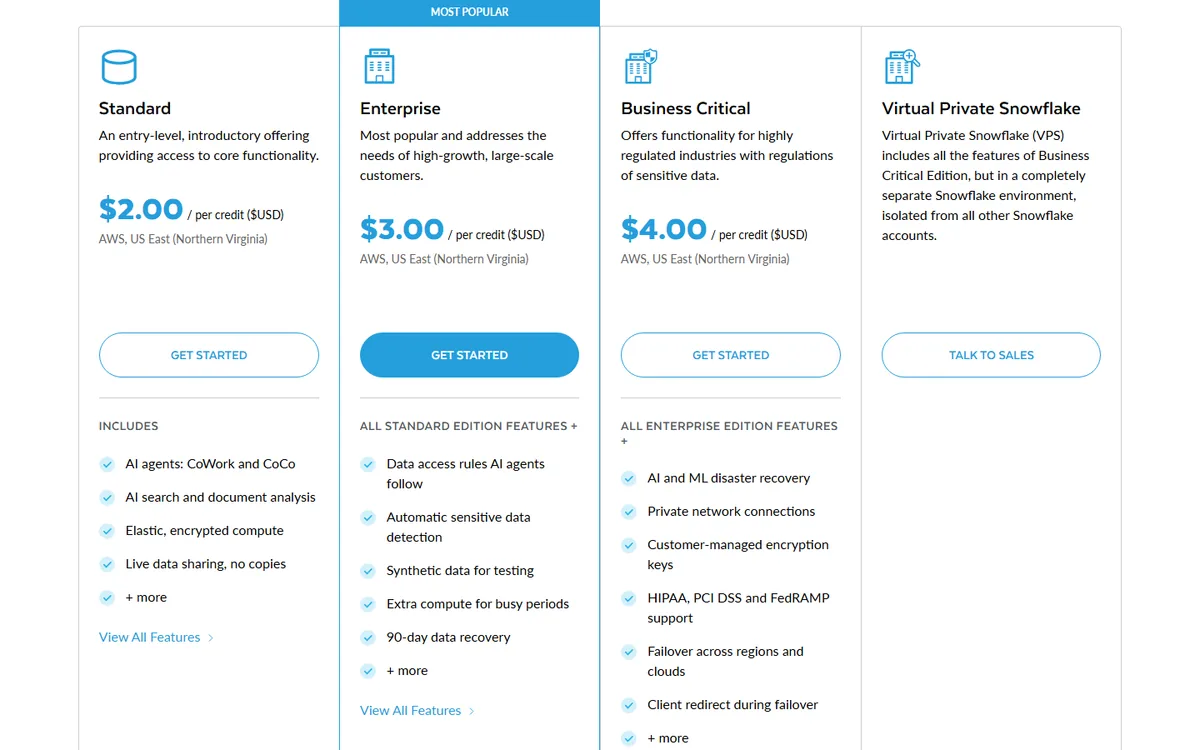
Snowflake uses consumption-based pricing in credits, bought on demand or as prepaid capacity at a discount. Standard, Enterprise and Business Critical editions are listed on the pricing page, and Virtual Private Snowflake needs a sales call. Cortex AI features are billed in credits based on token use, with rates in Snowflake’s AI credit table.
Snowflake Cortex AI Reviews
- G2: 4.6 out of 5 star rating for Snowflake, as Cortex AI has no separate score yet (from +750 customer reviews)
- Capterra: 4.7 out of 5 star rating for Snowflake (from +90 customer reviews)
ChatGPT Enterprise
The Assistant Your Staff Adopt Fastest, With Enterprise Controls Built Around It
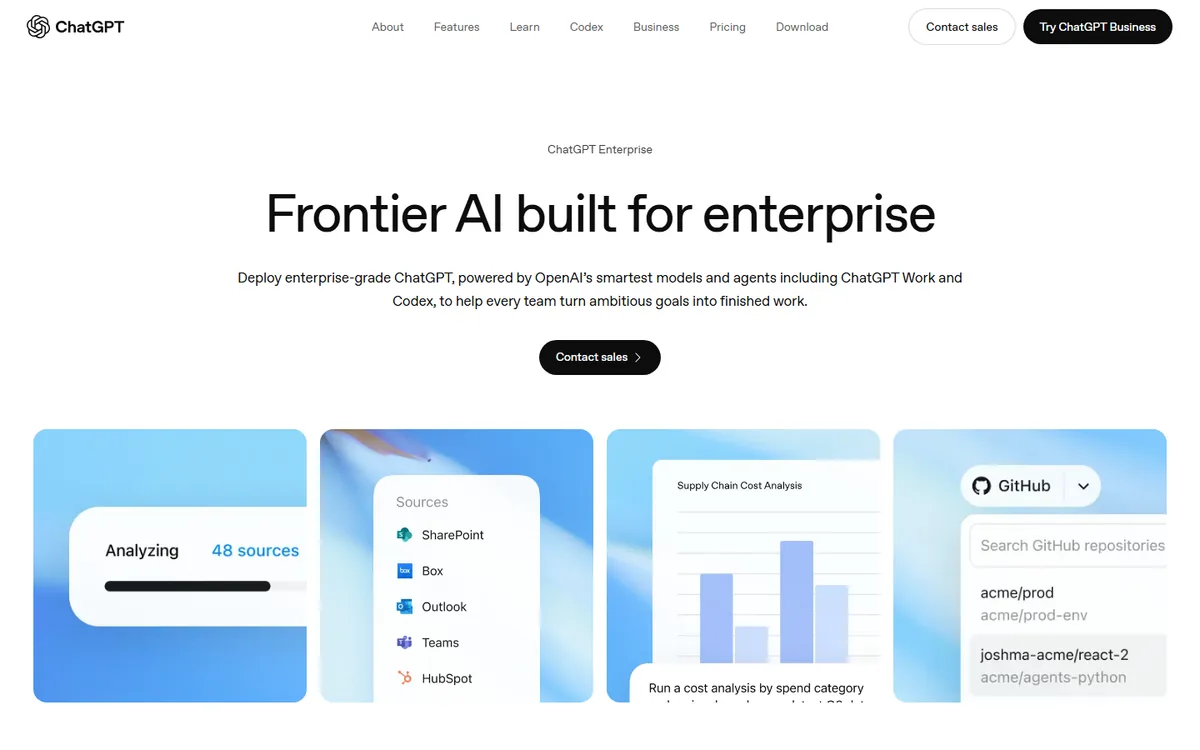
ChatGPT Enterprise gives every employee OpenAI’s assistant with connectors to company knowledge, custom GPTs and agents, plus admin, encryption and data residency controls.
In most companies I work with, ChatGPT is already in use on personal accounts before anyone signs a contract. Enterprise pulls that shadow use into a workspace your IT team controls, with single sign-on, user provisioning, an admin console and usage analytics. Training is light because most people already know the interface. For the rollout itself, the AI adoption best practices I use team by team apply here more than anywhere else.
OpenAI states that it doesn’t train on Enterprise data by default, encrypts data with AES-256 at rest and TLS 1.2 or higher in transit, and offers Enterprise Key Management so you can bring your own keys. Eligible customers can store data at rest in the US, Europe, the UK, Japan, Canada, South Korea, Singapore, Australia, India or the UAE. The weak spots are on the management side. Custom GPTs multiply quickly, and without an owner you end up with dozens of half-maintained copies of the same idea. Connectors also read whatever a user can reach, so permissions need the same cleanup as in Microsoft 365.
What ChatGPT Enterprise Does Well
- Staff adopt it quickly because the interface is familiar
- Data residency in ten regions for eligible customers
- Enterprise Key Management lets you hold your own keys
What ChatGPT Enterprise Could Do Better
- Enterprise pricing is only available through sales
- Custom GPT sprawl needs a clear owner and review process
ChatGPT Enterprise Pricing
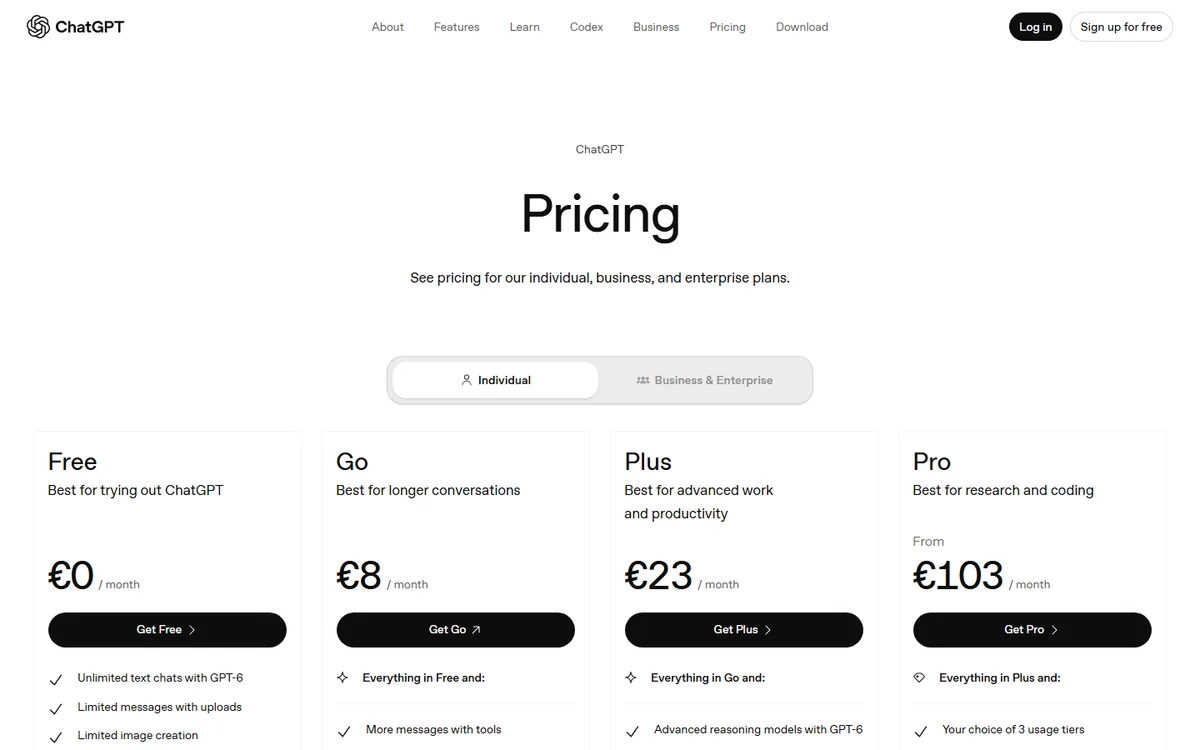
OpenAI prices its work plans per user per month. ChatGPT Business is offered with monthly or annual billing, while Enterprise runs on annual plans and OpenAI asks you to contact sales for a quote. Residency, key management and some advanced controls depend on eligibility, so confirm them in your order form.
ChatGPT Enterprise Reviews
- G2: 4.6 out of 5 star rating for ChatGPT across all plans (from +2,000 customer reviews)
- Capterra: 4.4 out of 5 star rating for ChatGPT across all plans (from +300 customer reviews)
Claude Enterprise
The Pick for Long Documents, Careful Analysis and Coding Under Tight Admin Controls
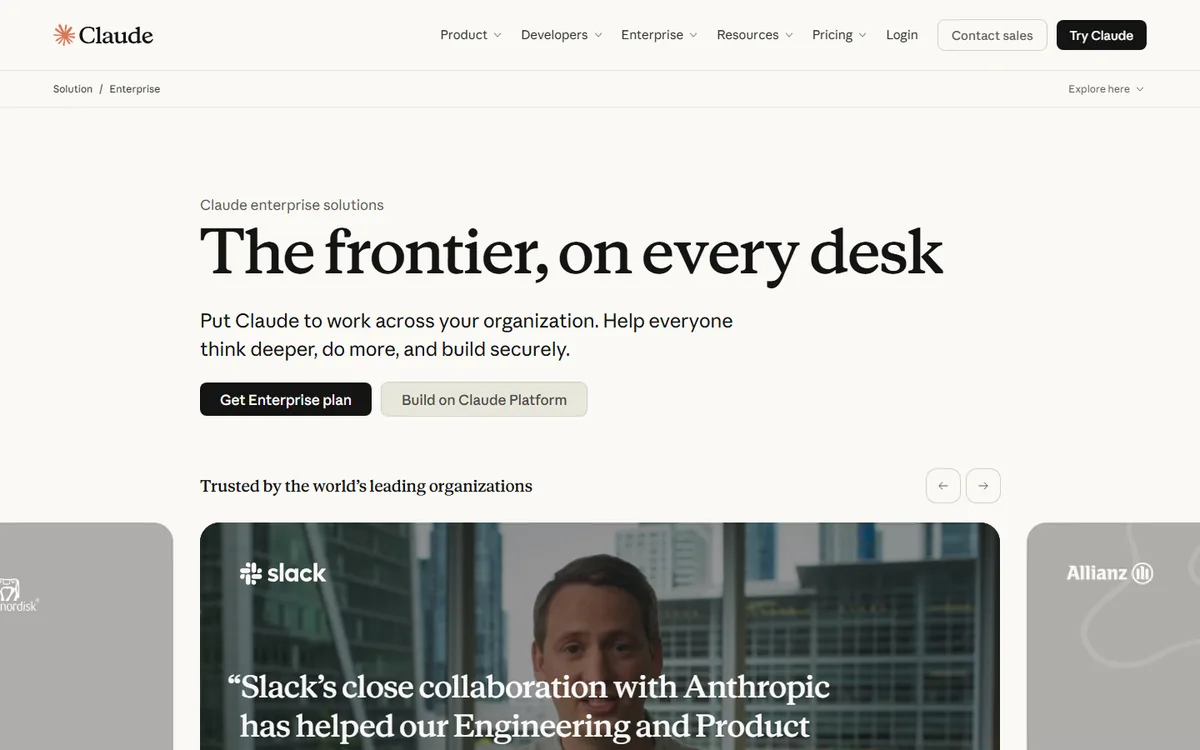
Claude Enterprise gives your teams Anthropic’s models for analysis, writing and coding, with single sign-on, user provisioning, audit logs, a Compliance API and custom retention settings.
Claude wins most often in my projects with legal, policy, research and engineering teams. It handles long contracts and reports well, and Claude Code gives developers an agent that works inside their codebase. On the admin side, the Enterprise plan adds role-based access, SCIM, audit logs, domain capture, IP allowlisting, custom data retention and a HIPAA-ready offering, all listed on Anthropic’s plan comparison.
Anthropic reports ISO 27001, ISO/IEC 42001 and SOC 2 Type II among its certifications. Data residency is the gap. The plan page doesn’t list a residency option for the Claude app itself, and US-only inference is offered for API workloads at a higher token rate. Many of my enterprise clients solve it by reaching Claude models through Amazon Bedrock, Google Cloud or Microsoft Foundry, which keeps usage inside their existing cloud region controls. Budget is the other thing to watch, since heavy users add usage charges on top of the seat price.
What Claude Enterprise Does Well
- Compliance API and audit logs give security teams real visibility
- Strong on long documents and careful analysis
- The same models are available through all three major clouds
What Claude Enterprise Could Do Better
- Usage billed on top of seats makes budgets harder to predict
- No data residency option listed for the app itself
Claude Enterprise Pricing
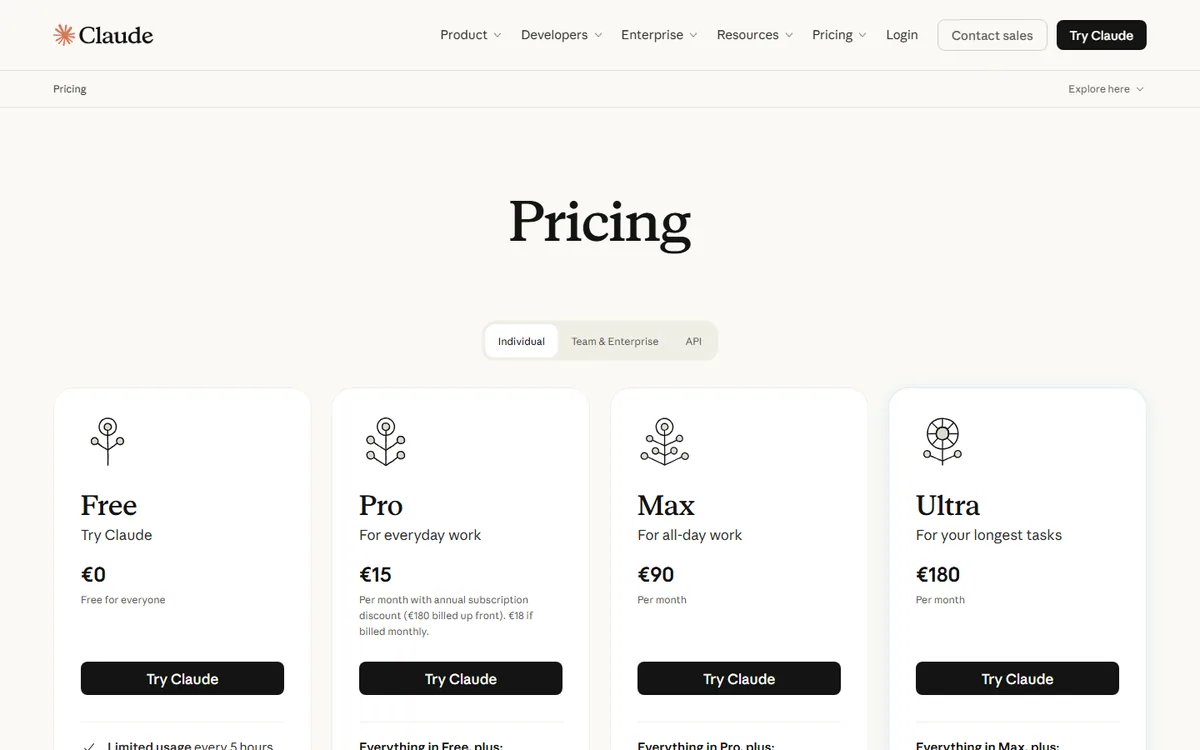
Claude Enterprise costs $20 per seat per month, billed annually with a 20-seat minimum, and usage is billed separately at API rates. The smaller Team plan has Standard seats at $20 per month billed annually or $25 monthly, and Premium seats at $100 per month billed annually or $125 monthly.
Claude Enterprise Reviews
- G2: 4.7 out of 5 star rating for Claude across all plans (from +1,200 customer reviews)
- Capterra: 4.4 out of 5 star rating for Claude across all plans (from +60 customer reviews)
Estimate What an Enterprise AI Platform Could Return
Seat prices look small next to an enterprise budget, but they add up across thousands of users. Pick one team, enter the hours it spends on work the platform would take over and the monthly cost for that team, and you’ll see a rough yearly return. Repeat it team by team, and the results tell you which groups to put first in your AI transformation roadmap.
Will It Pay for Itself?
Move the sliders to match the work you want to automate and the plan you are considering.
How to Choose the Right Enterprise AI Platform
I’ve seen companies spend six months on a feature comparison and then fail the security review in week one. Answer these four questions before you book a single demo:
- Which cloud, identity system and office suite does your company already run on?
- Where must your data be stored and processed, and who has to hold the encryption keys?
- Who needs AI first: developers building agents, analysts working on data or every employee?
- Which certifications and audit reports will your security and legal teams ask to see?
If you run on Microsoft 365 and Azure, start with Microsoft Foundry and Copilot. AWS shops should shortlist Bedrock, and Google Cloud or Workspace users should test Gemini Enterprise. If your AI work centers on governed data, go where that data already lives, which means Databricks or Snowflake Cortex AI. Pick Dataiku if some workloads must stay on infrastructure you manage and several teams build AI on the same data. For a fast, company-wide assistant, compare ChatGPT Enterprise and Claude Enterprise side by side with the same pilot group and the same tasks. Whichever way you go, get each vendor’s data processing terms and residency scope in writing before you sign.
Questions About Enterprise AI Platforms
What Is an Enterprise AI Platform?
It’s software that lets a whole company use and build AI under one set of security, identity and admin controls. Some are cloud platforms where developers build apps and agents on many models, like Microsoft Foundry, Amazon Bedrock or Google’s Agent Platform. Others are assistants every employee uses, like ChatGPT Enterprise or Claude Enterprise. Most large companies end up with one of each.
Which Enterprise AI Platform Is the Most Secure?
None of them wins on security by default. All eight on this list encrypt data, offer single sign-on and keep business data out of model training by default or by contract. What decides the outcome is how you configure them: which regions you deploy in, who owns the encryption keys, how tightly permissions are set and if logs reach your security team. A well-configured mid-ranked platform beats a top-ranked one left on defaults.
Do Enterprise AI Platforms Use Our Data to Train Their Models?
The enterprise plans I’ve reviewed say no by default. OpenAI states it doesn’t train on ChatGPT Enterprise or API data unless you opt in, and AWS says data you use to tune Bedrock models isn’t used to improve the base models. Still, read the data processing terms for the exact product and plan you buy, and get the answer in writing from your account team.
How Do I Handle Data Residency with an Enterprise AI Platform?
Start with the rules your legal team must meet, then check two things for each platform: where data is stored at rest and where prompts are processed. Those can differ. Microsoft’s Data Zone deployments, OpenAI’s residency regions and Google’s US and EU multi-region options all handle it in their own way, and some features, like web grounding, can fall outside the residency promise.
How Much Does an Enterprise AI Platform Cost?
It depends on the model. Employee assistants charge per seat, often with a minimum seat count and an annual contract. Cloud build platforms charge for usage, usually per million tokens plus hosting for agents and search. Budget for both if you plan to give staff an assistant and also build custom agents, and add the cost of integration, security reviews and training.
Should We Pick One AI Platform for the Whole Company?
One primary platform makes security reviews, training and cost control far easier, so I usually push for that. In practice most of my enterprise clients run two: a cloud platform for custom agents near their data and an assistant suite for everyday staff work. Agree up front which platform owns which kind of work, and route new requests through that rule.
How Long Does It Take to Roll Out an Enterprise AI Platform?
A pilot with a few hundred users can start within weeks once security has signed off. The company-wide rollout takes longer, often most of a year, because permissions cleanup, data connections, training and policy work all have to land. In my experience the security review and the permissions cleanup take more time than the technical setup.
Sources
- Microsoft Learn: Deployment types in Microsoft Foundry Models
- Microsoft Azure: Microsoft Foundry pricing
- AWS: Amazon Bedrock security and compliance
- AWS: Amazon Bedrock pricing
- Google Cloud: Gemini Enterprise compliance certifications and security controls
- Databricks: Data Intelligence Platform for AI
- Databricks: Pricing
- Dataiku: Plans and features
- Dataiku: Get started with a free trial
- Snowflake: Cortex AI
- Snowflake: Pricing options
- OpenAI: Business data privacy, security and compliance
- Anthropic: Claude plans and pricing
- Anthropic: What certifications has Anthropic obtained?
Disclaimer: Prices, plans, certifications and ratings change often. They were checked when this article was last updated, so confirm them with each vendor and on G2 or Capterra before you buy. Nothing here is legal, compliance or financial advice.
Did you find this helpful?
Thank you for your feedback.
Marlena leads the WiseCrow editorial team and works with our consultants to turn real client projects into practical guides on AI strategy, automation and governance. Before joining WiseCrow, she spent 12 years in B2B operations and SaaS content. She has since edited more than 400 articles on AI and automation and reviewed workflows from over 60 client projects. She is based in Austin, Texas.